

OmniWM for Mac
A Flexible and Modern Tiling Window Manager.
By OmniNull. Free and open source, GPL-2.0 licence.
OmniWM at a glance
- Version
- 0.7.6
- Released
- 8 October 2026
- Download size
- 19 MB
- Works on
- Apple silicon and Intel
- Licence
- GPL-2.0
- Category
- Windows and Keyboard
- Developer
- OmniNull
- GitHub stars
- 3.3K
About OmniWM
Free, open-source tiling window manager for Apple Silicon Macs, with Niri-style scrolling containers and Hyprland-style Dwindle BSP.
Screenshots
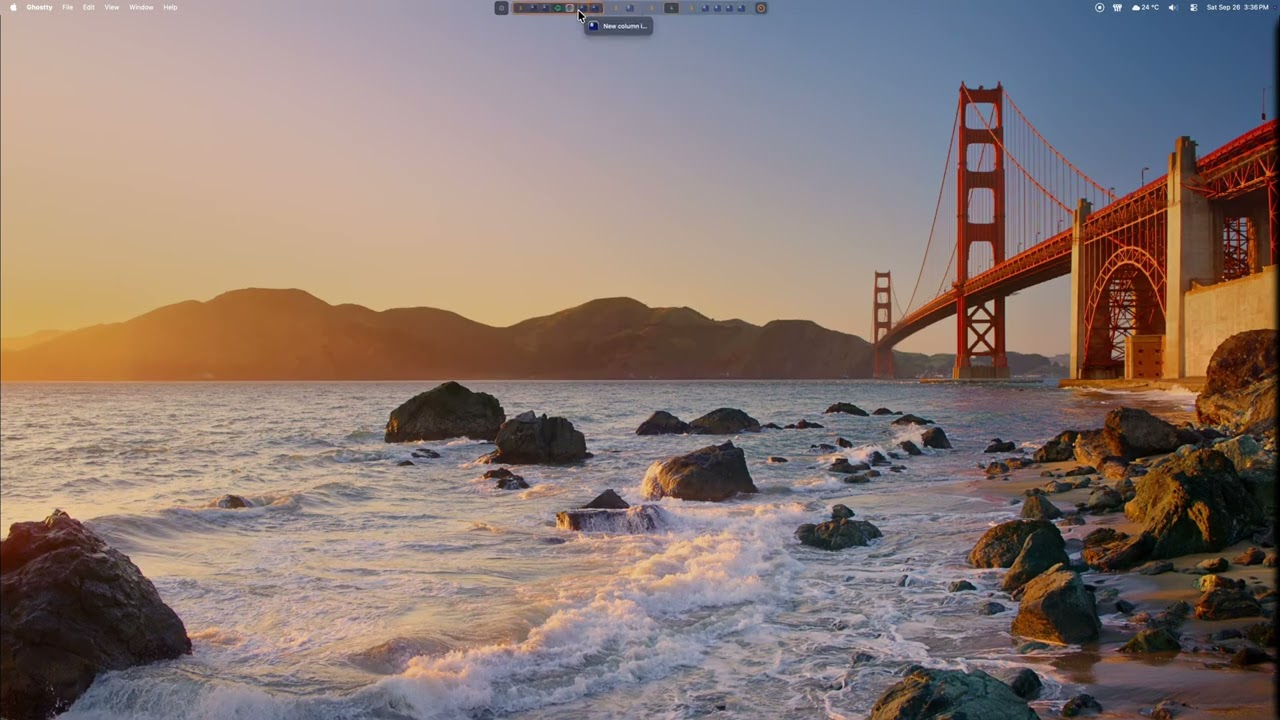
How to install OmniWM on a Mac
- Get OpenDMG. It is a free app store for open source Mac apps. Download OpenDMG.
- Search for OmniWM and press Get. OpenDMG downloads version 0.7.6 from OmniNull's own GitHub release.
- Open it. The download is checked against its SHA-256 fingerprint and its signature is checked on your Mac before it lands in Applications.
Updates to OmniWM show up in OpenDMG and install with one button. No account is needed.
Prefer to do it by hand? The developer's file is on GitHub: OmniWM-v0.7.6.zip (19 MB).
What is new in OmniWM 0.7.6
## What's New Since 0.7.5

**Auto-hide the Workspace Bar like the Dock, switch focus between floating and tiled windows, and see when Secure Input blocks shortcuts.** OmniWM 0.7.6 also restores two-finger scrolling in apps alongside column scrolling, swipes between workspaces with less background capture and fewer desktop flashes, trims idle input work, and fixes translations in all 20 languages.

### Gestures and workspace swipes

- **Scroll apps with two fingers again.** Column scrolling armed a gesture at the start of every two-finger scroll, so apps such as browsers ignored the rest of the scroll. Column scrolling now uses three or four fingers, like Overview, and a stale momentum-suppression state no longer swallows a new scroll after a gesture.
- **Capture swipe previews only when a swipe starts.** Touching the trackpad no longer opens live screen-capture streams for every window on the current and neighboring workspaces. A touch captures only windows without a cached image, and live capture starts when a workspace swipe is recognized, for just the two workspaces involved. In manual traces on an M4 Max with debug builds, live capture requests fell from 4.9 to 3.0 per swipe, none started on finger contact, and three-finger column scrolls started none; replayd CPU was not measured.
…
More Windows and Keyboard apps
-
 RectangleRectangle is a window manager heavily based on Spectacle, written in Swift
-
 AeroSpaceAeroSpace is an i3-like tiling window manager for macOS
-
 AmethystAutomatic tiling window manager for macOS
-
 LoopWindow management made elegant
-
 FlashSpaceEnhance and replace the native Spaces functionality of macOS
-
 UnshakyTool for reducing double key presses on butterfly keyboards