

WiFi Lens for Mac
Native Wi-Fi analyzer and network diagnostics app with real-time spectrum scanning and BLE device tracking.
By ShiinaLabs. Free and open source, Apache-2.0 licence.
WiFi Lens at a glance
- Version
- 2.0.0
- Released
- 7 October 2026
- Download size
- 12 MB
- Works on
- Apple silicon and Intel
- Licence
- Apache-2.0
- Category
- Utilities
- Developer
- ShiinaLabs
- GitHub stars
- 119
About WiFi Lens
Native open-source network diagnostics app for macOS with built-in Wi-Fi analysis.
Screenshots
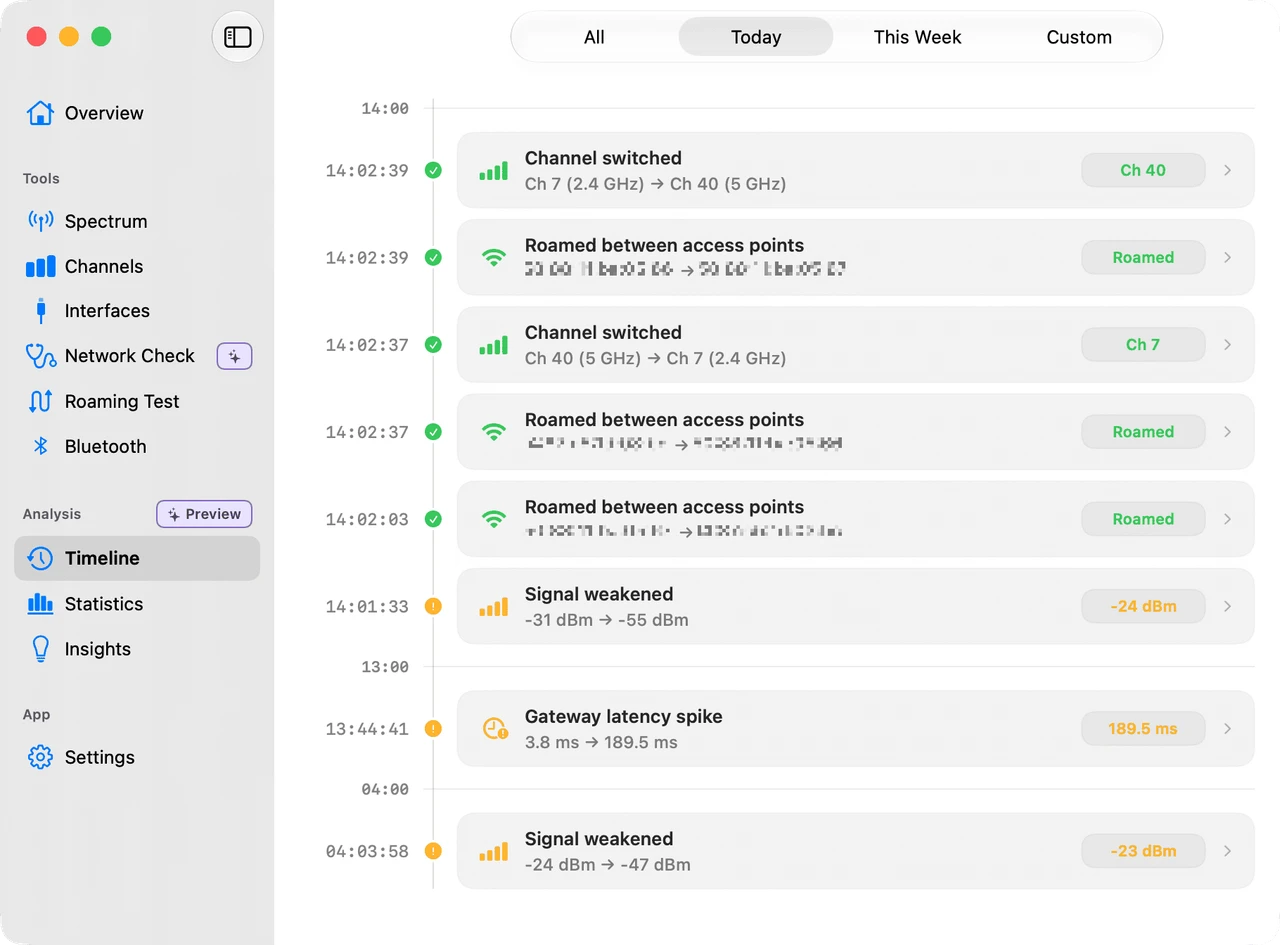
How to install WiFi Lens on a Mac
- Get OpenDMG. It is a free app store for open source Mac apps. Download OpenDMG.
- Search for WiFi Lens and press Get. OpenDMG downloads version 2.0.0 from ShiinaLabs's own GitHub release.
- Open it. The download is checked against its SHA-256 fingerprint and its signature is checked on your Mac before it lands in Applications.
Updates to WiFi Lens show up in OpenDMG and install with one button. No account is needed.
Prefer to do it by hand? The developer's file is on GitHub: WiFiLens.dmg (12 MB).
What is new in WiFi Lens 2.0.0
# WiFi Lens v2.0.0

WiFi Lens 2.0 is a major engineering release focused on making Wi-Fi analysis more accurate, diagnostics more reliable, and the codebase easier to evolve. It includes a substantial rewrite of the app architecture, major IEEE 802.11 parsing fixes, a hardened Network Self-Check, Russian localization, and reliability improvements across the open-source edition.

## Join the Community

Questions, feedback, or just want to talk about WiFi Lens?

**Join us on Discord:** https://discord.gg/gH6sTCYaJ7

## Highlights

### More Accurate Wi-Fi Analysis

WiFi Lens now interprets more of the underlying 802.11 information correctly instead of relying on simplified assumptions.

* Fixed HT channel-width parsing that could incorrectly report some 20 MHz networks as 40 MHz.
* Improved handling of 20, 40, 80, 160, and 80+80 MHz operating widths.
* Corrected HE / Wi-Fi 6 capability parsing from standard 802.11 Extension Information Elements.
* Improved detection of 802.11k, 802.11r, and 802.11v capabilities.
* Corrected RSN security, AKM, cipher, WPA3, Fast Transition, and OWE interpretation.
* Hardened malformed Information Element handling to avoid reporting capabilities that cannot be established from the available data.
* Updated Spectrum, network tables, MCP output, and saved network snapshots to use the corrected operating-width semantics consistently.
…
More Utilities apps
-
 BetterDisplayDisplay management tool with HiDPI scaling, PiP, and EDID controls
-
 VorssaintAn open-source, free, and local toolkit that integrates functions such as preventing…
-
 MosSmooth your mouse's scrolling and reverse the mouse scroll direction
-
 EasydictmacOS instant translator — type/select/screenshot, multi-service, zero setup
-
 OpenHaystackOpen-source tracker for finding Bluetooth devices through Apple's Find My network
-
 KekaKeka is a full featured file archiver, as easy as it can be