
vsux for Mac
Lightweight editor for parallel projects with integrated terminals and Git review.
By shadowDragons. Free and open source, MIT licence.
vsux at a glance
- Version
- 0.1.2 (pre-release)
- Released
- 12 November 2026
- Download size
- 8.4 MB
- Works on
- Apple silicon
- Licence
- MIT
- Category
- Writing and Editors
- Developer
- shadowDragons
- GitHub stars
- 6
About vsux
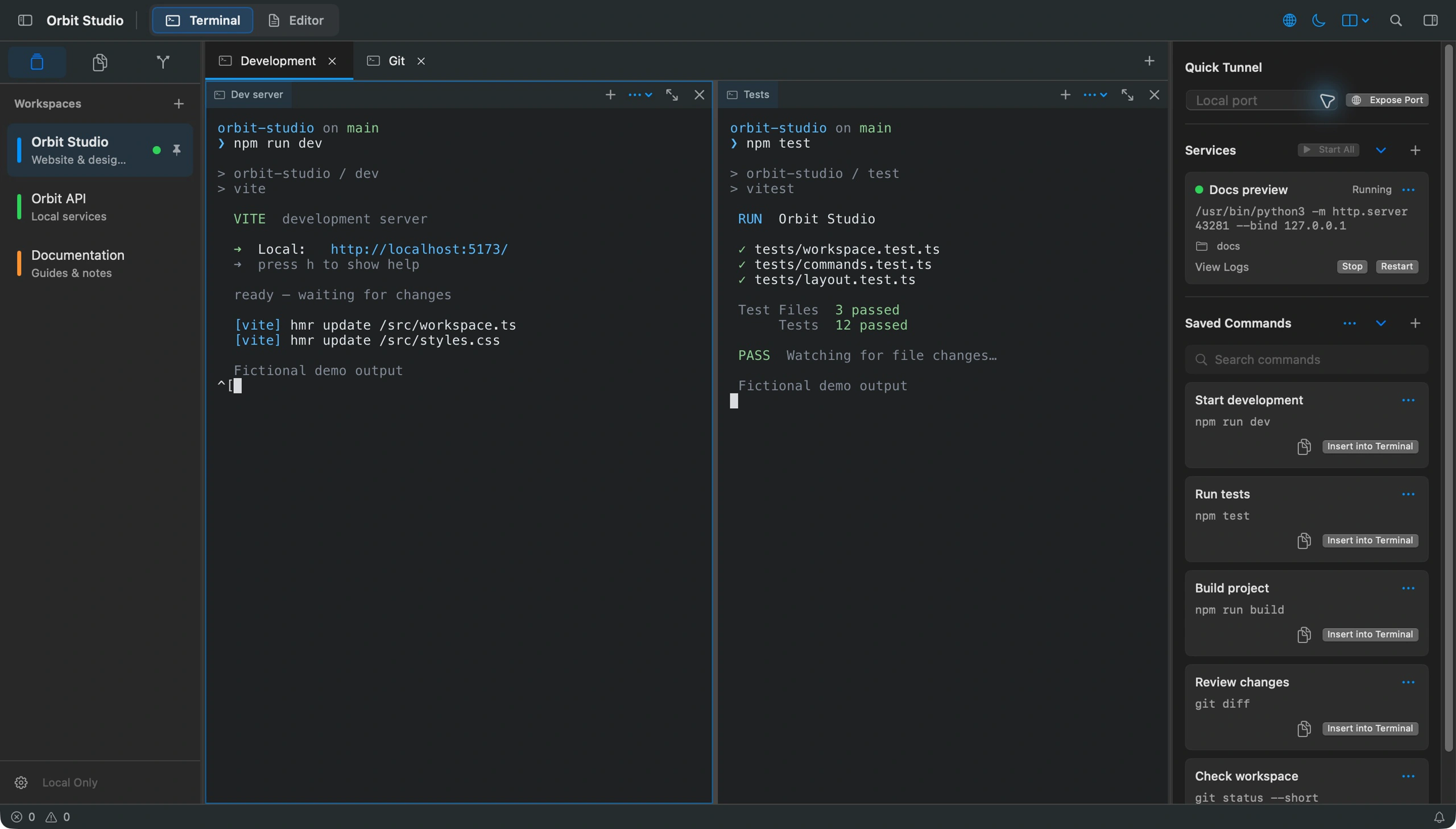
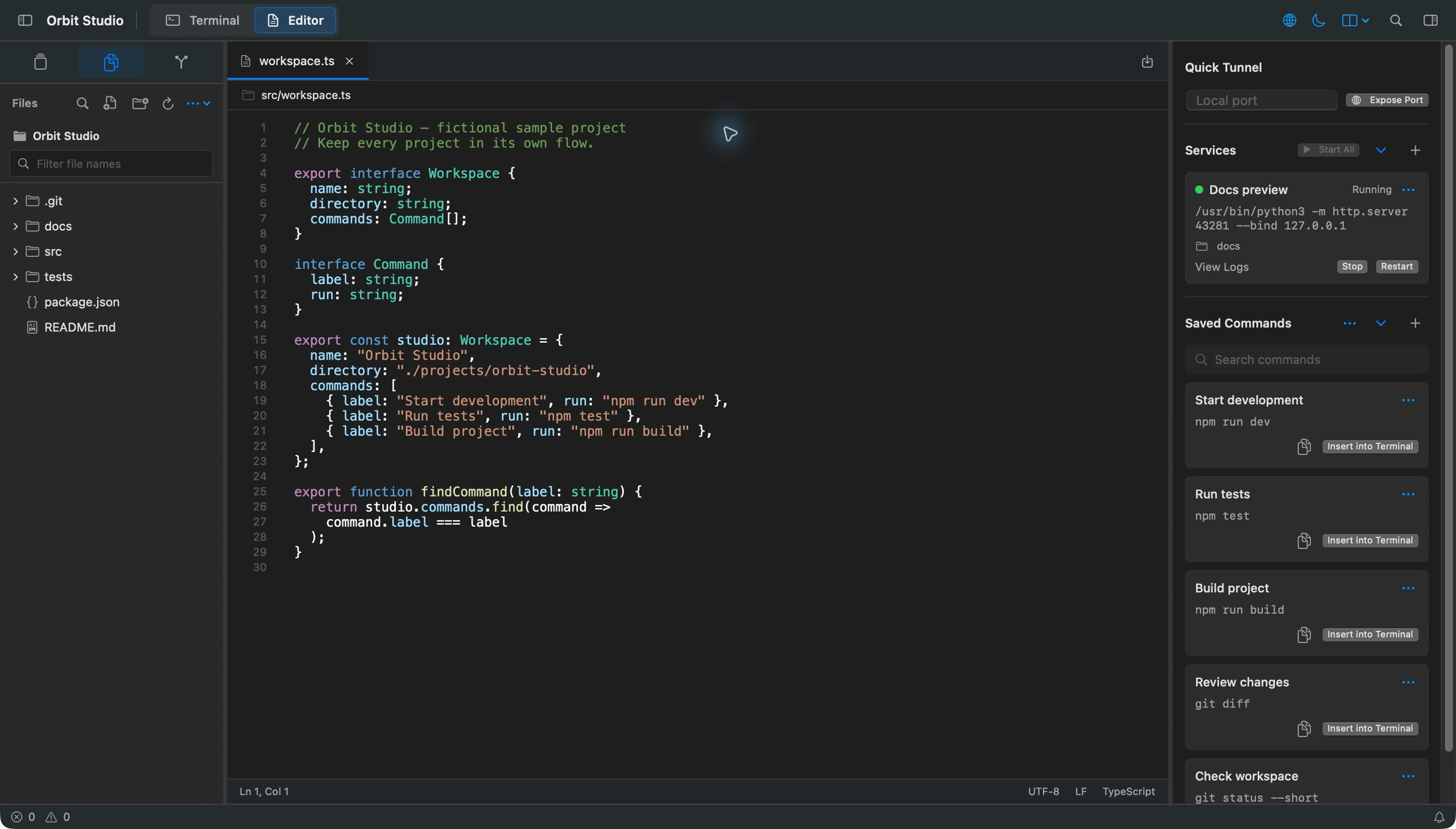
Native macOS workspace for terminals, files, Git, commands, services, and Quick Tunnel.
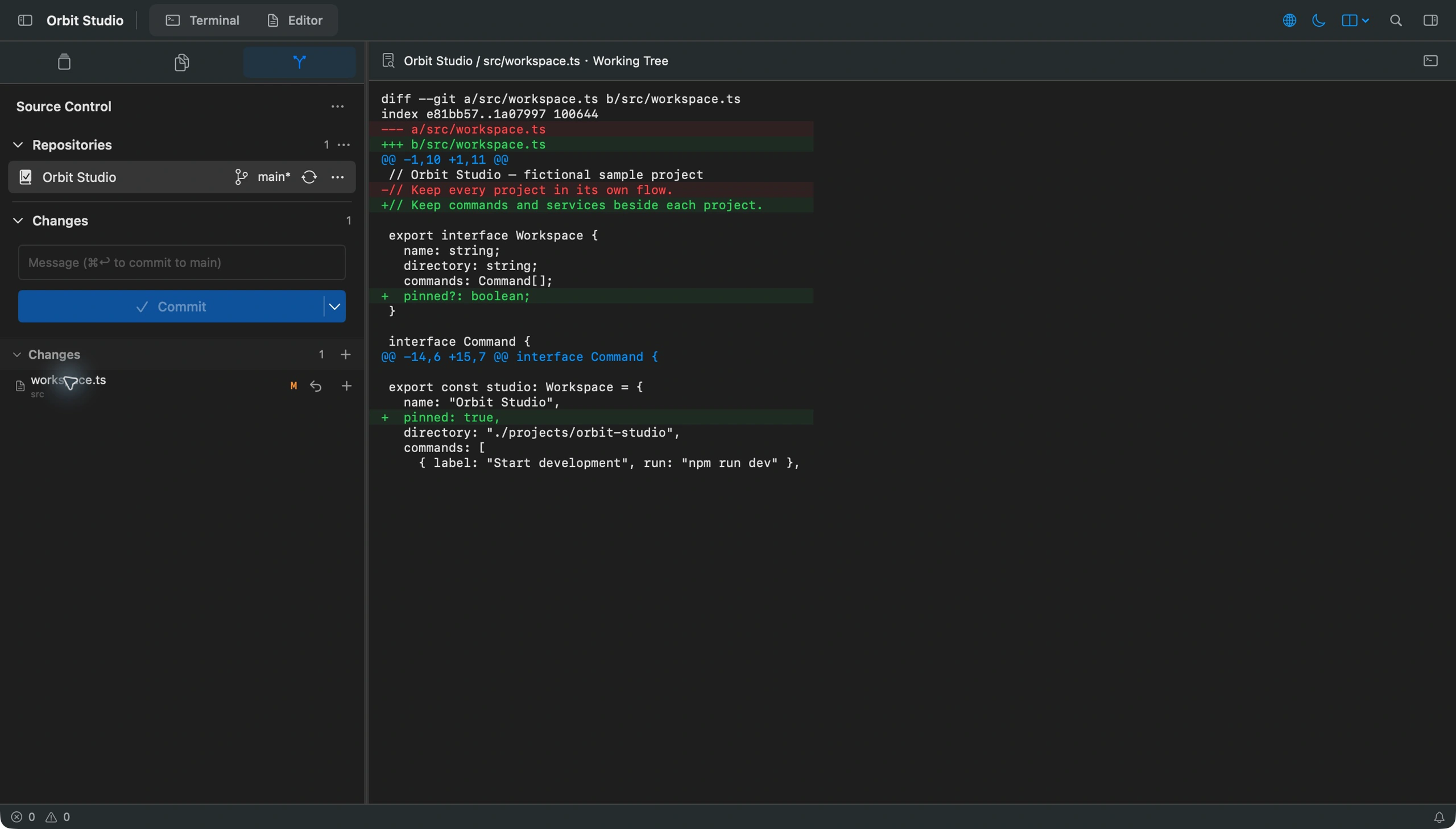
Screenshots
How to install vsux on a Mac
- Get OpenDMG. It is a free app store for open source Mac apps. Download OpenDMG.
- Search for vsux and press Get. OpenDMG downloads version 0.1.2 from shadowDragons's own GitHub release.
- Open it. The download is checked against its SHA-256 fingerprint and its signature is checked on your Mac before it lands in Applications.
Updates to vsux show up in OpenDMG and install with one button. No account is needed.
Prefer to do it by hand? The developer's file is on GitHub: vsux-0.1.2-macos-arm64.dmg (8.4 MB).
What is new in vsux 0.1.2
vsux v0.1.2 — macOS / Apple Silicon

English · 简体中文

A native macOS workspace for terminals, files, Git, saved commands, background services, and temporary public previews.

- Includes Quick Tunnel for sharing a local HTTP service through Cloudflare. Install `cloudflared` separately; starting a tunnel requires confirmation. Anyone with the generated link may access the service.
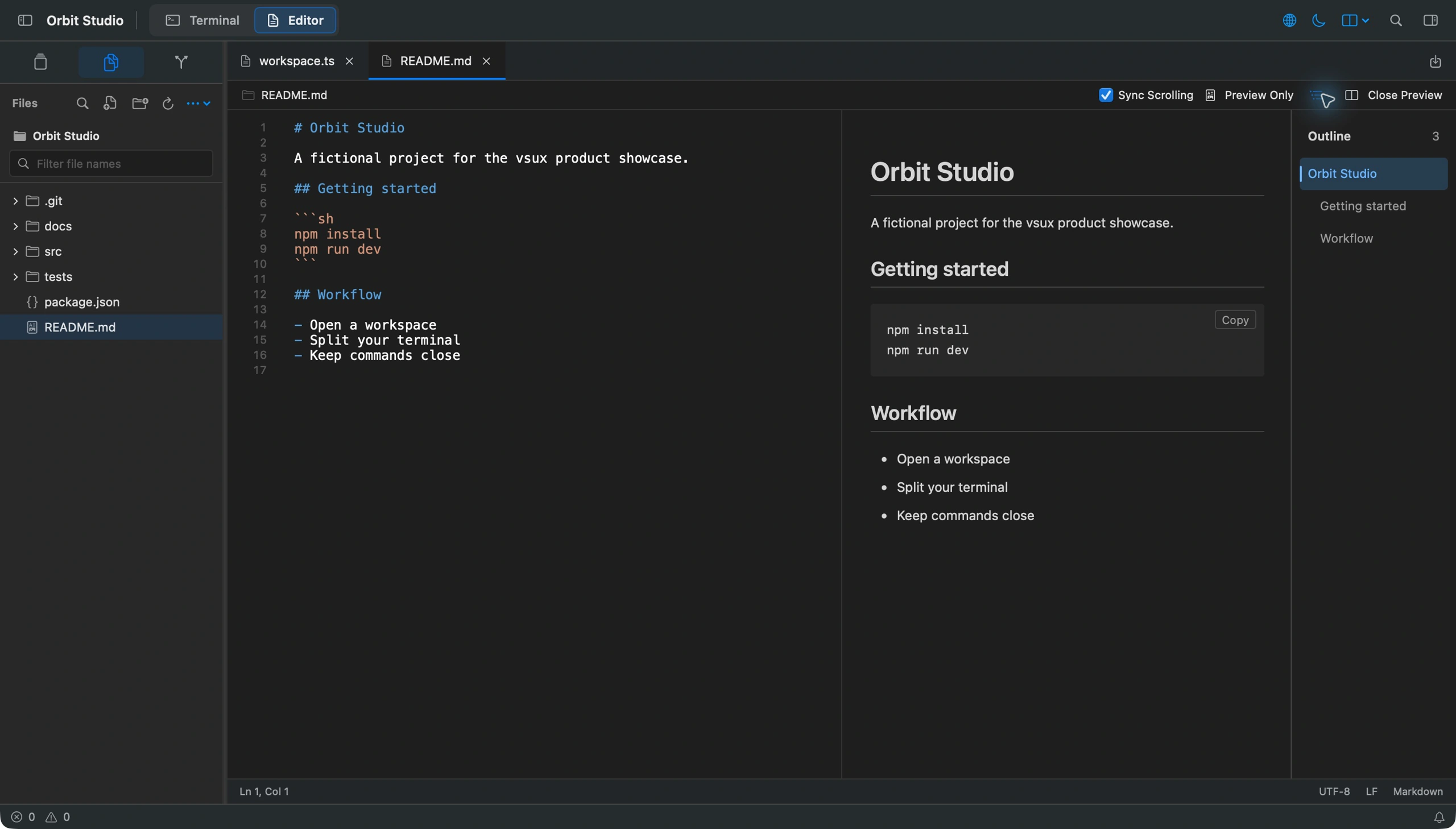
- Includes quick file opening, block indentation, Markdown preview, workspace search, and native editing workflows.
- Includes the latest terminal, service, editor, and Git interface fixes from the reviewed development snapshot.
- English and Simplified Chinese interfaces and documentation are included.

Download `vsux-0.1.2-macos-arm64.dmg` and the matching `.dmg.sha256`. Requires macOS 14 or later and Apple Silicon. Open the image and drag `vsux.app` to Applications.

```sh
shasum -a 256 -c vsux-0.1.2-macos-arm64.dmg.sha256
```

This build is ad-hoc signed and is not notarized by Apple. If macOS blocks it, verify the source and checksum, then use System Settings → Privacy & Security → Open Anyway. Do not disable Gatekeeper globally. Use trusted workspaces: shells, Git hooks, helpers, and saved services run with your user permissions.

---

原生 macOS 开发工作区,整合终端、文件、Git、常用命令、后台服务与临时公网预览。

- 包含通过 Cloudflare 分享本地 HTTP 服务的公网隧道功能。需另行安装 `cloudflared`,启动前会确认公开访问;任何拿到链接的人都可能访问该服务。
…
More Writing and Editors apps
-
 CodeEditOpen-source code editor
-
 MiaoYanLightweight Markdown notebook that keeps notes as plain files in a folder you choose…
-
 CotEditorLightweight Plain-Text Editor for macOS
-
 CopilotForXcodeThe first GitHub Copilot, Codeium and ChatGPT Xcode Source Editor Extension
-
 MarkEditA simple and efficient Markdown editor focused on pure writing experience
-
 PineA modern MacOS markdown editor