
Vitals for Mac
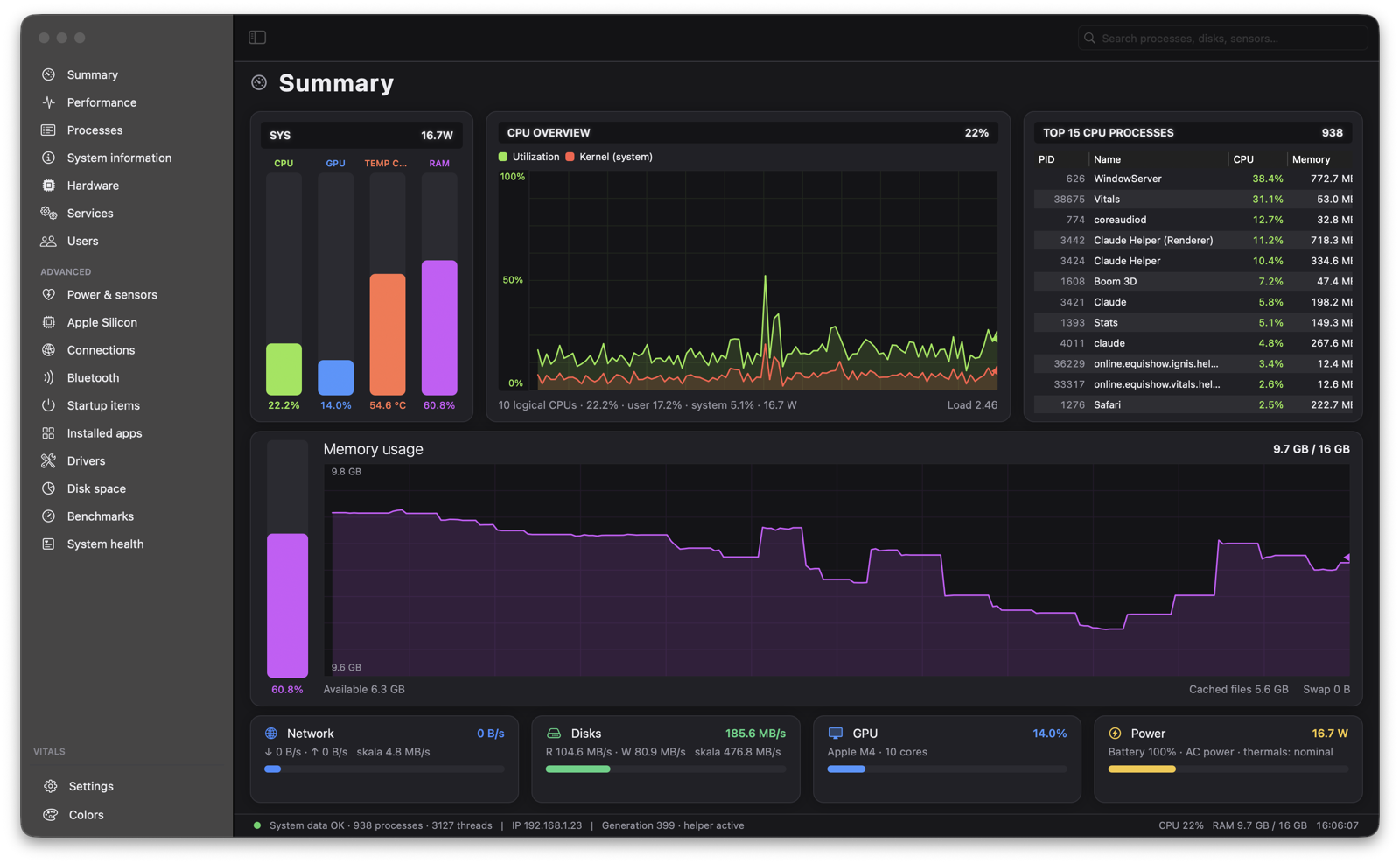
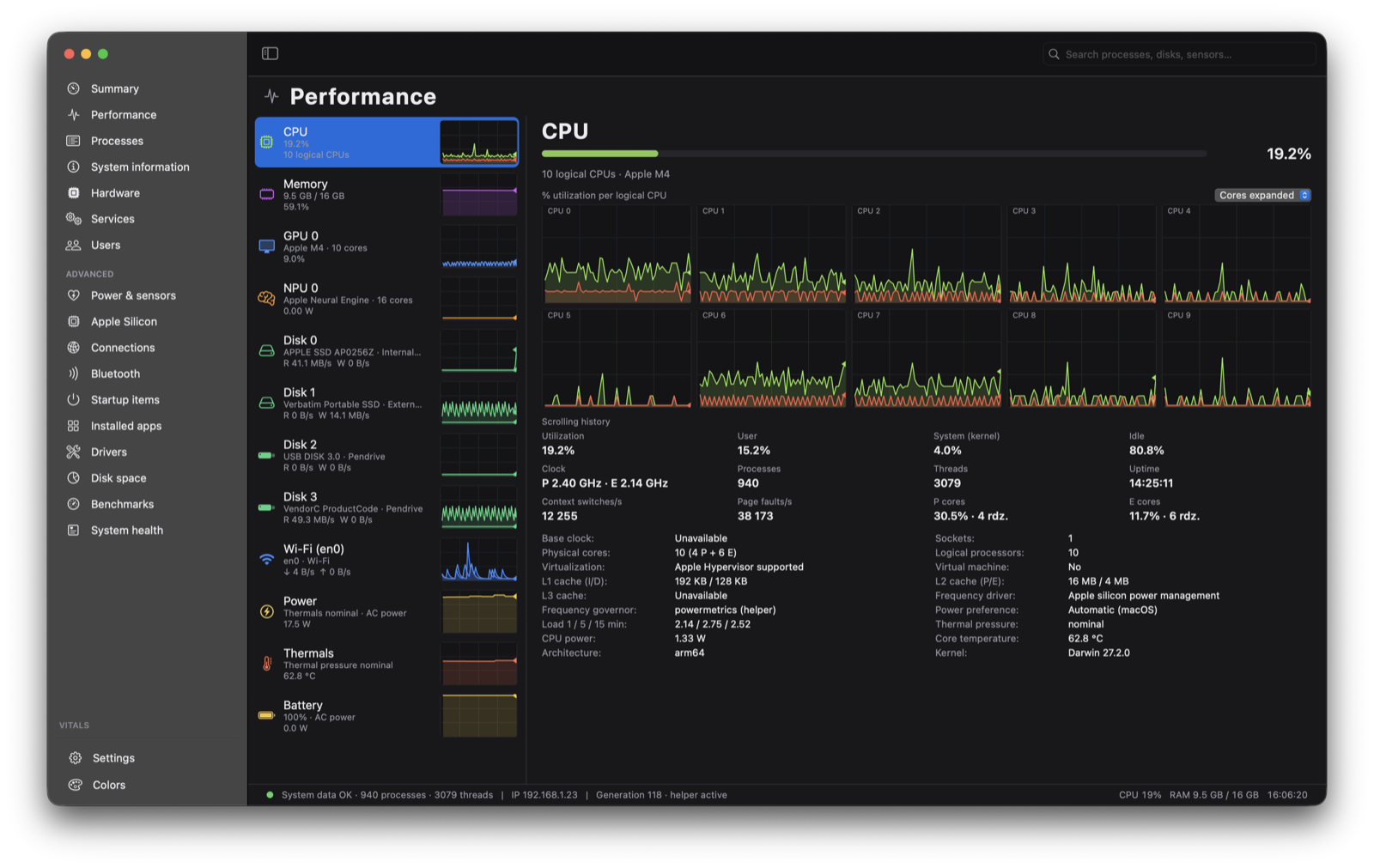
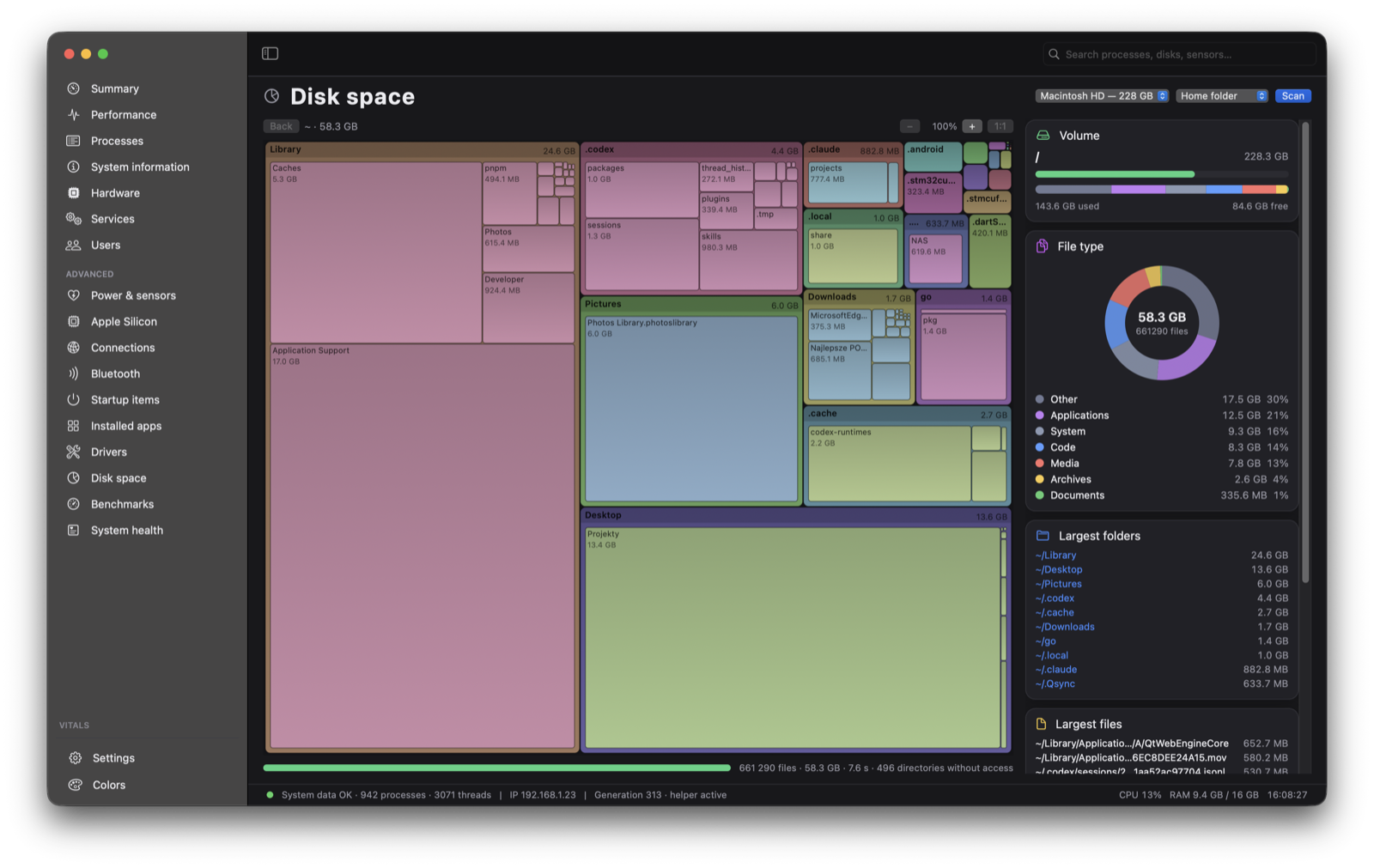
Fast native system monitor for CPU, GPU, Neural Engine, SMC, disks, network, SMART, and benchmarks.
By slawek19926. Free and open source, GPL-3.0 licence.
Vitals at a glance
- Version
- 1.2.3.154
- Released
- 12 October 2026
- Download size
- 2.6 MB
- Works on
- Apple silicon and Intel
- Licence
- GPL-3.0
- Category
- System Tools
- Developer
- slawek19926
- GitHub stars
- 108
About Vitals
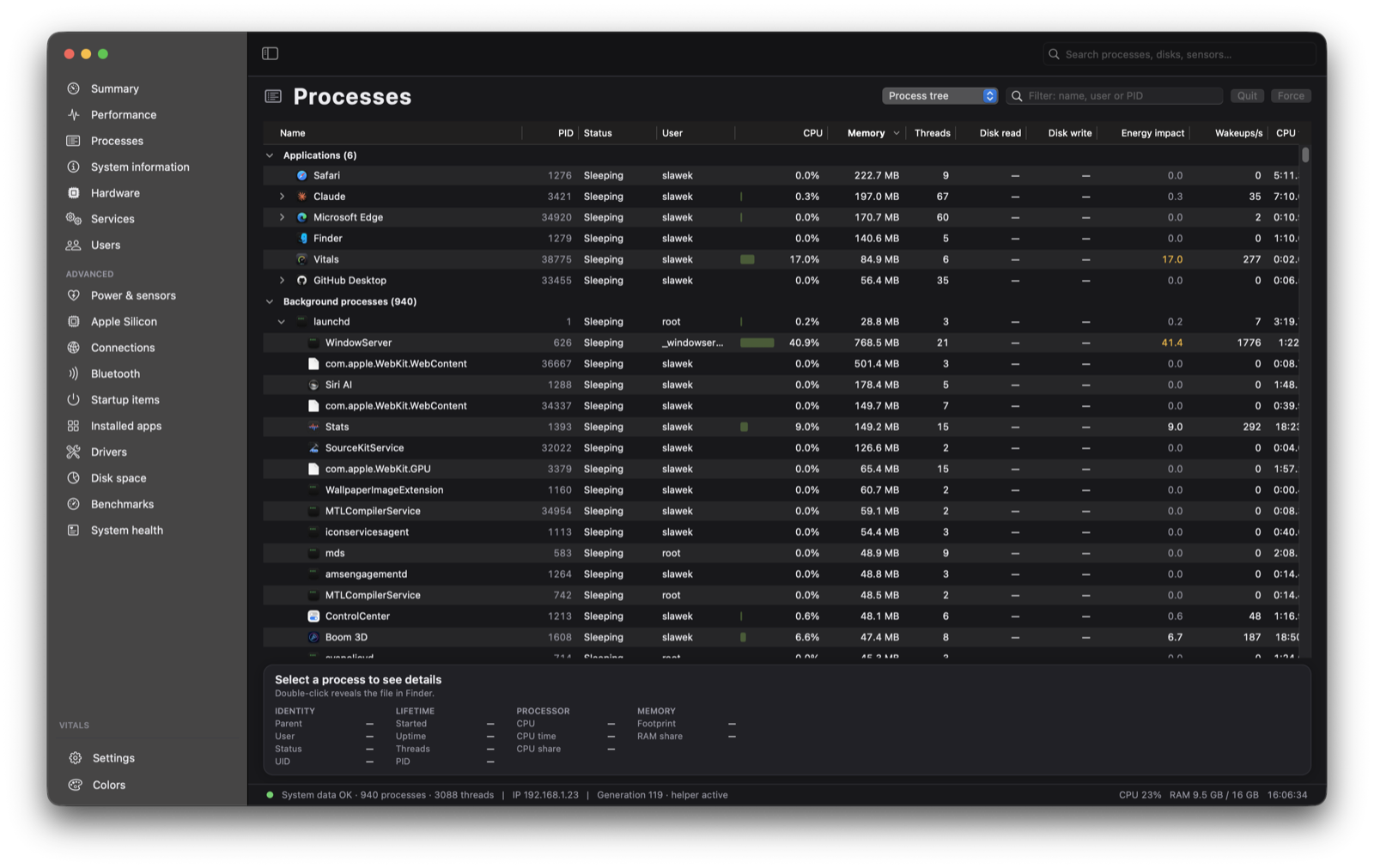
Native open-source system monitor for macOS — Apple Silicon, SMC sensors, processes, disks, network and system health.
Screenshots
How to install Vitals on a Mac
- Get OpenDMG. It is a free app store for open source Mac apps. Download OpenDMG.
- Search for Vitals and press Get. OpenDMG downloads version 1.2.3.154 from slawek19926's own GitHub release.
- Open it. The download is checked against its SHA-256 fingerprint and its signature is checked on your Mac before it lands in Applications.
Updates to Vitals show up in OpenDMG and install with one button. No account is needed.
Prefer to do it by hand? The developer's file is on GitHub: Vitals-1.2.3.154.dmg (2.6 MB).
What is new in Vitals 1.2.3.154
### English

This release makes the menu bar more compact, adds an optional two-row network display, and keeps graphs inside expanded panels.

#### New and improved

- **One or two network rows:** in Settings → Menu bar → Network value layout, choose a single row or stack download above upload. Existing installations keep the single-row layout by default. Both layouts keep rate positions stable as units change.
- **Less space in the menu bar:** smaller margins and widths measured from native icons and representative longest readings reduce unused space between CPU, memory, GPU, temperature, network, disk and power items.
- **Values on the bar, graphs after clicking:** collapsed items always show readings, even when an older version was configured to show a graph on the bar. Graphs are now shown only in the expanded panel.
- **Expanded panel content:** choose value only, graph only, or value and graph. These options apply to both simple and advanced panels; the default remains value and graph. Panel content updates when settings change, and the selected history range applies to its graph.
- **Localized settings:** the new controls and explanations are available in Polish, English and Simplified Chinese.

#### Downloads and verification
…
More System Tools apps
-
 PearcleanerApp Cleaner and Uninstaller Tool
-
 PureMacFree open-source system cleaner with privacy protection
-
 OpenInTerminalFinder toolbar tool for opening the current folder in a terminal
-
 DockDoorWindow peeking for macOS
-
 DigUpSemantic search app that finds files by their contents
-
 LatestApp update checker that notifies you of available updates for installed applications