

Usage4Claude for Mac
Real-time monitor for Claude AI usage limits and quota windows.
By f-is-h. Free and open source, MIT licence.
Usage4Claude at a glance
- Version
- 3.5.0
- Released
- 24 September 2026
- Download size
- 5.7 MB
- Works on
- Apple silicon and Intel
- Licence
- MIT
- Category
- Artificial Intelligence
- Developer
- f-is-h
- GitHub stars
- 407
About Usage4Claude
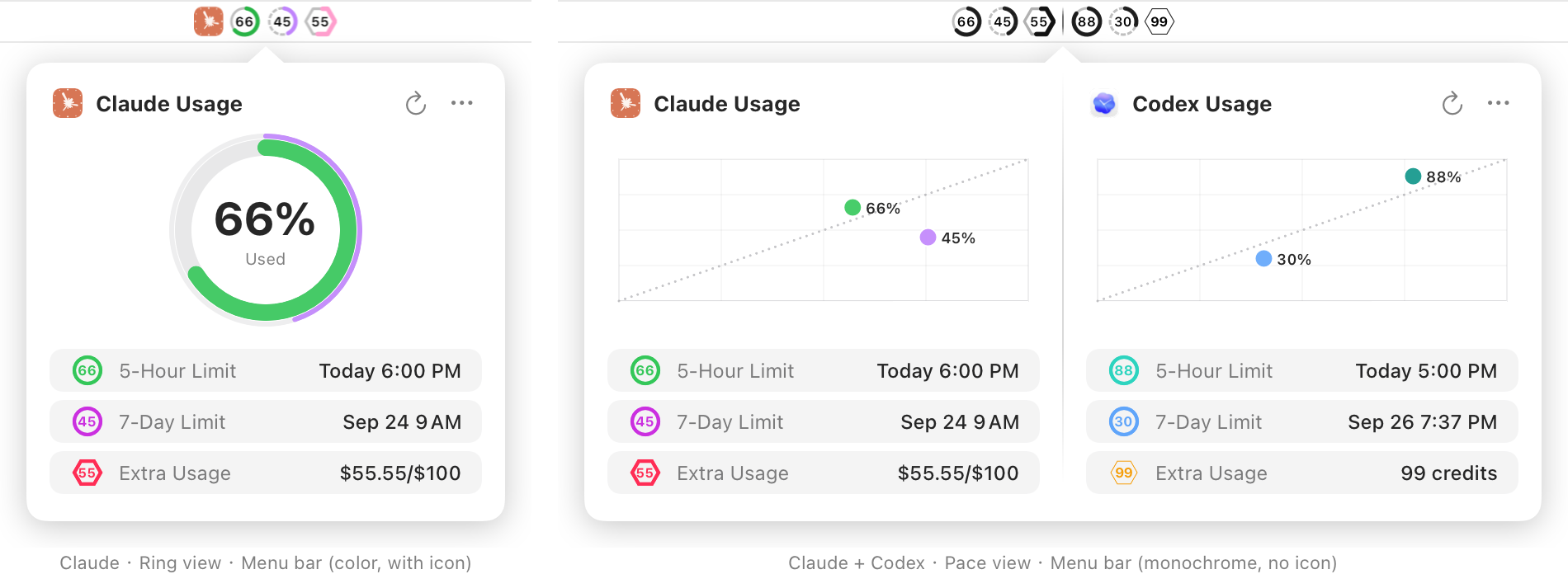
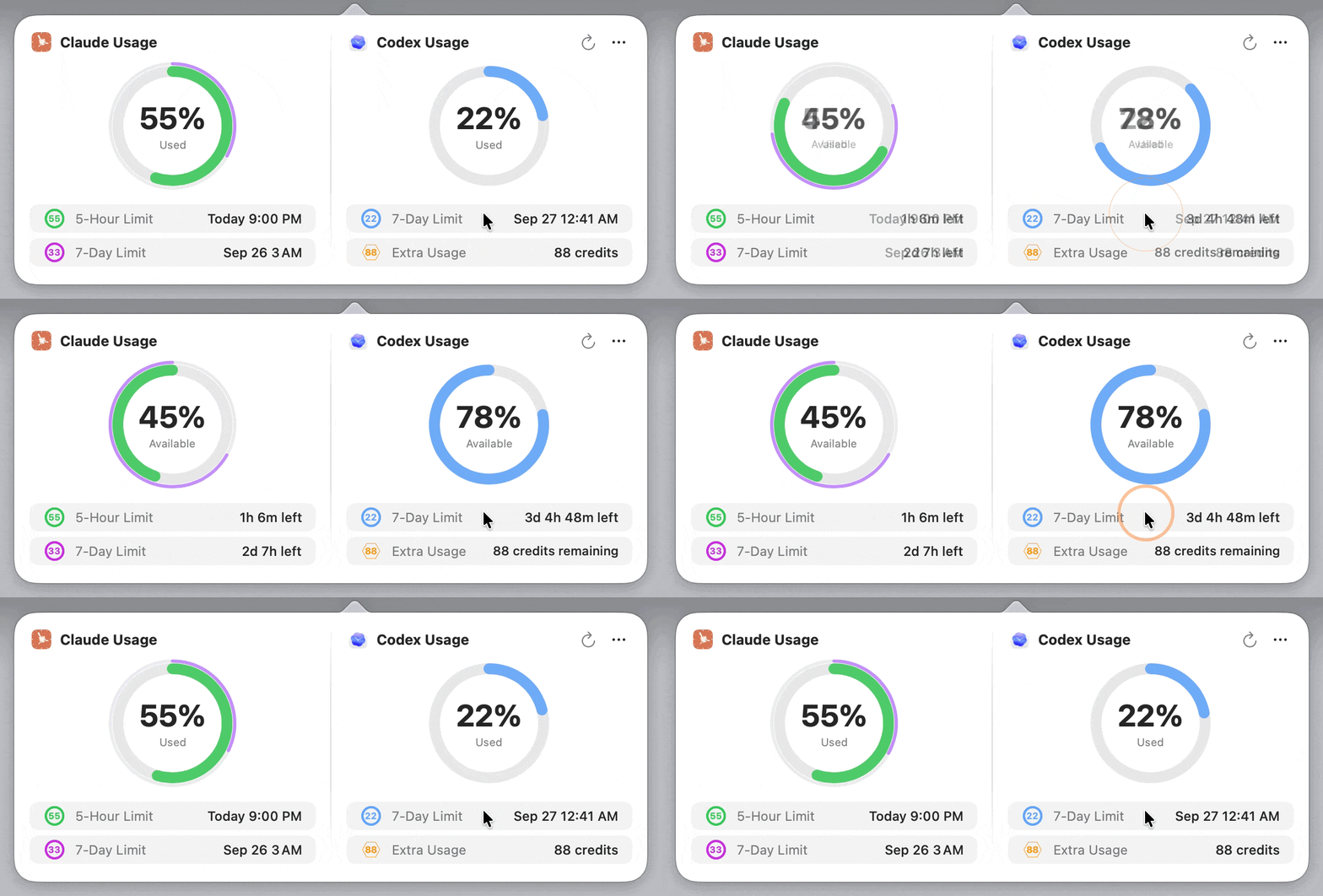
Monitor all your Claude/Codex usage limits in real-time from your macOS menu bar - supports 5-hour, 7-day, extra usage, 7-day Opus and 7-day Sonnet quotas.
Screenshots


How to install Usage4Claude on a Mac
- Get OpenDMG. It is a free app store for open source Mac apps. Download OpenDMG.
- Search for Usage4Claude and press Get. OpenDMG downloads version 3.5.0 from f-is-h's own GitHub release.
- Open it. The download is checked against its SHA-256 fingerprint and its signature is checked on your Mac before it lands in Applications.
Updates to Usage4Claude show up in OpenDMG and install with one button. No account is needed.
Prefer to do it by hand? The developer's file is on GitHub: Usage4Claude-v3.5.0.dmg (5.7 MB).
What is new in Usage4Claude 3.5.0
### Added
- **Pace graph**: A new graph style shows each limit against how much of its window has passed, next to a line for even use. Above the line means you are using it faster than time is passing. Weekly limits can count weekdays only. Switch in Settings → Display → Graph Style (thanks @quangyendn and @ericnondahl, #85; proposed by @yenpvn, #20)
- **Custom notification thresholds**: Choose when you get notified: one threshold for the 5-hour limit and up to two each for weekly limits and extra usage, anywhere from 50% to 100%
- **Menu bar icon follows the used/remaining toggle**: Clicking the limit list now flips the menu bar icon too, with the same animation
- **Clearer temporary errors**: When a refresh fails, a small indicator appears next to the title instead of a banner that resized the window. Click it to see what went wrong and when the shown data was fetched

### Changed
- **Settings in five tabs**: Display, Data, Accounts, General and About, instead of one long page
- **Codex credits shown as a balance**: The credits icon now shows how many credits you have left, instead of a percentage that could only read 0 or 100
- **Codex reset announcement**: The badge now sits next to the Codex title, and clicking it shows the expected time and the announcement

### Fixed
…
More Artificial Intelligence apps
-
 CodexBarShow usage stats for OpenAI Codex and Claude Code, without having to login
-
 CodeBurnTracks token usage, cost, and performance across 25 AI agents with per-task breakdowns
-
 OsaurusLocal LLM server and AI infrastructure with menu bar, CLI, and shared tools
-
 QuotioAI subscription manager with quota tracking and automatic failover
-
 Claude Usage TrackerTrack the usage of Claude Code
-
 VibeProxyMenu bar app to use existing Claude, ChatGPT, and other subscriptions with AI coding…