

CodeBurn for Mac
Tracks token usage, cost, and performance across 25 AI agents with per-task breakdowns.
By getagentseal. Free and open source, MIT licence.
CodeBurn at a glance
- Version
- 0.9.25
- Released
- 21 September 2026
- Download size
- 7.5 MB
- Works on
- Apple silicon and Intel
- Licence
- MIT
- Category
- Artificial Intelligence
- Developer
- getagentseal
- GitHub stars
- 11K
About CodeBurn
Free, local tool to track AI coding token usage and cost across 37 tools and agents (Claude Code, Cursor, Codex, Gemini and more), by model, project, and task. npx codeburn
Screenshots

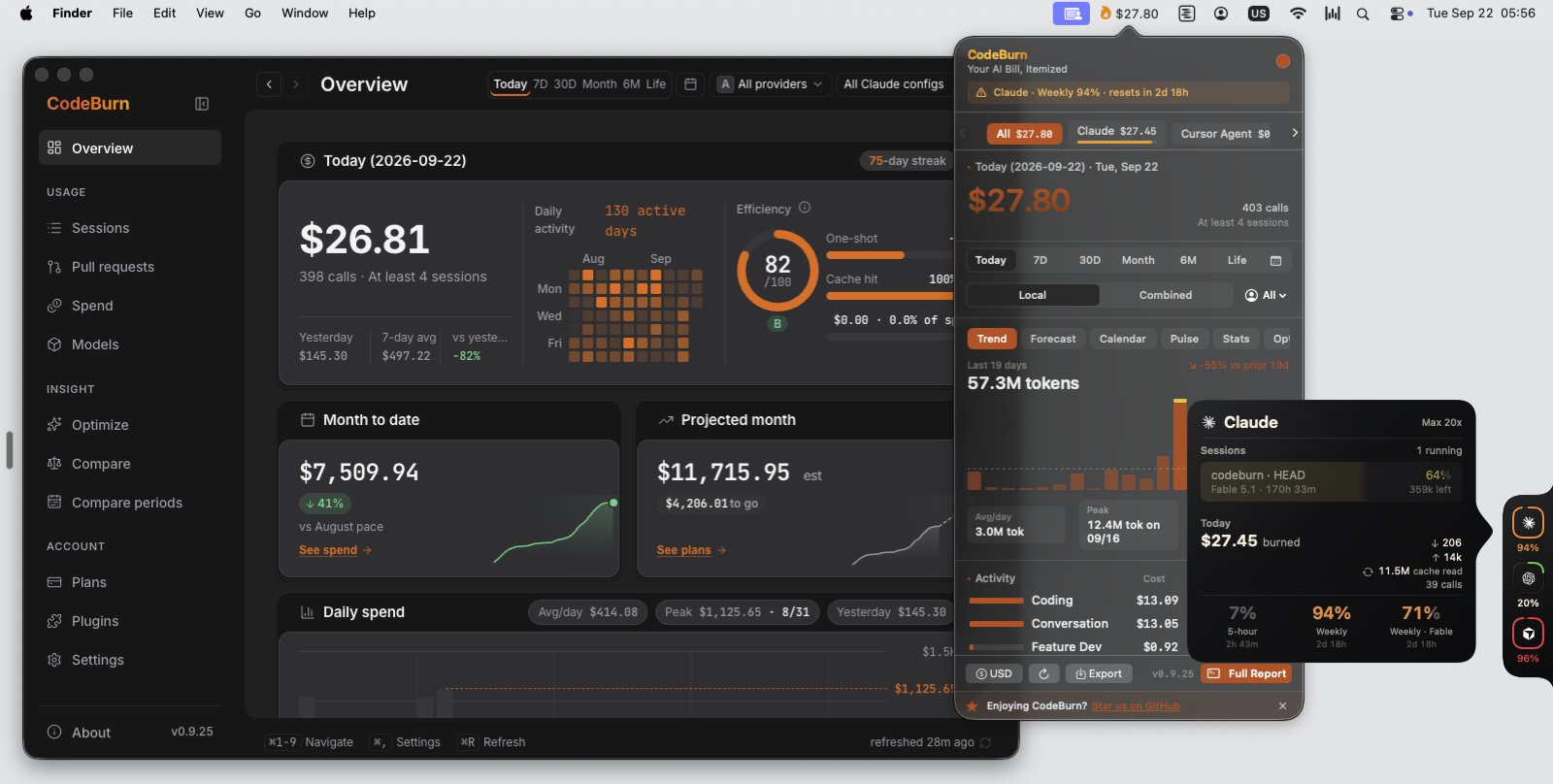
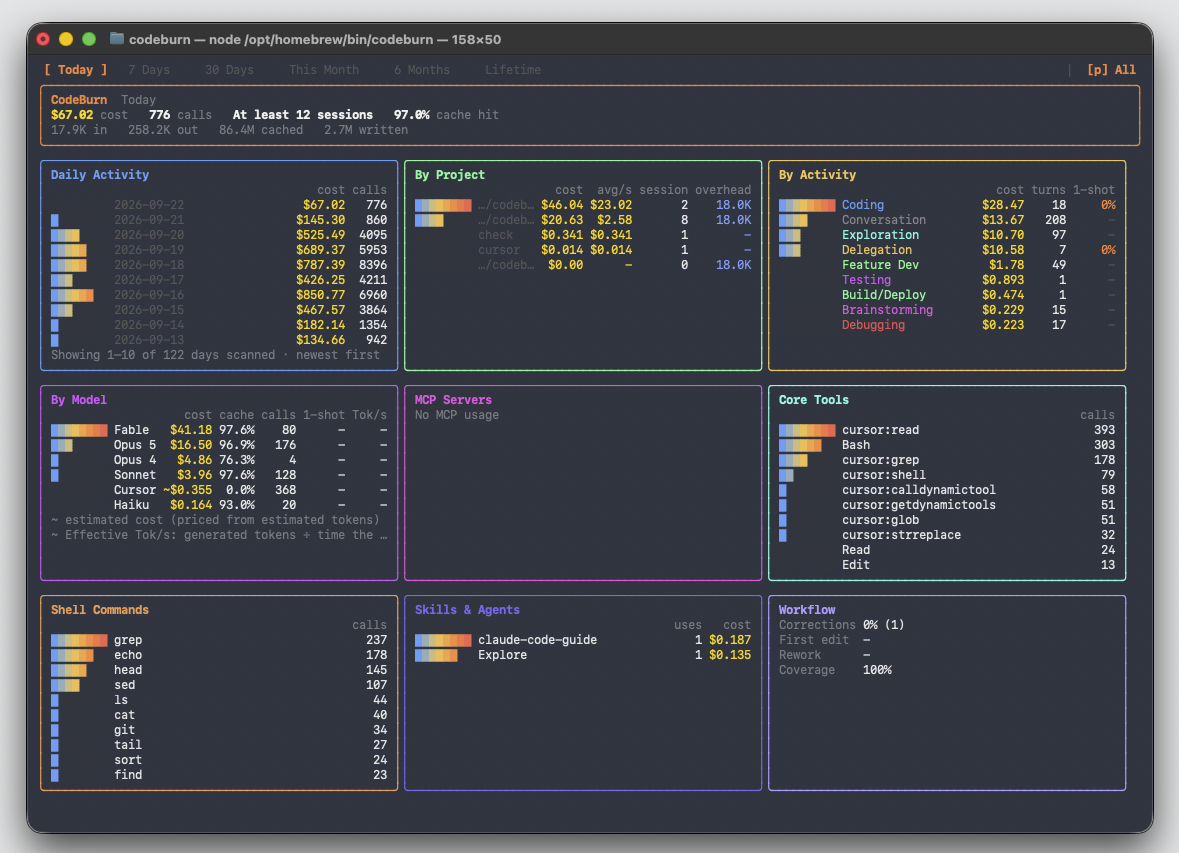
How to install CodeBurn on a Mac
- Get OpenDMG. It is a free app store for open source Mac apps. Download OpenDMG.
- Search for CodeBurn and press Get. OpenDMG downloads version 0.9.25 from getagentseal's own GitHub release.
- Open it. The download is checked against its SHA-256 fingerprint and its signature is checked on your Mac before it lands in Applications.
Updates to CodeBurn show up in OpenDMG and install with one button. No account is needed.
Prefer to do it by hand? The developer's file is on GitHub: CodeBurnMenubar-v0.9.25.zip (7.5 MB).
What is new in CodeBurn 0.9.25
Install with:

```
npm install -g codeburn
codeburn menubar
```

That command drops the app into `~/Applications` (replacing the copy you already have), records the persistent `codeburn` CLI path used by the menubar, verifies the downloaded checksum, and launches it.

The app is signed with a Developer ID and notarized by Apple, so the zip from this page opens without a Gatekeeper warning.
More Artificial Intelligence apps
-
 CodexBarShow usage stats for OpenAI Codex and Claude Code, without having to login
-
 OsaurusLocal LLM server and AI infrastructure with menu bar, CLI, and shared tools
-
 QuotioAI subscription manager with quota tracking and automatic failover
-
 Claude Usage TrackerTrack the usage of Claude Code
-
 VibeProxyMenu bar app to use existing Claude, ChatGPT, and other subscriptions with AI coding…
-
 SidekickChat with a local LLM on macOS using your files — no extra setup