

Typeflux for Mac
Fn-key voice dictation and quick AI querying tool that types fast, accurate speech-to-text into any app with local model support.
By mylxsw. Free and open source, AGPL-3.0 licence.
Typeflux at a glance
- Version
- 1.0.0
- Released
- 23 November 2026
- Download size
- 251 MB
- Works on
- Apple silicon and Intel
- Licence
- AGPL-3.0
- Category
- Utilities
- Developer
- mylxsw
- GitHub stars
- 371
About Typeflux
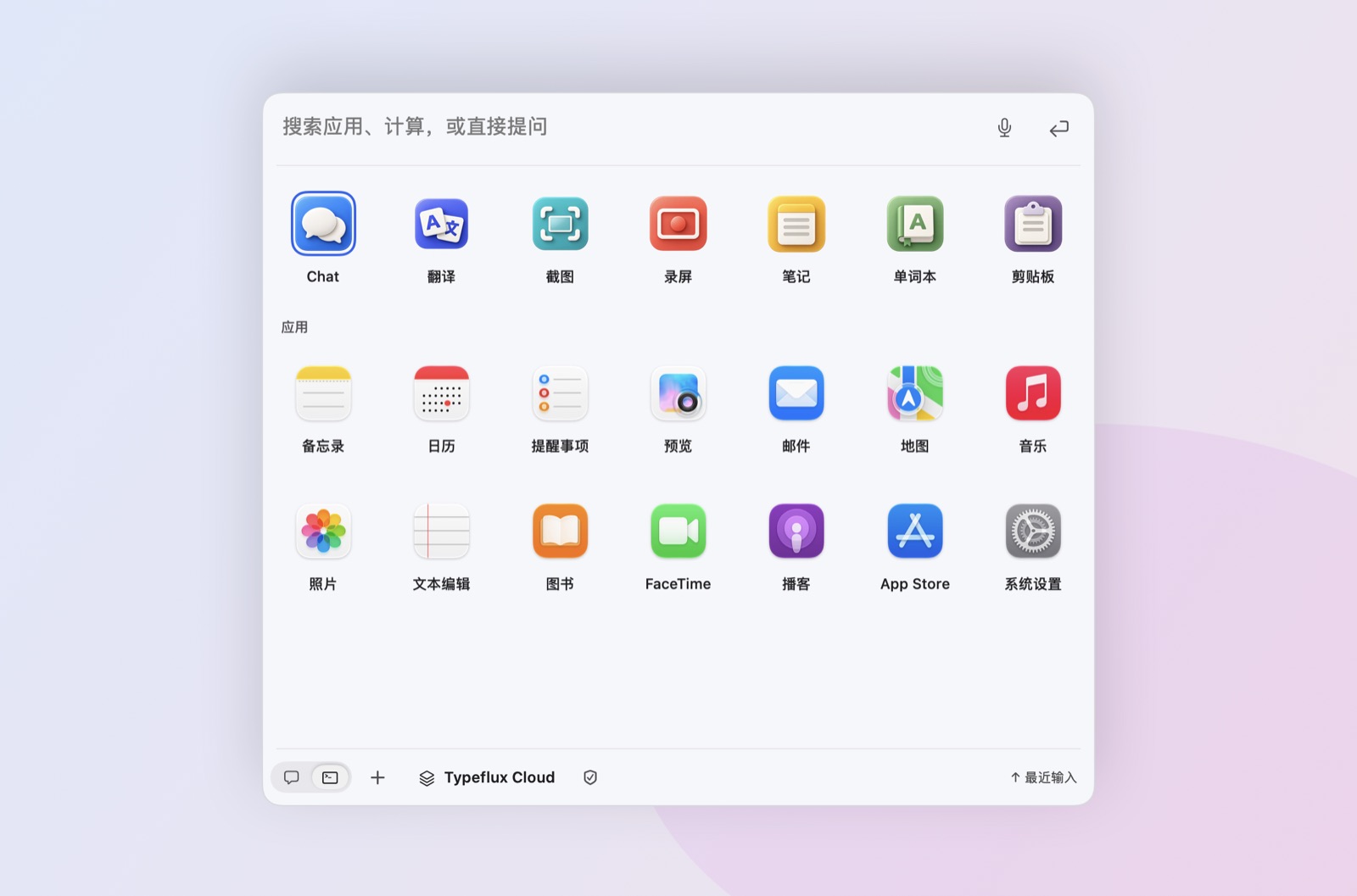
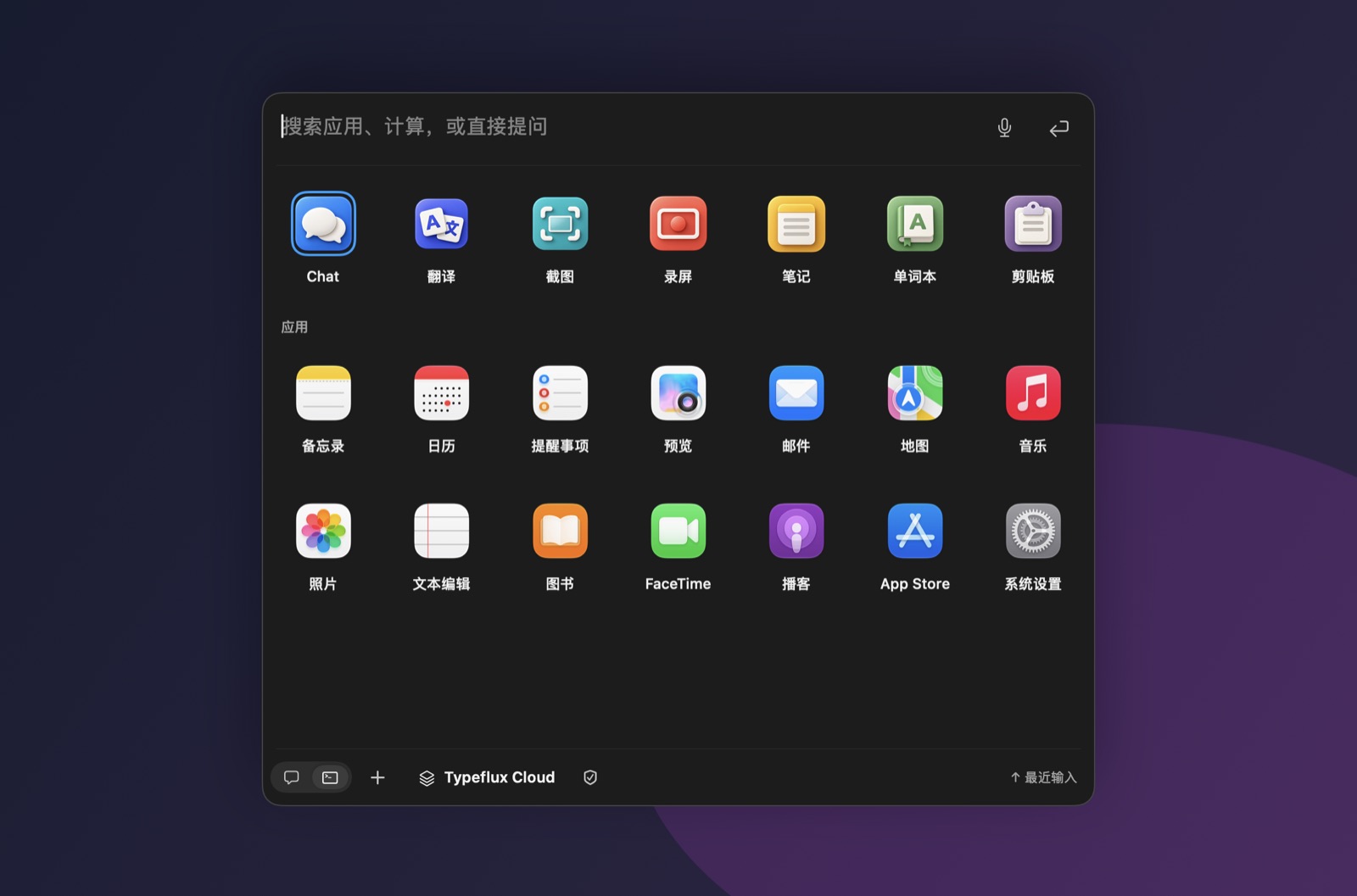
An AI productivity app for Mac. Launch apps, find information, type with your voice, capture your screen, and recover what you copied—all within reach.
Screenshots

How to install Typeflux on a Mac
- Get OpenDMG. It is a free app store for open source Mac apps. Download OpenDMG.
- Search for Typeflux and press Get. OpenDMG downloads version 1.0.0 from mylxsw's own GitHub release.
- Open it. The download is checked against its SHA-256 fingerprint and its signature is checked on your Mac before it lands in Applications.
Updates to Typeflux show up in OpenDMG and install with one button. No account is needed.
Prefer to do it by hand? The developer's files are on GitHub: Typeflux-full-apple-silicon.dmg (251 MB), Typeflux-full-intel.dmg (250 MB).
What is new in Typeflux 1.0.0
Typeflux 1.0.0 transforms Typeflux from a voice input tool into an all-in-one, open-source AI productivity assistant for macOS—unifying a supercharged search bar (launcher), an actionable AI Agent, hold-to-talk voice typing, clipboard history, scrolling screenshots & screen recording, multi-engine translation, and a pointer action Ring into one app.

Typeflux 1.0.0 正式完成从“语音输入工具”到“开源免费 macOS 全能型 AI 效率助手”的全面升级——将超级搜索框(启动器)、能动手干活的 AI Agent、按住说话语音输入、Paste 风格剪贴板历史、长截图与录屏、多引擎对照翻译以及鼠标手势圆环融为一体。

### Highlights / 核心亮点

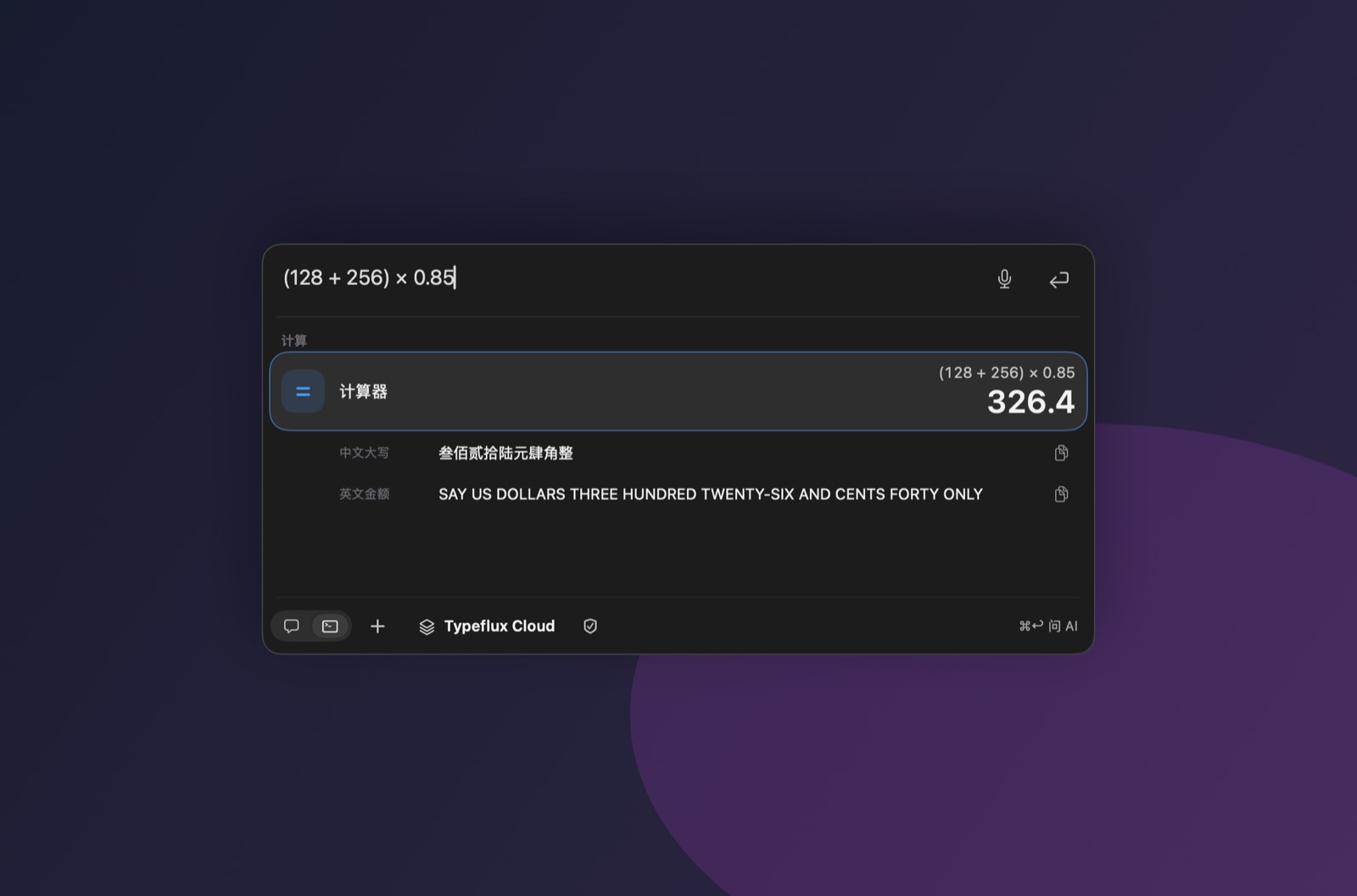
- **Supercharged Search Bar / 超级搜索框 (`⌘Space`)**: Launch apps, switch windows, jump to open browser tabs & bookmarks (Safari, Chrome, Arc, Edge, Dia), search **inside** local PDFs, Office docs, and Markdown files offline on Apple Silicon, run persistent inline terminal sessions (`>`), calculate expressions, check the lunar/holiday calendar & live 1s system monitor, and use ~20 built-in utilities (`fx`, `ts`, `json`, `jwt`, `cron`, `qr`, etc.).
…
More Utilities apps
-
 VorssaintAn open-source, free, and local toolkit that integrates functions such as preventing…
-
 BetterDisplayDisplay management tool with HiDPI scaling, PiP, and EDID controls
-
 MosSmooth your mouse's scrolling and reverse the mouse scroll direction
-
 EasydictmacOS instant translator — type/select/screenshot, multi-service, zero setup
-
 OpenHaystackOpen-source tracker for finding Bluetooth devices through Apple's Find My network
-
 OrkasOrkas is an open-source (MIT), local-first AI team for your desktop: a Commander turns…