
Triwarden for Mac
Native Mac password manager for Vaultwarden and Bitwarden (Swift/SwiftUI, Touch ID, AutoFill).
By sinhong2011. Free and open source, GPL-3.0 licence.
Triwarden at a glance
- Version
- 0.11.0
- Released
- 13 November 2026
- Download size
- 19 MB
- Works on
- Apple silicon and Intel
- Licence
- GPL-3.0
- Category
- Security and Privacy
- Developer
- sinhong2011
- GitHub stars
- 95
About Triwarden
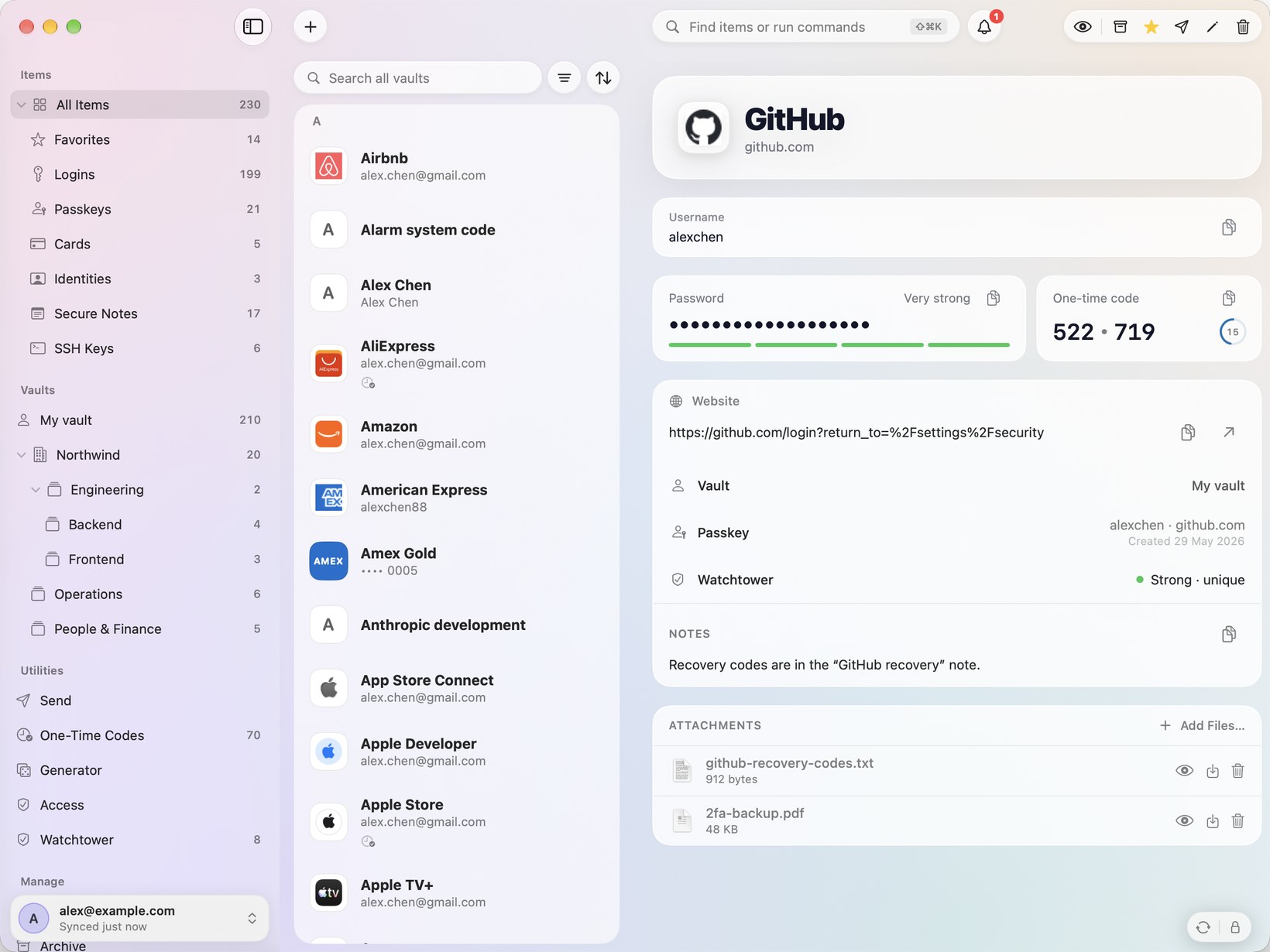
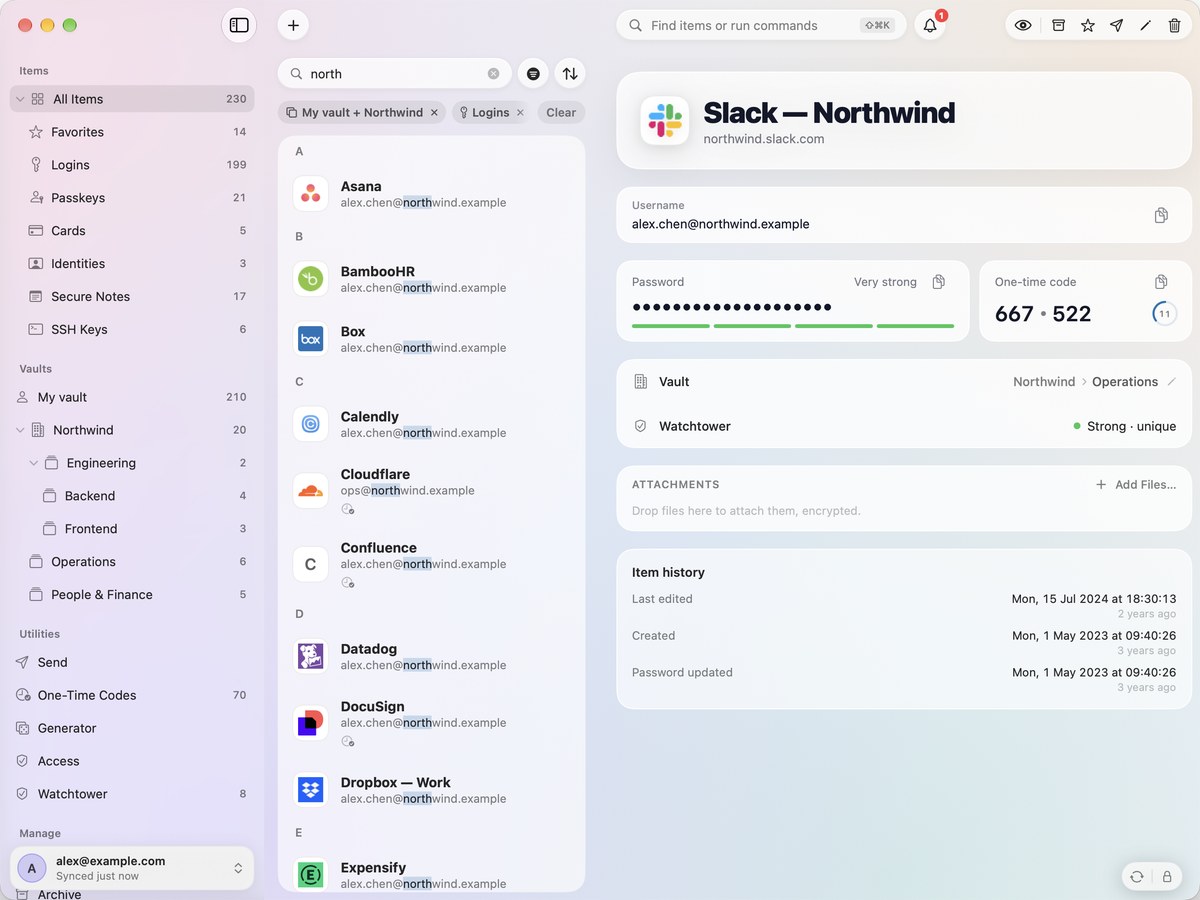
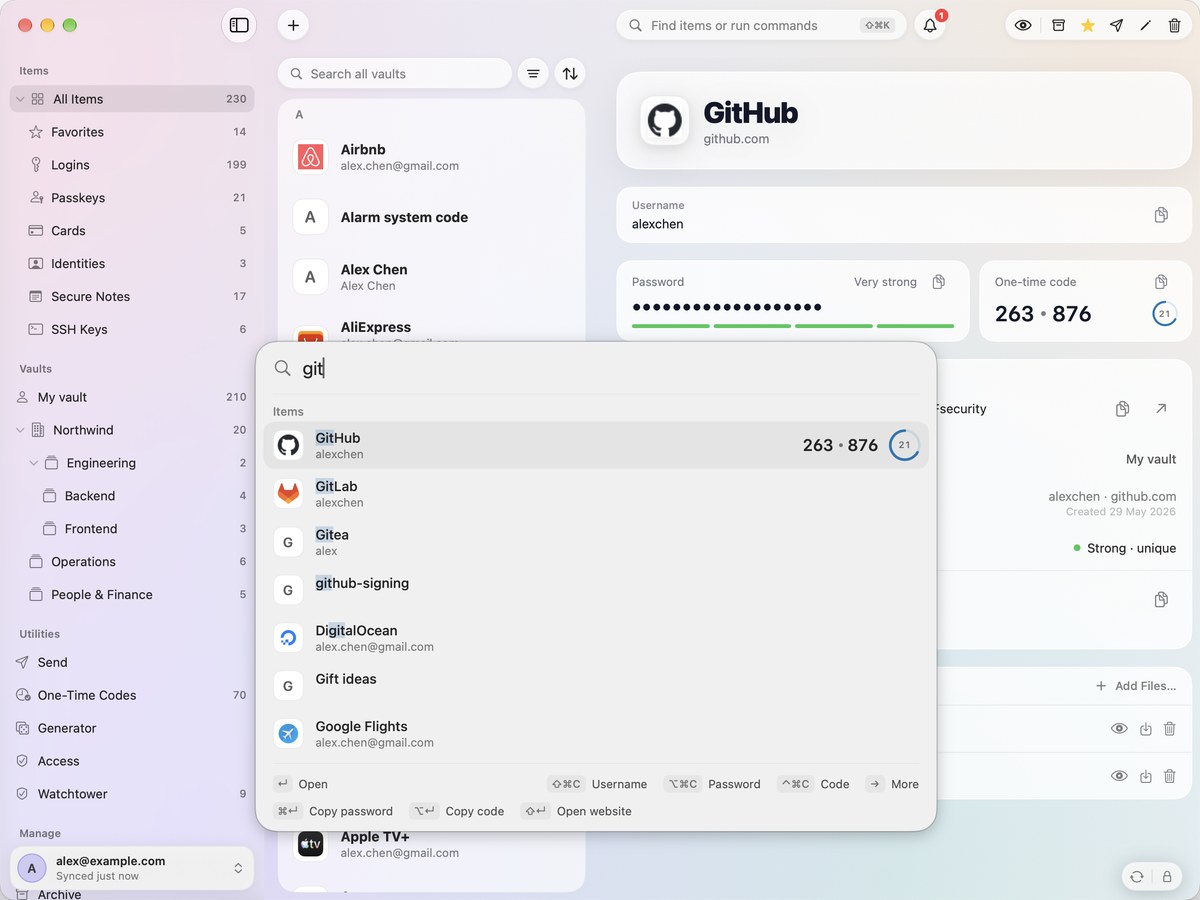
A native Mac password manager for Vaultwarden and Bitwarden — Swift/SwiftUI, AutoFill with passkeys and one-time codes, Touch ID, command palette, SSH agent.
Screenshots
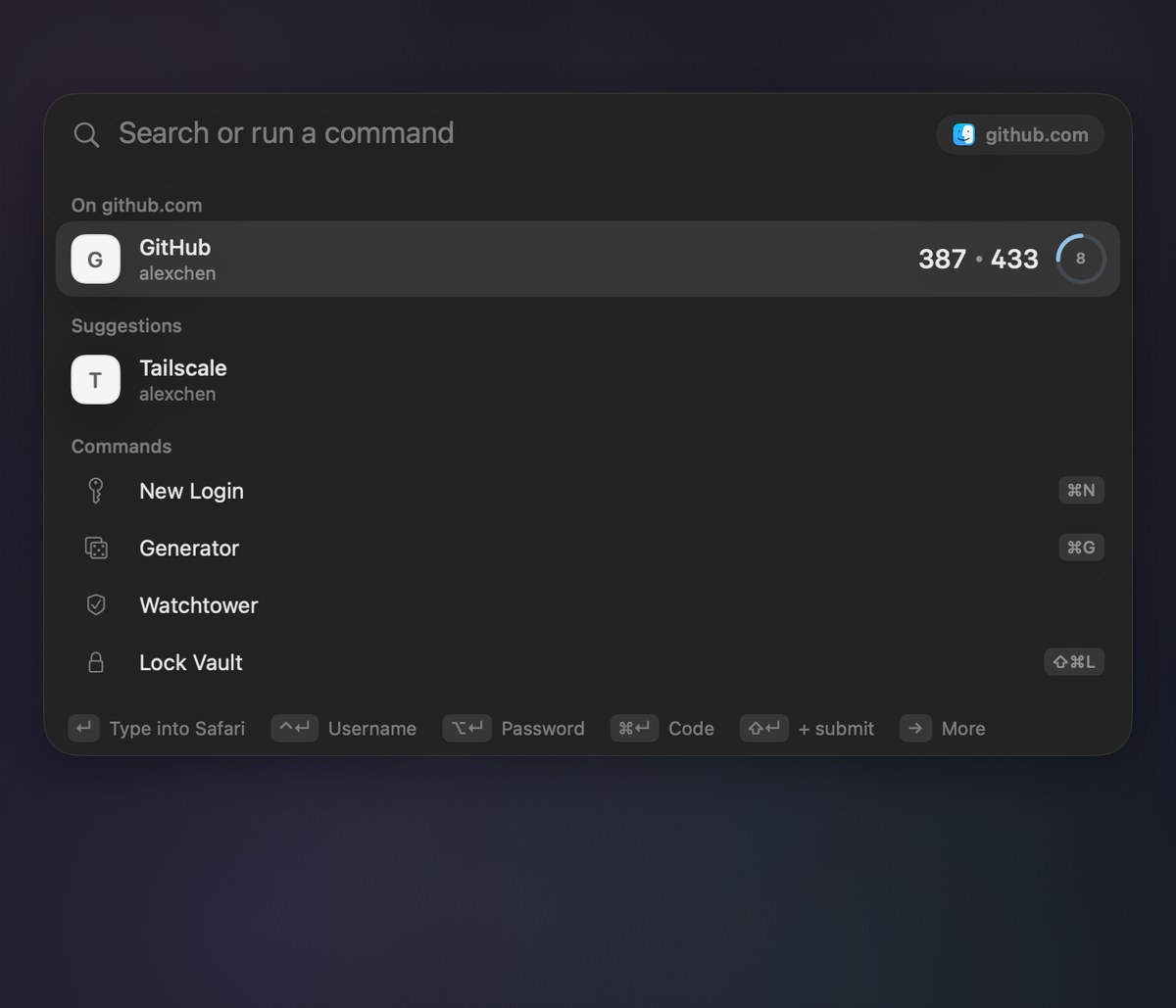
How to install Triwarden on a Mac
- Get OpenDMG. It is a free app store for open source Mac apps. Download OpenDMG.
- Search for Triwarden and press Get. OpenDMG downloads version 0.11.0 from sinhong2011's own GitHub release.
- Open it. The download is checked against its SHA-256 fingerprint and its signature is checked on your Mac before it lands in Applications.
Updates to Triwarden show up in OpenDMG and install with one button. No account is needed.
Prefer to do it by hand? The developer's file is on GitHub: Triwarden.dmg (19 MB).
What is new in Triwarden 0.11.0
## Highlights

- **Sign up anywhere, not just in Safari.** The password generator now appears on sign-up and change-password forms in Chrome, Firefox, Edge and Zen too.
- **One click for the email field.** On a sign-up form, the email or username field offers your own addresses, a private address (`you+tag@…`) or a new username. Picking one also fills a strong password.
- **"Save this login?" right in the page.** A card at the top right offers to save a new login, so you no longer have to find it in the menu bar. It shows the same saves as the bell, and updating an existing password asks for Touch ID.
- **Not Now means this time only.** If you later change that site's password, Triwarden offers to save it again.

Safari gets all of this with this update. Chrome, Firefox, Edge and Zen get it with the browser extension update, which follows through the Chrome Web Store and Firefox Add-ons.

## Fixes

- **Fill icons sit beside the field**, not over it, so long emails and passwords stay readable.
- **The menu bar panel works with the keyboard and VoiceOver.** Each row is one Tab stop and reads its name, username and code, with copy and fill as actions.
- **Safari shows the right extension version.** It now matches the app, instead of an older number such as 0.4.3.

## What's Changed
…
More Security and Privacy apps
-
 GlanceUnlock your Mac at a glance through on-device face recognition in a dynamic island-style…
-
 FaceGateLock sensitive apps behind Face ID, Touch ID, or a password — all processed on-device
-
 TracexySession-based network intelligence — capture live traffic or open saved captures, then…
-
 SentrySecurity monitor that alerts on activity while you're away
-
 TouchBridgeBiometric authentication tool using phone, watch, or browser for sudo and unlock
-
 MergenCIS benchmark security audit tool that checks 85 controls and auto-fixes most failures