
TRex for Mac
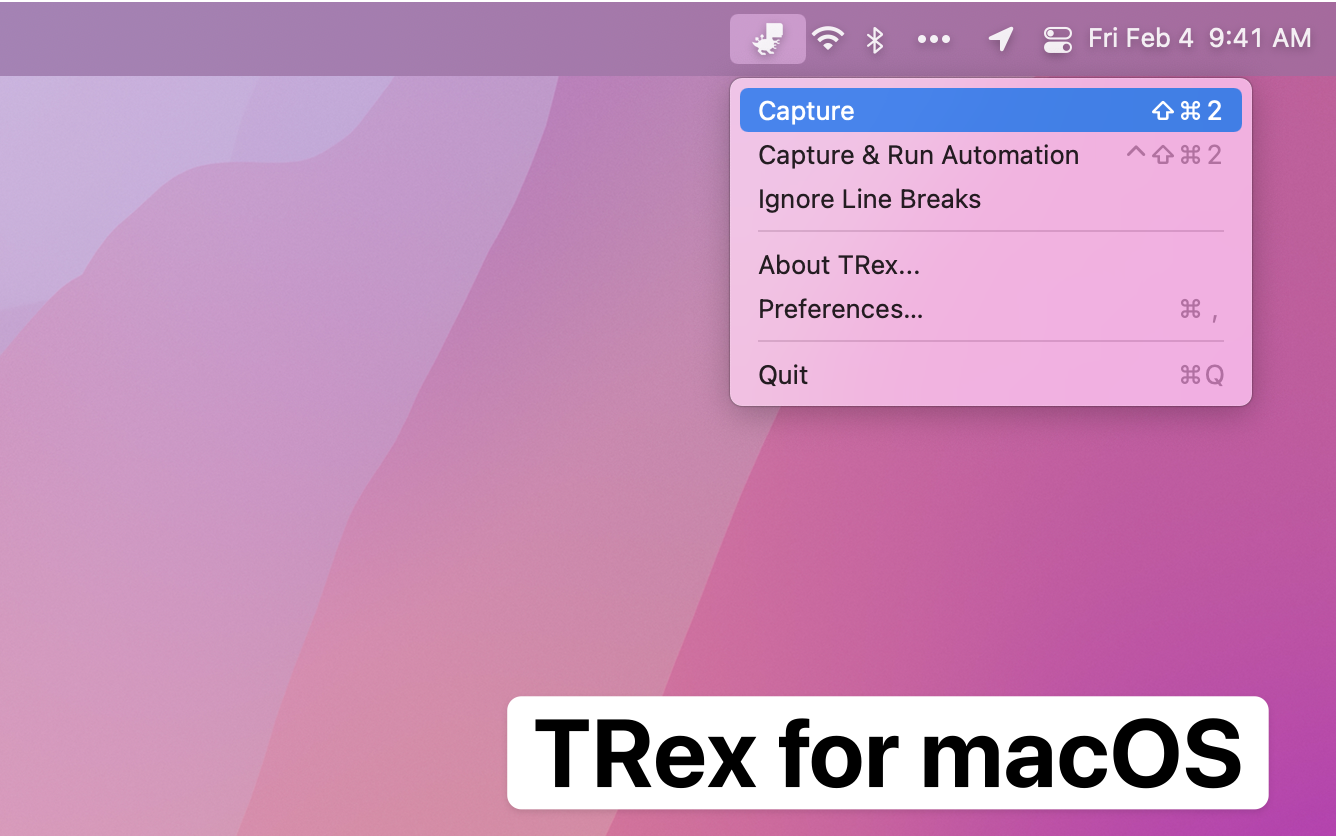
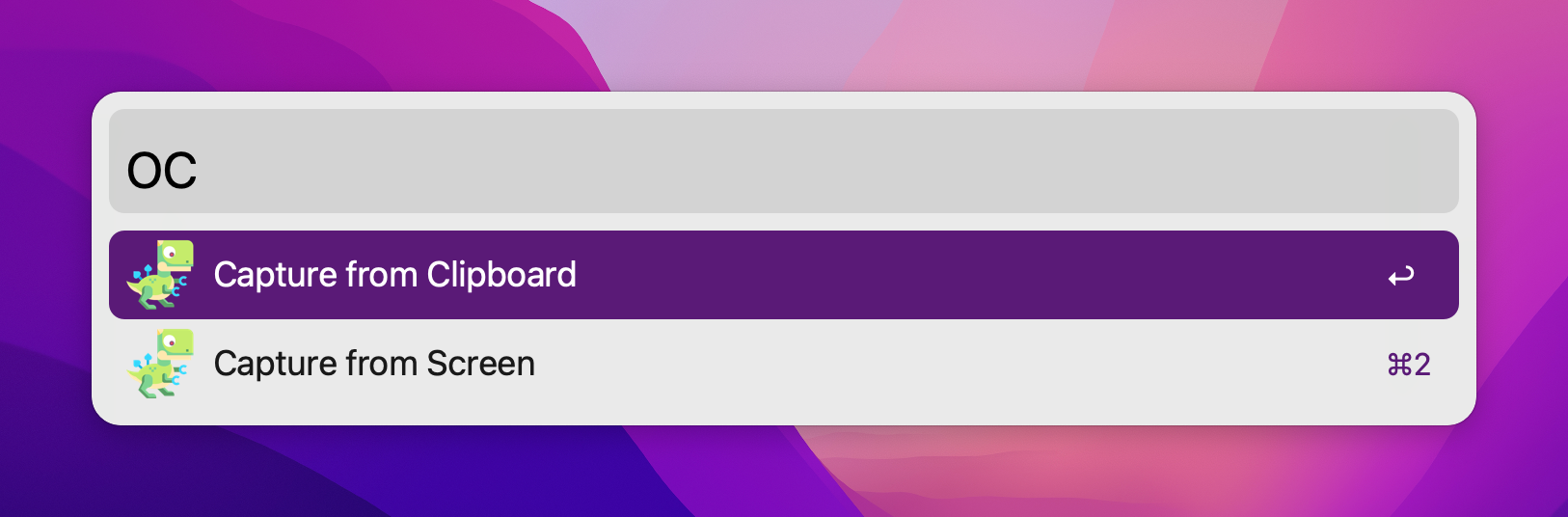
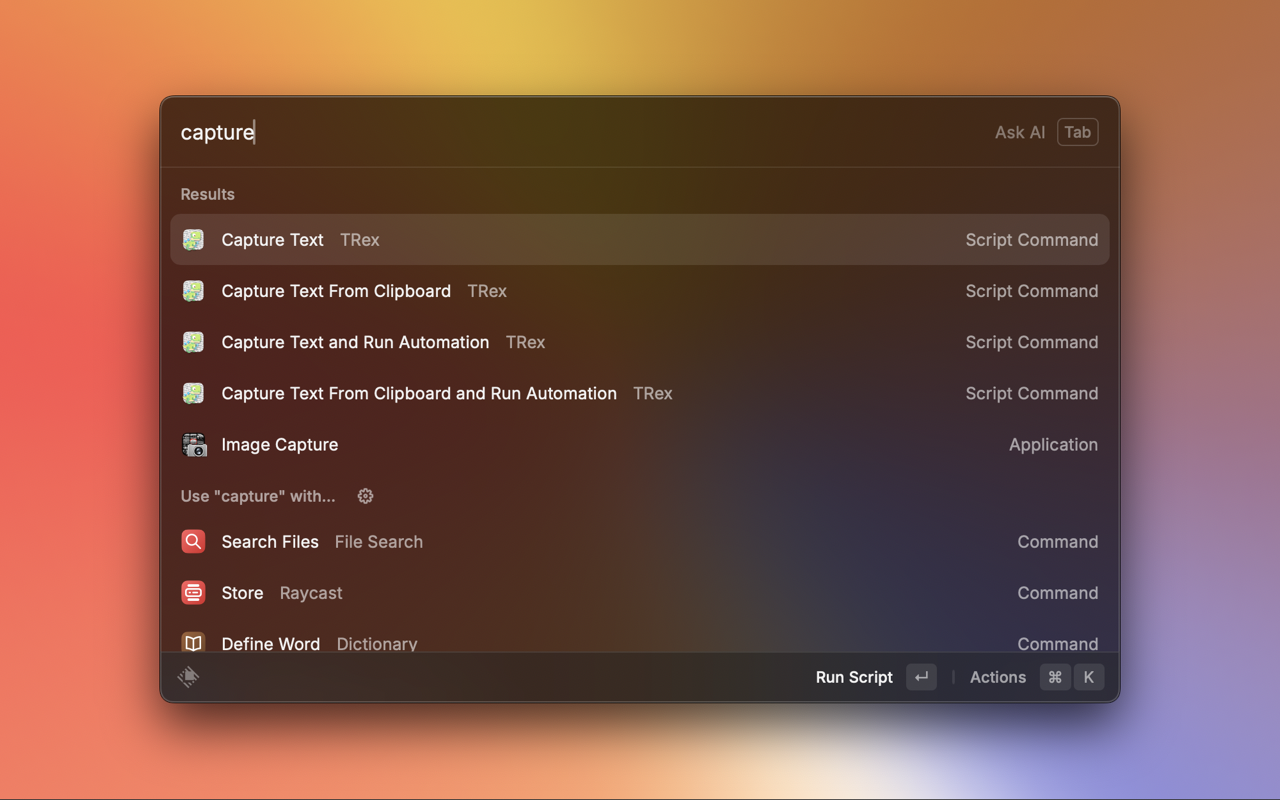
Copy any text on the screen to avoid retyping.
By amebalabs. Free and open source, MIT licence.
TRex at a glance
- Version
- 2.0.0
- Released
- 13 February 2026
- Download size
- 5.0 MB
- Works on
- Apple silicon and Intel
- Licence
- MIT
- Category
- Productivity
- Developer
- amebalabs
- GitHub stars
- 1.9K
About TRex
Copy any text on your screen, stop retyping.
Screenshots

How to install TRex on a Mac
- Get OpenDMG. It is a free app store for open source Mac apps. Download OpenDMG.
- Search for TRex and press Get. OpenDMG downloads version 2.0.0 from amebalabs's own GitHub release.
- Open it. The download is checked against its SHA-256 fingerprint and its signature is checked on your Mac before it lands in Applications.
Updates to TRex show up in OpenDMG and install with one button. No account is needed.
Prefer to do it by hand? The developer's file is on GitHub: TRex-2.0.0.zip (5.0 MB).
What is new in TRex 2.0.0
# TRex v2.0.0 Release Notes

## ✨ New Features

### Table Detection
- **Vision-based detection**: Uses macOS 26+ document recognition for table extraction
- **LLM fallback**: Falls back to AI-based table detection on older systems
- **Multiple formats**: Export tables as Markdown, CSV, or plain text
- **Menu bar toggle**: Quick access to table detection settings

### LLM Integration
- **AI-powered OCR**: Use OpenAI, Anthropic, Ollama, or Apple Intelligence for vision-based text recognition
- **Smart post-processing**: Automatically format, correct, or transform captured text with LLM
- **Separate provider configuration**: Choose different providers for OCR vs post-processing
- **On-device processing**: Apple Intelligence runs locally with no API calls (macOS 15.1+)
- **Network-aware fallback**: Automatically falls back to built-in OCR when offline

### Multi-Region Capture
- **Batch selection**: Select multiple screen regions in a single capture session
- **Combined results**: OCR results from all regions are merged together
- **Optional LLM processing**: Post-process combined text with AI
- **Up to 50 regions**: Capture complex layouts in one go

### Watch Mode
- **Continuous monitoring**: Monitor a screen region and automatically capture when content changes
- **Interactive region selection**: Draw regions with a visual overlay
…
More Productivity apps
-
 MaccyLightweight search-as-you-type clipboard manager
-
 AltTabBrings the Windows Alt-Tab functionality to macOS
-
 ClipyClipy is a Clipboard extension app for macOS
-
 TinycastLightweight native launcher with app search, clipboard management, window controls, and…
-
 FSNotesNotes manager for macOS/iOS: modern notational velocity (nvALT) on steroids
-
 OpenDisplayTurn spare Apple devices into second monitors — true extended display over USB or WiFi