

Treewise for Mac
Windows Explorer-style file browser with native macOS experience.
By mag243. Free and open source, MPL-2.0 licence.
Treewise at a glance
- Version
- 1.0.0
- Released
- 22 November 2026
- Download size
- 7.6 MB
- Works on
- Apple silicon and Intel
- Licence
- MPL-2.0
- Category
- System Tools
- Developer
- mag243
- GitHub stars
- 6
About Treewise
A file manager for macOS that works like Windows Explorer: a folder tree, cut and paste, two windows side by side. Native AppKit, free and open source.
Screenshots
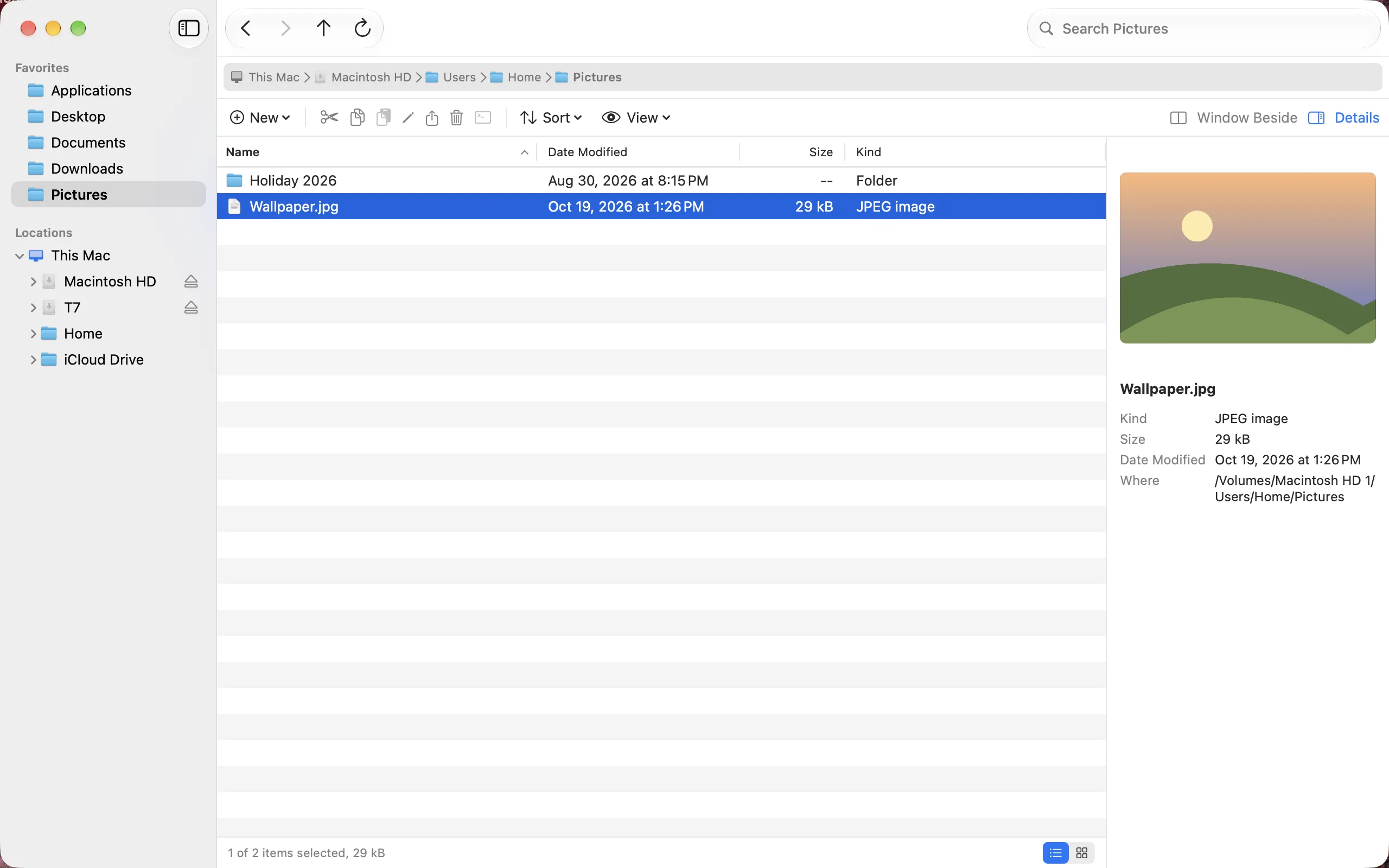
How to install Treewise on a Mac
- Get OpenDMG. It is a free app store for open source Mac apps. Download OpenDMG.
- Search for Treewise and press Get. OpenDMG downloads version 1.0.0 from mag243's own GitHub release.
- Open it. The download is checked against its SHA-256 fingerprint and its signature is checked on your Mac before it lands in Applications.
Updates to Treewise show up in OpenDMG and install with one button. No account is needed.
Prefer to do it by hand? The developer's file is on GitHub: Treewise-1.0.0-2026.1122.133702.dmg (7.6 MB).
What is new in Treewise 1.0.0
Treewise on the iPad, the iPhone and the iPhone Duo.

### New
- **Treewise for iPad, iPhone and iPhone Duo** in the App Store: the same folders, drag and drop, cut and paste, name suggestions and folder structure templates as on the Mac, with your settings shared through your cloud drives. On the iPhone the folder shows as a list; on the iPhone Duo, opened, as a table beside the sidebar.

### Improved
- **Whole names suggested:** when the files in a folder have the same text after their date, as `2026-07-12 Texel` and `2026-07-13 Texel`, Suggest Names and Rename with Suggestions now propose that text too, as `2026-07-15 Texel`, instead of leaving a part for you to fill in.
More System Tools apps
-
 PearcleanerApp Cleaner and Uninstaller Tool
-
 PureMacFree open-source system cleaner with privacy protection
-
 OpenInTerminalFinder toolbar tool for opening the current folder in a terminal
-
 DockDoorWindow peeking for macOS
-
 DigUpSemantic search app that finds files by their contents
-
 LatestApp update checker that notifies you of available updates for installed applications