

Totum Commander for Mac
Dual-pane file manager for macOS.
By Toys-D. Free and open source, GPL-3.0 licence.
Totum Commander at a glance
- Version
- 1.16
- Released
- 10 November 2026
- Download size
- 80 MB
- Works on
- Apple silicon and Intel
- Licence
- GPL-3.0
- Category
- System Tools
- Developer
- Toys-D
- GitHub stars
- 2
About Totum Commander
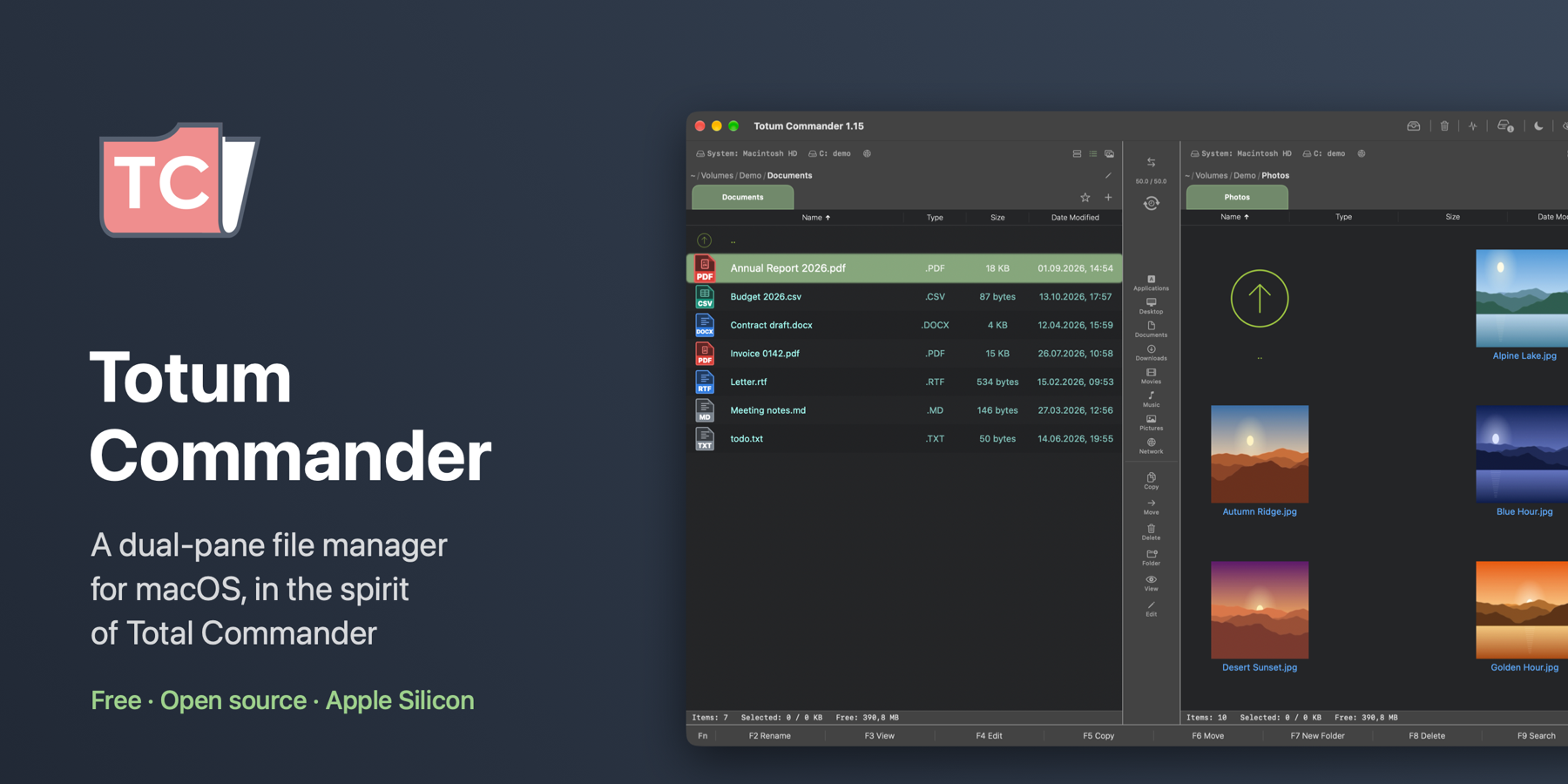
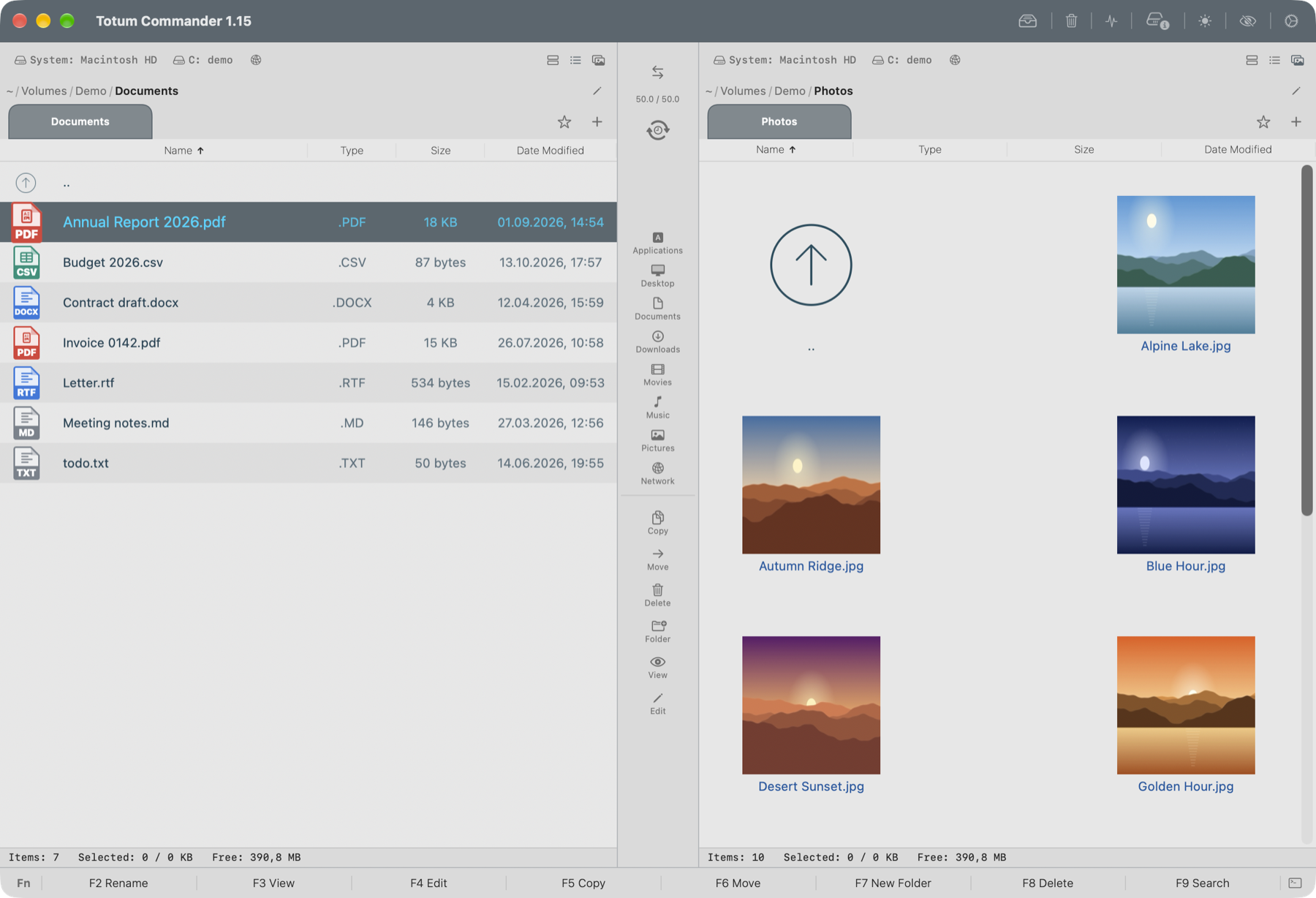
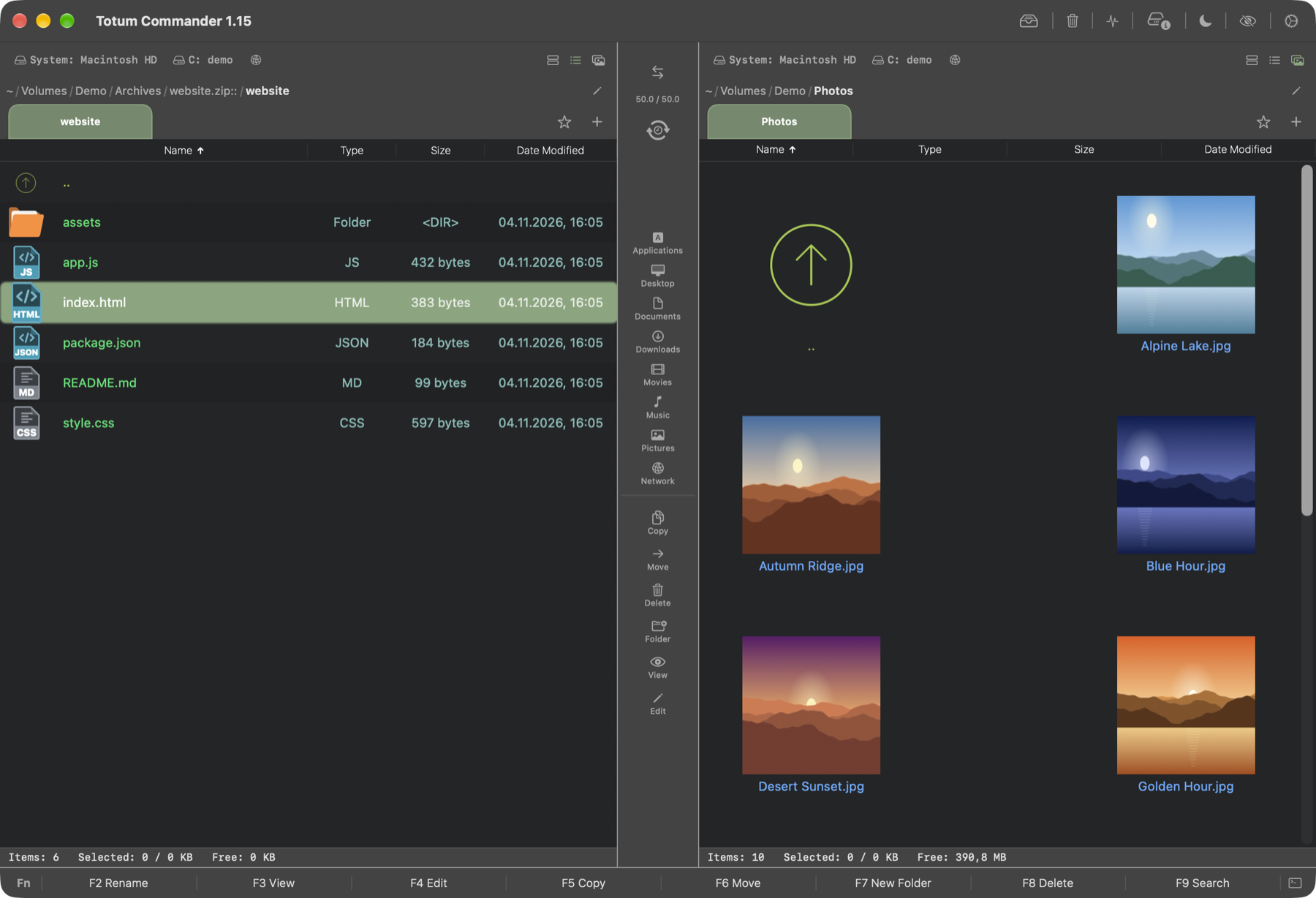
A dual-pane file manager for macOS in the spirit of Total Commander — C++20 core, SwiftUI and AppKit
Screenshots
How to install Totum Commander on a Mac
- Get OpenDMG. It is a free app store for open source Mac apps. Download OpenDMG.
- Search for Totum Commander and press Get. OpenDMG downloads version 1.16 from Toys-D's own GitHub release.
- Open it. The download is checked against its SHA-256 fingerprint and its signature is checked on your Mac before it lands in Applications.
Updates to Totum Commander show up in OpenDMG and install with one button. No account is needed.
Prefer to do it by hand? The developer's file is on GitHub: Totum-Commander-1.16.dmg (80 MB).
What is new in Totum Commander 1.16
## What's new

**New**
- File icons. The Totum icon style now tells apart about fifty kinds of files, and over a hundred programs and formats get an icon of their own: Blender, Maya, 3ds Max, Cinema 4D, Houdini, ZBrush, Substance, USD, Unreal, Unity, AutoCAD, SolidWorks, Fusion, SketchUp, Revit, KiCad, 3D printing, After Effects, Premiere, Final Cut, DaVinci Resolve, Ableton, FL Studio, Cubase, Photoshop, Illustrator, Figma, camera RAW, Office documents, programming languages and more. Fifteen hundred extensions in all. Files without an extension are recognised by name and place: HEAD, index and everything else inside `.git`, Makefile, Dockerfile, README, LICENSE, id_rsa, .zshrc, .gitignore; a file you may run gets the EXEC icon.
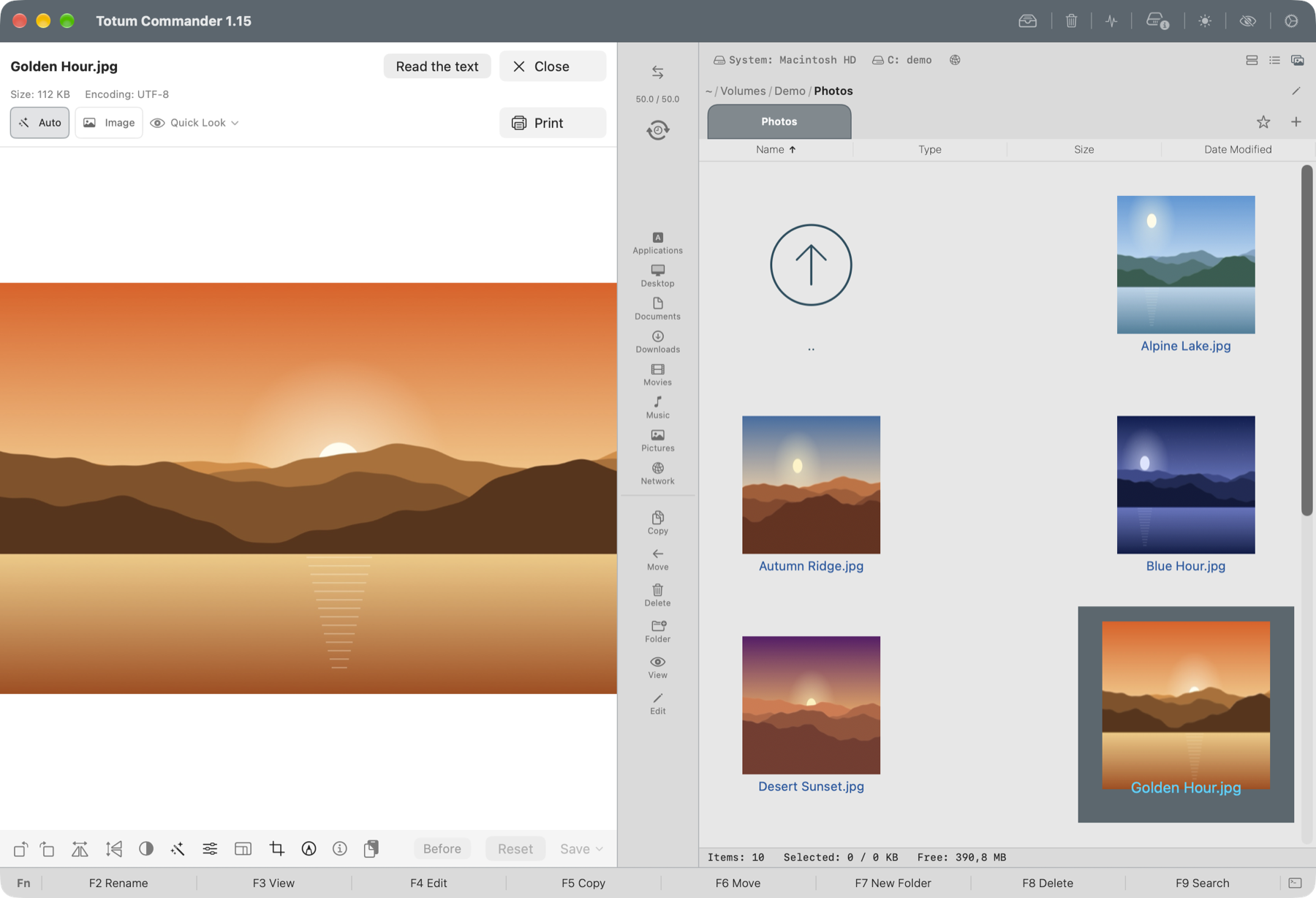
- Viewer (F3): a round button in the corner jumps to the end of a long document and back to the top.
- Viewer: an HTML file opens as a page — styles, pictures and scripts work, the network is blocked. The "HTML code" button shows the source.
- Viewer: the "Edit" button opens a text file in the editor (F4) right away; when the editor closes, the viewer comes back.
- Viewer: files without an extension are shown by their content — text as text (with "Edit"), anything else as a HEX dump. HEX rows no longer wrap.
…
More System Tools apps
-
 PearcleanerApp Cleaner and Uninstaller Tool
-
 PureMacFree open-source system cleaner with privacy protection
-
 OpenInTerminalFinder toolbar tool for opening the current folder in a terminal
-
 DockDoorWindow peeking for macOS
-
 DigUpSemantic search app that finds files by their contents
-
 LatestApp update checker that notifies you of available updates for installed applications