
Tonecap for Mac
Plays mechanical keyboard sounds as you type, synthesized from switch, plate, case and keycap settings instead of recordings.
By stanczykwyatt. Free and open source, MIT licence.
Tonecap at a glance
- Version
- 0.1.0
- Released
- 3 November 2026
- Download size
- 1003 KB
- Works on
- Apple silicon and Intel
- Licence
- MIT
- Category
- Windows and Keyboard
- Developer
- stanczykwyatt
- GitHub stars
- 0
About Tonecap
Design your keyboard's sound. Mechanical keyboard sounds made from numbers, no recordings: a web playground with shareable links, A/B and WAV export, and a Mac menu bar app that plays your sound as you type. No internet access.
Screenshots
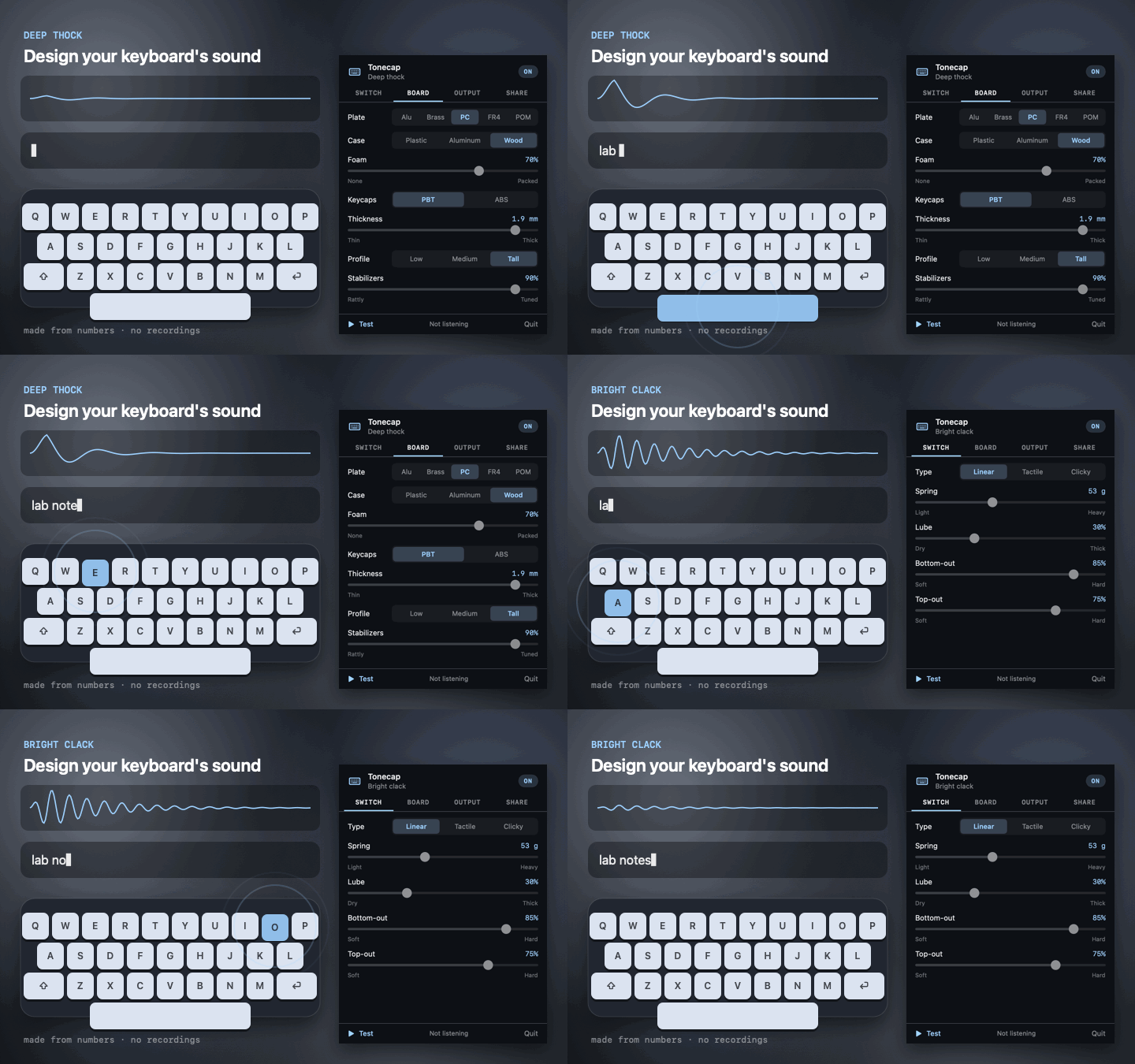
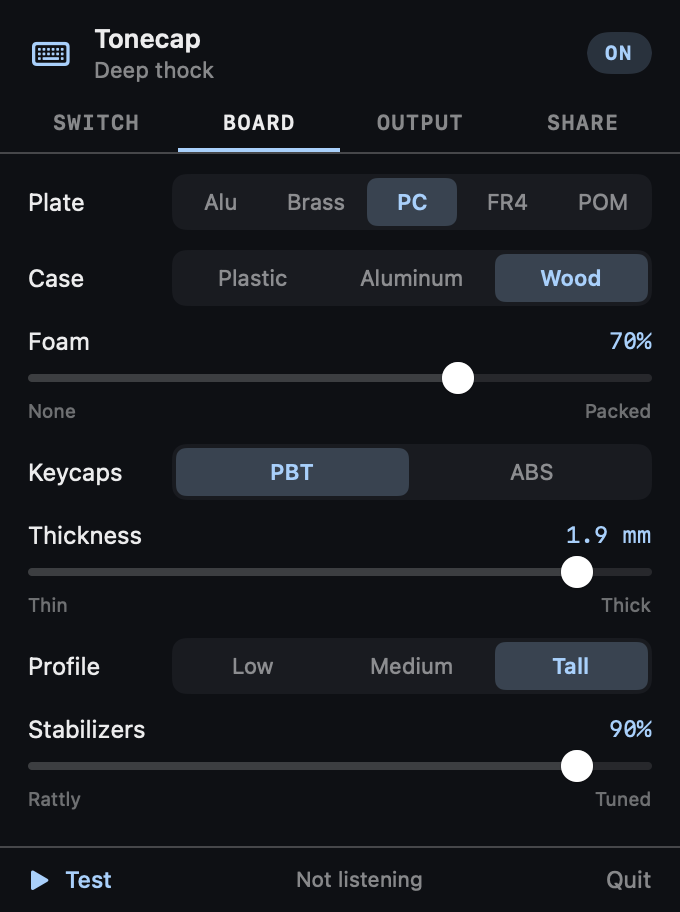
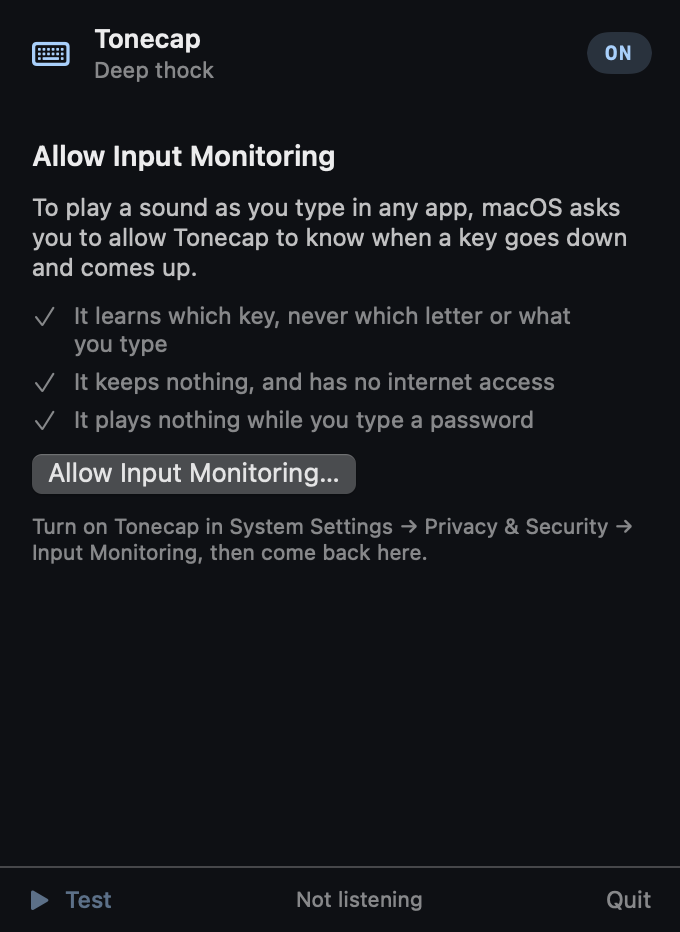
How to install Tonecap on a Mac
- Get OpenDMG. It is a free app store for open source Mac apps. Download OpenDMG.
- Search for Tonecap and press Get. OpenDMG downloads version 0.1.0 from stanczykwyatt's own GitHub release.
- Open it. The download is checked against its SHA-256 fingerprint and its signature is checked on your Mac before it lands in Applications.
Updates to Tonecap show up in OpenDMG and install with one button. No account is needed.
Prefer to do it by hand? The developer's file is on GitHub: Tonecap.zip (1003 KB).
What is new in Tonecap 0.1.0
First release of Tonecap: design your keyboard's sound. Mechanical keyboard sounds made from numbers, with no recordings, in a free web playground and a Mac menu bar app that plays them as you type.

- **A sound engine with no recordings.** Choose the switch (linear, tactile or clicky, spring weight, lube, bottom-out, top-out), the plate (aluminum, brass, polycarbonate, FR4, POM), the case (plastic, aluminum, wood), foam, and keycaps (PBT or ABS, thickness, profile). Wide keys are deeper, stabilizers can rattle, keys are placed left to right in stereo, and every press varies a little.
- **The playground** at [stanczykwyatt.github.io/tonecap](https://stanczykwyatt.github.io/tonecap/): sliders, seven presets, a test box, A/B comparison and WAV export, with the whole build in a link you can share. It runs entirely in your browser and makes no network requests.
- **The Mac app** plays your sound as you type in any app. Paste a link from the playground, or pick a preset in its dark settings panel. Volume, ⌃⌥M to mute, and quiet in the apps you choose.
- **Fast:** every sound is rendered ahead of time, and a key press only hands a buffer to a player that's already running.
…
More Windows and Keyboard apps
-
 RectangleRectangle is a window manager heavily based on Spectacle, written in Swift
-
 AeroSpaceAeroSpace is an i3-like tiling window manager for macOS
-
 AmethystAutomatic tiling window manager for macOS
-
 LoopWindow management made elegant
-
 OmniWMA Flexible and Modern Tiling Window Manager
-
 FlashSpaceEnhance and replace the native Spaces functionality of macOS