

Tidywise for Mac
Organizes files into topic folders using local AI.
By floorianmb. Free and open source, MIT licence.
Tidywise at a glance
- Version
- 0.4.1
- Released
- 25 November 2026
- Download size
- 2.2 MB
- Works on
- Apple silicon and Intel
- Licence
- MIT
- Category
- System Tools
- Developer
- floorianmb
- GitHub stars
- 9
About Tidywise
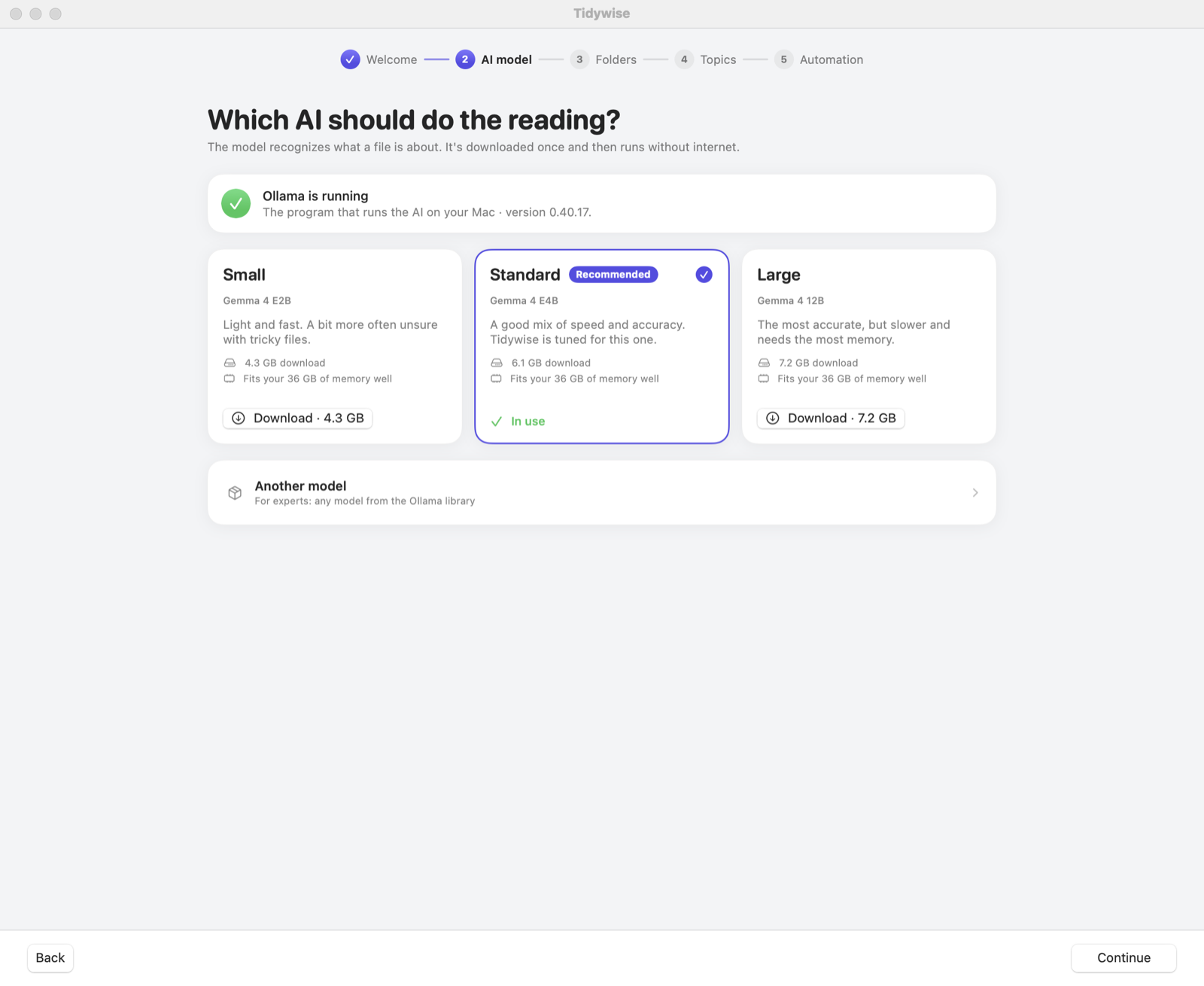
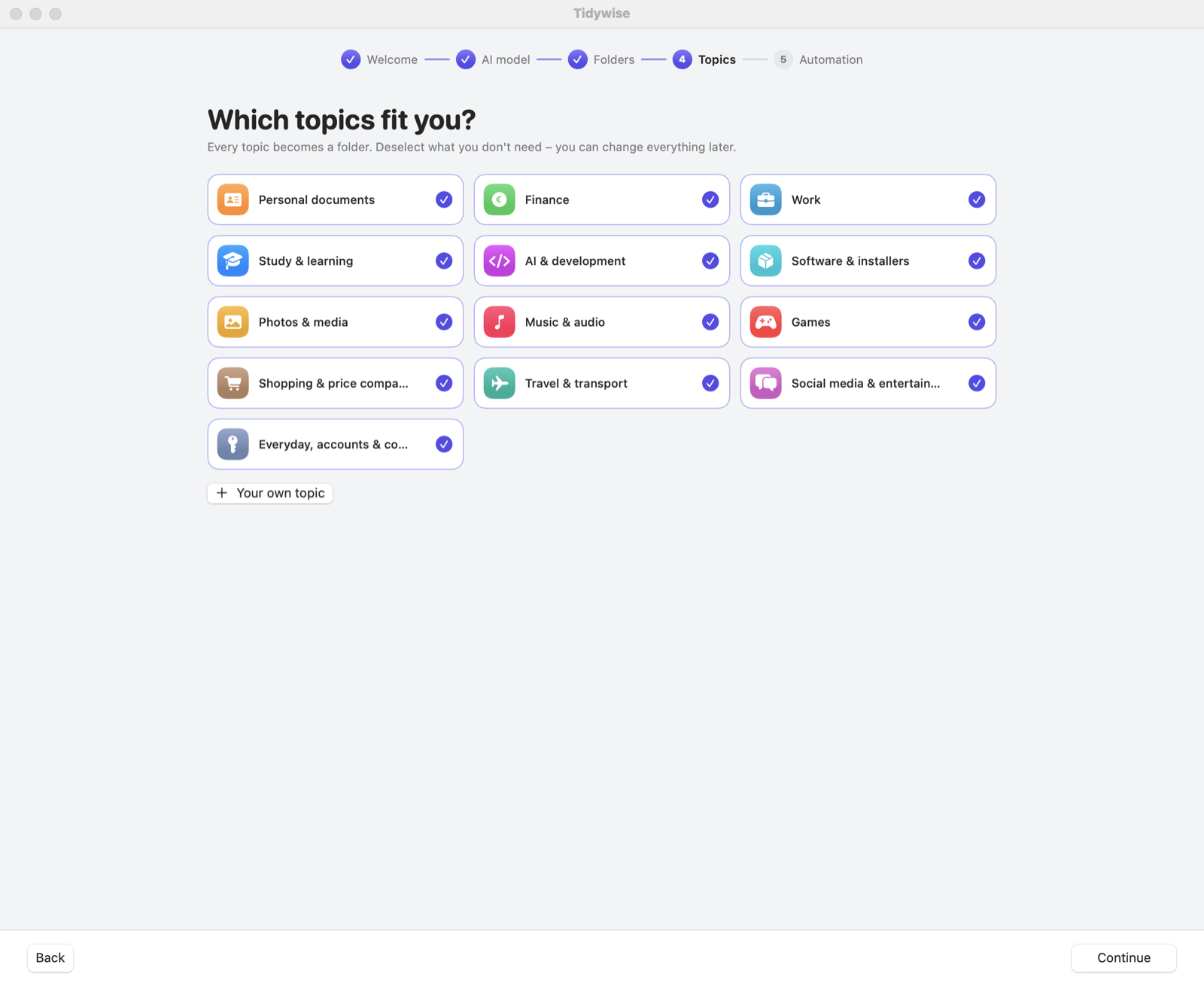
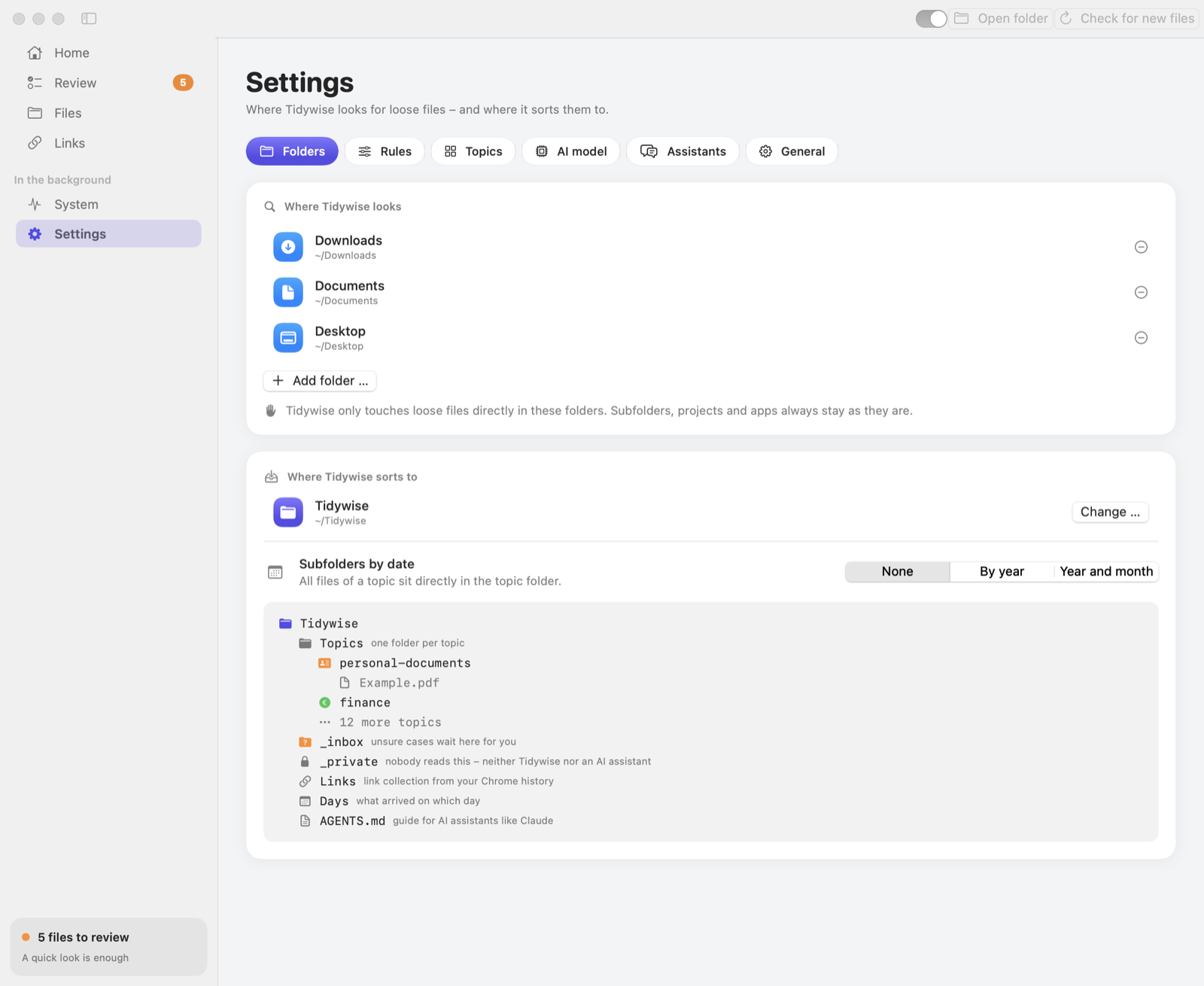
Sorts the loose files on your Mac into topic folders with a local AI model (Ollama). Nothing leaves your Mac. Includes an MCP server for Claude Code, Codex and OpenCode.
Screenshots
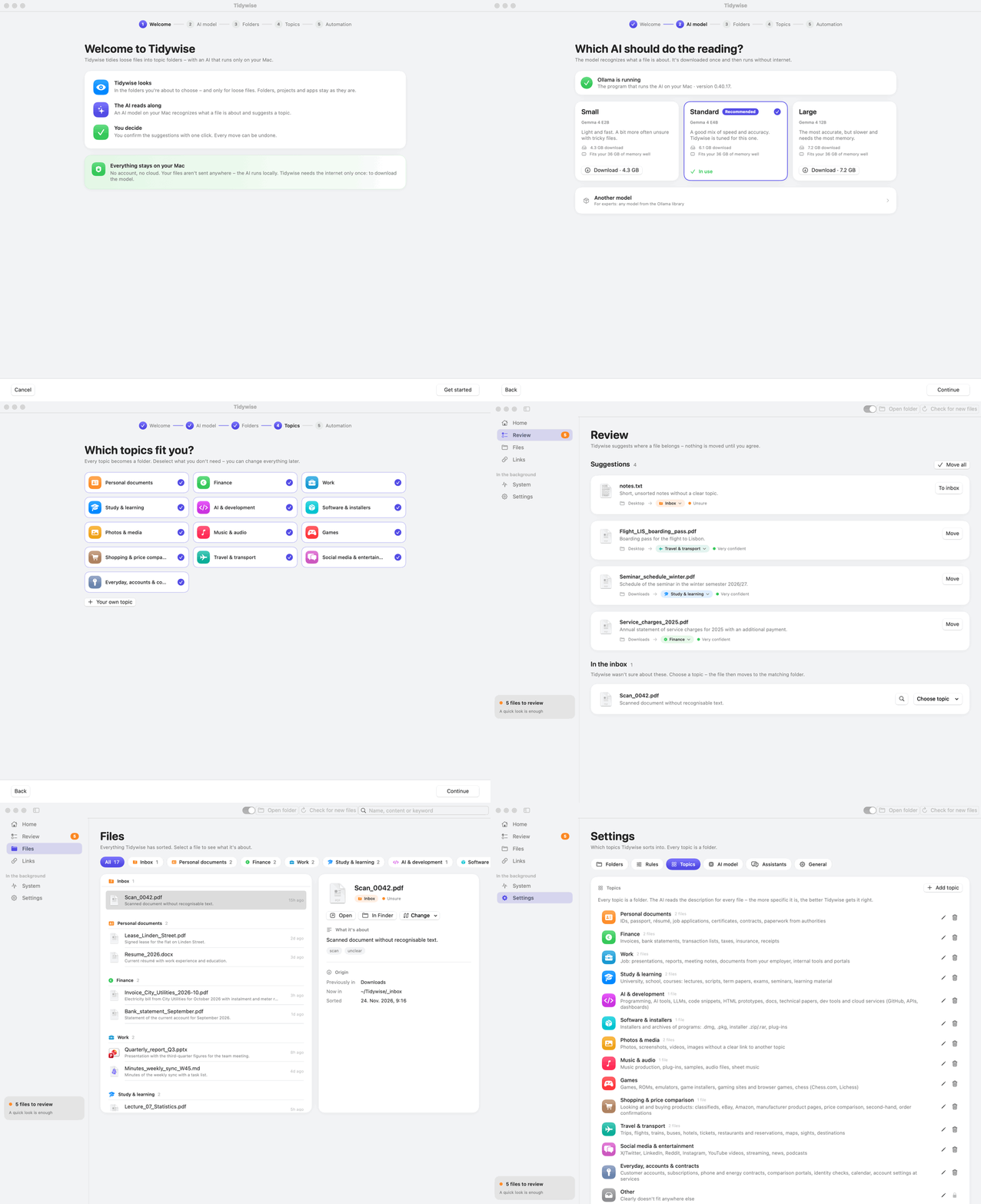
How to install Tidywise on a Mac
- Get OpenDMG. It is a free app store for open source Mac apps. Download OpenDMG.
- Search for Tidywise and press Get. OpenDMG downloads version 0.4.1 from floorianmb's own GitHub release.
- Open it. The download is checked against its SHA-256 fingerprint and its signature is checked on your Mac before it lands in Applications.
Updates to Tidywise show up in OpenDMG and install with one button. No account is needed.
Prefer to do it by hand? The developer's file is on GitHub: Tidywise.zip (2.2 MB).
What is new in Tidywise 0.4.1
Install or update the ready-made app (Apple silicon, macOS 14+):

```bash
curl -fsSL https://raw.githubusercontent.com/floorianmb/tidywise/main/get-tidywise.sh | zsh
```

Or download `Tidywise.zip` below and move `Tidywise.app` to `~/Applications`. Because the app is not signed with a paid Apple Developer certificate yet, macOS asks you to allow it once under *System Settings → Privacy & Security → Open Anyway* when downloaded via browser (the one-line installer avoids this).

You also need Python 3.12+ and [Ollama](https://ollama.com/download); the app guides you if either is missing.

### What changed in 0.4.1
- **Menu bar app without Dock clutter:** Tidywise now runs cleanly in the menu bar (`LSUIElement`), opens the main window only when setup is needed or reopened, and hides instead of minimizing to the Dock.
- **Setup & background service fixes:** Applies "Start at login" only on Finish, keeps the topic pool across Back/Continue, detects pre-connected MCP assistants, and refreshes the background service when the app moves or Python updates.
- **Orphaned topics & Ollama matching:** Files and links whose topic was removed stay visible in Home, Files, and Links; Ollama model names now match with or without `:latest`.
…
More System Tools apps
-
 PearcleanerApp Cleaner and Uninstaller Tool
-
 PureMacFree open-source system cleaner with privacy protection
-
 OpenInTerminalFinder toolbar tool for opening the current folder in a terminal
-
 DockDoorWindow peeking for macOS
-
 DigUpSemantic search app that finds files by their contents
-
 LatestApp update checker that notifies you of available updates for installed applications