

Tidymint for Mac
Mac cleaner that finds clutter and moves selected files to Trash.
By HaiTrung-Workspace. Free and open source, MIT licence.
Tidymint at a glance
- Version
- 0.5.2
- Released
- 10 November 2026
- Download size
- 6.3 MB
- Works on
- Apple silicon and Intel
- Licence
- MIT
- Category
- System Tools
- Developer
- HaiTrung-Workspace
- GitHub stars
- 8
About Tidymint
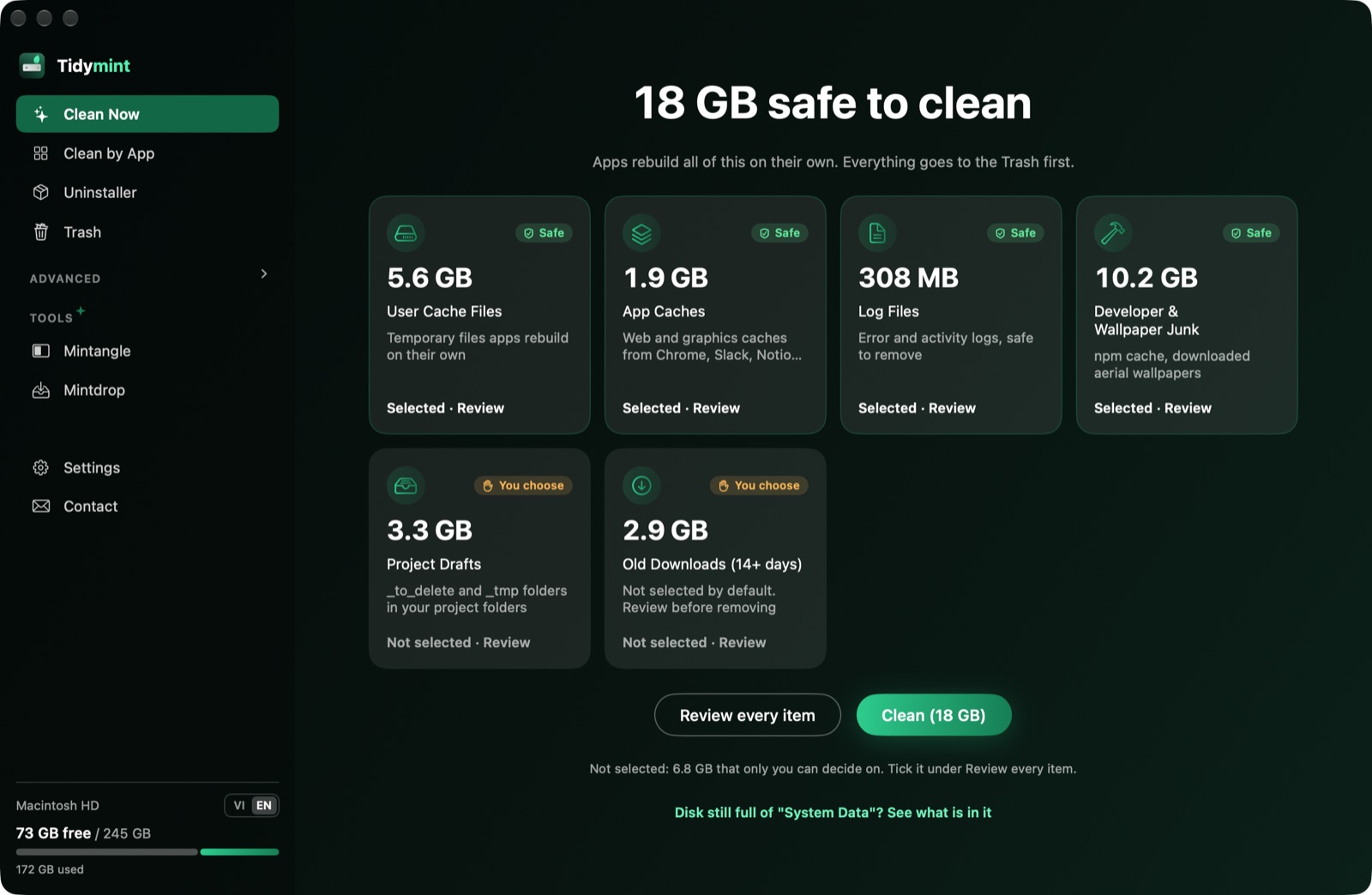
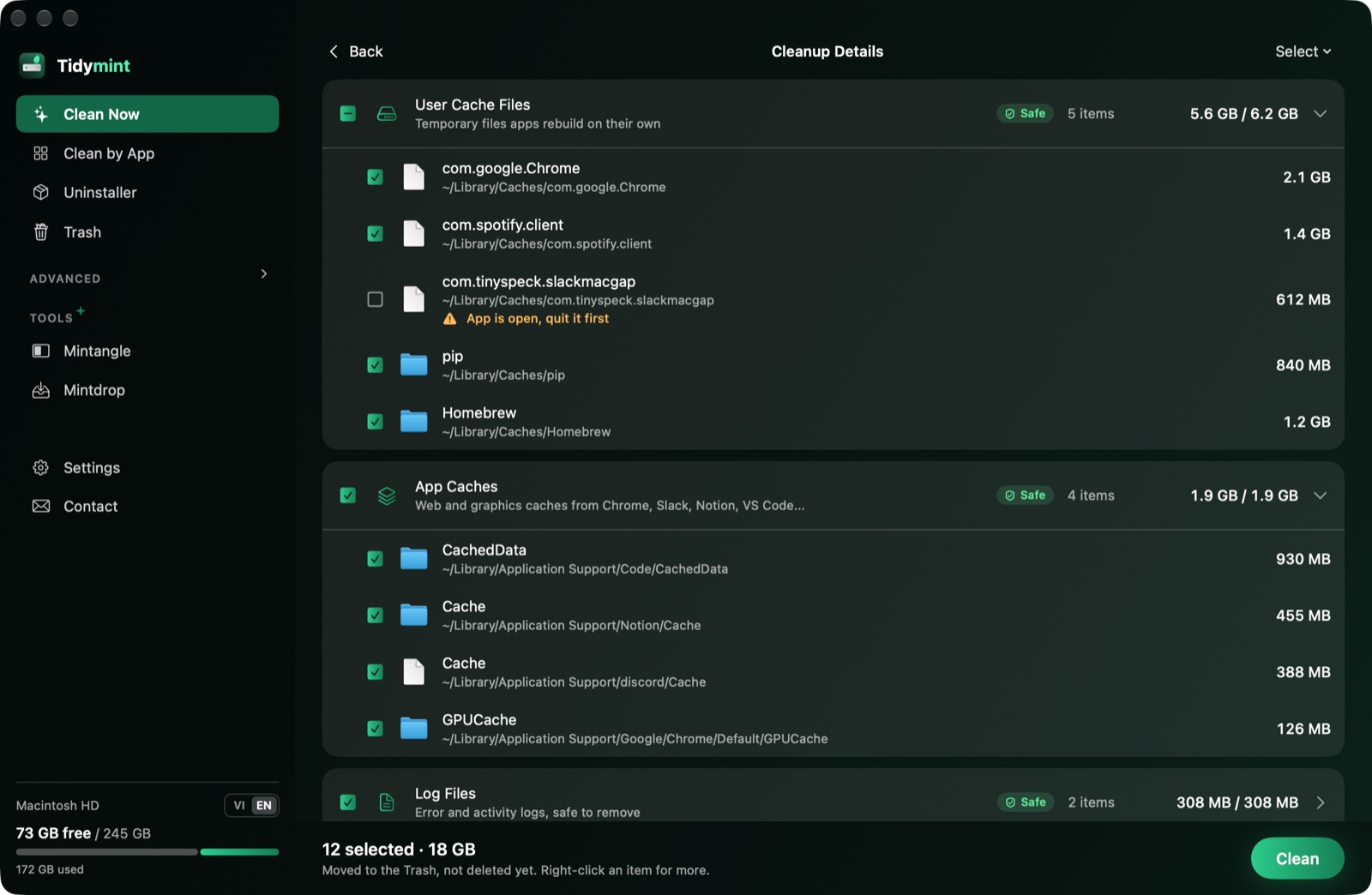
Free, open-source Mac cleaner for people who work with AI tools. Everything goes to the Trash first, with Undo. Cleans app caches, local AI models, old project libraries and duplicates.
Screenshots
How to install Tidymint on a Mac
- Get OpenDMG. It is a free app store for open source Mac apps. Download OpenDMG.
- Search for Tidymint and press Get. OpenDMG downloads version 0.5.2 from HaiTrung-Workspace's own GitHub release.
- Open it. The download is checked against its SHA-256 fingerprint and its signature is checked on your Mac before it lands in Applications.
Updates to Tidymint show up in OpenDMG and install with one button. No account is needed.
Prefer to do it by hand? The developer's file is on GitHub: Tidymint.zip (6.3 MB).
What is new in Tidymint 0.5.2
## What's new

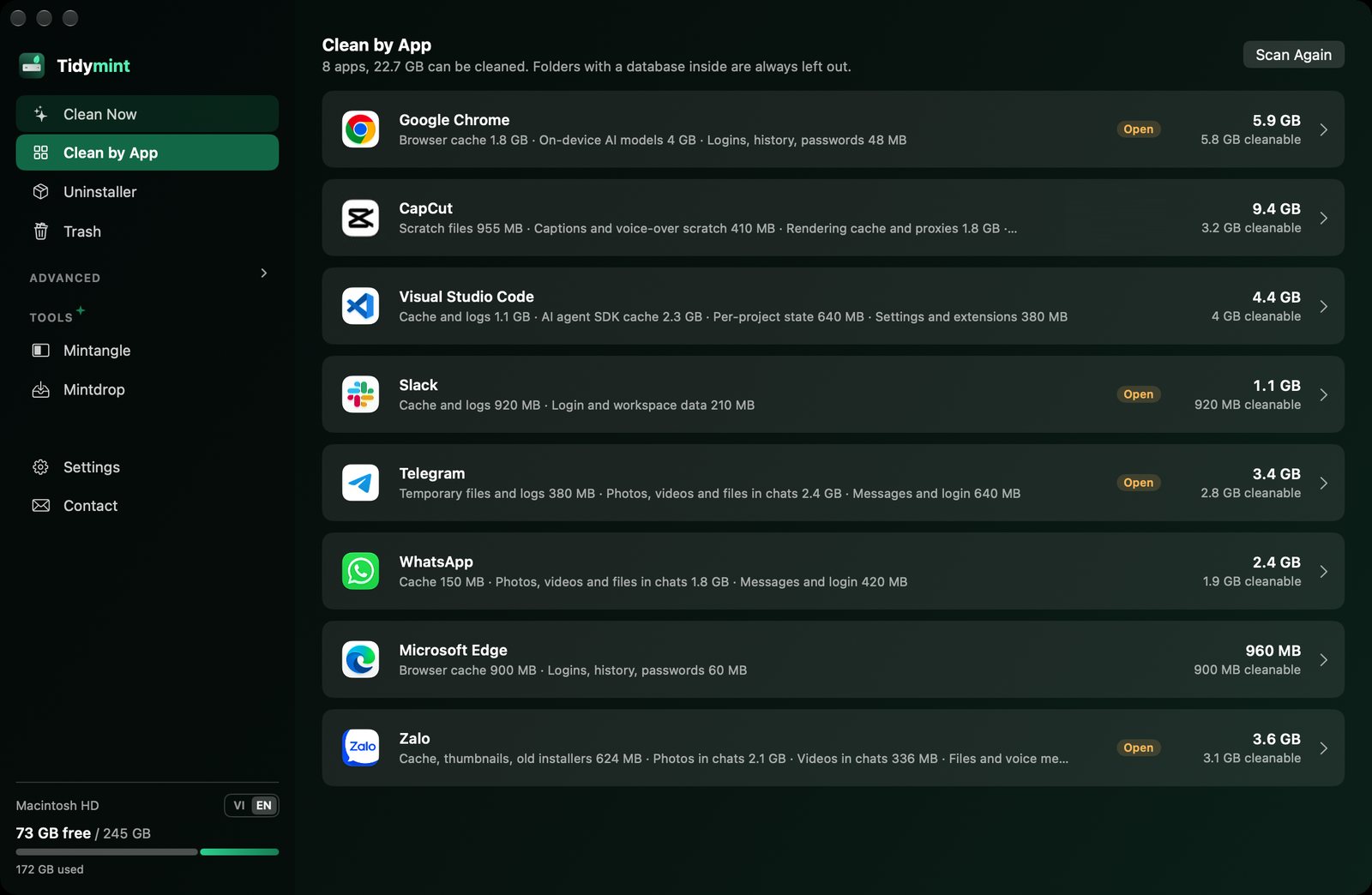
- New: Clean by App lists local AI models (Ollama, Hugging Face, LM Studio), one row per model. Files shared between models are shown apart and go only when every model using them is selected. Keys and sign-in tokens stay locked
- New: Clean Now finds libraries of projects left alone for 6 months (node_modules, Python environments, build folders) and Git working copies that Git or an AI coding tool left behind. Never ticked for you, and checked again the moment you clean
- New, off by default: when you drag an app to the Trash, Tidymint lists what the app left in Library. Nothing is ticked or removed for you. Turn it on in Settings
- Fix: the Uninstaller no longer ticks folders that belong to another installed app with a similar identifier
- Fix: Undo puts everything back when a folder and something inside it were cleaned together, and also restores broken shortcuts (symlinks). The Trash page counts hidden folders
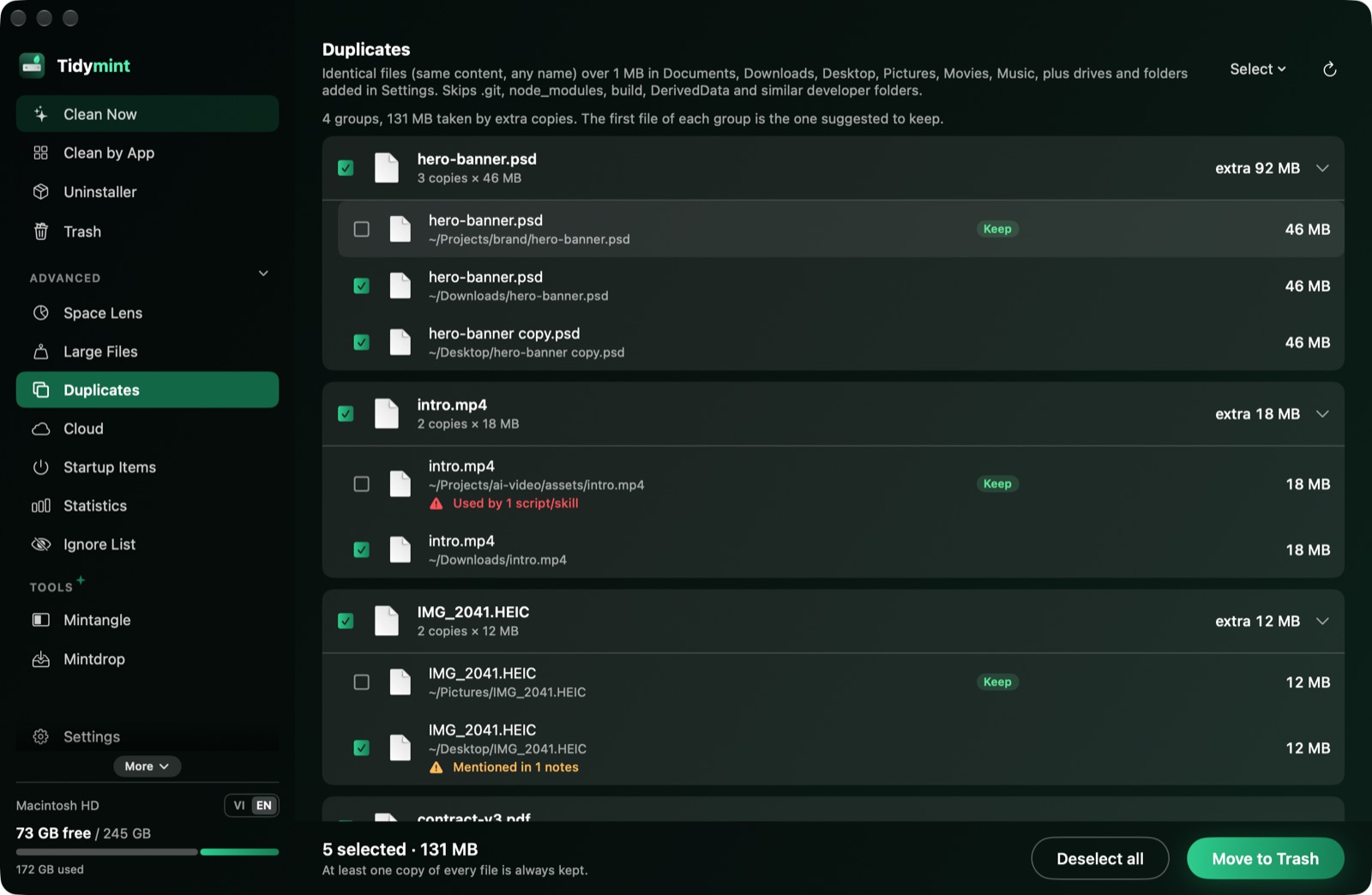
- Fix: in Duplicates, Select all extra copies says why when no copy can be picked, and two extra copies that share their data are picked together. Empty Trash names the app holding files open. Check for Updates confirms when you are on the latest version
…
More System Tools apps
-
 PearcleanerApp Cleaner and Uninstaller Tool
-
 PureMacFree open-source system cleaner with privacy protection
-
 OpenInTerminalFinder toolbar tool for opening the current folder in a terminal
-
 DockDoorWindow peeking for macOS
-
 DigUpSemantic search app that finds files by their contents
-
 LatestApp update checker that notifies you of available updates for installed applications