

TetherCam for Mac
Use your iPhone as a USB camera for Mac video calls and OBS.
By Kanevry. Free and open source.
TetherCam at a glance
- Version
- 0.4.0
- Released
- 10 September 2026
- Download size
- 2.8 MB
- Works on
- Apple silicon and Intel
- Category
- Utilities
- Developer
- Kanevry
- GitHub stars
- 15
About TetherCam
Use your iPhone as a USB camera for Mac video calls and OBS. Two free apps, no Wi-Fi or cloud. Open source.
Screenshots
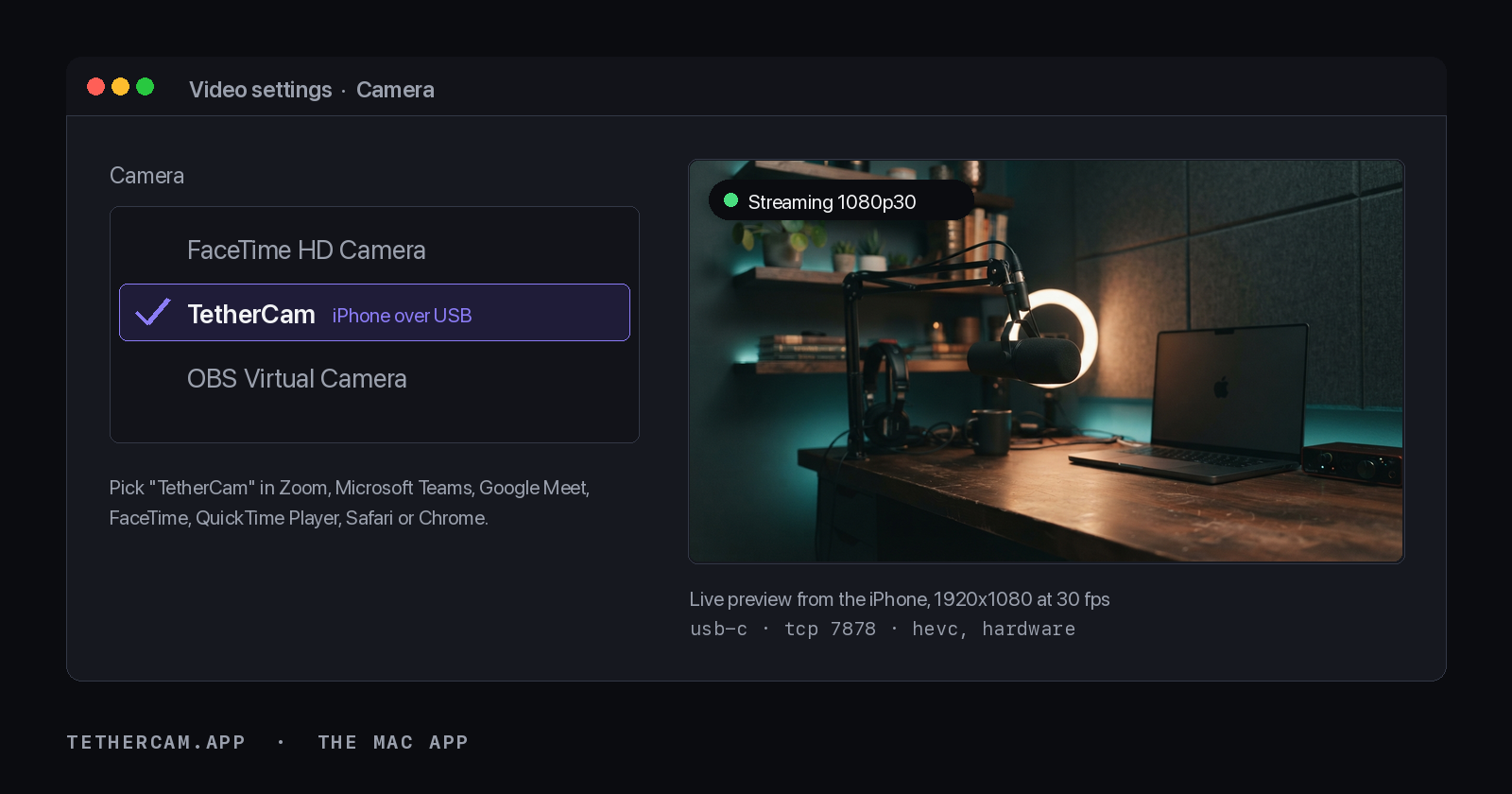
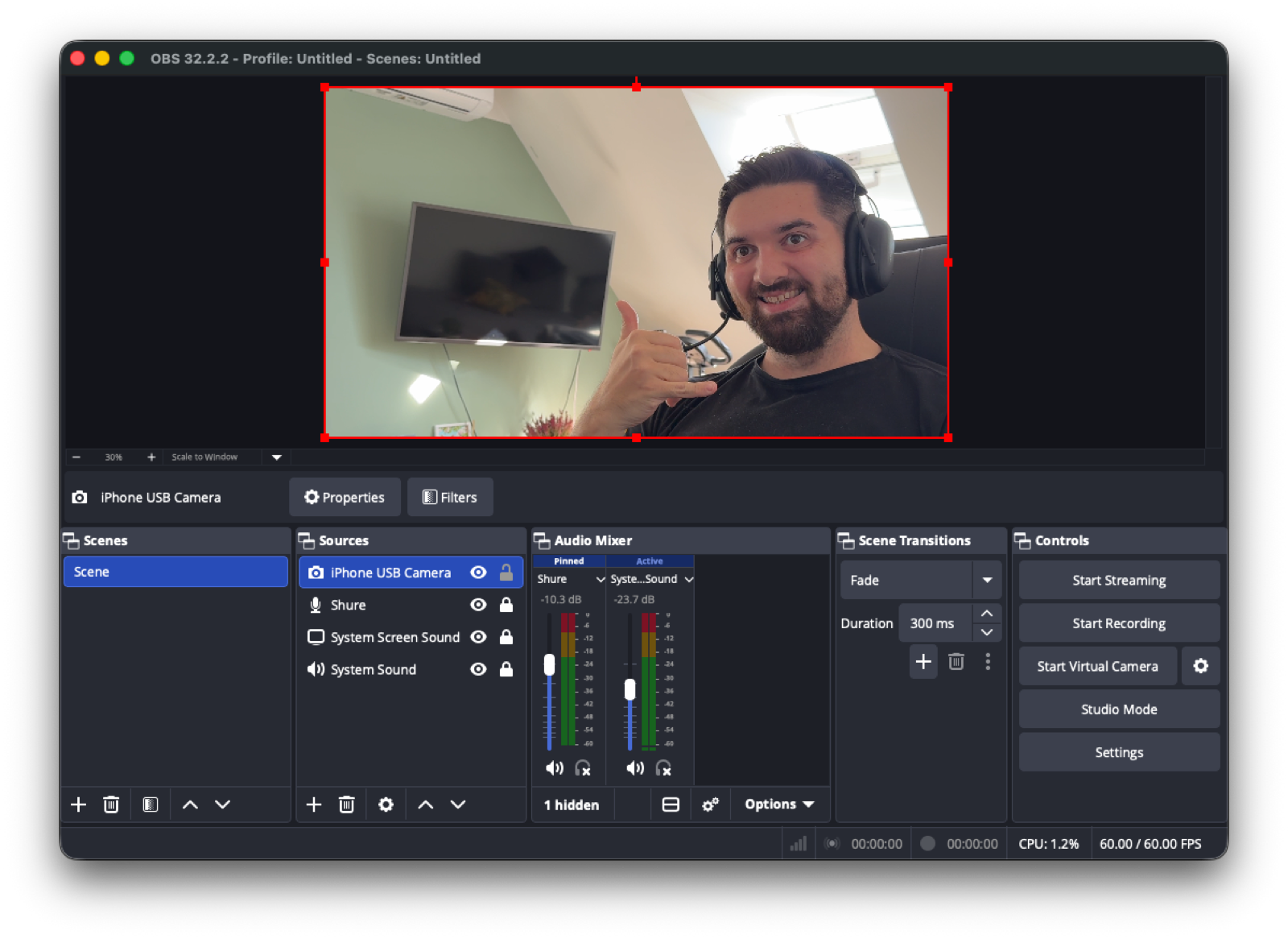
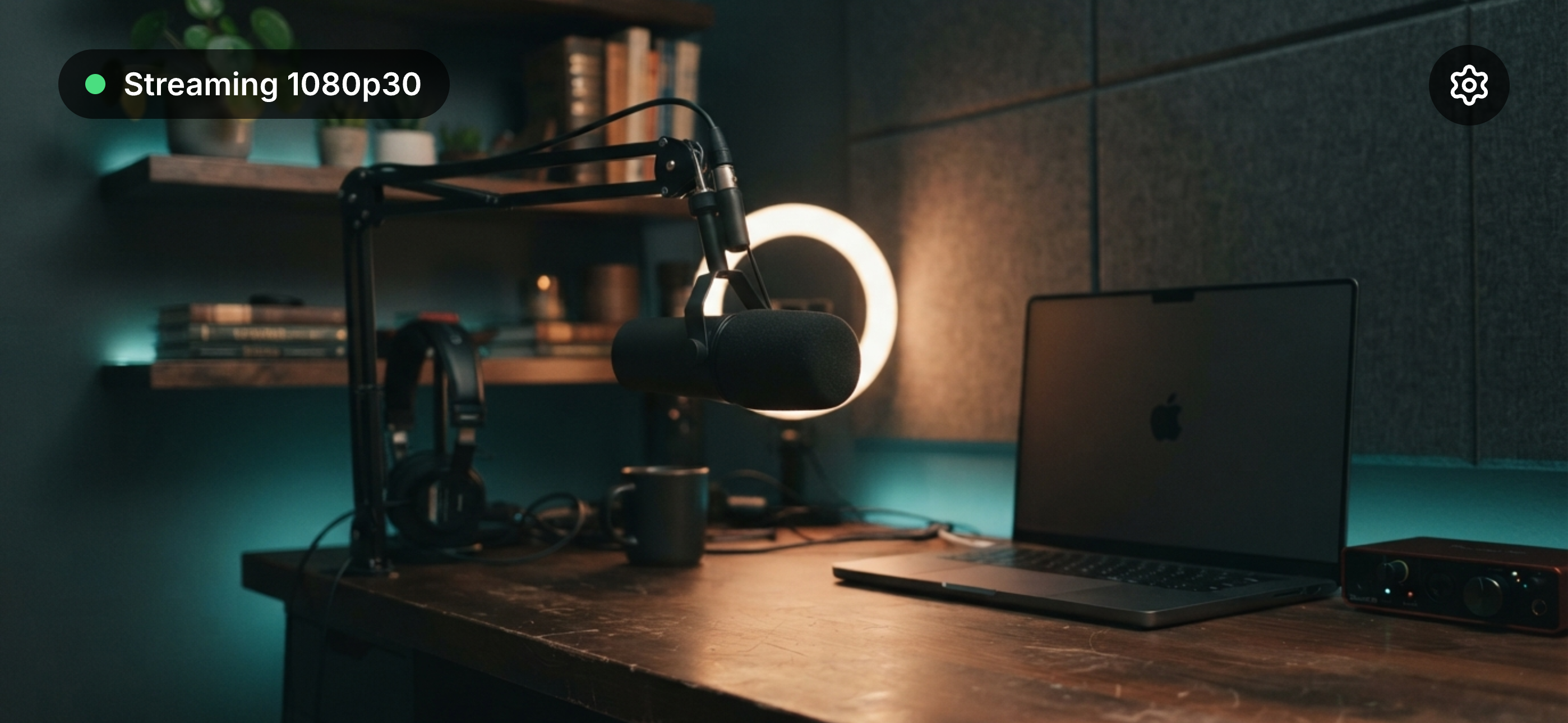
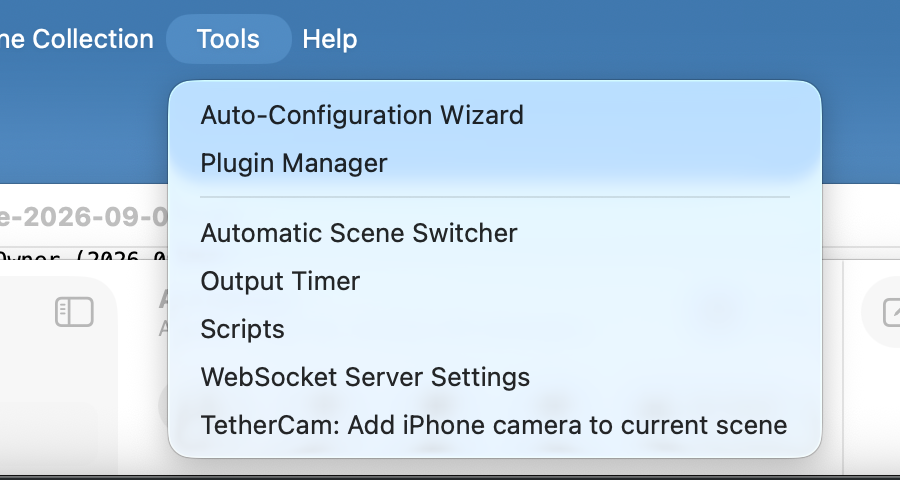
How to install TetherCam on a Mac
- Get OpenDMG. It is a free app store for open source Mac apps. Download OpenDMG.
- Search for TetherCam and press Get. OpenDMG downloads version 0.4.0 from Kanevry's own GitHub release.
- Open it. The download is checked against its SHA-256 fingerprint and its signature is checked on your Mac before it lands in Applications.
Updates to TetherCam show up in OpenDMG and install with one button. No account is needed.
Prefer to do it by hand? The developer's file is on GitHub: TetherCam-mac.dmg (2.8 MB).
What is new in TetherCam 0.4.0
### Added

- **Mac app: the camera extension can be restarted from the menu.** After an install
 or an update of the camera extension the app now waits up to 10 seconds for the
 camera device to appear. If macOS started no device — the known launchd race on an
 in-place extension replacement, where the new job is rejected with `EALREADY` while
 the old one is still being torn down — the menu and the setup guide say so instead
 of showing a camera that does not exist, and offer "Restart camera extension"
 (deactivate, then activate again). The presence of the device is re-checked every
 time the menu opens, and the new transient state "Checking the camera device…"
 makes the wait visible. (#32)
- **Mac app: update check.** Once a day at launch the app asks
 `api.github.com/repos/.../releases/latest` whether a newer version exists; the menu
 then shows "Update available: x.y.z" with a link to the release. Settings gain
 "Check for updates now" and a switch "Check for updates automatically", the check
 is off in headless runs, and only `https://github.com` release URLs are ever
 opened. The privacy page names the request. (#27)

### Changed

- **Mac app: the menu is structured.** Status block, Setup guide, the submenus
 "Camera extension" and "Settings", the version, Quit — instead of one flat list.
- **Mac app: the sink authorization stays open, on purpose.** Measured with a
…
More Utilities apps
-
 VorssaintAn open-source, free, and local toolkit that integrates functions such as preventing…
-
 BetterDisplayDisplay management tool with HiDPI scaling, PiP, and EDID controls
-
 MosSmooth your mouse's scrolling and reverse the mouse scroll direction
-
 EasydictmacOS instant translator — type/select/screenshot, multi-service, zero setup
-
 OpenHaystackOpen-source tracker for finding Bluetooth devices through Apple's Find My network
-
 OrkasOrkas is an open-source (MIT), local-first AI team for your desktop: a Commander turns…