
Tendbar for Mac
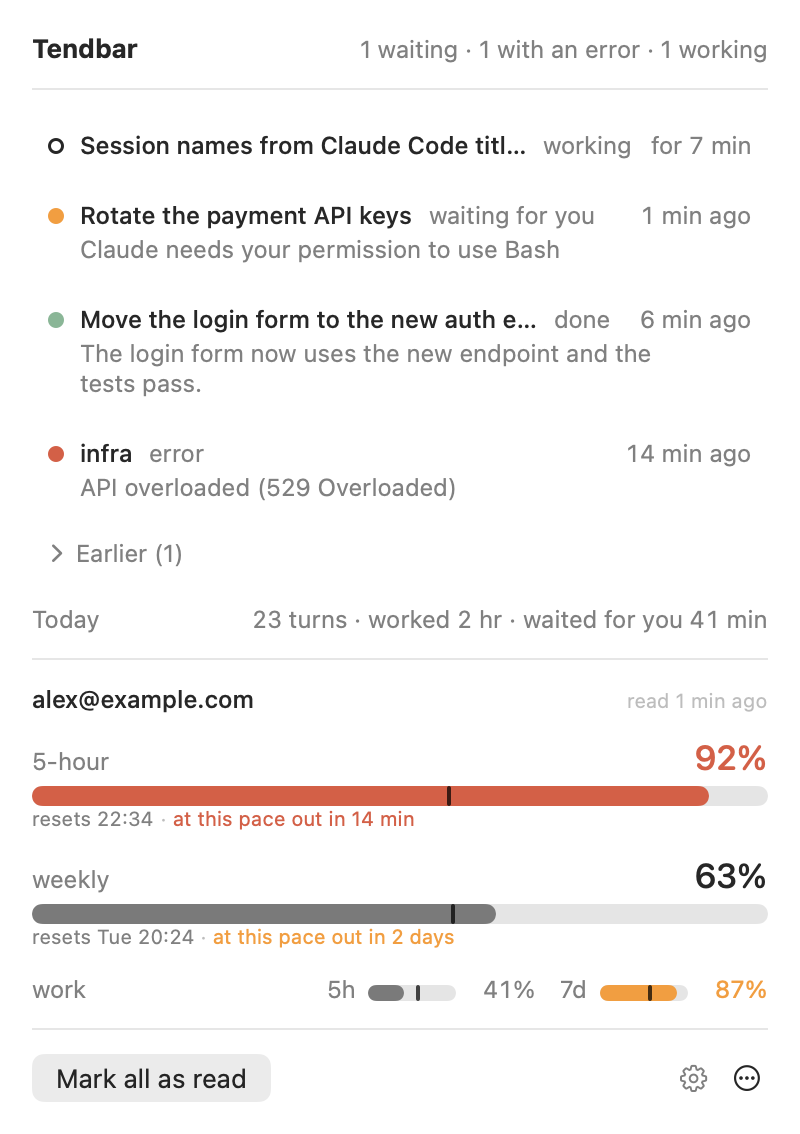
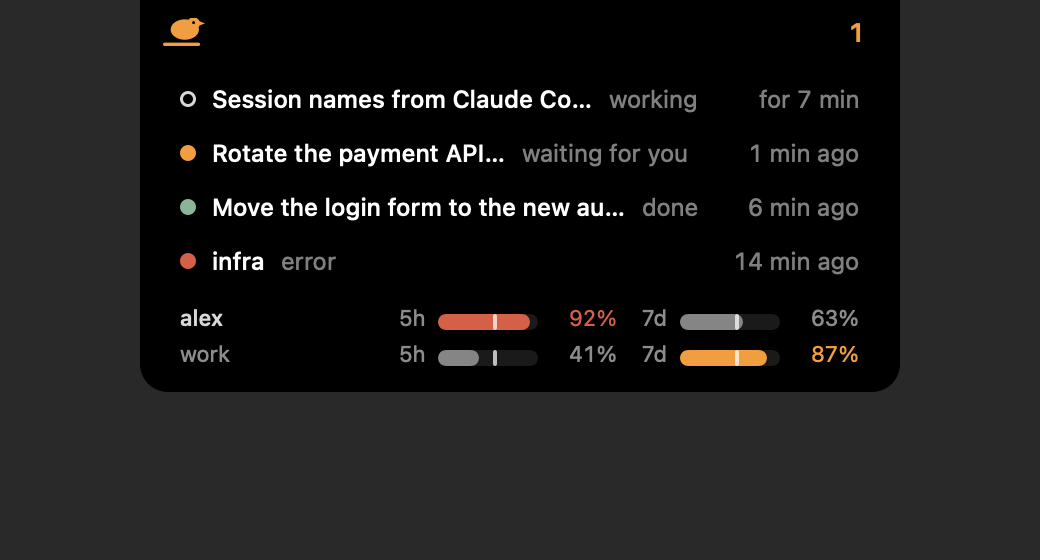
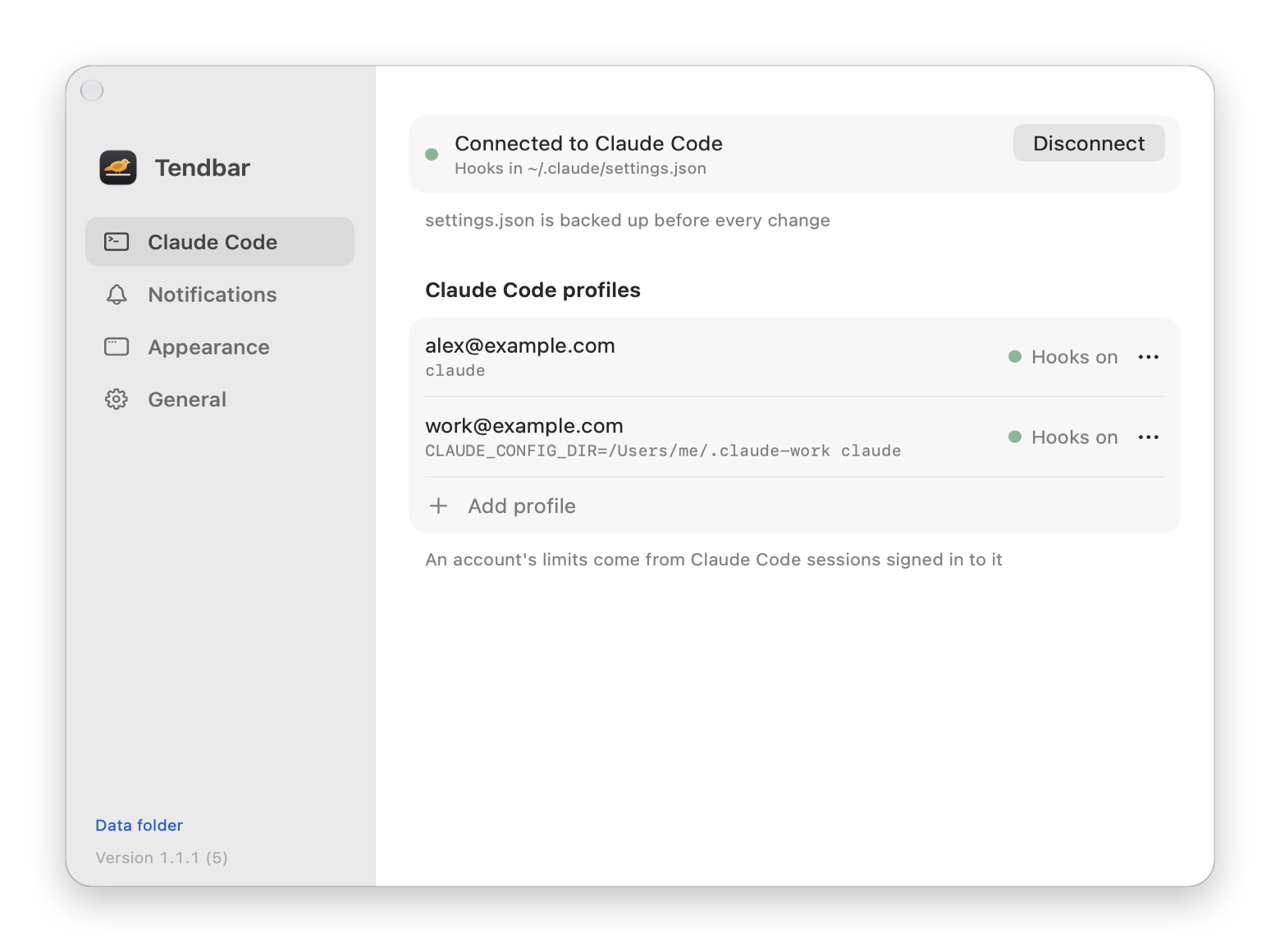
Menu bar app for monitoring Claude Code sessions, permissions, usage, and activity.
By DabuSoft-pl. Free and open source, MIT licence.
Tendbar at a glance
- Version
- 1.1.14
- Released
- 17 November 2026
- Download size
- 3.4 MB
- Works on
- Apple silicon and Intel
- Licence
- MIT
- Category
- Artificial Intelligence
- Developer
- DabuSoft-pl
- GitHub stars
- 2
About Tendbar
macOS menu bar app that watches your Claude Code sessions
Screenshots
How to install Tendbar on a Mac
- Get OpenDMG. It is a free app store for open source Mac apps. Download OpenDMG.
- Search for Tendbar and press Get. OpenDMG downloads version 1.1.14 from DabuSoft-pl's own GitHub release.
- Open it. The download is checked against its SHA-256 fingerprint and its signature is checked on your Mac before it lands in Applications.
Updates to Tendbar show up in OpenDMG and install with one button. No account is needed.
Prefer to do it by hand? The developer's file is on GitHub: Tendbar-1.1.14.dmg (3.4 MB).
What is new in Tendbar 1.1.14
Fix: in sessions where Claude answers through a background agent, "done" now arrives about 3 seconds after the answer instead of about 20 seconds (the wait stays only until the agent has finished in that turn).
More Artificial Intelligence apps
-
 CodexBarShow usage stats for OpenAI Codex and Claude Code, without having to login
-
 CodeBurnTracks token usage, cost, and performance across 25 AI agents with per-task breakdowns
-
 OsaurusLocal LLM server and AI infrastructure with menu bar, CLI, and shared tools
-
 QuotioAI subscription manager with quota tracking and automatic failover
-
 Claude Usage TrackerTrack the usage of Claude Code
-
 VibeProxyMenu bar app to use existing Claude, ChatGPT, and other subscriptions with AI coding…