
TaskTick for Mac
Scheduled task manager for running scripts with flexible schedules, logs, and notifications.
By lifedever. Free and open source, GPL-3.0 licence.
TaskTick at a glance
- Version
- 1.25.0
- Released
- 24 September 2026
- Download size
- 3.7 MB
- Works on
- Apple silicon and Intel
- Licence
- GPL-3.0
- Category
- Productivity
- Developer
- lifedever
- GitHub stars
- 478
About TaskTick
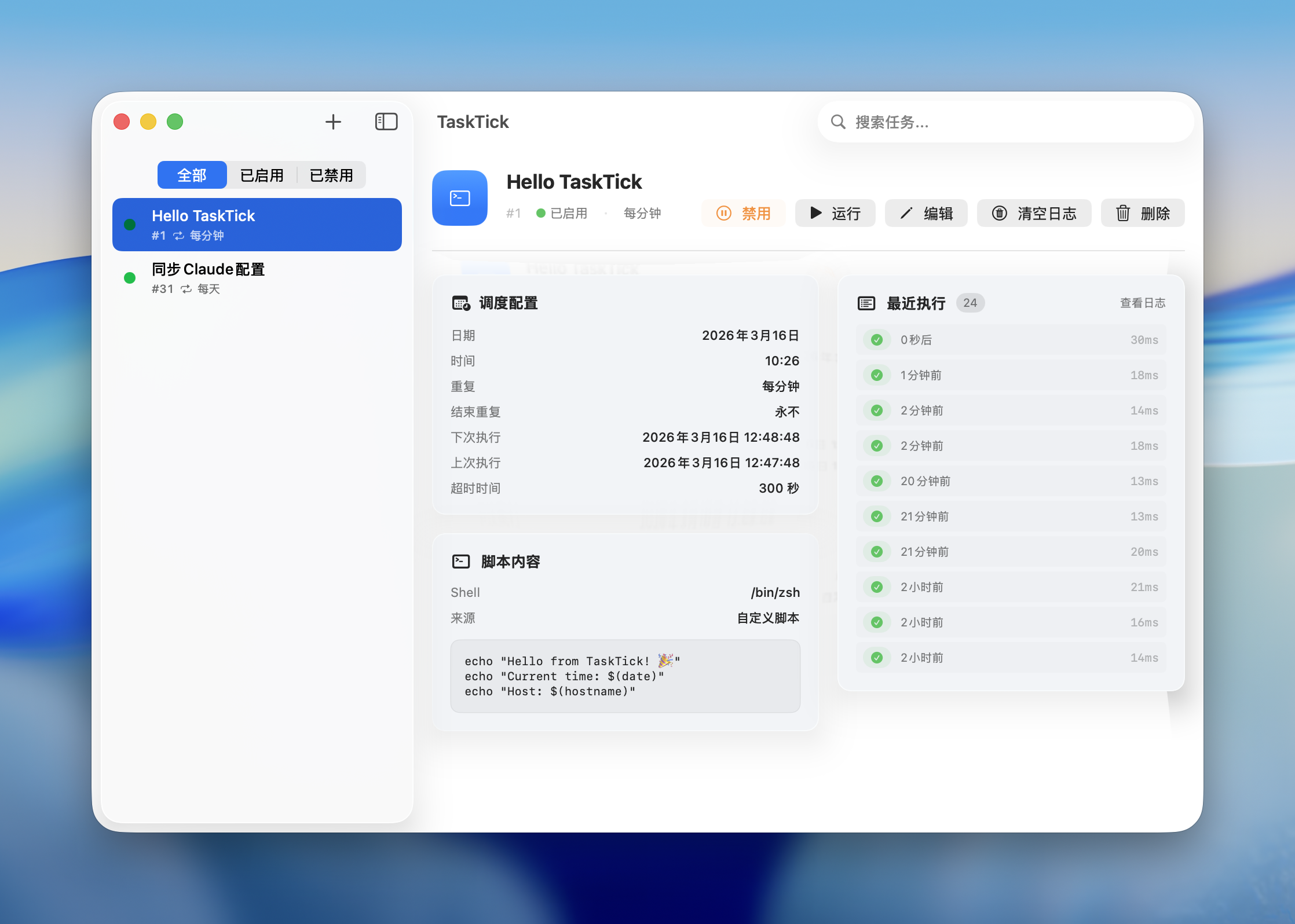
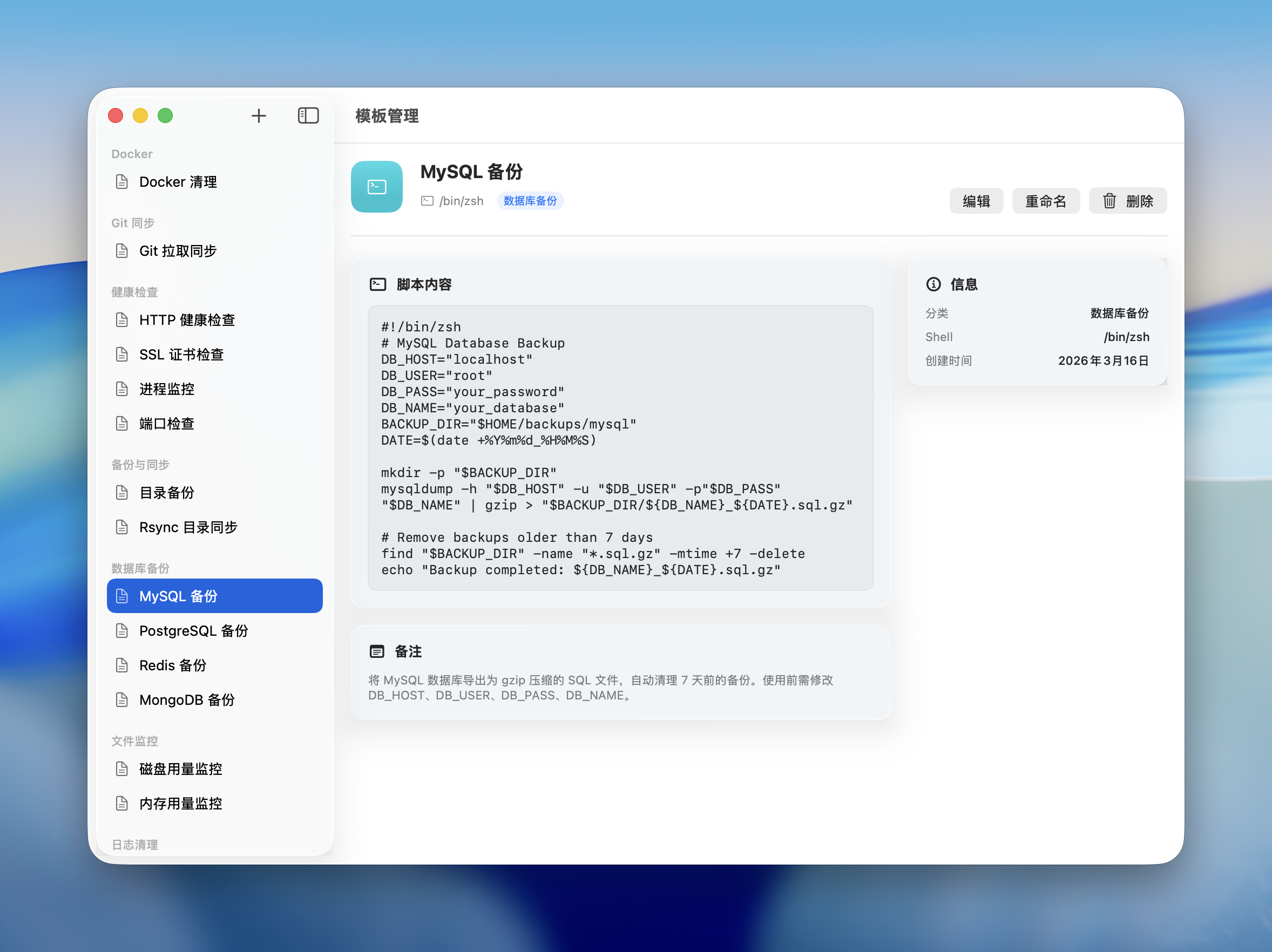
A native macOS app for managing scheduled tasks. Built with SwiftUI + SwiftData. Menu bar resident, cron expressions, script execution, and more.
Screenshots
How to install TaskTick on a Mac
- Get OpenDMG. It is a free app store for open source Mac apps. Download OpenDMG.
- Search for TaskTick and press Get. OpenDMG downloads version 1.25.0 from lifedever's own GitHub release.
- Open it. The download is checked against its SHA-256 fingerprint and its signature is checked on your Mac before it lands in Applications.
Updates to TaskTick show up in OpenDMG and install with one button. No account is needed.
Prefer to do it by hand? The developer's files are on GitHub: TaskTick-1.25.0-arm64.dmg (3.7 MB), TaskTick-1.25.0-x86_64.dmg (3.9 MB).
What is new in TaskTick 1.25.0
## What's Changed

### Notifications and push are set up separately

The task editor has a new Push tab with its own switches — Push on Success, Push on Failure, Push Only When Output Exists — and its own custom content, independent of the Notification tab. Before, the success / failure switches only affected the macOS notification, while push went out on every run. (#55)

Existing tasks keep pushing exactly as before.

### Editor tabs no longer run off the screen

A tab taller than the screen (the Schedule tab with a cron expression, for example) pushed the bottom of the window, Save button included, off the display with no way to scroll to it. Tabs now stop at the screen's height and scroll inside, and the window moves back up when its bottom would end up below the screen. The Settings window gets the same fix. (#55)

---

## 更新内容

### 通知和推送分开设置

任务编辑器新增「推送」tab,有自己的开关:成功时推送、失败时推送、仅在有输出时推送,也能单独自定义推送内容,和「通知」tab 互不影响。以前「成功时通知 / 失败时通知」只管系统通知,推送每次运行都会发。(#55)

已有任务升级后推送照旧。

### 编辑器选项卡不再超出屏幕

选项卡比屏幕高时(比如用 Cron 表达式的调度页),窗口底部连同保存按钮会跑到屏幕外,也滚不上来。现在选项卡最高到屏幕高度,超出的部分在里面滚动;窗口底部要出屏时会自动上移。设置窗口一起修好了。(#55)

**Full Changelog**: https://github.com/lifedever/TaskTick/compare/v1.24.1...v1.25.0
More Productivity apps
-
 MaccyLightweight search-as-you-type clipboard manager
-
 AltTabBrings the Windows Alt-Tab functionality to macOS
-
 ClipyClipy is a Clipboard extension app for macOS
-
 TinycastLightweight native launcher with app search, clipboard management, window controls, and…
-
 FSNotesNotes manager for macOS/iOS: modern notational velocity (nvALT) on steroids
-
 OpenDisplayTurn spare Apple devices into second monitors — true extended display over USB or WiFi