
Tarn for Mac
Calm menu bar app for focus and breathing: work in focused rounds, then breathe like still water.
By jakeantelis. Free and open source, MIT licence.
Tarn at a glance
- Version
- 0.3.2
- Released
- 2 November 2026
- Download size
- 17 MB
- Works on
- Apple silicon and Intel
- Licence
- MIT
- Category
- Productivity
- Developer
- jakeantelis
- GitHub stars
- 2
About Tarn
A calm Mac menu bar app for focus and breathing. Free and open source.
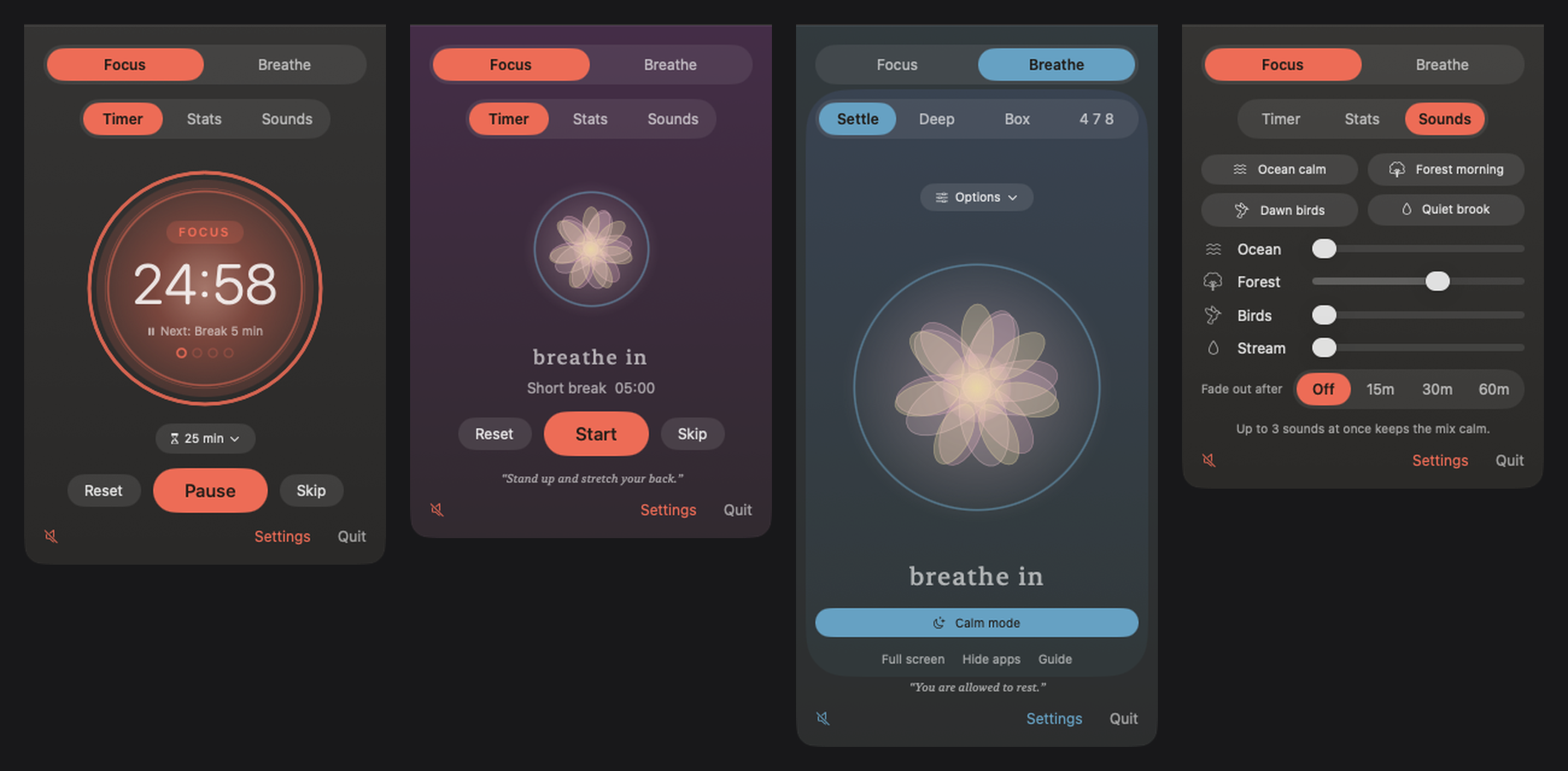
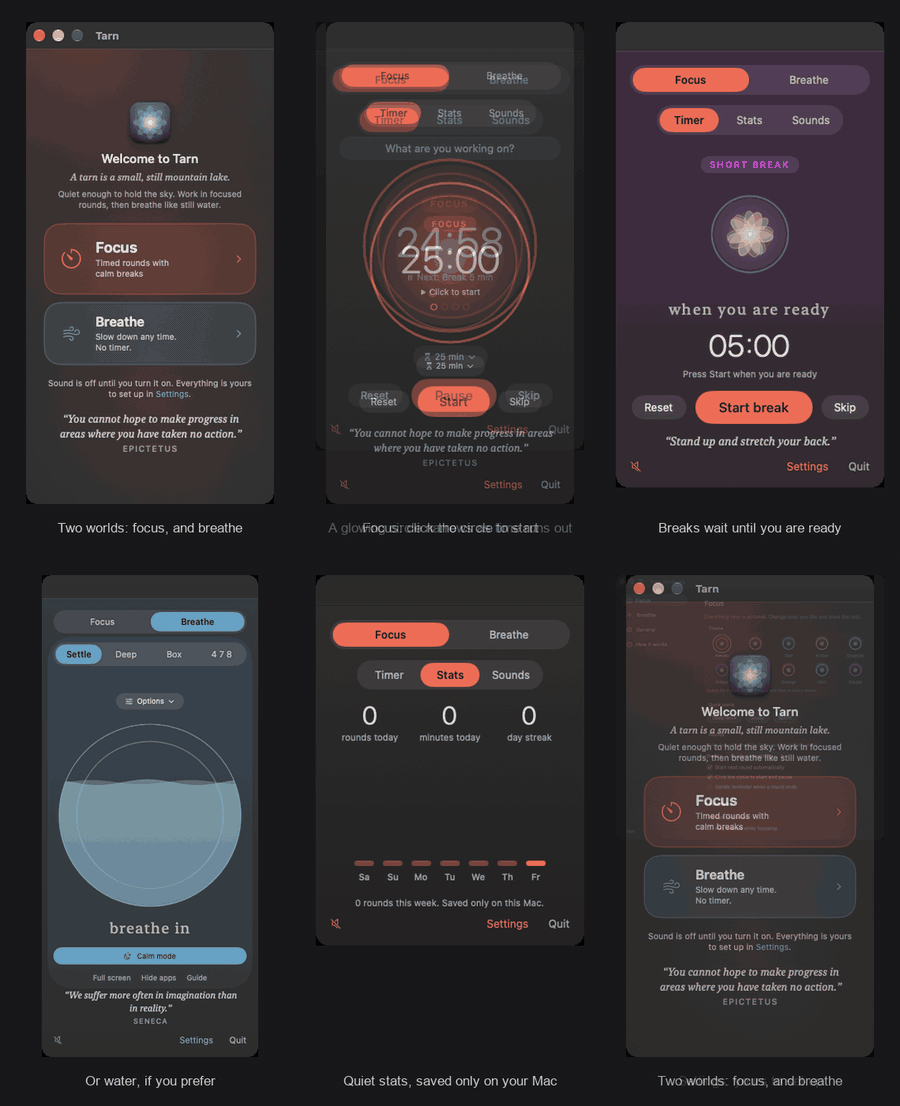
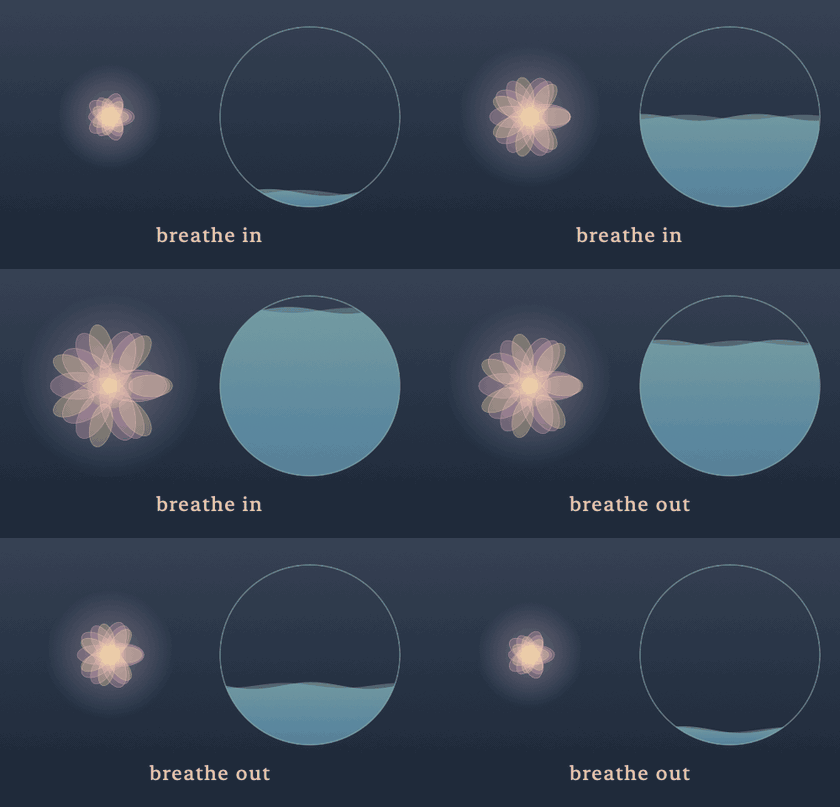
Screenshots
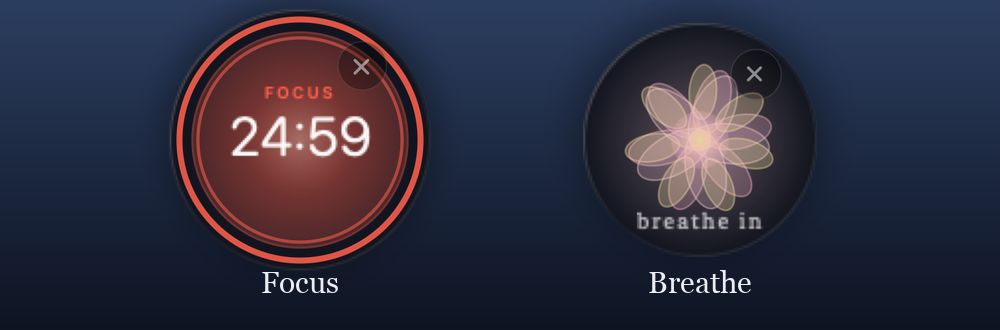
How to install Tarn on a Mac
- Get OpenDMG. It is a free app store for open source Mac apps. Download OpenDMG.
- Search for Tarn and press Get. OpenDMG downloads version 0.3.2 from jakeantelis's own GitHub release.
- Open it. The download is checked against its SHA-256 fingerprint and its signature is checked on your Mac before it lands in Applications.
Updates to Tarn show up in OpenDMG and install with one button. No account is needed.
Prefer to do it by hand? The developer's file is on GitHub: Tarn.dmg (17 MB).
What is new in Tarn 0.3.2
More choice, and a gentler start.

- Focus rounds can be any length from 1 to 180 minutes: choose Other in the length menu or in Settings, Focus. A new After a round setting lets a round simply stop, with no break
- New Dock icons: choose Classic, Slate, Sage, Dusk, Sand or Night in Settings, General
- Guided meditation now starts with a few quiet seconds of nature before the welcome is spoken
- The Nature calm sound starts with the ocean
More Productivity apps
-
 MaccyLightweight search-as-you-type clipboard manager
-
 AltTabBrings the Windows Alt-Tab functionality to macOS
-
 TinycastLightweight native launcher with app search, clipboard management, window controls, and…
-
 ClipyClipy is a Clipboard extension app for macOS
-
 FSNotesNotes manager for macOS/iOS: modern notational velocity (nvALT) on steroids
-
 OpenDisplayTurn spare Apple devices into second monitors — true extended display over USB or WiFi