

Tameo for Mac
A modern, privacy-first clipboard manager — a clean-room successor to Clipy.
By supergodak. Free and open source, MIT licence.
Tameo at a glance
- Version
- 0.1.13
- Released
- 27 July 2026
- Download size
- 3.5 MB
- Works on
- Apple silicon and Intel
- Licence
- MIT
- Category
- Productivity
- Developer
- supergodak
- GitHub stars
- 10
About Tameo
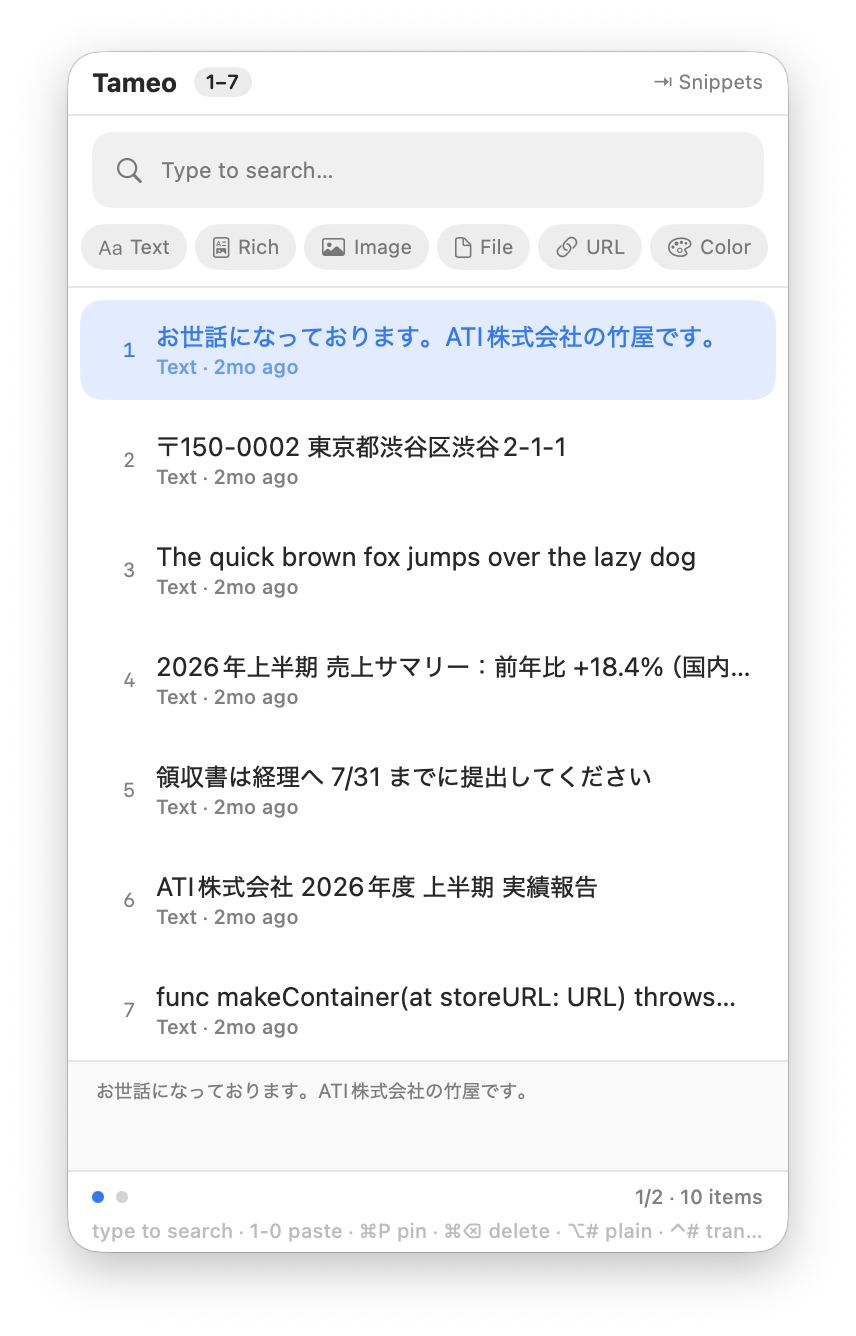
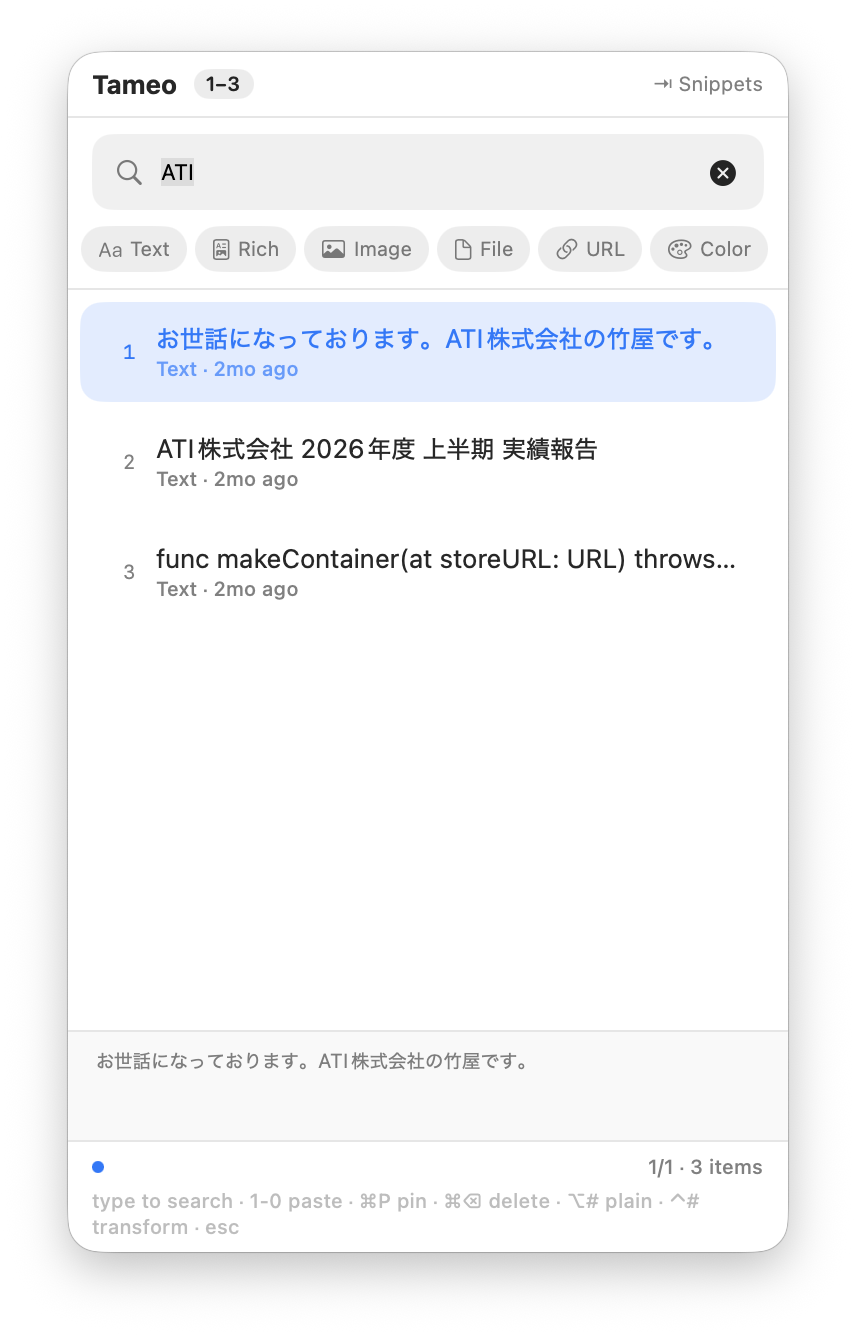
Privacy-first, Apple-Silicon-native clipboard manager for macOS — history search, on-device image OCR, snippets. Clean-room successor to Clipy.
Screenshots
How to install Tameo on a Mac
- Get OpenDMG. It is a free app store for open source Mac apps. Download OpenDMG.
- Search for Tameo and press Get. OpenDMG downloads version 0.1.13 from supergodak's own GitHub release.
- Open it. The download is checked against its SHA-256 fingerprint and its signature is checked on your Mac before it lands in Applications.
Updates to Tameo show up in OpenDMG and install with one button. No account is needed.
Prefer to do it by hand? The developer's file is on GitHub: Tameo.dmg (3.5 MB).
What is new in Tameo 0.1.13
**Items no longer get stranded on an invisible next page.** With 8 snippet folders, the 8th was pushed to page 2 and looked like it had vanished. Snippets now show 8 per page, and a **"… N more →"** line sits under the list so you can tell there's more.

**Arrow keys now mean one thing.** ← and → page in every view. Opening a folder or pasting is **⏎ or a number key**, and **esc** goes up a level. Previously → doubled as "open folder" in the snippet list, which left that view with no way to page.

Also fixed the key hints at the bottom of the history palette being cut off.

---

Requires macOS 14 (Sonoma) or later. Signed with ATI K.K.'s Developer ID and notarized by Apple.
More Productivity apps
-
 MaccyLightweight search-as-you-type clipboard manager
-
 AltTabBrings the Windows Alt-Tab functionality to macOS
-
 ClipyClipy is a Clipboard extension app for macOS
-
 TinycastLightweight native launcher with app search, clipboard management, window controls, and…
-
 FSNotesNotes manager for macOS/iOS: modern notational velocity (nvALT) on steroids
-
 OpenDisplayTurn spare Apple devices into second monitors — true extended display over USB or WiFi