

Swooshy for Mac
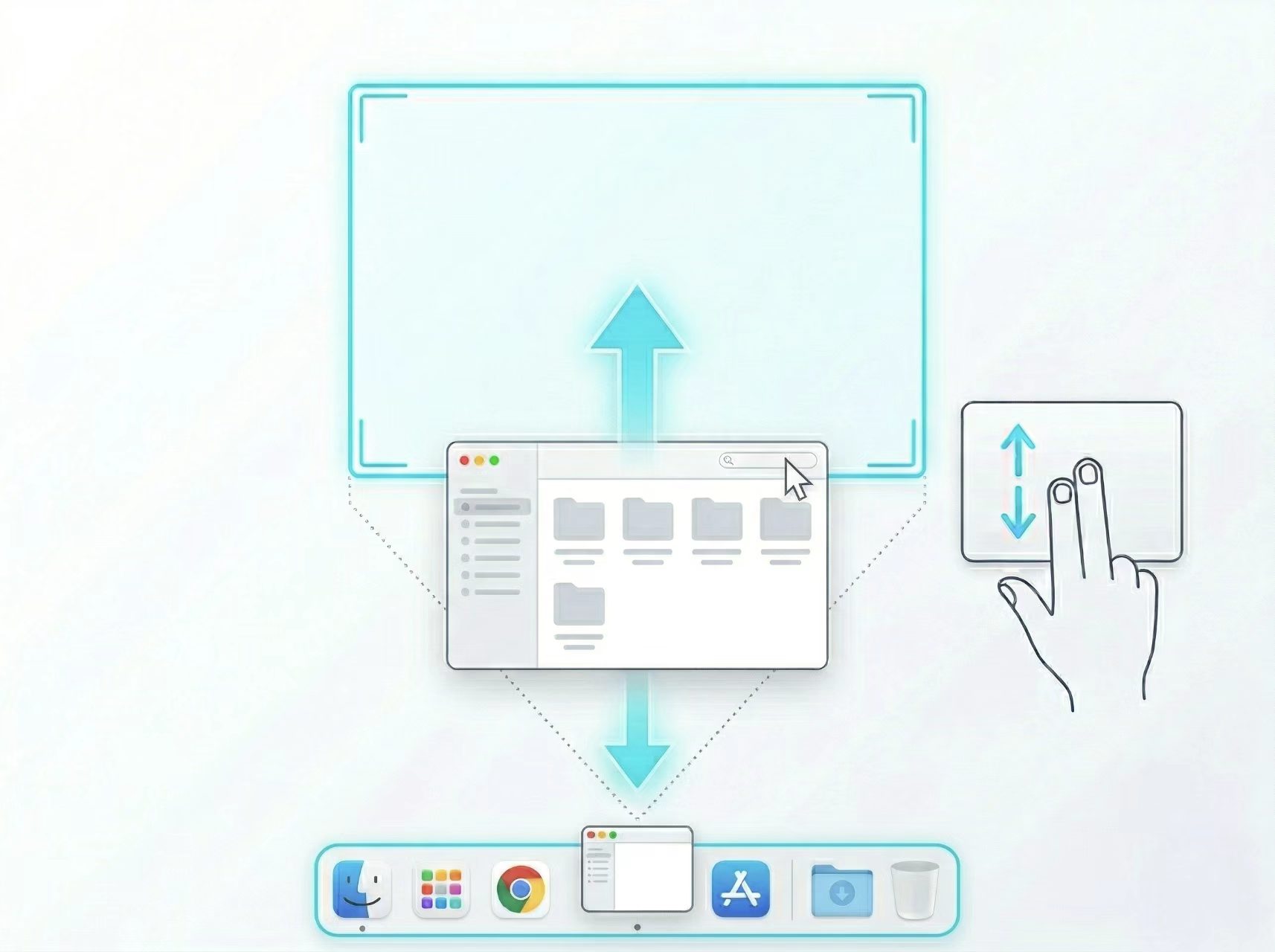
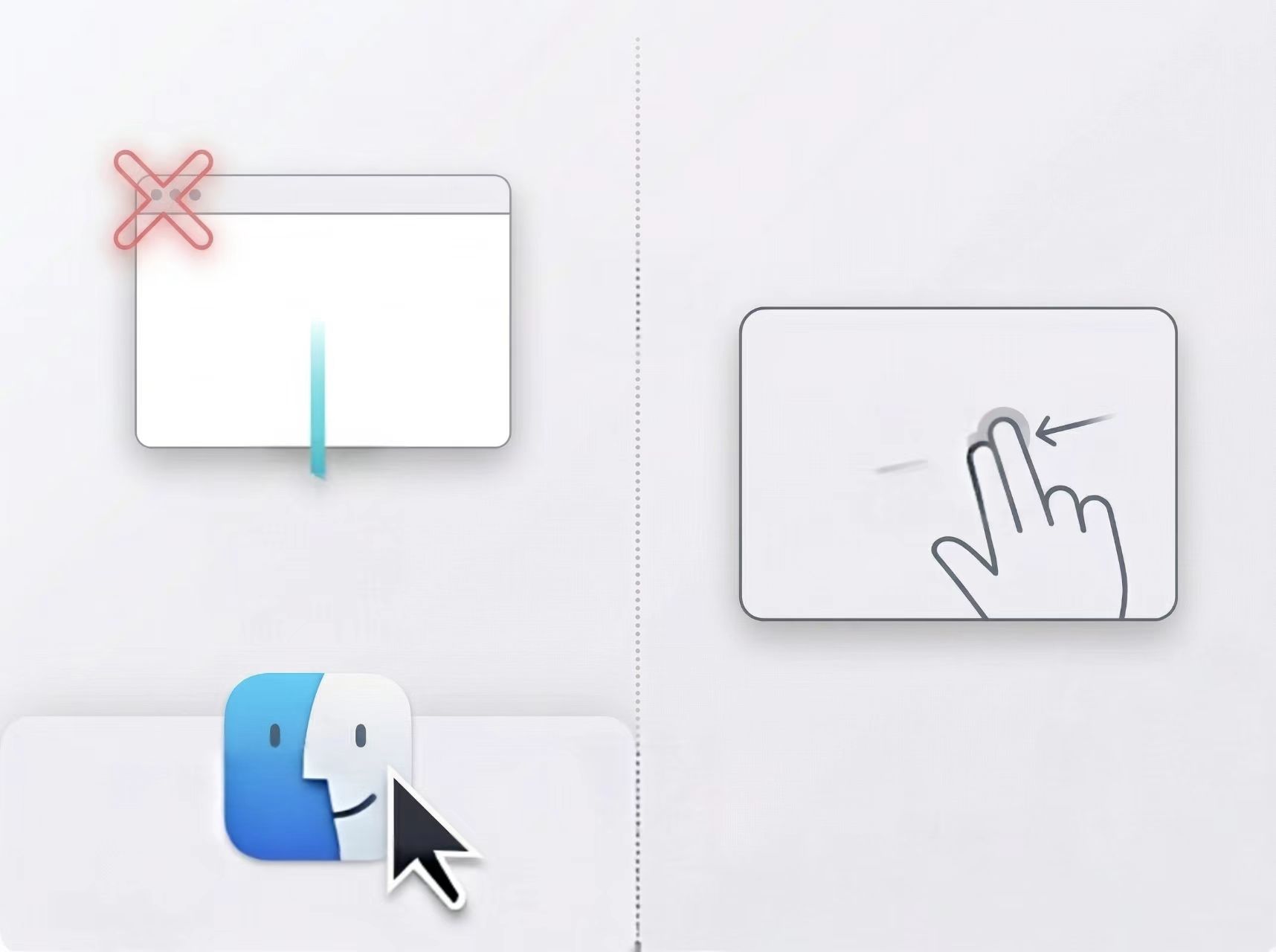
Trackpad gesture and shortcut tool for quick window actions with customizable mappings.
By xiamiyu123. Free and open source.
Swooshy at a glance
- Version
- 2.6.17
- Released
- 12 August 2026
- Download size
- 4.8 MB
- Works on
- Apple silicon and Intel
- Category
- Windows and Keyboard
- Developer
- xiamiyu123
- GitHub stars
- 55
Screenshots


How to install Swooshy on a Mac
- Get OpenDMG. It is a free app store for open source Mac apps. Download OpenDMG.
- Search for Swooshy and press Get. OpenDMG downloads version 2.6.17 from xiamiyu123's own GitHub release.
- Open it. The download is checked against its SHA-256 fingerprint and its signature is checked on your Mac before it lands in Applications.
Updates to Swooshy show up in OpenDMG and install with one button. No account is needed.
Prefer to do it by hand? The developer's file is on GitHub: Swooshy-macOS-v2.6.17.zip (4.8 MB).
What is new in Swooshy 2.6.17
本次更新新增手势 HUD 位置设置,支持跟随指针、当前屏幕顶部居中和自定义偏移,方便避开其他界面遮挡。

This update adds configurable gesture HUD placement, with options to follow the pointer, stay centered at the top of the current display, or use a custom offset to avoid overlapping other UI.
More Windows and Keyboard apps
-
 RectangleRectangle is a window manager heavily based on Spectacle, written in Swift
-
 AeroSpaceAeroSpace is an i3-like tiling window manager for macOS
-
 AmethystAutomatic tiling window manager for macOS
-
 LoopWindow management made elegant
-
 FlashSpaceEnhance and replace the native Spaces functionality of macOS
-
 OmniWMA Flexible and Modern Tiling Window Manager