

Strata Files for Mac
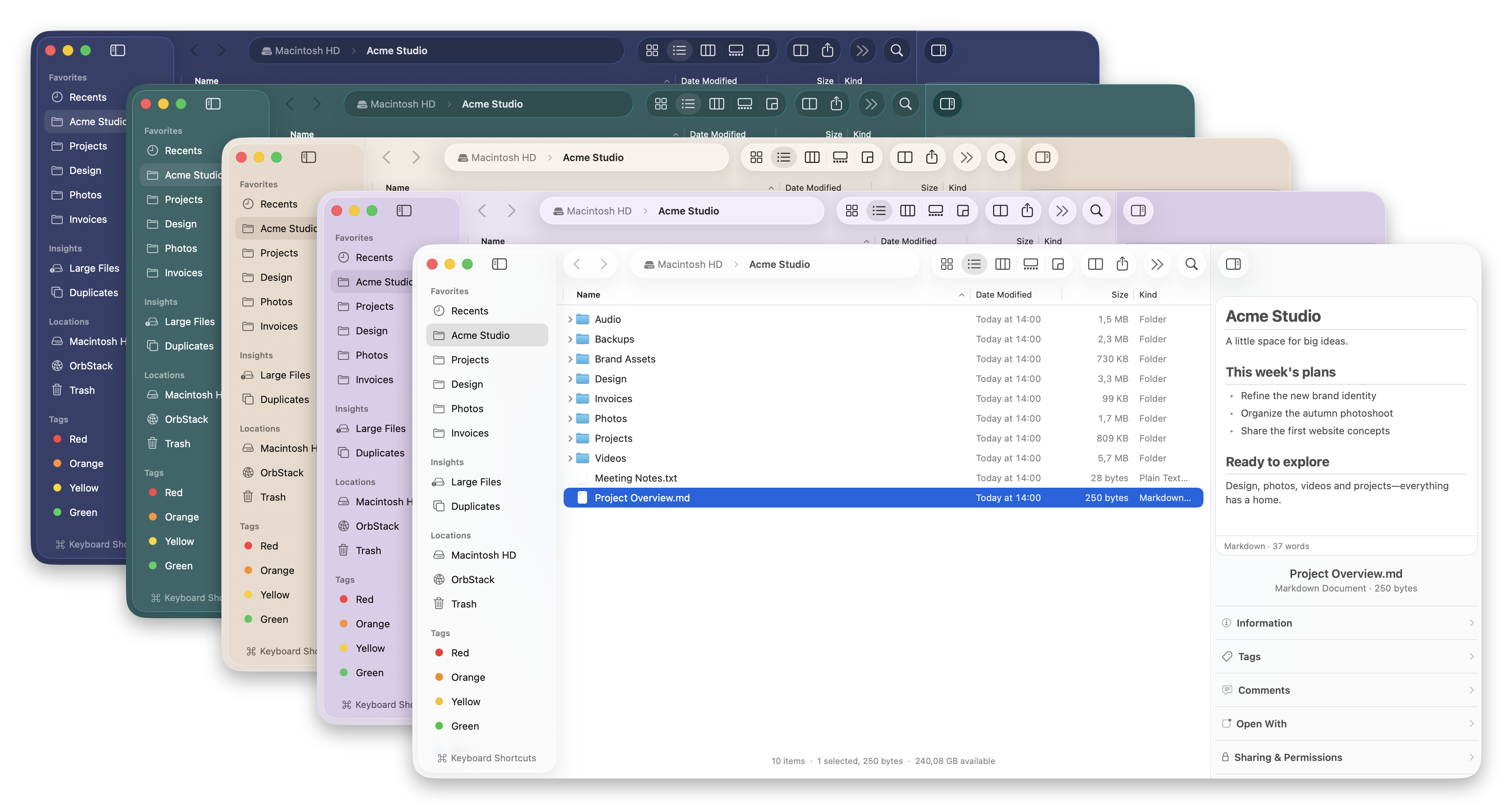
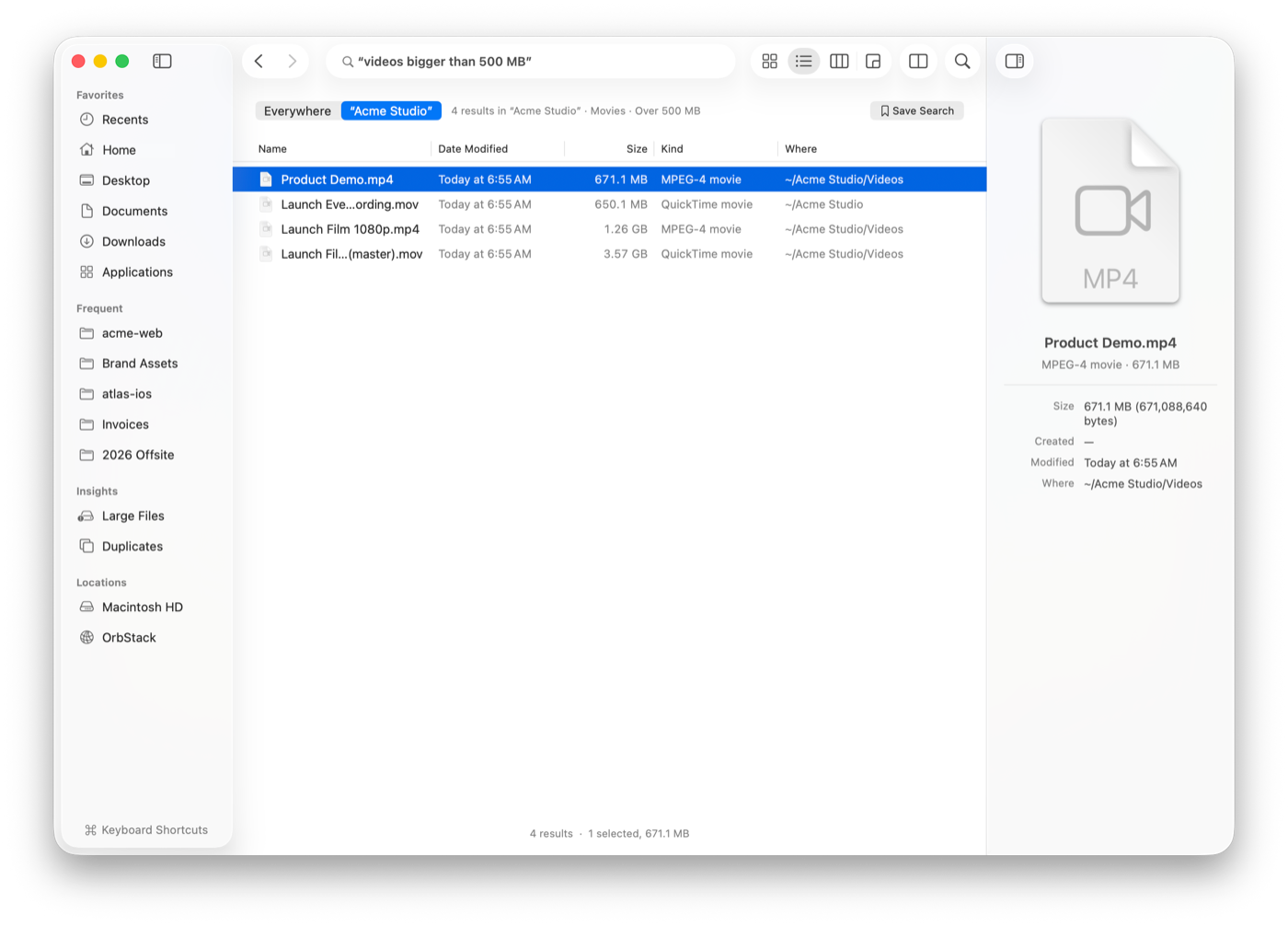
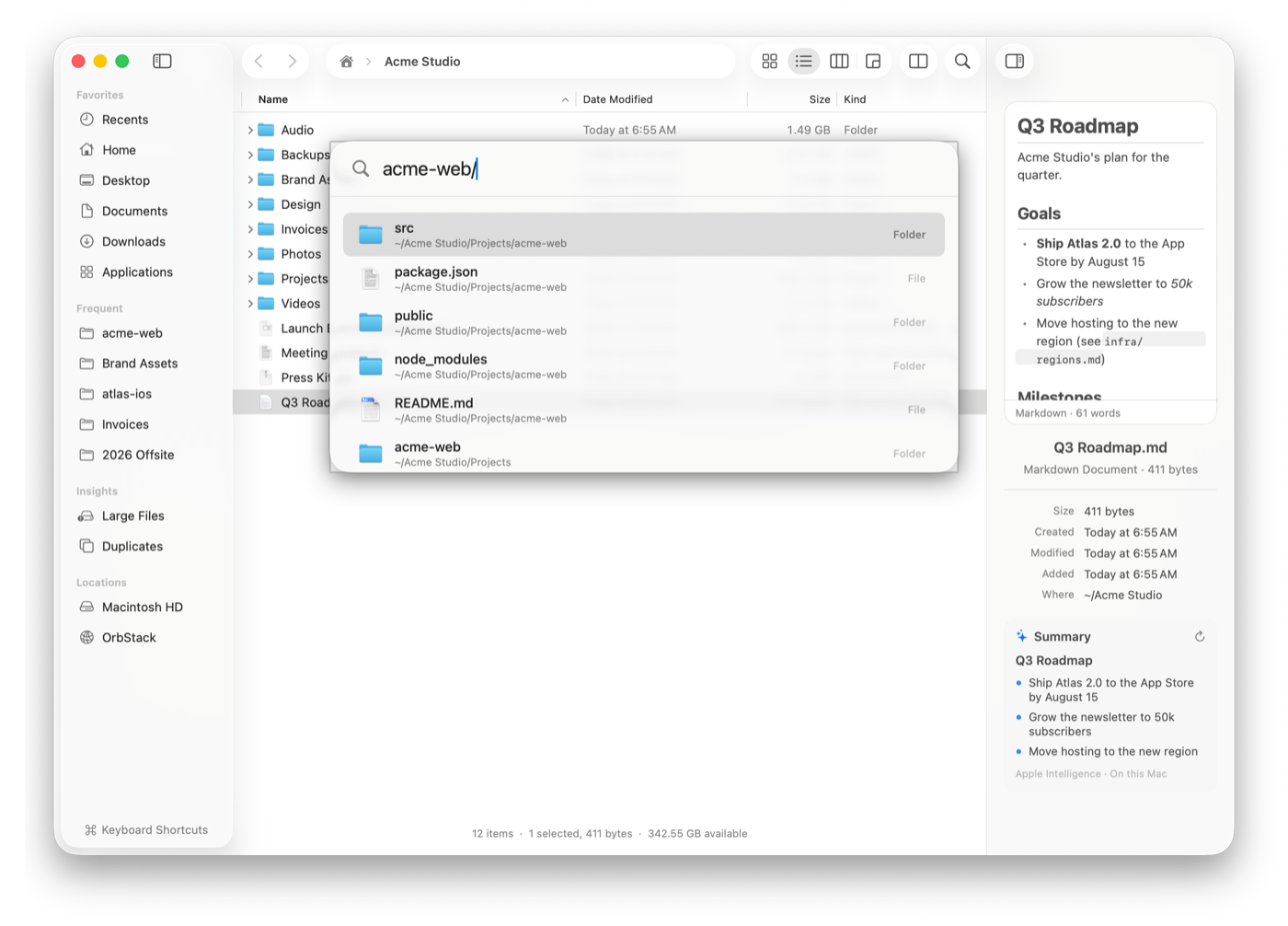
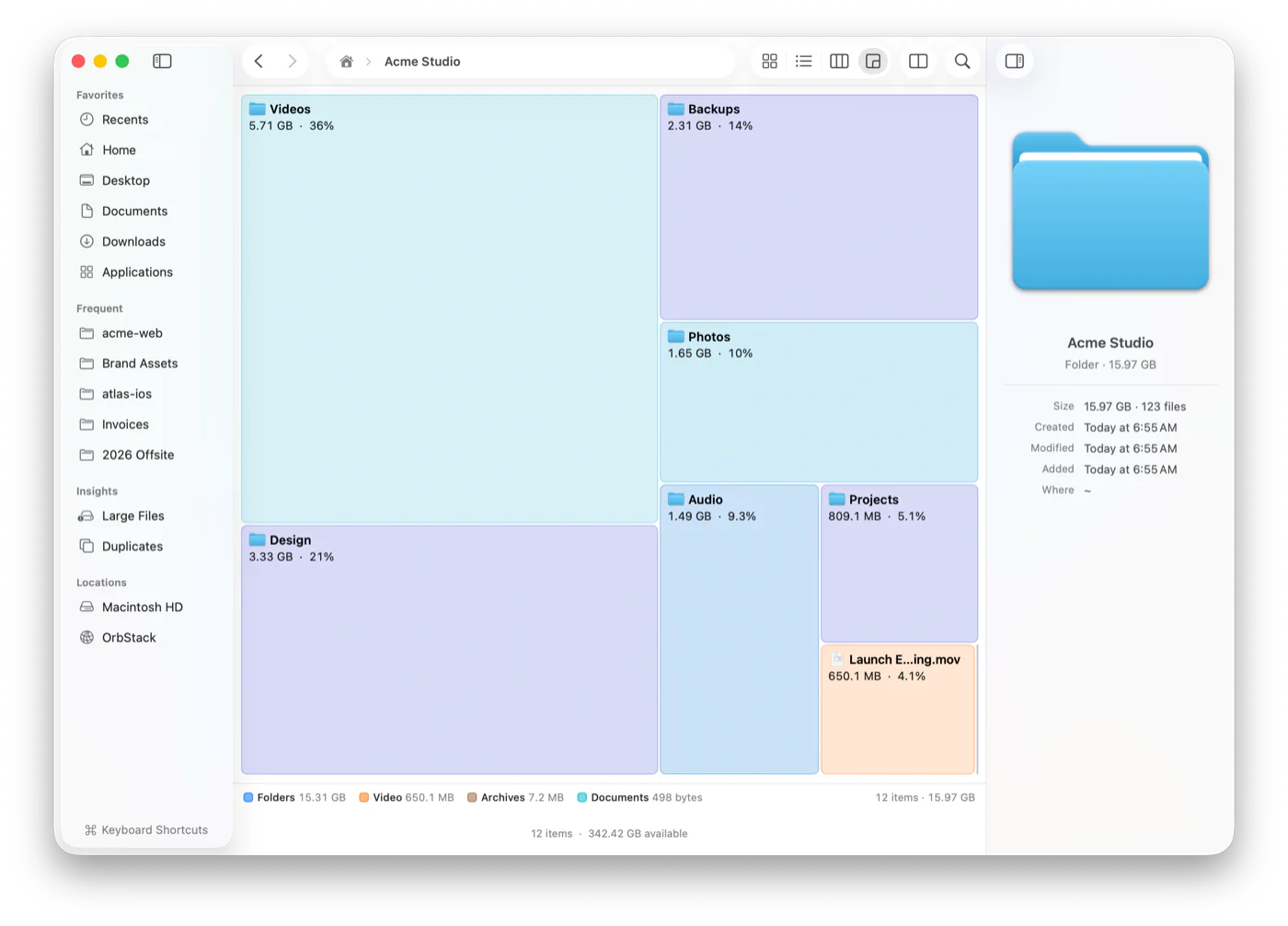
Keyboard-first Finder replacement with instant search, live folder sizes, a disk usage map, and dual panes.
By cristipufu. Free and open source, MIT licence.
Strata Files at a glance
- Version
- 0.8.6
- Released
- 12 November 2026
- Download size
- 15 MB
- Works on
- Apple silicon and Intel
- Licence
- MIT
- Category
- System Tools
- Developer
- cristipufu
- GitHub stars
- 295
About Strata Files
Strata Files: a fast, native, keyboard-first file manager and Finder alternative for macOS. Instant search, live folder sizes, disk usage map, dual pane.
Screenshots
How to install Strata Files on a Mac
- Get OpenDMG. It is a free app store for open source Mac apps. Download OpenDMG.
- Search for Strata Files and press Get. OpenDMG downloads version 0.8.6 from cristipufu's own GitHub release.
- Open it. The download is checked against its SHA-256 fingerprint and its signature is checked on your Mac before it lands in Applications.
Updates to Strata Files show up in OpenDMG and install with one button. No account is needed.
Prefer to do it by hand? The developer's file is on GitHub: Strata.dmg (15 MB).
What is new in Strata Files 0.8.6
Strata 0.8.6 adds more file previews and fixes window restoration.

## New

- **Preview fonts before installing them.** Choose a font face and adjust the sample size.
- **Read Jupyter notebooks.** View formatted text, code cells and saved outputs together.
- **Preview design files.** View artwork from Krita, OpenRaster, Sketch and Procreate.
- **Explore GPS tracks.** See GPX, KML and GeoJSON routes on a map with elevation profiles.
- **More table previews.** Search JSON Lines, subtitles, HAR traces and Xcode string catalogs.
- **Inspect datasets and AI models.** View Parquet schemas, NumPy arrays, and SafeTensors or GGUF tensor details.
- **Check certificates and profiles.** See issuers, expiry dates and app signing details.
- **More details in the Inspector.** See richer information for books, fonts, design files and media.

## Fixed

- **Restore your window layout.** Keep tabs, dual panes, views, window size and position when reopening Strata.
- **Bring minimized windows back from the Dock.** Reuse the existing window instead of opening another.
- **Workspace choices take priority.** Selecting a saved workspace stops automatic restoration from opening an extra window.
- **Move between previews with the arrow keys.** Browse files without closing Quick Look.
- **Recognize Full Disk Access on macOS 27.** Stop asking for access that is already enabled.
…
More System Tools apps
-
 PearcleanerApp Cleaner and Uninstaller Tool
-
 PureMacFree open-source system cleaner with privacy protection
-
 OpenInTerminalFinder toolbar tool for opening the current folder in a terminal
-
 DockDoorWindow peeking for macOS
-
 DigUpSemantic search app that finds files by their contents
-
 LatestApp update checker that notifies you of available updates for installed applications