

Spyhop for Mac
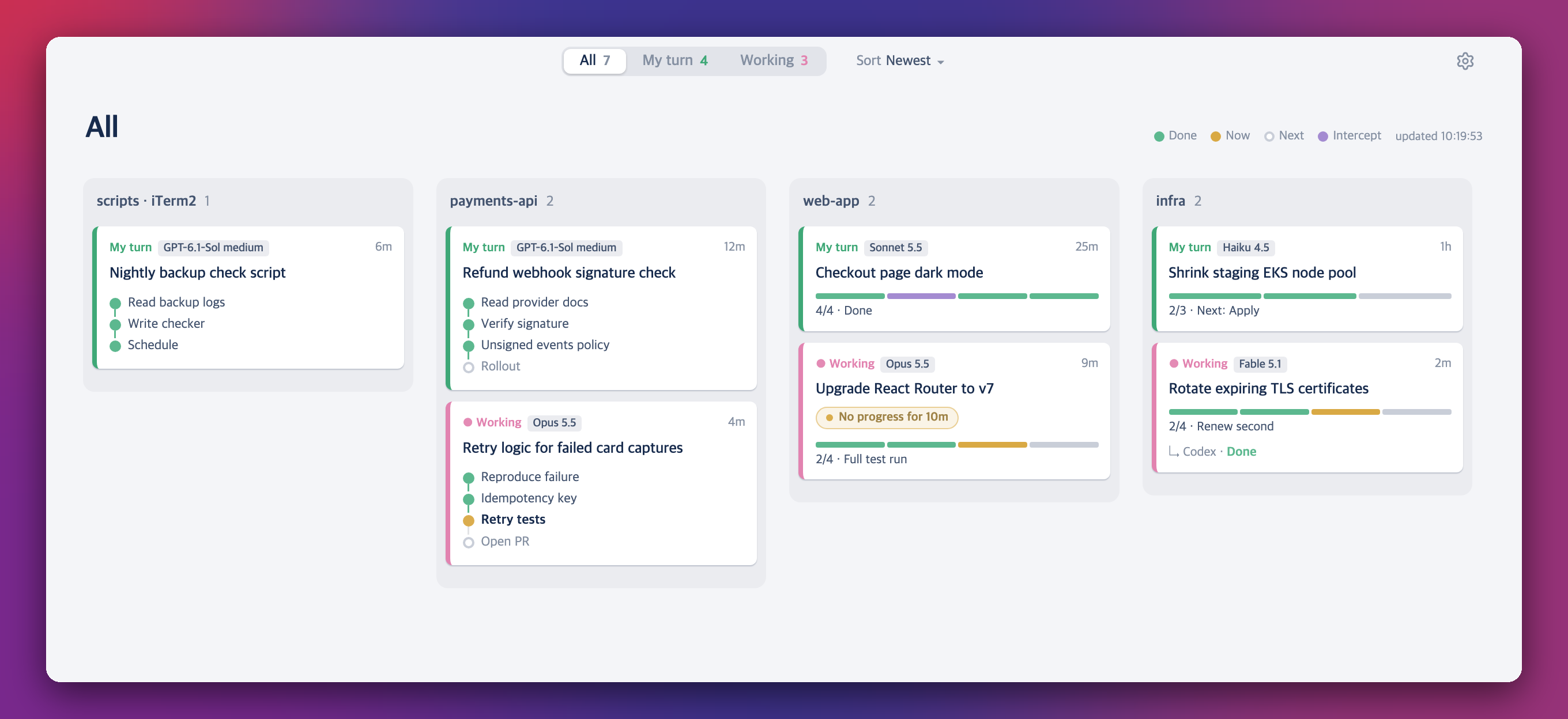
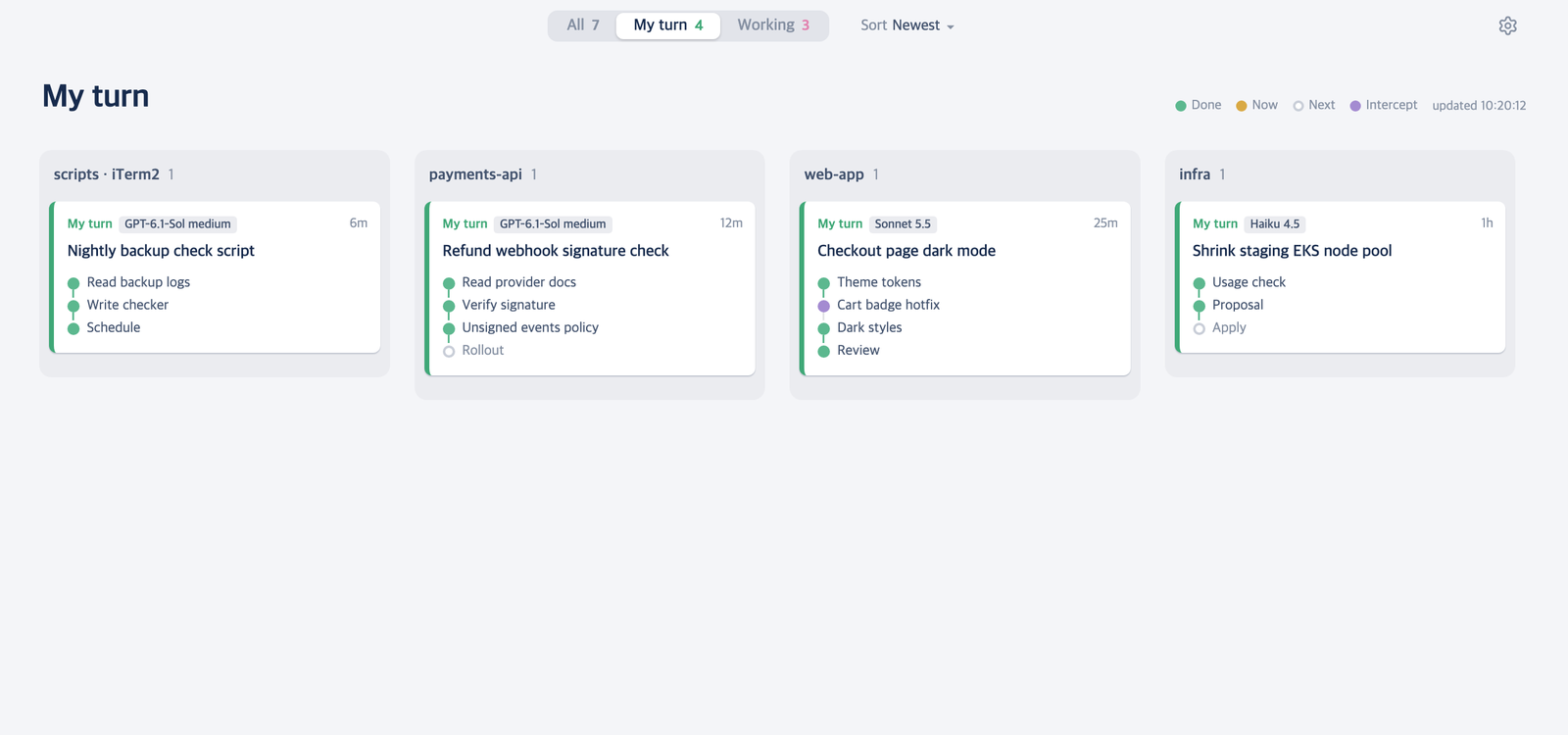
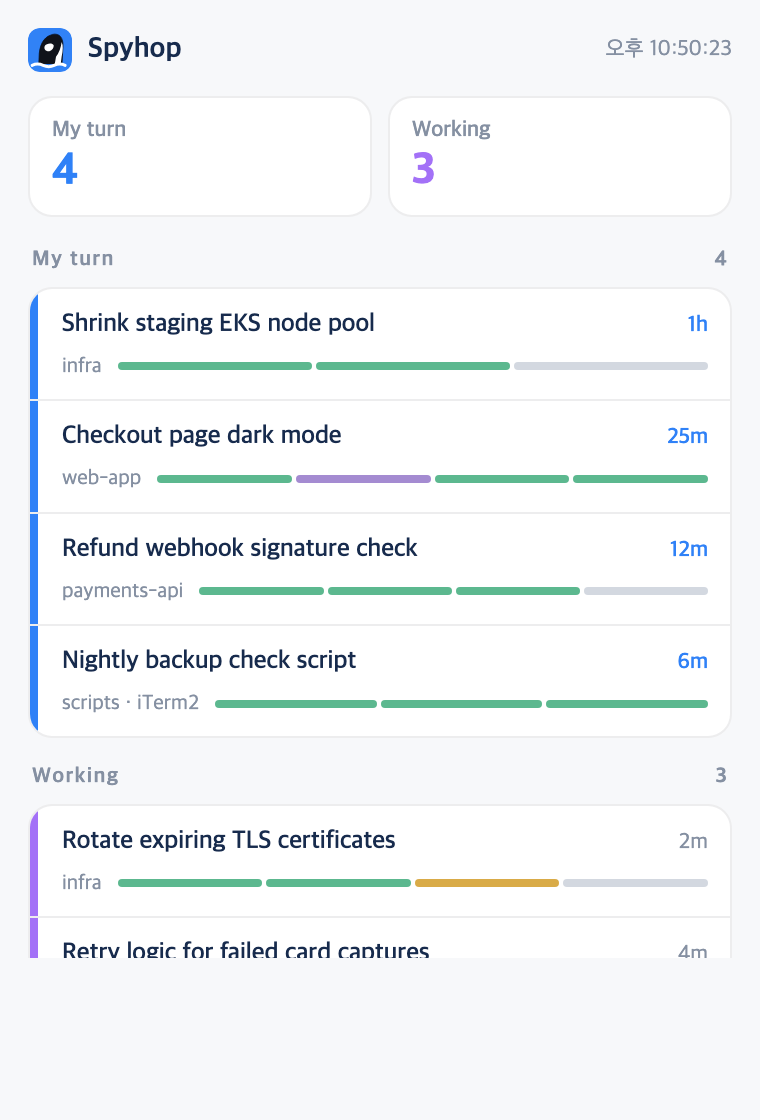
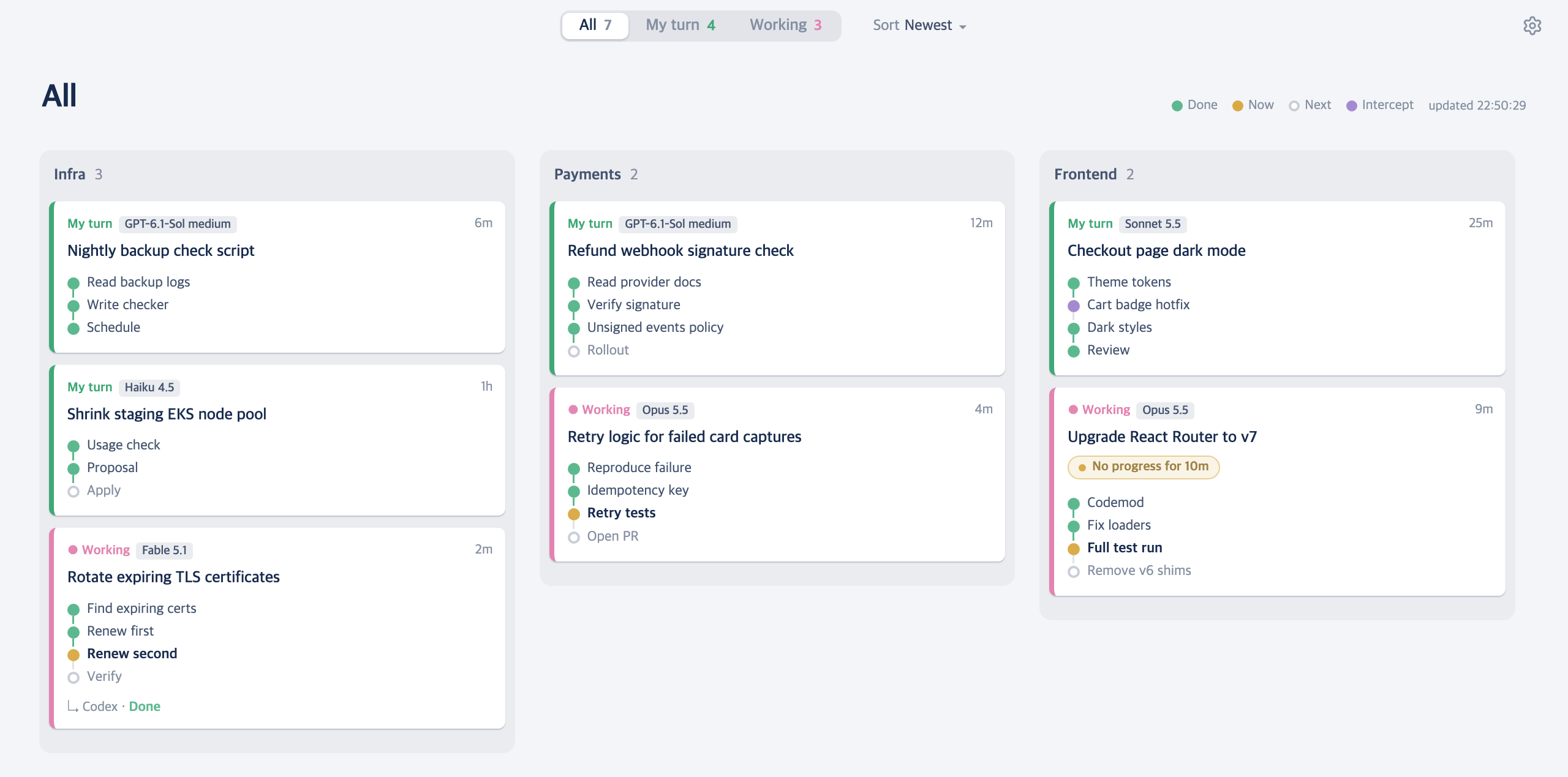
Dashboard showing progress and next steps for running Claude Code, Codex, and OMP sessions.
By leeleelee3264. Free and open source, MIT licence.
Spyhop at a glance
- Version
- 2.1.3
- Released
- 4 November 2026
- Download size
- 644 KB
- Works on
- Apple silicon and Intel
- Licence
- MIT
- Category
- Utilities
- Developer
- leeleelee3264
- GitHub stars
- 10
About Spyhop
Every AI coding session on one board, each with its own progress. Claude Code, Codex and OMP in Orca, Terminal, iTerm2, Ghostty or WezTerm (macOS).
Screenshots
How to install Spyhop on a Mac
- Get OpenDMG. It is a free app store for open source Mac apps. Download OpenDMG.
- Search for Spyhop and press Get. OpenDMG downloads version 2.1.3 from leeleelee3264's own GitHub release.
- Open it. The download is checked against its SHA-256 fingerprint and its signature is checked on your Mac before it lands in Applications.
Updates to Spyhop show up in OpenDMG and install with one button. No account is needed.
Prefer to do it by hand? The developer's file is on GitHub: Spyhop-2.1.3.dmg (644 KB).
What is new in Spyhop 2.1.3
Spyhop 2.1.3 adds GitHub Copilot CLI sessions to the board, two themes that keep My turn and Working easy to tell apart, and a smaller theme picker. ## New Features - **GitHub Copilot CLI sessions on the board.** Running `copilot` sessions show up on their own, with steps, model, session name and a resume command. Moving them between Orca workspaces is not supported yet. - **Signal themes.** Signal Light and Signal Dark replace Vitesse Light and Ayu Dark. My turn is red and Working is cyan, so the two are easier to tell apart. If you used a replaced theme, you move to Signal automatically. - **A smaller theme picker with a preview.** Settings now has a Light and Dark toggle, a short list of names and a card preview. Hover a theme to preview it, click to apply. 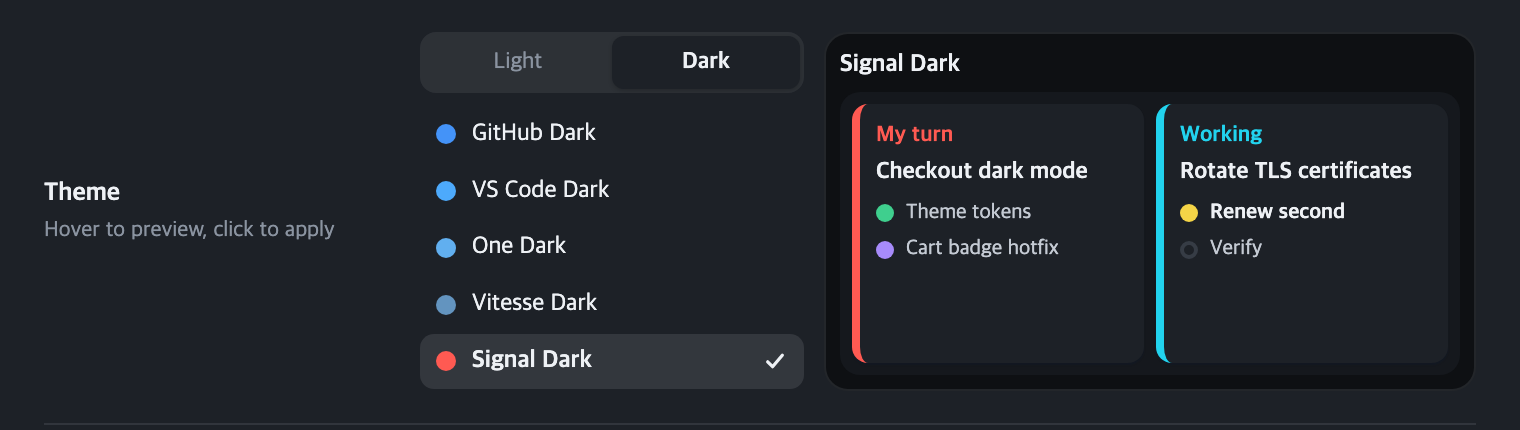 ## Update From 2.1.0 or later, choose **Spyhop → Check for Updates…**. From 2.0.0, update once with Homebrew: ```bash brew update brew upgrade --cask leeleelee3264/tap/spyhop open -a Spyhop ```
More Utilities apps
-
 VorssaintAn open-source, free, and local toolkit that integrates functions such as preventing…
-
 BetterDisplayDisplay management tool with HiDPI scaling, PiP, and EDID controls
-
 MosSmooth your mouse's scrolling and reverse the mouse scroll direction
-
 EasydictmacOS instant translator — type/select/screenshot, multi-service, zero setup
-
 OpenHaystackOpen-source tracker for finding Bluetooth devices through Apple's Find My network
-
 OrkasOrkas is an open-source (MIT), local-first AI team for your desktop: a Commander turns…