

Spray Can for Mac
Keyboard navigation via labels, grids, and private on-device OCR for what Accessibility misses.
By Kymer0615. Free and open source, MIT licence.
Spray Can at a glance
- Version
- 0.1.16
- Released
- 9 October 2026
- Download size
- 2.2 MB
- Works on
- Apple silicon and Intel
- Licence
- MIT
- Category
- Windows and Keyboard
- Developer
- Kymer0615
- GitHub stars
- 1
About Spray Can
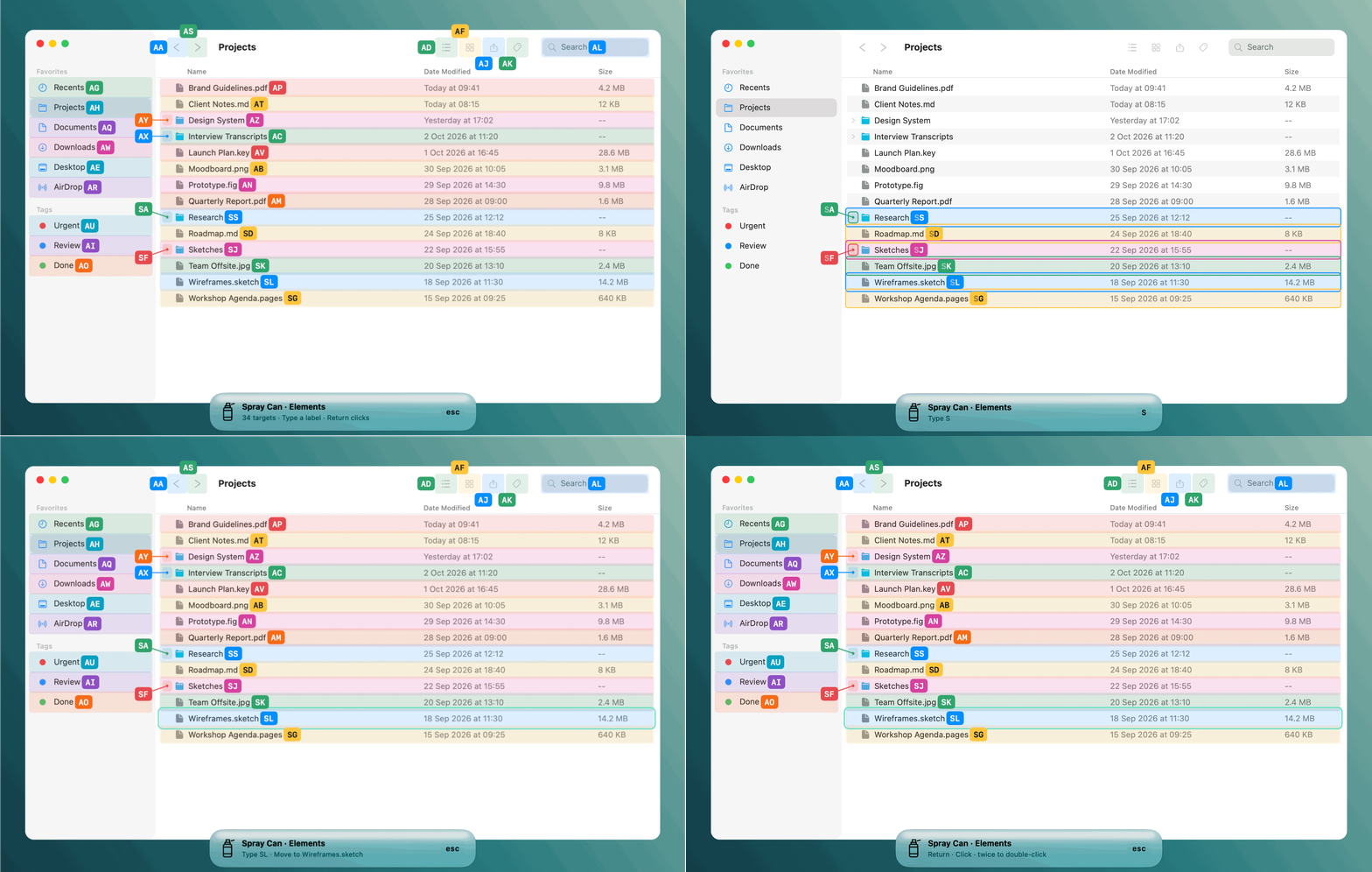
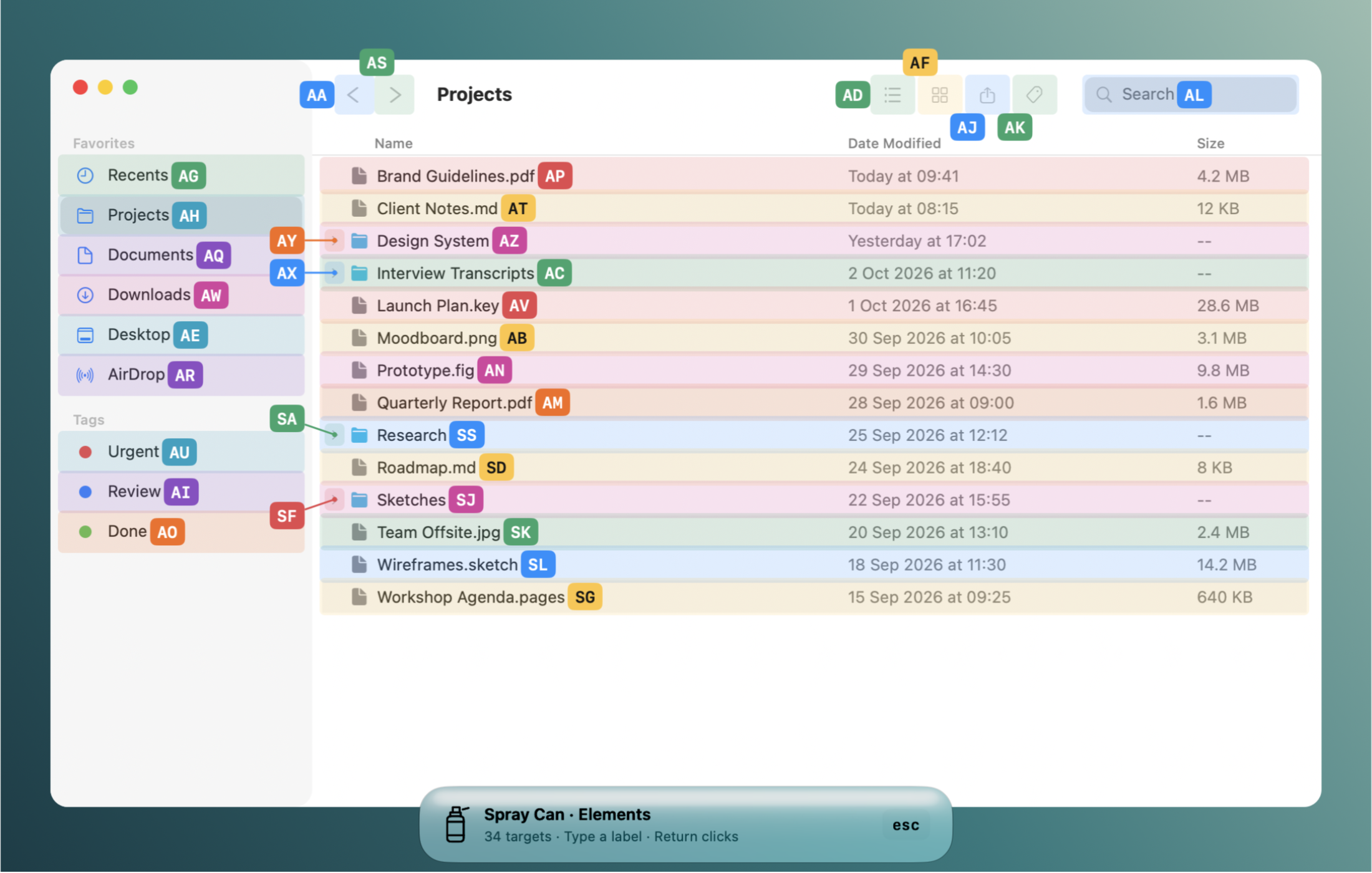
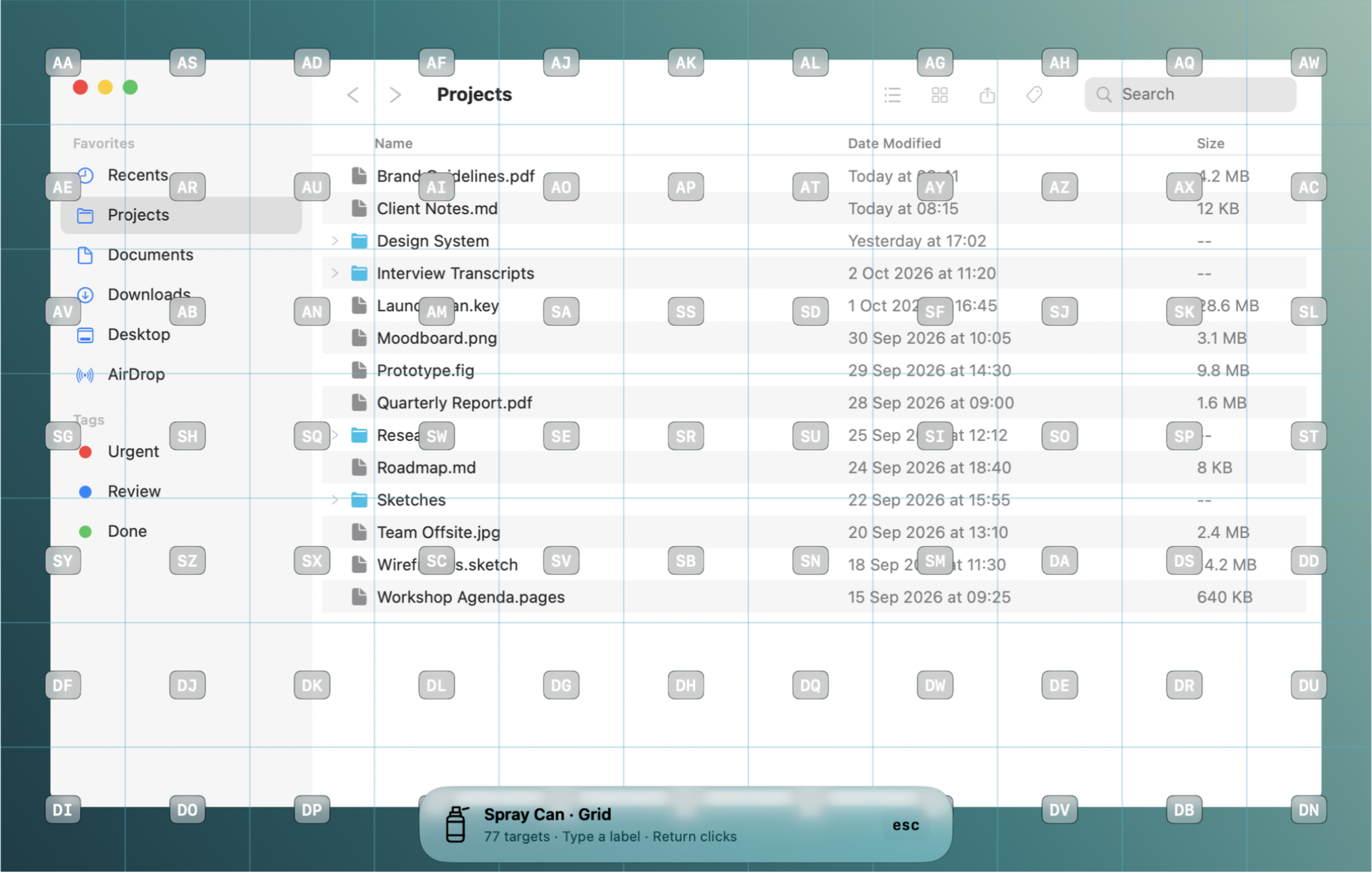
MacOS keyboard navigation that sees what Accessibility misses. Navigate your Mac with labels, grids, and private on-device OCR.
Screenshots
How to install Spray Can on a Mac
- Get OpenDMG. It is a free app store for open source Mac apps. Download OpenDMG.
- Search for Spray Can and press Get. OpenDMG downloads version 0.1.16 from Kymer0615's own GitHub release.
- Open it. The download is checked against its SHA-256 fingerprint and its signature is checked on your Mac before it lands in Applications.
Updates to Spray Can show up in OpenDMG and install with one button. No account is needed.
Prefer to do it by hand? The developer's file is on GitHub: SprayCan-0.1.16-universal.zip (2.2 MB).
What is new in Spray Can 0.1.16
This release is **signed with the project's own certificate and not notarized by Apple**. The same certificate signs every release, so macOS keeps Spray Can's Accessibility and Screen Recording permissions after updates (from 0.1.7 on; grant them once more after updating from an earlier version). If macOS blocks first launch, use System Settings → Privacy & Security → Open Anyway for the app you choose to trust.

Install through Homebrew:

```sh
brew install --cask kymer0615/tap/spray-can
```

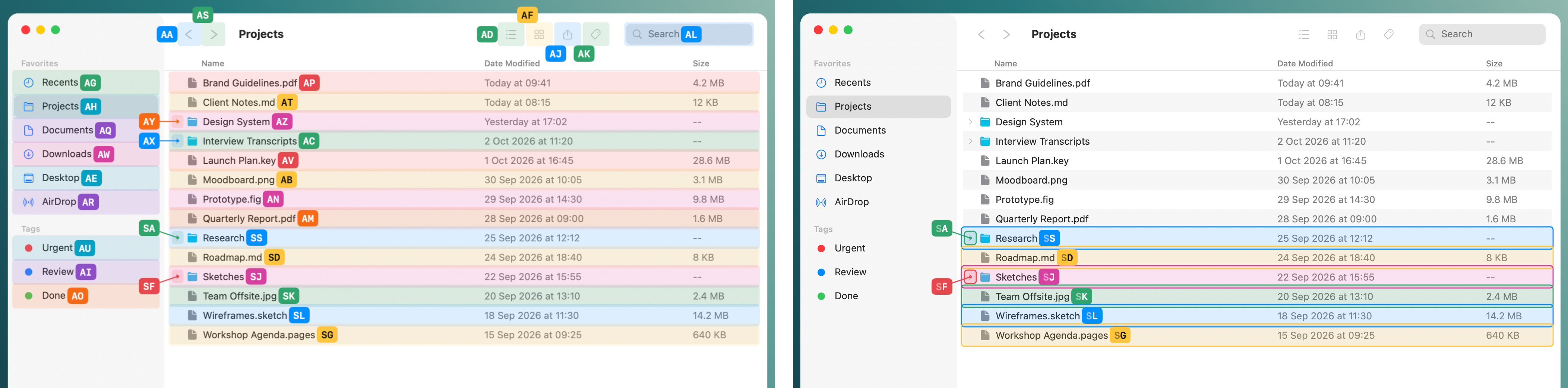
Includes native Liquid Glass labels, color coding, adaptive placement beside each element's text, and private on-device text recognition. Compatibility varies across applications; see the README and docs/VALIDATION.md for verified results and remaining checks.

**Full Changelog**: https://github.com/Kymer0615/spray_can/compare/v0.1.15...v0.1.16
More Windows and Keyboard apps
-
 RectangleRectangle is a window manager heavily based on Spectacle, written in Swift
-
 AeroSpaceAeroSpace is an i3-like tiling window manager for macOS
-
 AmethystAutomatic tiling window manager for macOS
-
 LoopWindow management made elegant
-
 FlashSpaceEnhance and replace the native Spaces functionality of macOS
-
 OmniWMA Flexible and Modern Tiling Window Manager