

SpotAsk for Mac
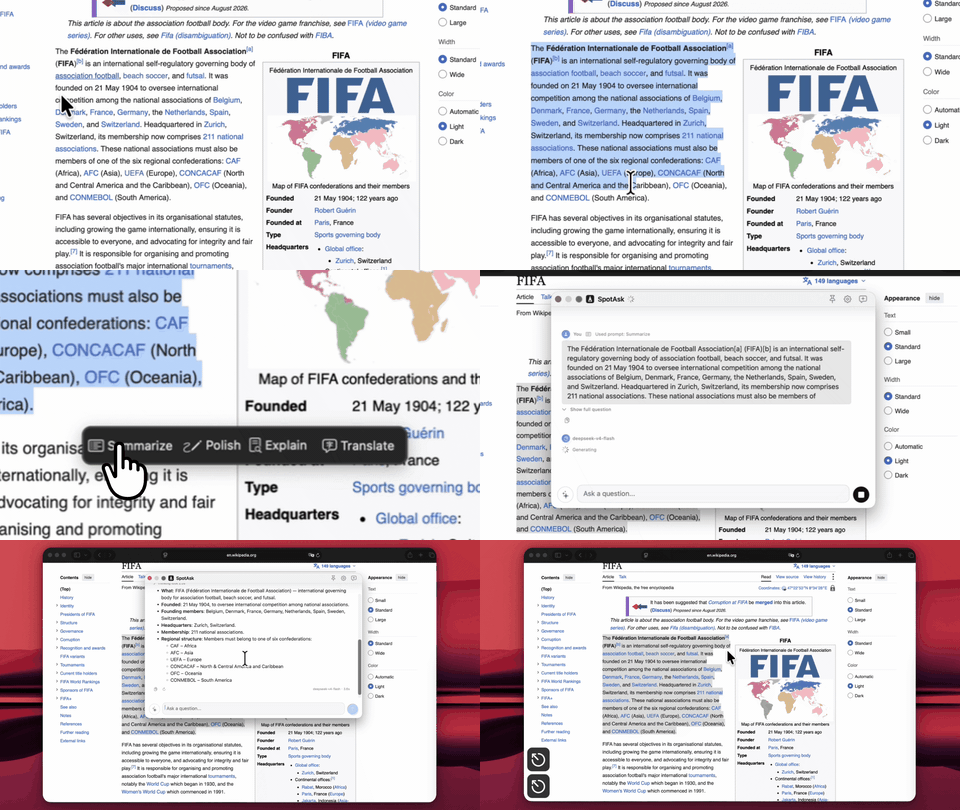
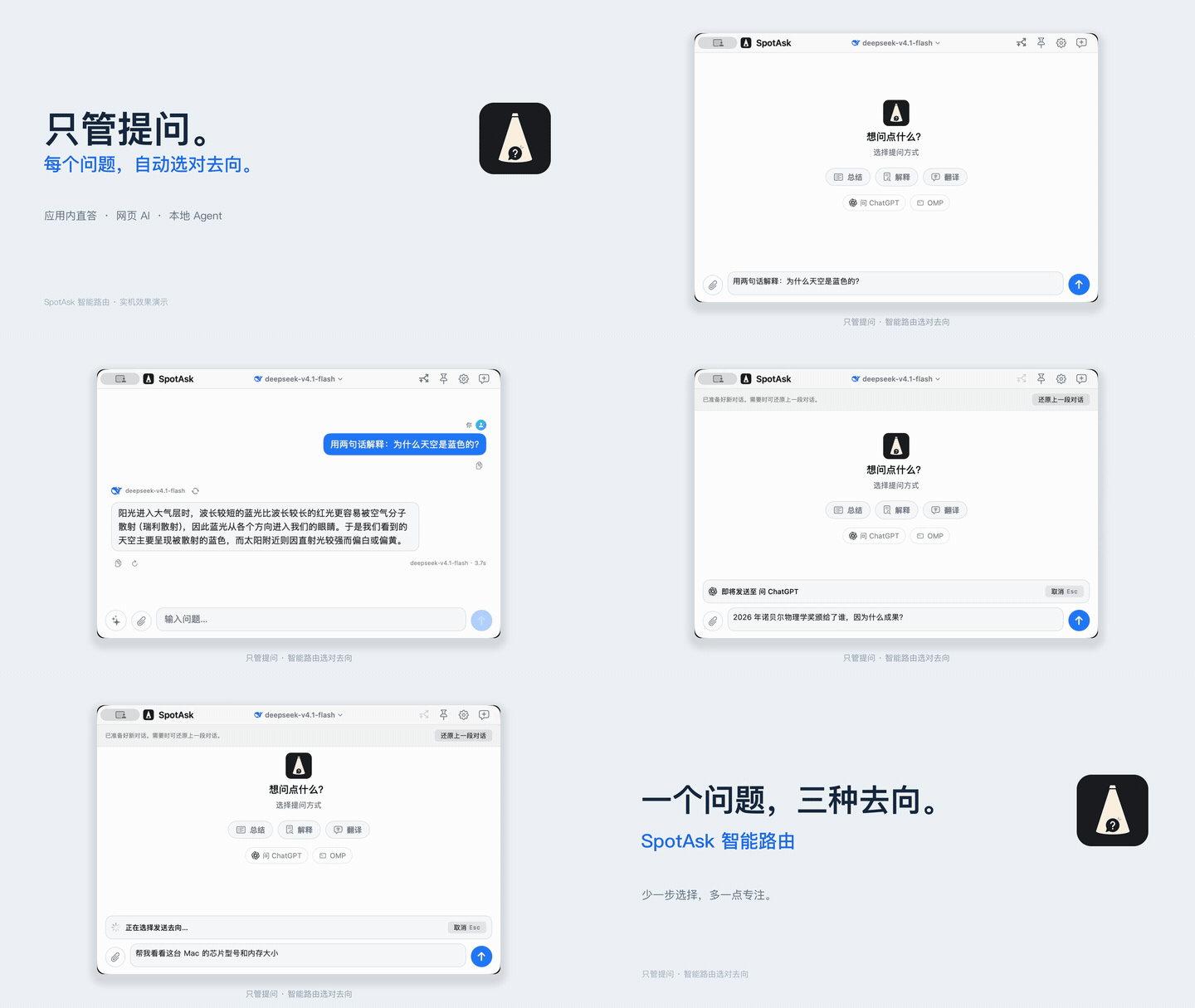
A menu-bar AI assistant summoned by hotkey to ask anything from anywhere, or translate, explain, summarize, and polish selected text with your own AI service (BYOK).
By shiquda. Free and open source, AGPL-3.0 licence.
SpotAsk at a glance
- Version
- 0.3.4
- Released
- 4 November 2026
- Download size
- 9.7 MB
- Works on
- Apple silicon and Intel
- Licence
- AGPL-3.0
- Category
- Artificial Intelligence
- Developer
- shiquda
- GitHub stars
- 25
About SpotAsk
One hotkey to ask any AI on Mac. Open-source menu bar assistant: press ⌥Space to ask with your own API key (OpenAI, Claude, any OpenAI-compatible), act on selected text, or send it to ChatGPT, Perplexity or a local CLI agent. Native Swift.
Screenshots


How to install SpotAsk on a Mac
- Get OpenDMG. It is a free app store for open source Mac apps. Download OpenDMG.
- Search for SpotAsk and press Get. OpenDMG downloads version 0.3.4 from shiquda's own GitHub release.
- Open it. The download is checked against its SHA-256 fingerprint and its signature is checked on your Mac before it lands in Applications.
Updates to SpotAsk show up in OpenDMG and install with one button. No account is needed.
Prefer to do it by hand? The developer's files are on GitHub: SpotAsk-0.3.4-arm64.dmg (9.7 MB), SpotAsk-0.3.4-x86_64.dmg (10 MB).
What is new in SpotAsk 0.3.4
<img width="50%" height="488" alt="2026-11-04_16-34-37" src="https://github.com/user-attachments/assets/4ab8cc87-bb89-420d-930c-eaf58073f7dd" />
<img width="50%" height="479" alt="2026-11-04_16-34-52" src="https://github.com/user-attachments/assets/a87f4d7a-fad7-44a7-9ec8-8d0a35aae6bf" />

**English**

**Floating window for selection prompts, frosted background for question window, smoother appearance and provider settings**

### Added

- Settings > Appearance > Background switches the question window between the current solid fill and a frosted background that shows the desktop behind it. The input field and message bubbles stay solid, and the change applies immediately.
- Left-clicking a selection prompt opens an isolated floating window. Right-click asks in the main chat. The window can be pinned, copied, or continued into the current conversation. While focused, it uses the same chat shortcuts for copy, retry, pin, zoom, and settings.
- Selection Assistant settings can swap which mouse button opens the floating window. The default stays left-click for the window and right-click for the main chat.

### Changed

- The selection prompt window uses the system glass surface instead of a solid card, and its edges can be dragged to resize.
…
More Artificial Intelligence apps
-
 CodexBarShow usage stats for OpenAI Codex and Claude Code, without having to login
-
 CodeBurnTracks token usage, cost, and performance across 25 AI agents with per-task breakdowns
-
 OsaurusLocal LLM server and AI infrastructure with menu bar, CLI, and shared tools
-
 QuotioAI subscription manager with quota tracking and automatic failover
-
 Claude Usage TrackerTrack the usage of Claude Code
-
 VibeProxyMenu bar app to use existing Claude, ChatGPT, and other subscriptions with AI coding…