
SmartClip for Mac
Private clipboard history with encrypted local storage and automatic protection for sensitive copies.
By reathloo. Free and open source, MIT licence.
SmartClip at a glance
- Version
- 0.5.1
- Released
- 23 November 2026
- Download size
- 4.9 MB
- Works on
- Apple silicon
- Licence
- MIT
- Category
- Productivity
- Developer
- reathloo
- GitHub stars
- 10
About SmartClip
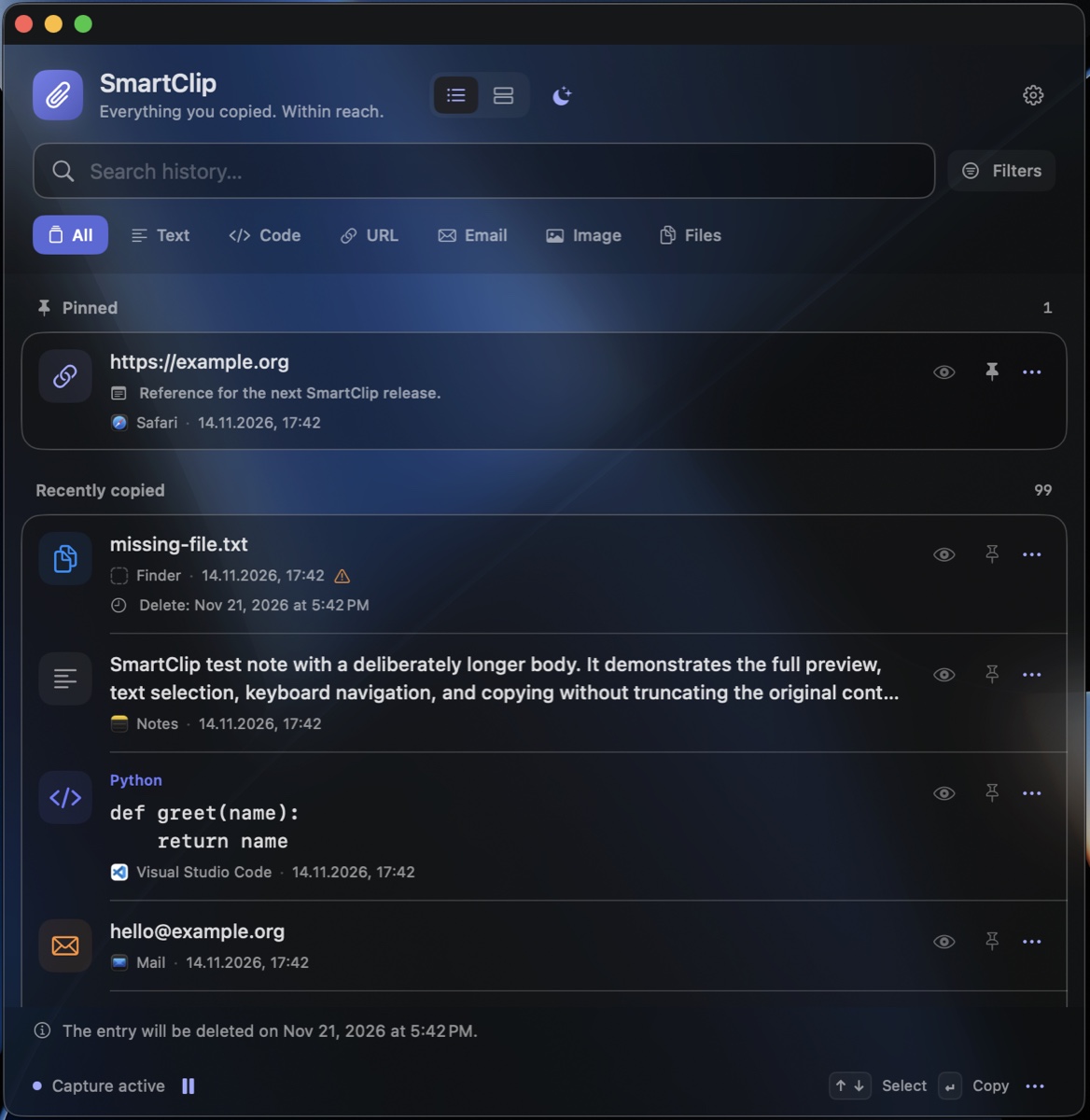
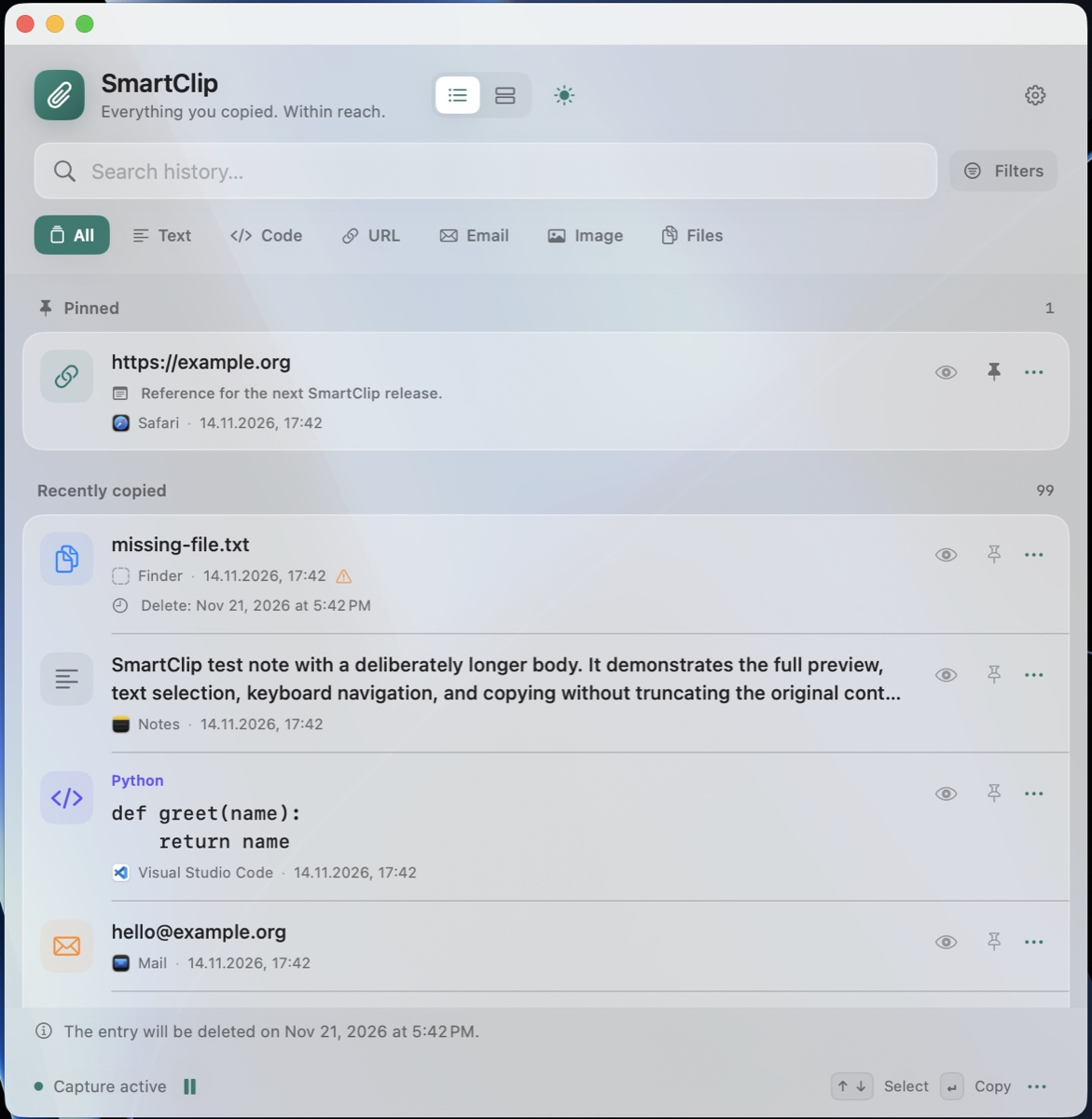
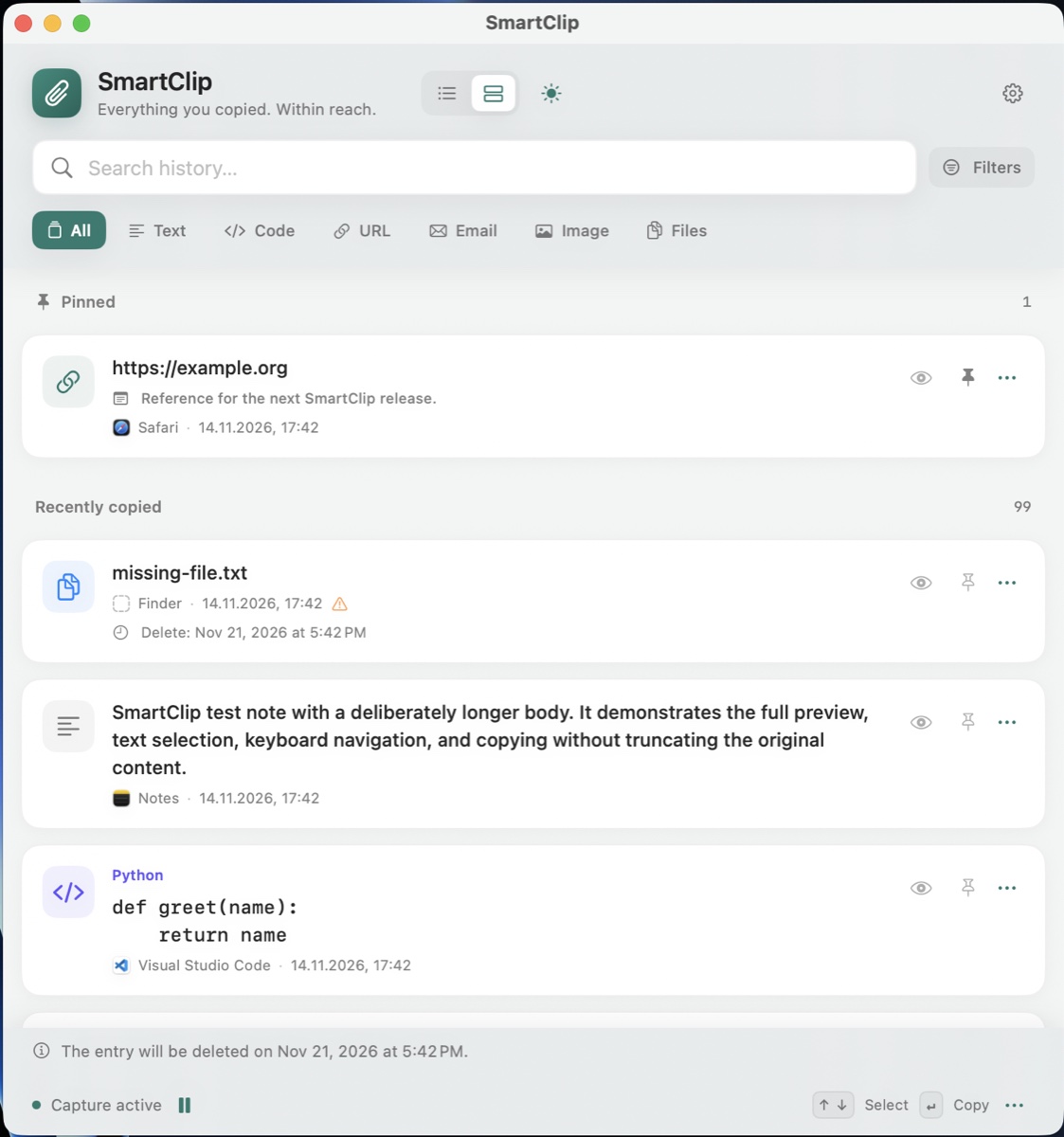
Private macOS clipboard history app with encrypted local storage and code detection.
Screenshots
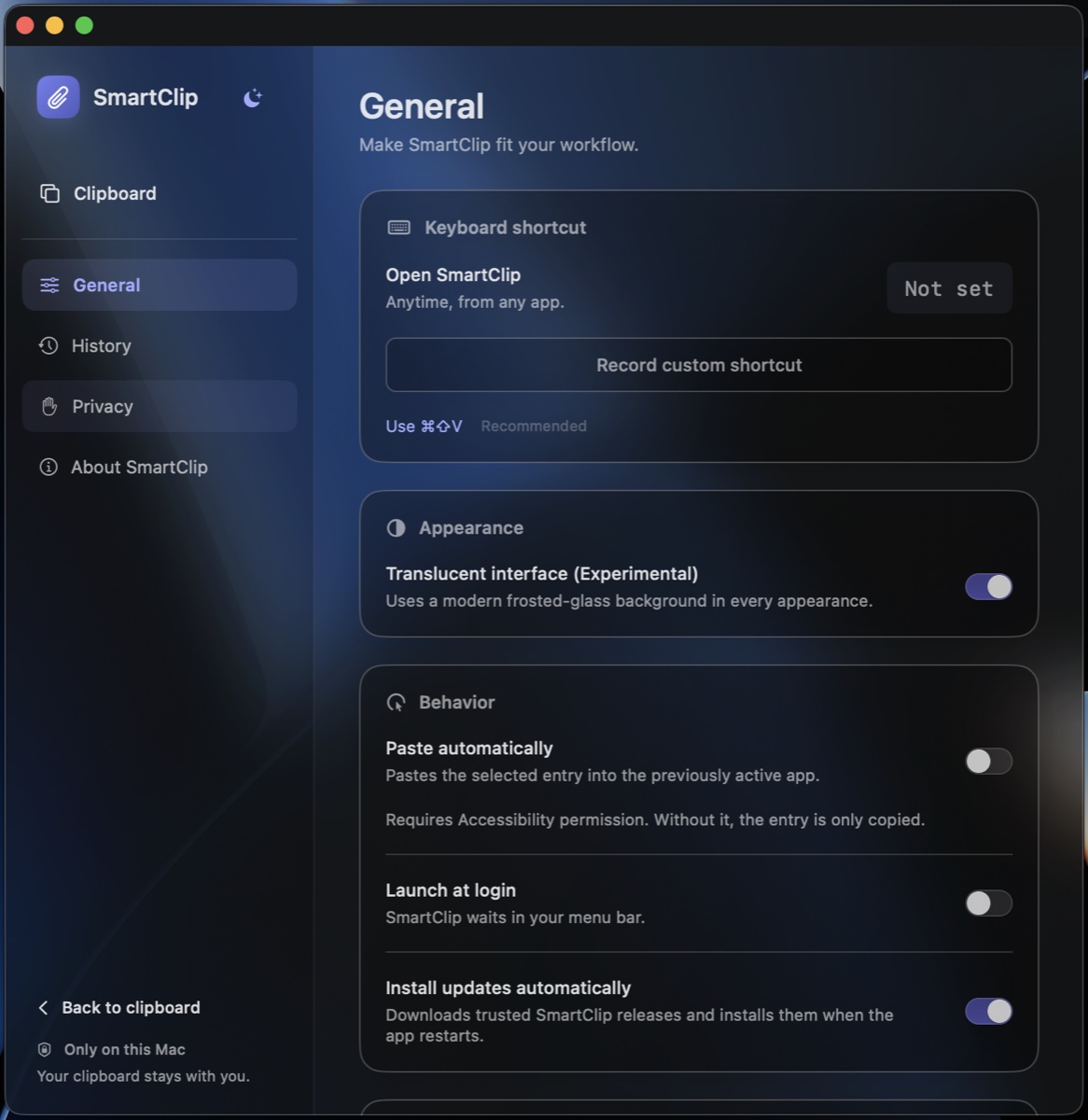
How to install SmartClip on a Mac
- Get OpenDMG. It is a free app store for open source Mac apps. Download OpenDMG.
- Search for SmartClip and press Get. OpenDMG downloads version 0.5.1 from reathloo's own GitHub release.
- Open it. The download is checked against its SHA-256 fingerprint and its signature is checked on your Mac before it lands in Applications.
Updates to SmartClip show up in OpenDMG and install with one button. No account is needed.
Prefer to do it by hand? The developer's file is on GitHub: SmartClip-0.5.1-macOS-arm64.dmg (4.9 MB).
What is new in SmartClip 0.5.1
# SmartClip v0.5.1

SmartClip 0.5 makes the app and its project documentation accessible in five
languages and adds clearer ways to report problems, contribute changes, and
disclose security issues privately.

## App localization

- Use SmartClip in English, German, Simplified Chinese, Japanese, or Korean.
- Follow the preferred macOS app language automatically, including menu-bar
 actions, Settings, history controls, status messages, tooltips, and
 accessibility labels.
- Package and verify all five localization resources in release and UI-test
 builds.
- Support both SwiftPM resource-bundle layouts used by local macOS toolchains
 and GitHub-hosted release runners.

## Documentation and community support

- Add complete English, German, Simplified Chinese, Japanese, and Korean
 project guides with direct language navigation.
- Add contribution guidance, structured bug and feature forms, and a focused
 pull-request checklist.
- Add a security policy with private reports accepted at
 `security@jmakau.de`.

## Privacy and updates

SmartClip continues to keep clipboard data on the Mac. Clipboard payloads are
encrypted locally with AES-256-GCM, the encryption key remains in the macOS
Keychain, and the app has no telemetry or clipboard cloud synchronization.
Update packages are signed with the existing Sparkle EdDSA update key and
verified before installation.

## Requirements
…
More Productivity apps
-
 MaccyLightweight search-as-you-type clipboard manager
-
 AltTabBrings the Windows Alt-Tab functionality to macOS
-
 TinycastLightweight native launcher with app search, clipboard management, window controls, and…
-
 ClipyClipy is a Clipboard extension app for macOS
-
 FSNotesNotes manager for macOS/iOS: modern notational velocity (nvALT) on steroids
-
 OpenDisplayTurn spare Apple devices into second monitors — true extended display over USB or WiFi