

Skrepka for Mac
Clipboard history manager with a focus-preserving picker that syncs paired devices over the LAN.
By psoldunov. Free and open source, MIT licence.
Skrepka at a glance
- Version
- 0.4.0
- Released
- 4 October 2026
- Download size
- 18 MB
- Works on
- Apple silicon and Intel
- Licence
- MIT
- Category
- Productivity
- Developer
- psoldunov
- GitHub stars
- 1
About Skrepka
A clipboard-history manager for macOS and Linux with sync over LAN
Screenshots
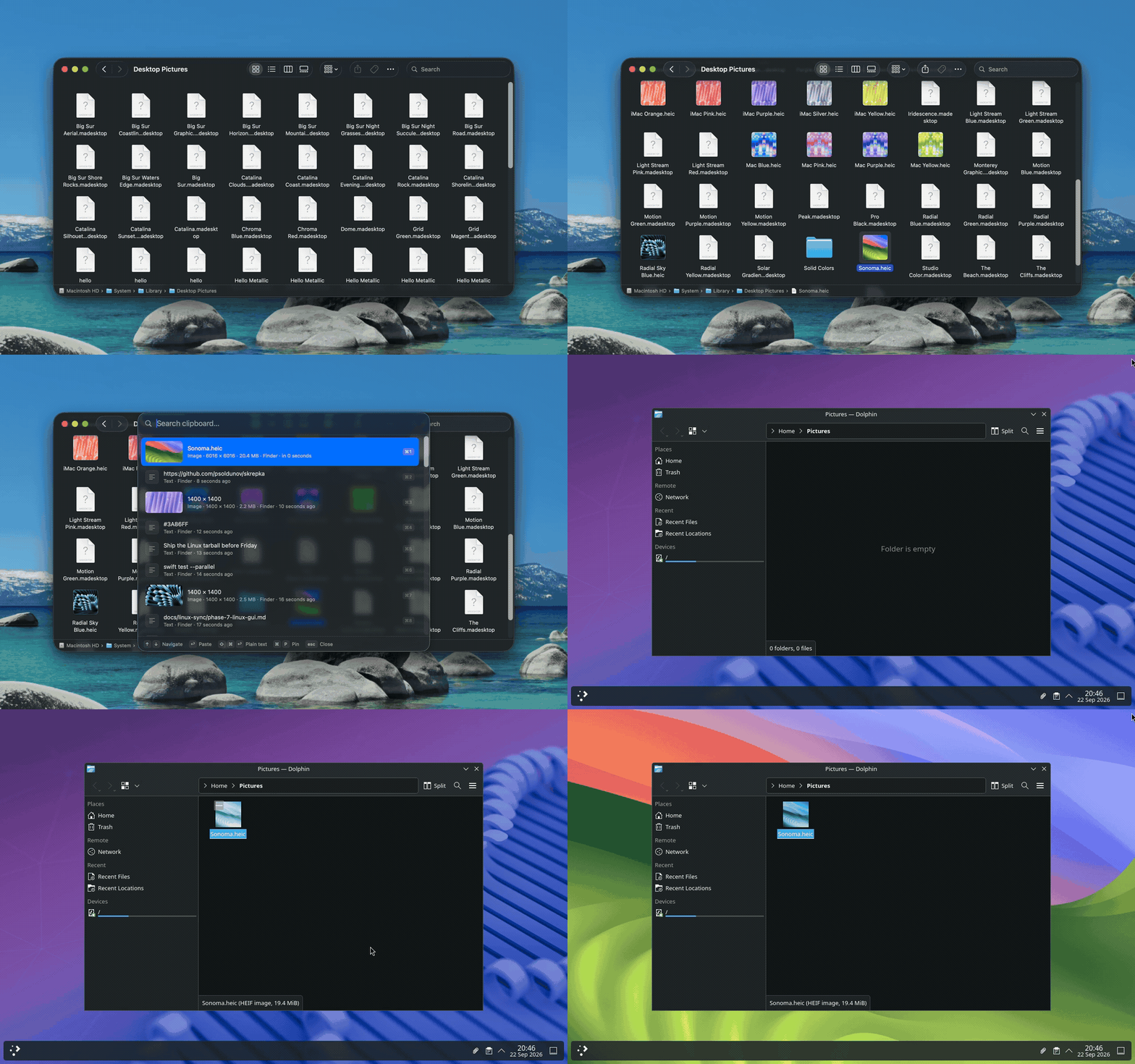
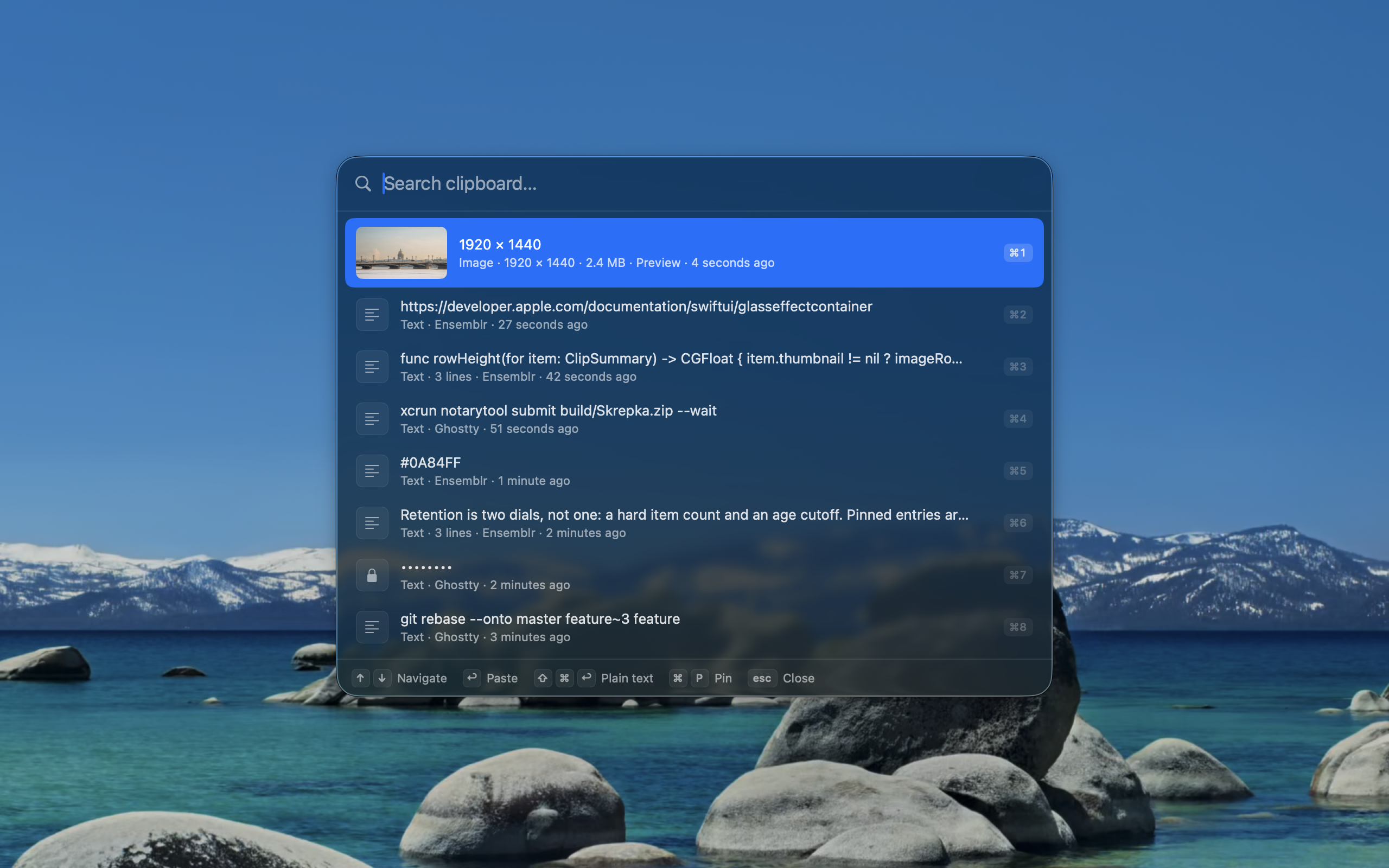
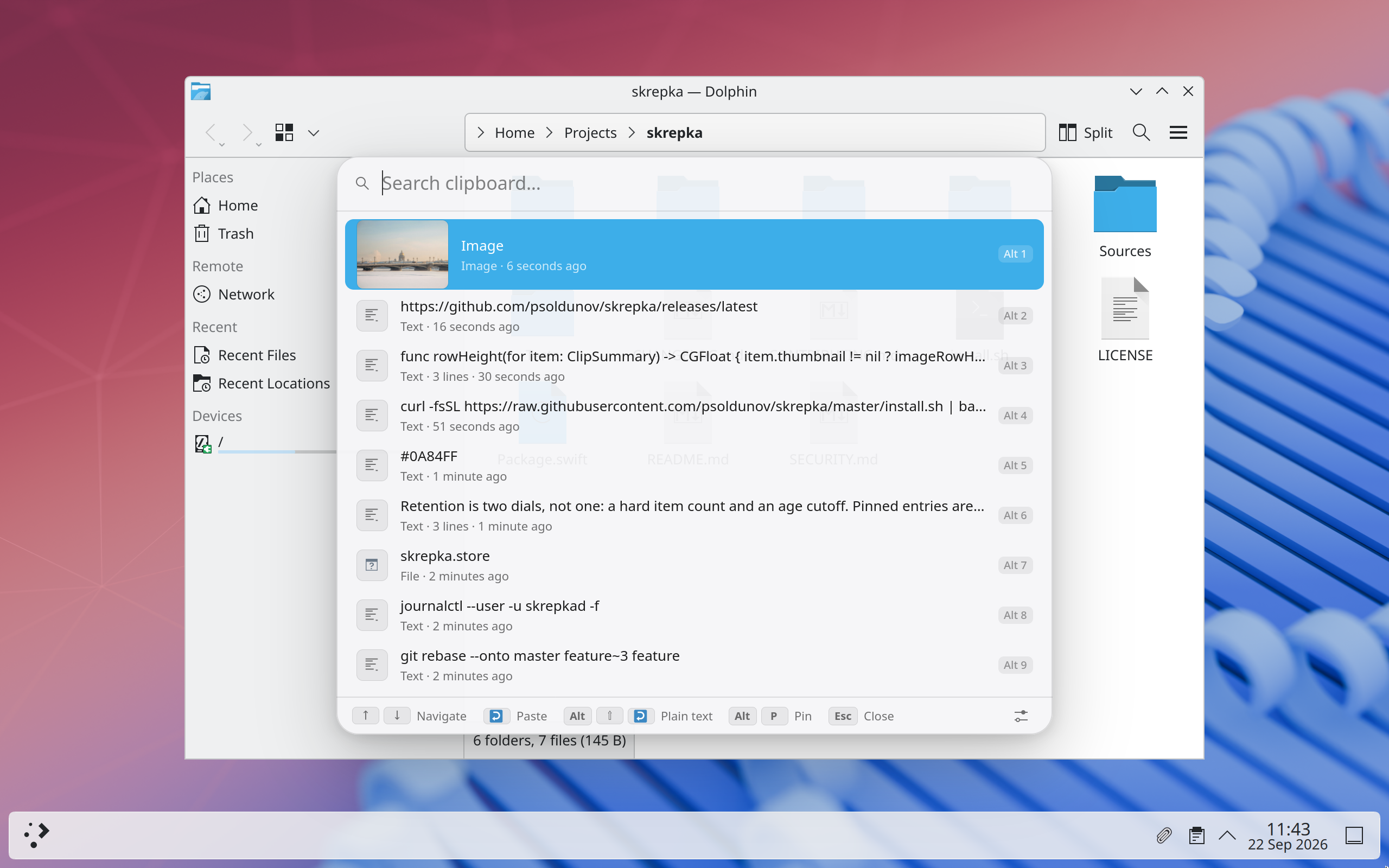
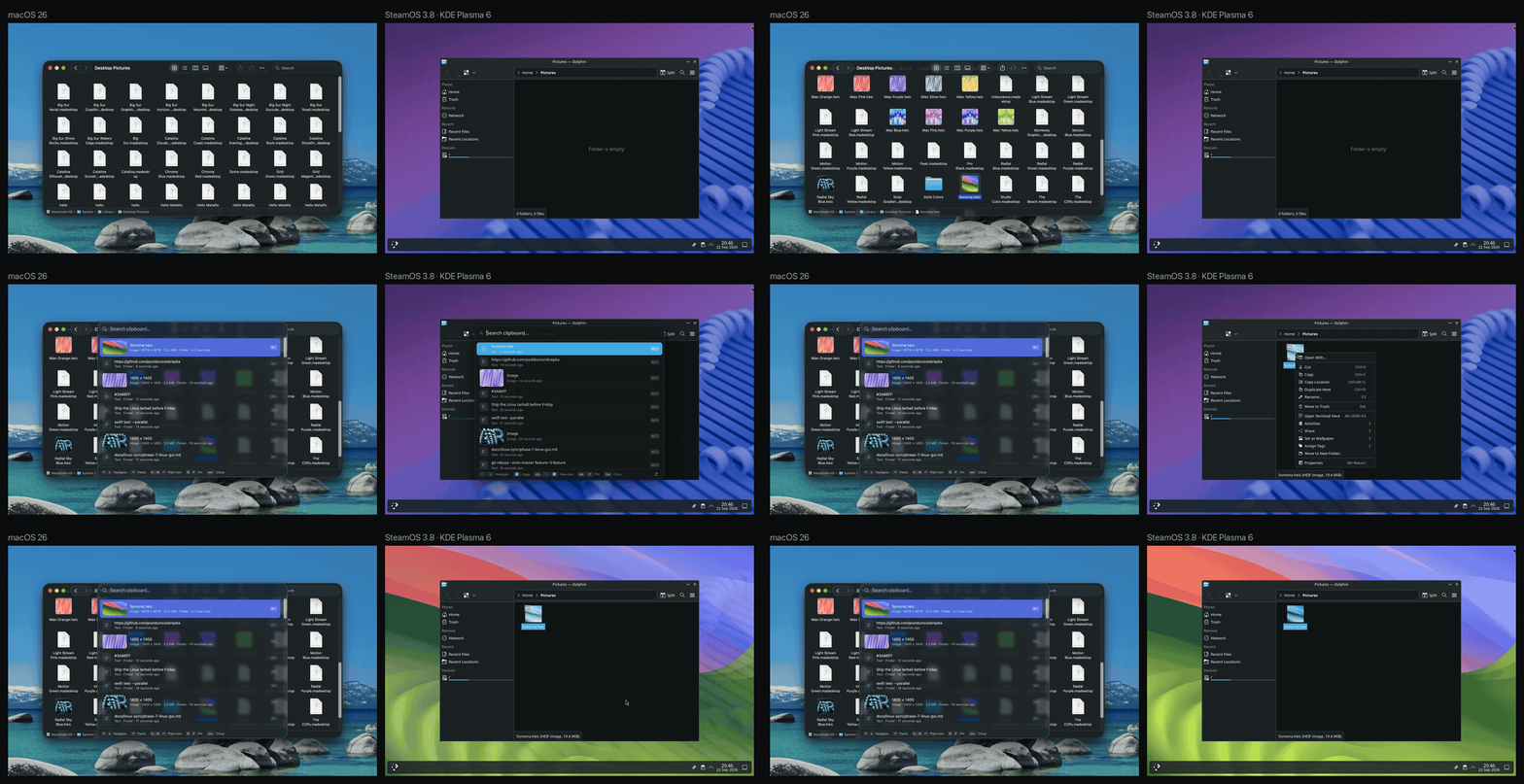
How to install Skrepka on a Mac
- Get OpenDMG. It is a free app store for open source Mac apps. Download OpenDMG.
- Search for Skrepka and press Get. OpenDMG downloads version 0.4.0 from psoldunov's own GitHub release.
- Open it. The download is checked against its SHA-256 fingerprint and its signature is checked on your Mac before it lands in Applications.
Updates to Skrepka show up in OpenDMG and install with one button. No account is needed.
Prefer to do it by hand? The developer's file is on GitHub: skrepka-macos-universal.dmg (18 MB).
What is new in Skrepka 0.4.0
A Linux picker you can size, and a round of Linux polish. Settings → General → Appearance → Interface size draws the picker and Settings larger, a tray that said the background service was not running at login now recovers by itself, and a link copied on an iPhone pastes on Linux.

### Added

- **An interface size setting for the Linux picker and Settings.** Settings → General → Appearance → Interface size draws both windows at 100, 110, 125, 150, 175 or 200 percent of their design size, on top of the desktop's own scaling. The picker was drawn at the Mac's sizes, which reads as small on a desktop whose own apps run larger. A change applies at once to both windows, including an open Settings window, which resizes to fit. The size is kept in `app.json` beside `config.json`, so it is not synced and the daemon never reads it.

### Fixed

- **The tray no longer says the background service is not running after a restart.** At login the tray app and `skrepkad` start together, and the daemon dropped the app's first calls while it was still opening its store, so the app timed out and never asked again. The daemon now holds those calls and answers them once it is ready, the tray checks again after 2, 5 and 10 seconds and then every 30 until the daemon answers, and the picker re-reads the history when its last read failed.
…
More Productivity apps
-
 MaccyLightweight search-as-you-type clipboard manager
-
 AltTabBrings the Windows Alt-Tab functionality to macOS
-
 ClipyClipy is a Clipboard extension app for macOS
-
 TinycastLightweight native launcher with app search, clipboard management, window controls, and…
-
 FSNotesNotes manager for macOS/iOS: modern notational velocity (nvALT) on steroids
-
 OpenDisplayTurn spare Apple devices into second monitors — true extended display over USB or WiFi