

Side Screen for Mac
Turn your Android tablet into a second display via USB-C or wireless over WiFi.
By tranvuongquocdat. Free and open source, MIT licence.
Side Screen at a glance
- Version
- 0.11.3
- Released
- 7 September 2026
- Download size
- 3.1 MB
- Works on
- Apple silicon and Intel
- Licence
- MIT
- Category
- Utilities
- Developer
- tranvuongquocdat
- GitHub stars
- 1.1K
Screenshots
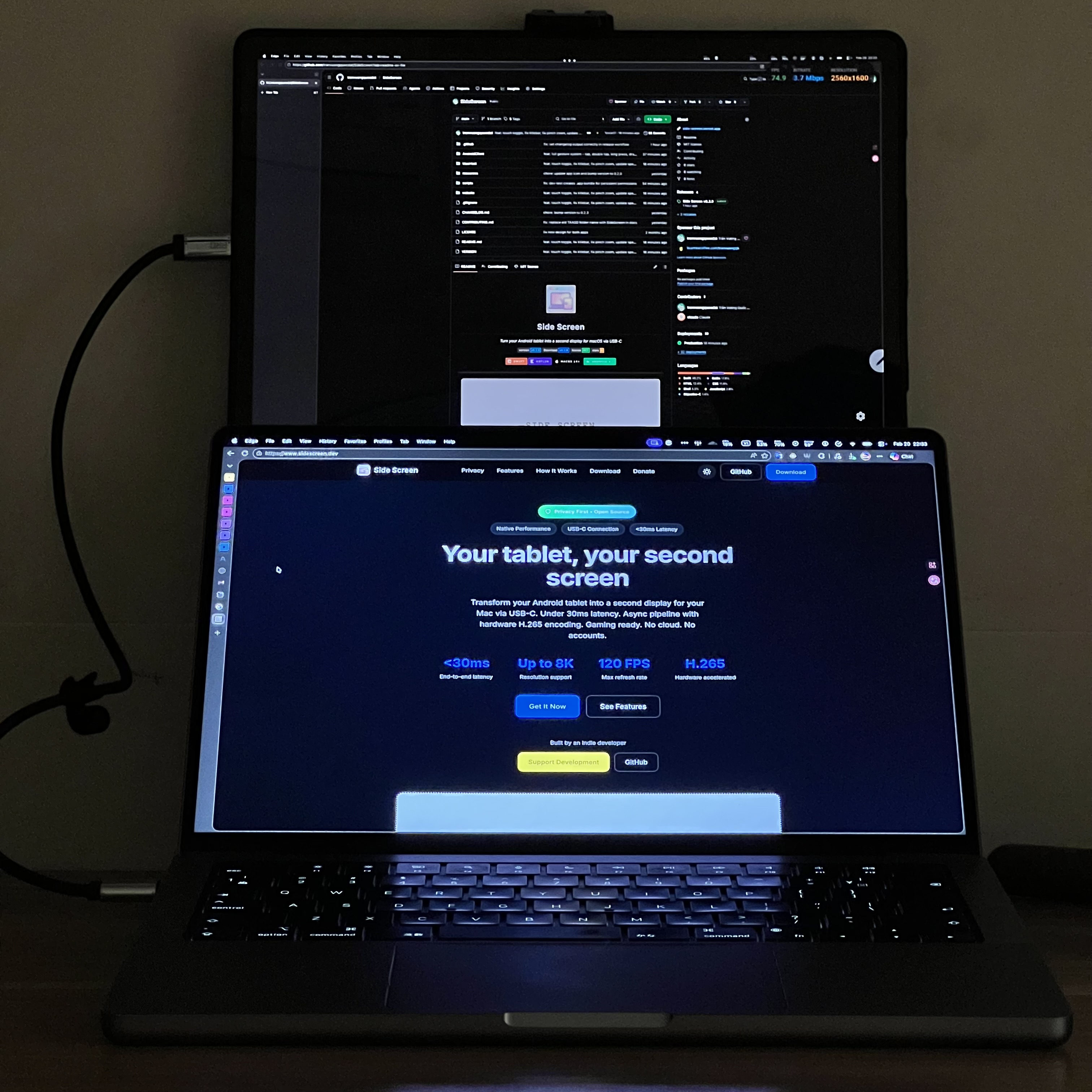
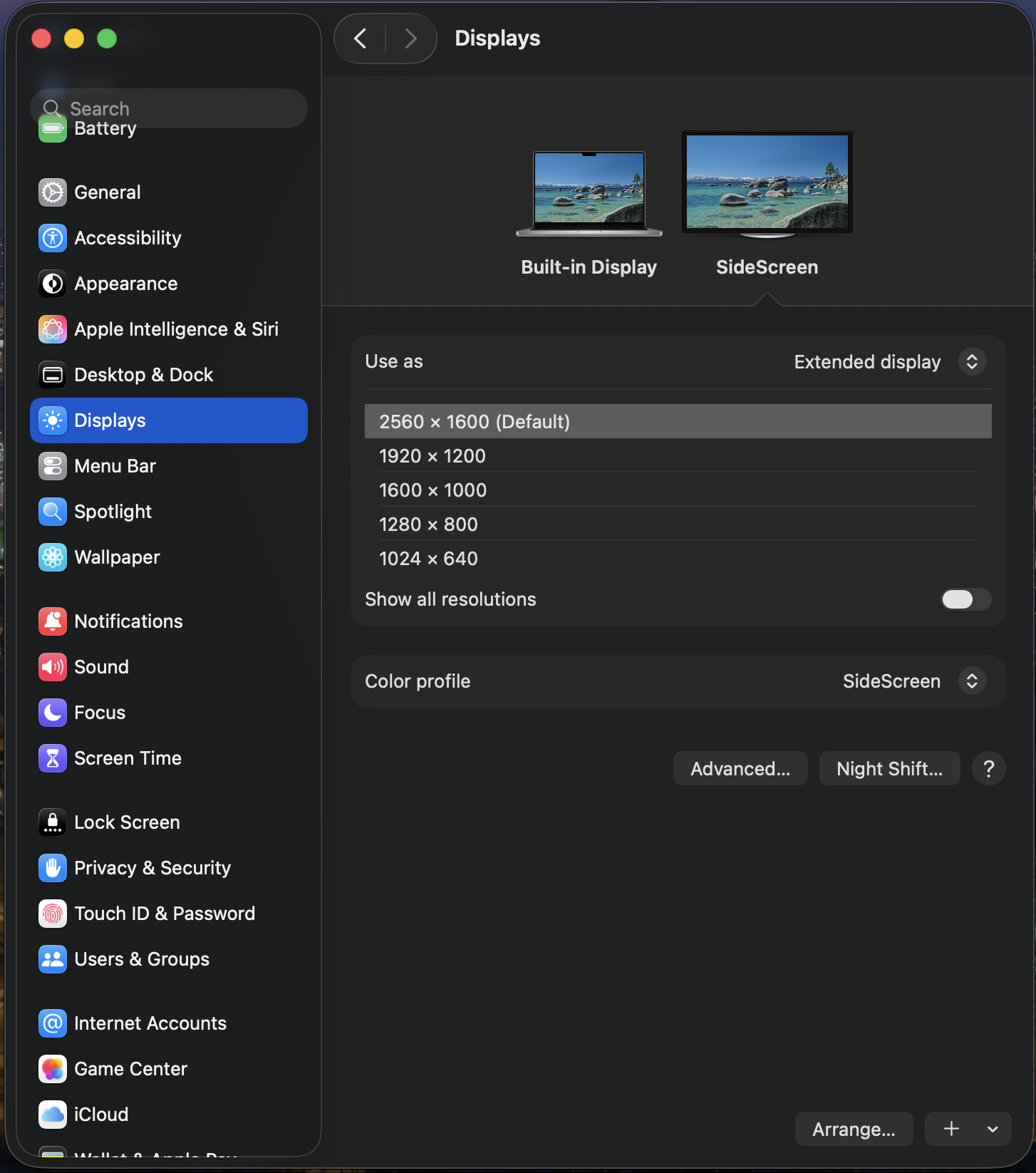
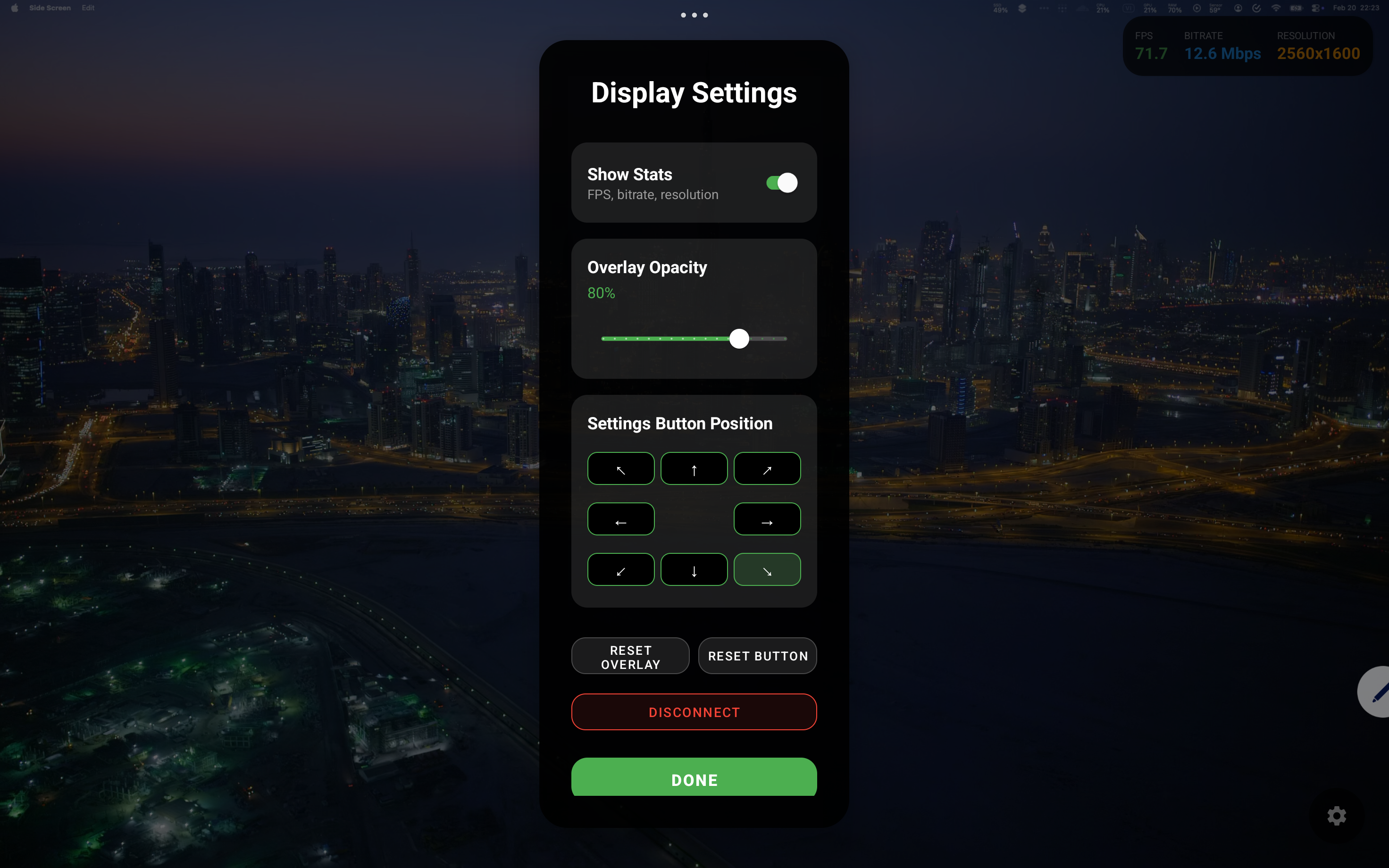
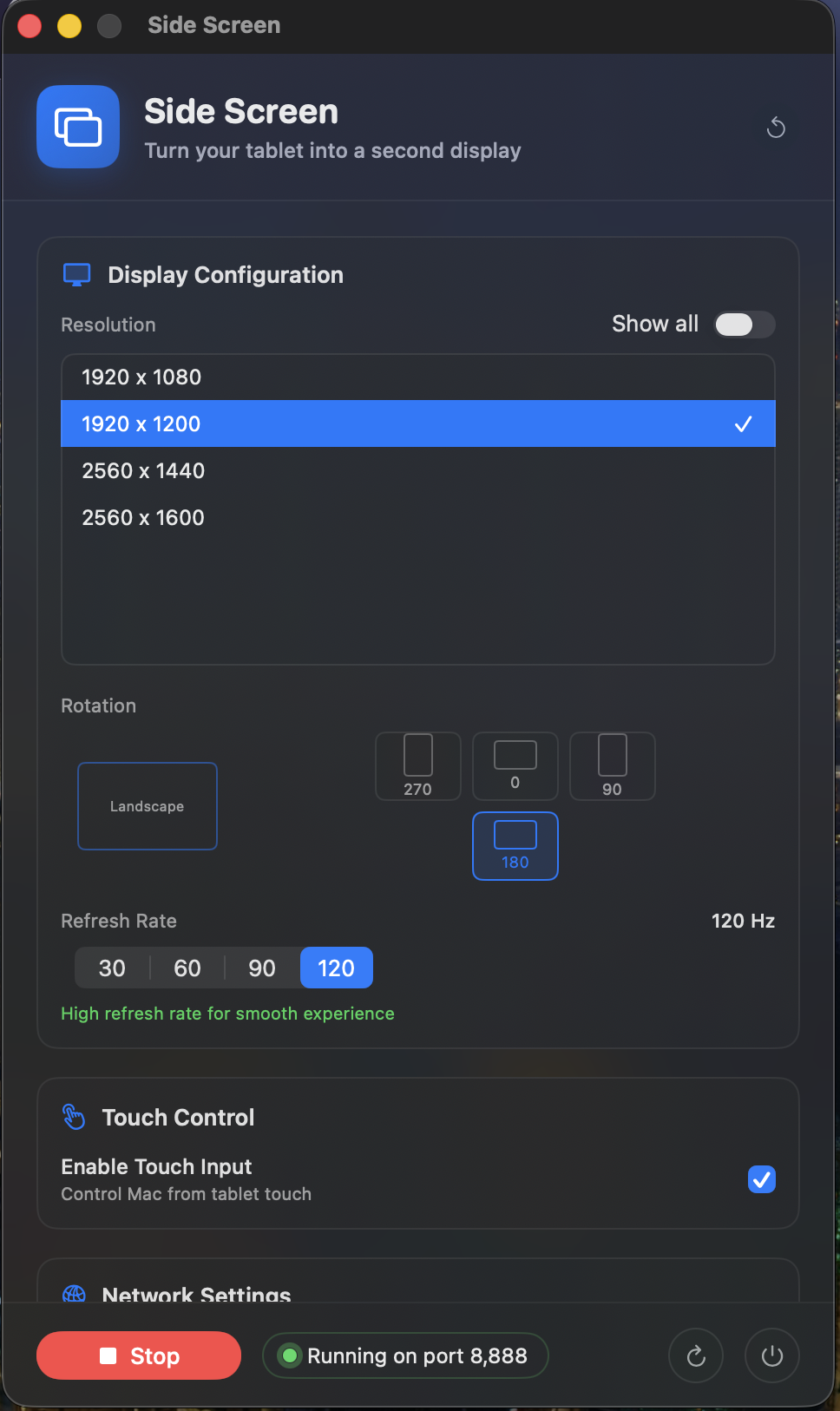
How to install Side Screen on a Mac
- Get OpenDMG. It is a free app store for open source Mac apps. Download OpenDMG.
- Search for Side Screen and press Get. OpenDMG downloads version 0.11.3 from tranvuongquocdat's own GitHub release.
- Open it. The download is checked against its SHA-256 fingerprint and its signature is checked on your Mac before it lands in Applications.
Updates to Side Screen show up in OpenDMG and install with one button. No account is needed.
Prefer to do it by hand? The developer's file is on GitHub: SideScreen-0.11.3-mac-universal.dmg (3.1 MB).
What is new in Side Screen 0.11.3
## What's Changed

Picture-quality and black-screen release. Colours no longer wash out on tablets that ignore the stream's full-range flag (#55), the stream is bounded by what the tablet's decoder can actually sustain rather than the size it claims (#66, #41), the decoder is always configured for the frame it really receives under HiDPI, and the Mac host now waits for its TCP listener before calling itself started. Thanks to @meta-boy and @cwy433-png for the contributions.

### Fixed
- **Washed-out / over-bright picture (#55).** The Mac captured full-range (0–255) video and flagged the stream accordingly, but several Android display paths (Xiaomi/HyperOS among them) apply a limited-range matrix regardless, so light greys clipped to white and shadows crushed to black. The capture is now video-range and the bitstream is tagged BT.709 explicitly — the default every decoder and GPU assumes, so it renders identically everywhere.
…
More Utilities apps
-
 BetterDisplayDisplay management tool with HiDPI scaling, PiP, and EDID controls
-
 VorssaintAn open-source, free, and local toolkit that integrates functions such as preventing…
-
 MosSmooth your mouse's scrolling and reverse the mouse scroll direction
-
 EasydictmacOS instant translator — type/select/screenshot, multi-service, zero setup
-
 OpenHaystackOpen-source tracker for finding Bluetooth devices through Apple's Find My network
-
 KekaKeka is a full featured file archiver, as easy as it can be