

Show Bar for Mac
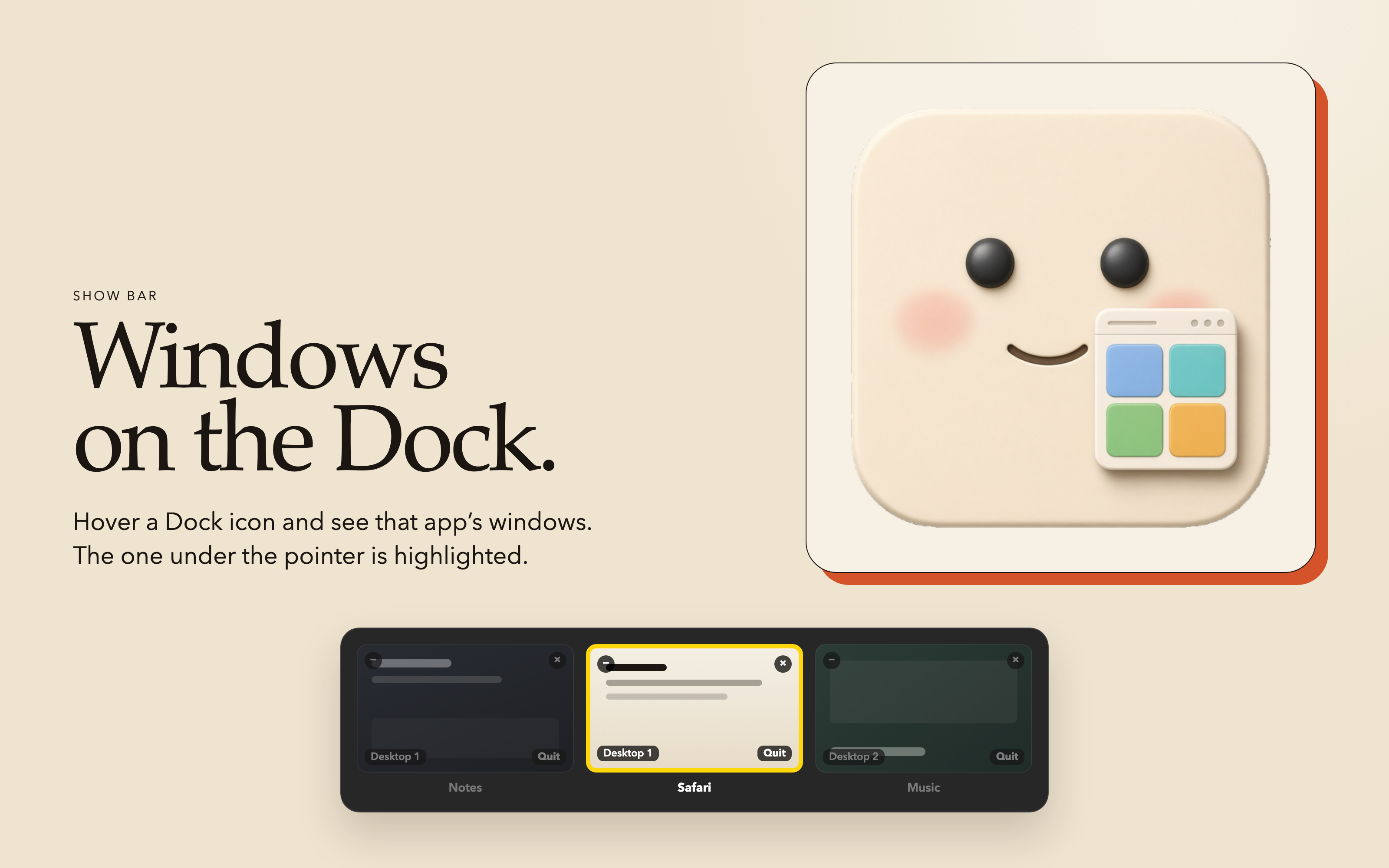
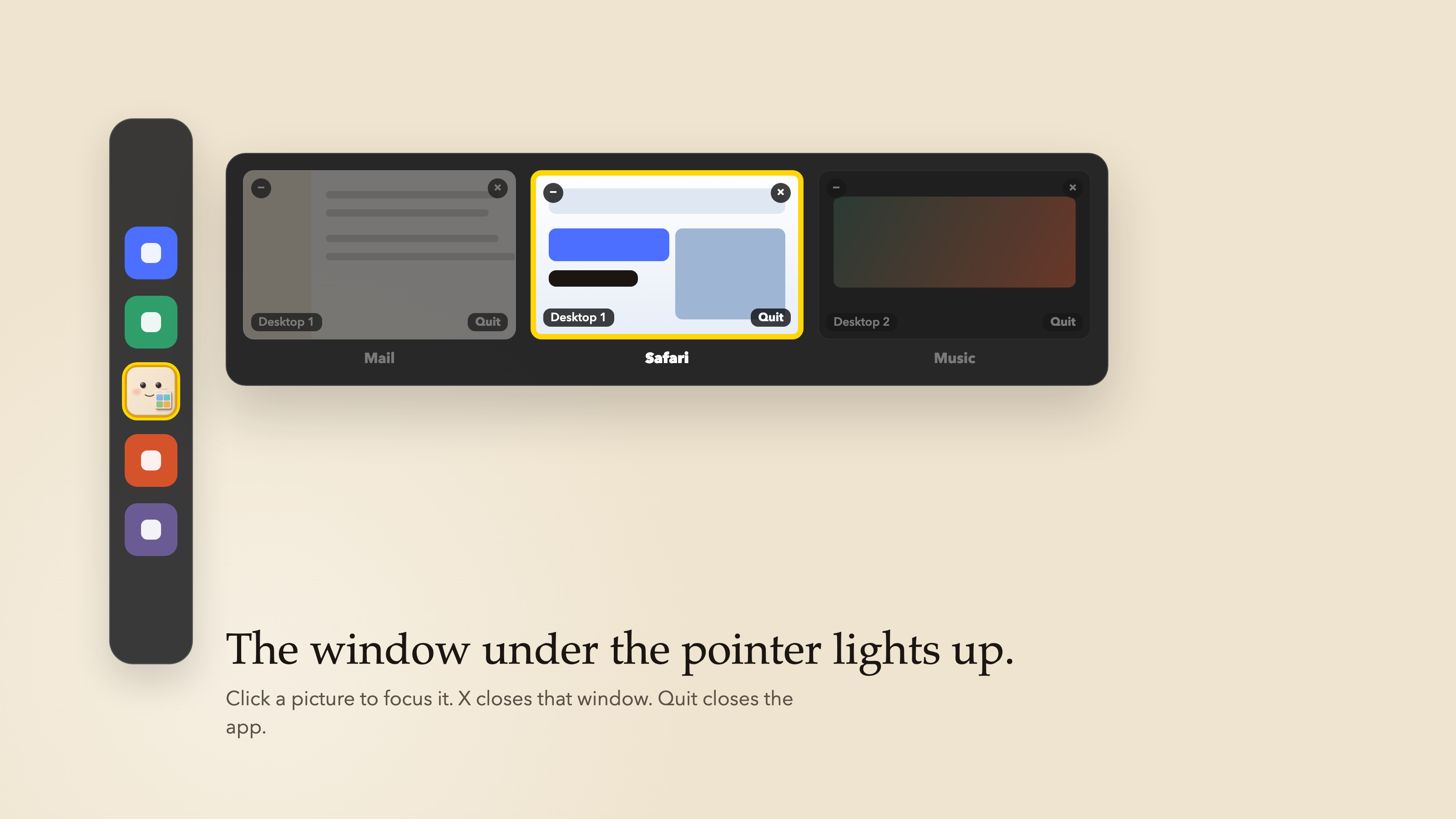
Windows-style Command-Tab window switcher with live thumbnails, Dock hover previews, window snapping, clipboard history, and a screenshot shelf.
By rept0rix. Free and open source.
Show Bar at a glance
- Version
- 2.0.3
- Released
- 11 November 2026
- Download size
- 2.7 MB
- Works on
- Apple silicon and Intel
- Category
- Windows and Keyboard
- Developer
- rept0rix
- GitHub stars
- 9
About Show Bar
Free native macOS window manager: Windows-style Command-Tab window switcher, live Dock hover previews, window snapping, clipboard history & screenshot shelf (Swift/SwiftUI)
Screenshots
How to install Show Bar on a Mac
- Get OpenDMG. It is a free app store for open source Mac apps. Download OpenDMG.
- Search for Show Bar and press Get. OpenDMG downloads version 2.0.3 from rept0rix's own GitHub release.
- Open it. The download is checked against its SHA-256 fingerprint and its signature is checked on your Mac before it lands in Applications.
Updates to Show Bar show up in OpenDMG and install with one button. No account is needed.
Prefer to do it by hand? The developer's file is on GitHub: Show-Bar-2.0.3.dmg (2.7 MB).
What is new in Show Bar 2.0.3
### What's New in Show Bar 2.0.3

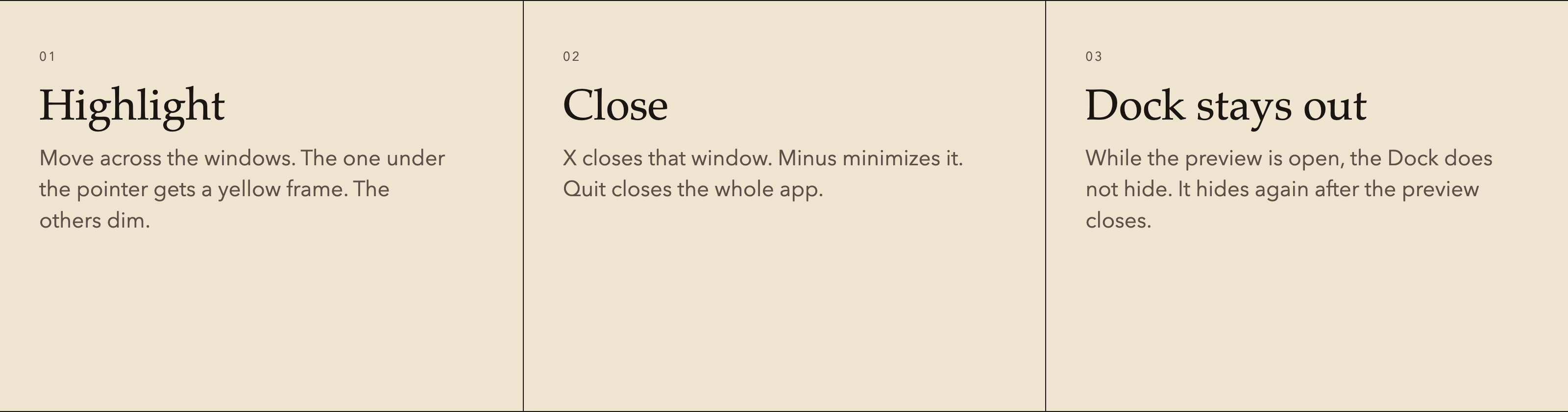
- **Smoother Dock window previews**:
 - Previews open after a short 180 ms pause and switch between apps in 90 ms, with a crossfade instead of a flash.
 - Cards keep a stable order, so windows no longer shuffle under the pointer.
 - Thumbnails are laid out at their final size first, so they no longer flash or get squeezed while switching apps.
 - The last good Dock geometry is kept during Dock animations, and hidden (auto-hide) Dock icons are only targeted when visible.
 - Sharper thumbnails (up to 640 px) and a larger preview cache.
- **Exact window focus**: Clicking a preview brings exactly that window forward, without jumping back to the app's previous window or desktop.
- **Frosted-glass clipboard history (⌃⌥V)**: Redesigned as a frosted-glass panel with a header, item count, Esc to close, and Clear All.
- **Unified glass styling**: Command-Tab switcher and screenshot shelf share the same frosted-glass look.
- **Illustrated desktop tour**: Redesigned with illustrated steps and consistent glass buttons.
- **Automated test suite**: Full unit and integration tests for preview interaction and protocol behavior.
More Windows and Keyboard apps
-
 RectangleRectangle is a window manager heavily based on Spectacle, written in Swift
-
 AeroSpaceAeroSpace is an i3-like tiling window manager for macOS
-
 AmethystAutomatic tiling window manager for macOS
-
 LoopWindow management made elegant
-
 OmniWMA Flexible and Modern Tiling Window Manager
-
 FlashSpaceEnhance and replace the native Spaces functionality of macOS