

Shark for Mac
Native Mac file manager built around folder-based browsing.
By andronasef. Free and open source, Apache-2.0 licence.
Shark at a glance
- Version
- 1.0.0-alpha.4 (pre-release)
- Released
- 7 November 2026
- Download size
- 33 MB
- Works on
- Apple silicon and Intel
- Licence
- Apache-2.0
- Category
- System Tools
- Developer
- andronasef
- GitHub stars
- 33
About Shark
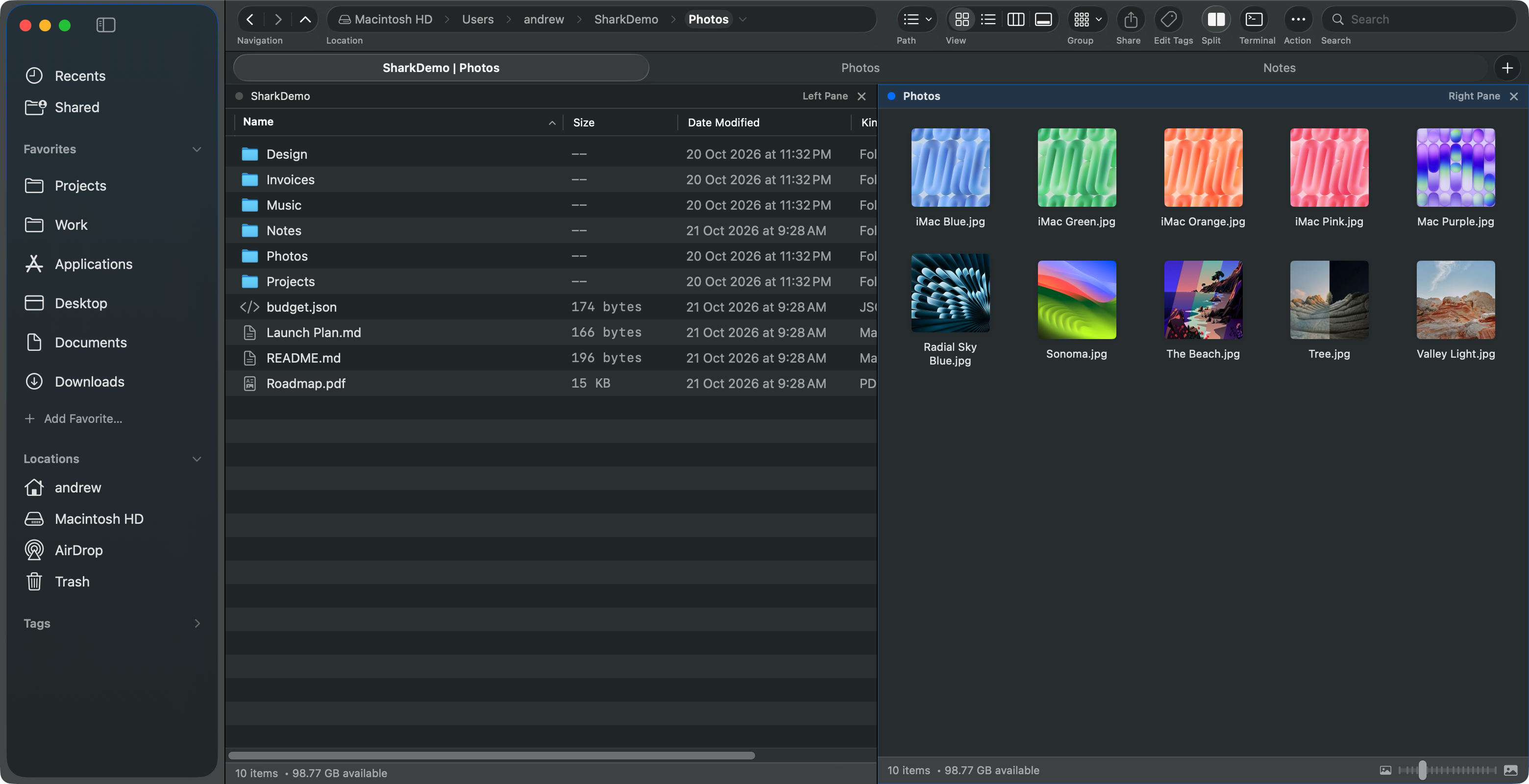
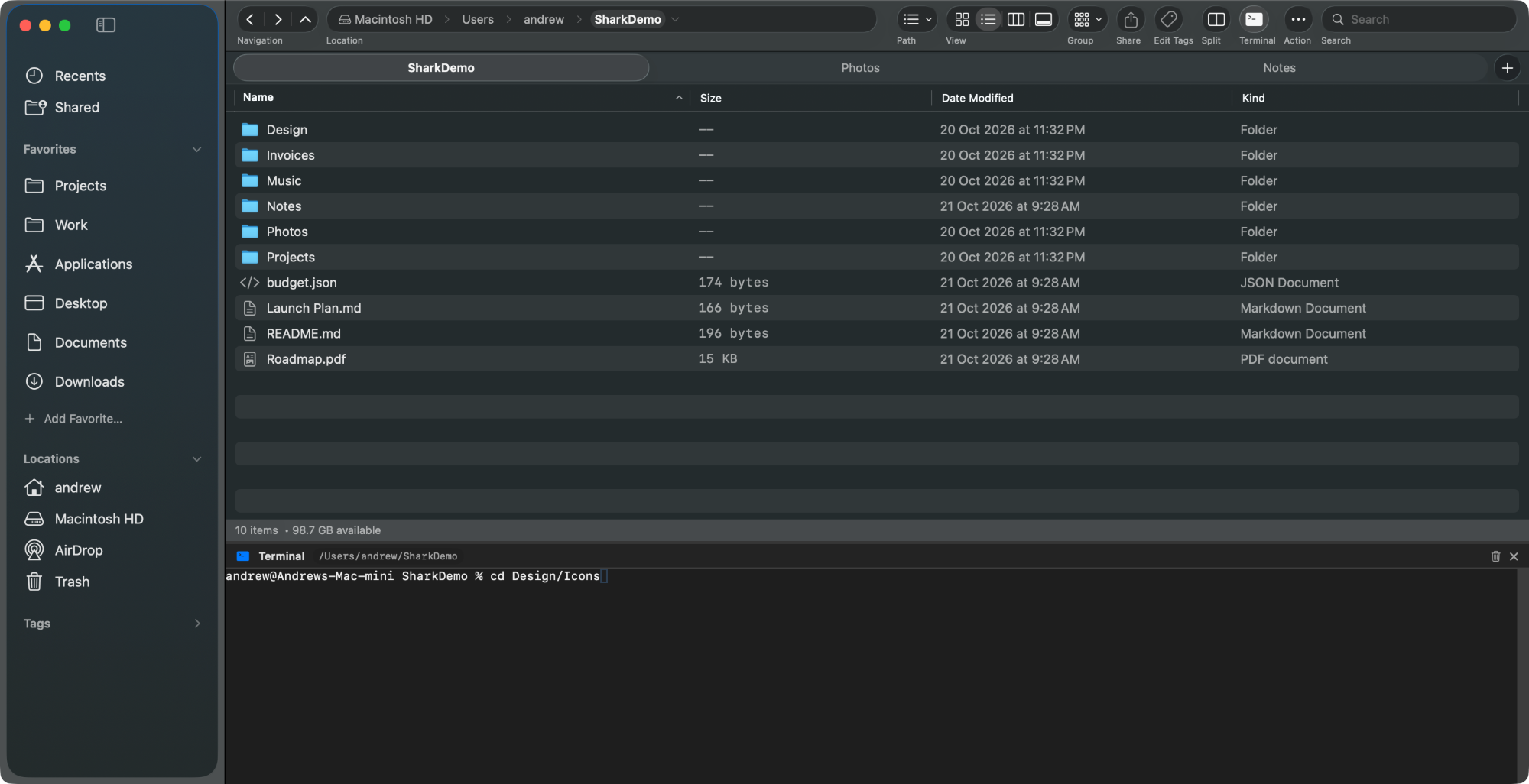
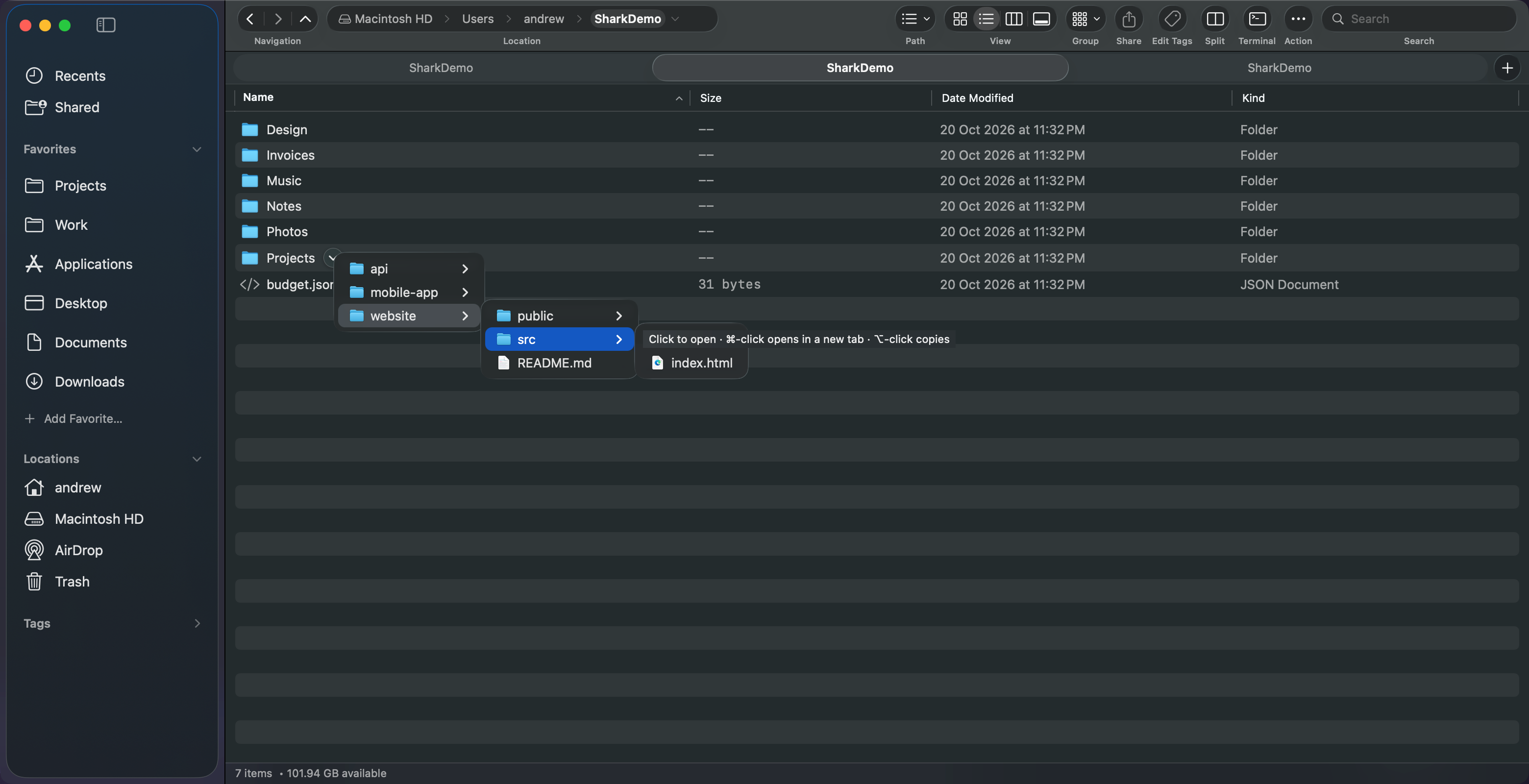
Shark – File Manager: a free, open source Mac file manager with tabs, split panes and a terminal
Screenshots
How to install Shark on a Mac
- Get OpenDMG. It is a free app store for open source Mac apps. Download OpenDMG.
- Search for Shark and press Get. OpenDMG downloads version 1.0.0-alpha.4 from andronasef's own GitHub release.
- Open it. The download is checked against its SHA-256 fingerprint and its signature is checked on your Mac before it lands in Applications.
Updates to Shark show up in OpenDMG and install with one button. No account is needed.
Prefer to do it by hand? The developer's file is on GitHub: Shark-1.0.0-alpha.4.dmg (33 MB).
What is new in Shark 1.0.0-alpha.4
### User Changelog
- **Dramatically Faster Scrolling**: Fluid, lag-free browsing and rapid arrow navigation in folders with hundreds or thousands of files.
- **Windows-Style Range Selection**: Select continuous files easily using Shift + Click or Shift + Arrow keys in list and grid views.
- **Auto-Scrolling Drag & Drop**: Dragging files near the top or bottom of a folder window now smoothly auto-scrolls through long lists.
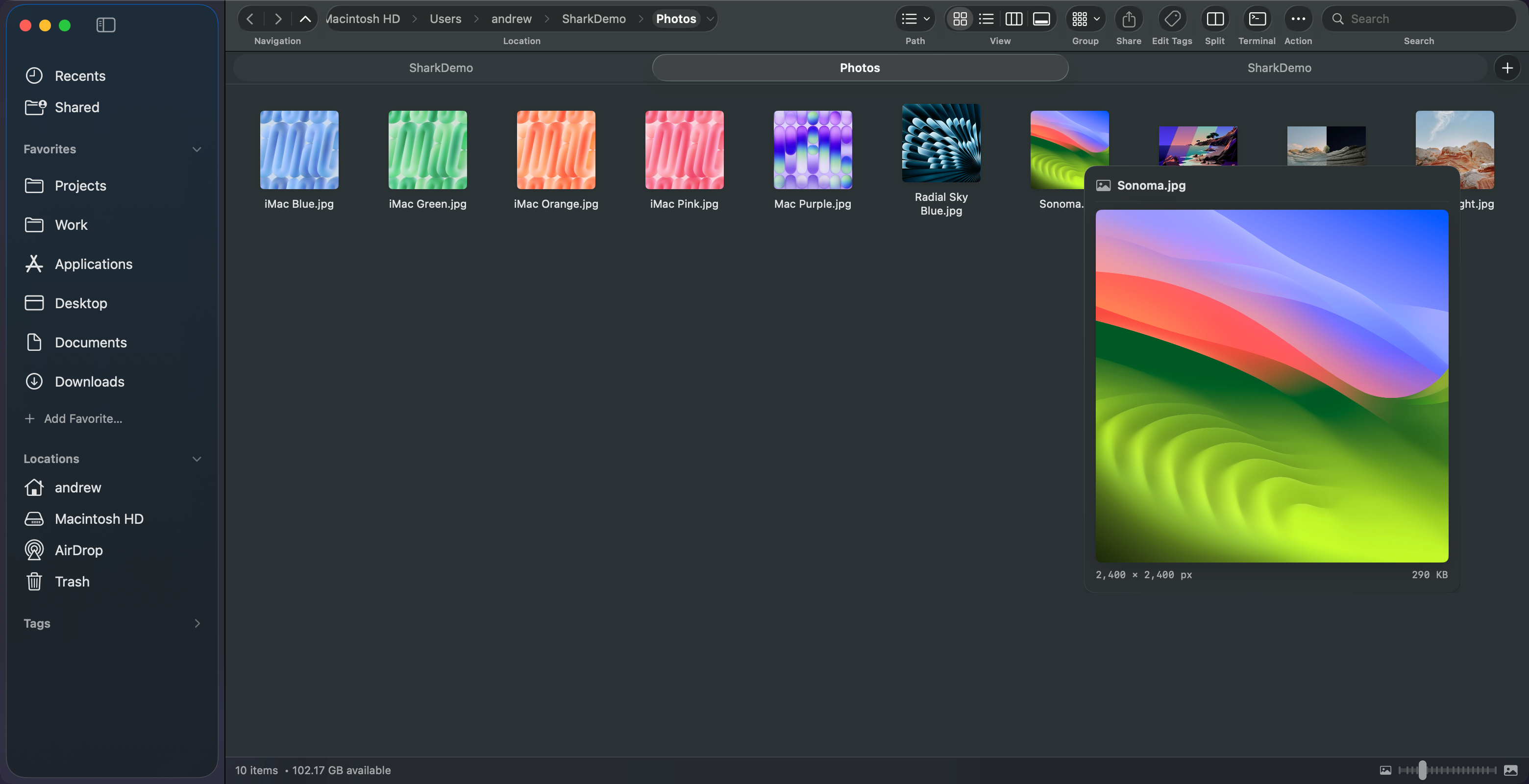
- **Enhanced Photo Viewer**: Quickly flip, rotate, copy, zoom, and trash photos directly inside the viewer.
- **Eject External Drives**: Safely unmount USB drives and external volumes right from the sidebar.

### Added
- Mac App Store rating engagement prompt: discreet, non-intrusive floating liquid glass card inviting users of the Mac App Store build to rate Shark after 7 days, 3 active days, and 20 folder navigations. Includes "Maybe Later" (14-day snooze), "Don't ask again" permanent dismissal, maximum 2 presentations lifetime cap, and a "Rate Shark on Mac App Store…" action in the Help menu.
- Share Shark with Friends milestone prompt: celebration card ("100 Fast Hops! 🎉") presented after reaching 100 folder navigations and tab actions, invoking the native macOS Share Sheet, with a 7-day buffer from rating prompts, snooze/dismiss options, and a permanent "Share Shark with Friends…" action in the Help menu.
…
More System Tools apps
-
 PearcleanerApp Cleaner and Uninstaller Tool
-
 PureMacFree open-source system cleaner with privacy protection
-
 OpenInTerminalFinder toolbar tool for opening the current folder in a terminal
-
 DockDoorWindow peeking for macOS
-
 DigUpSemantic search app that finds files by their contents
-
 LatestApp update checker that notifies you of available updates for installed applications