

SDTally for Mac
Read-only disk analyzer that explains macOS System Data and reveals what is using your storage.
By guiselig. Free and open source, GPL-3.0 licence.
SDTally at a glance
- Version
- 1.2.0
- Released
- 30 October 2026
- Download size
- 6.3 MB
- Works on
- Apple silicon and Intel
- Licence
- GPL-3.0
- Category
- Utilities
- Developer
- guiselig
- GitHub stars
- 77
About SDTally
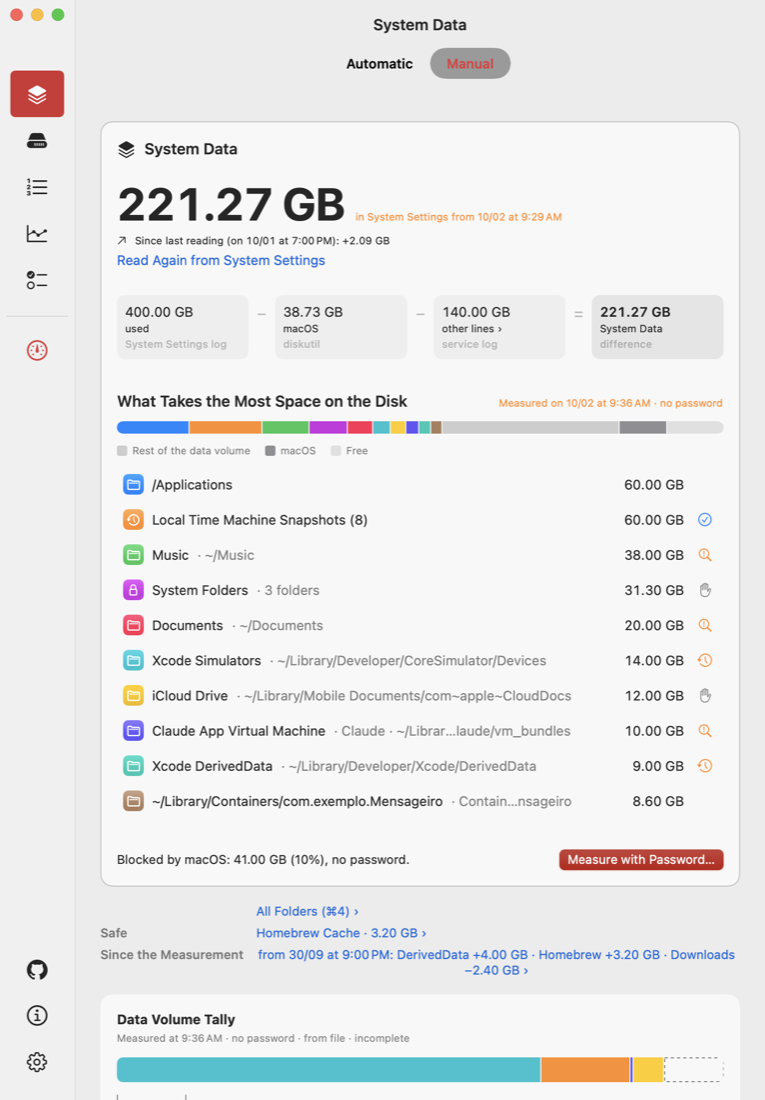
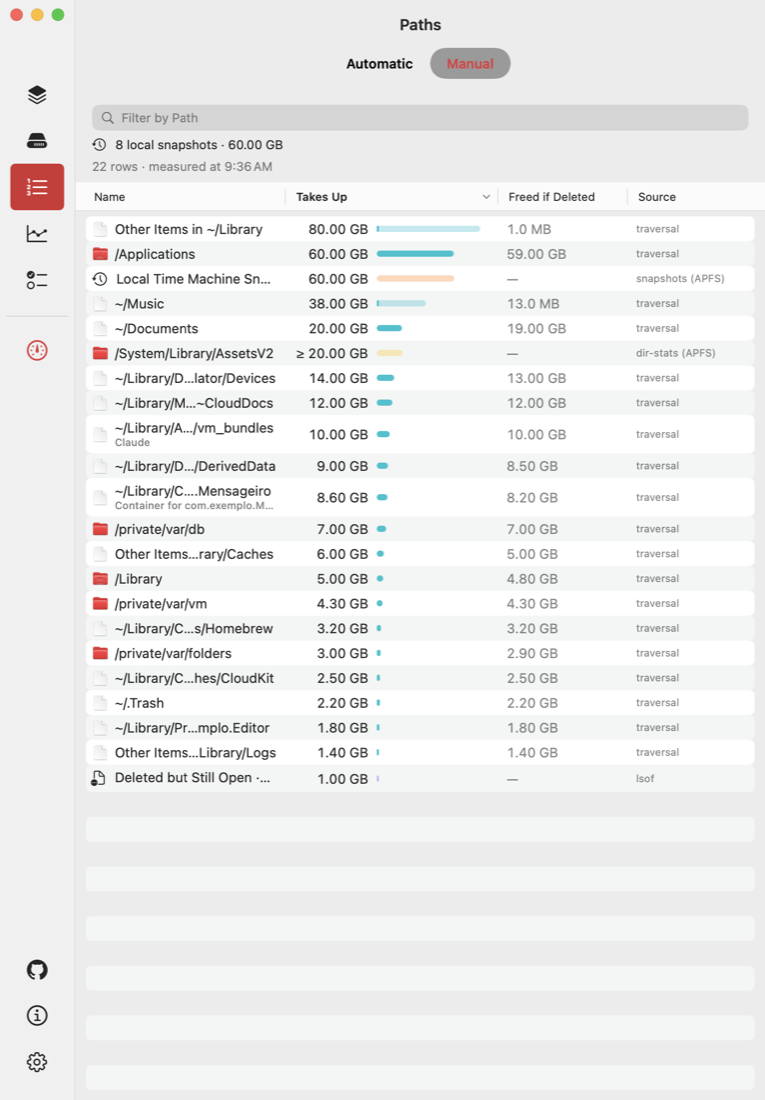
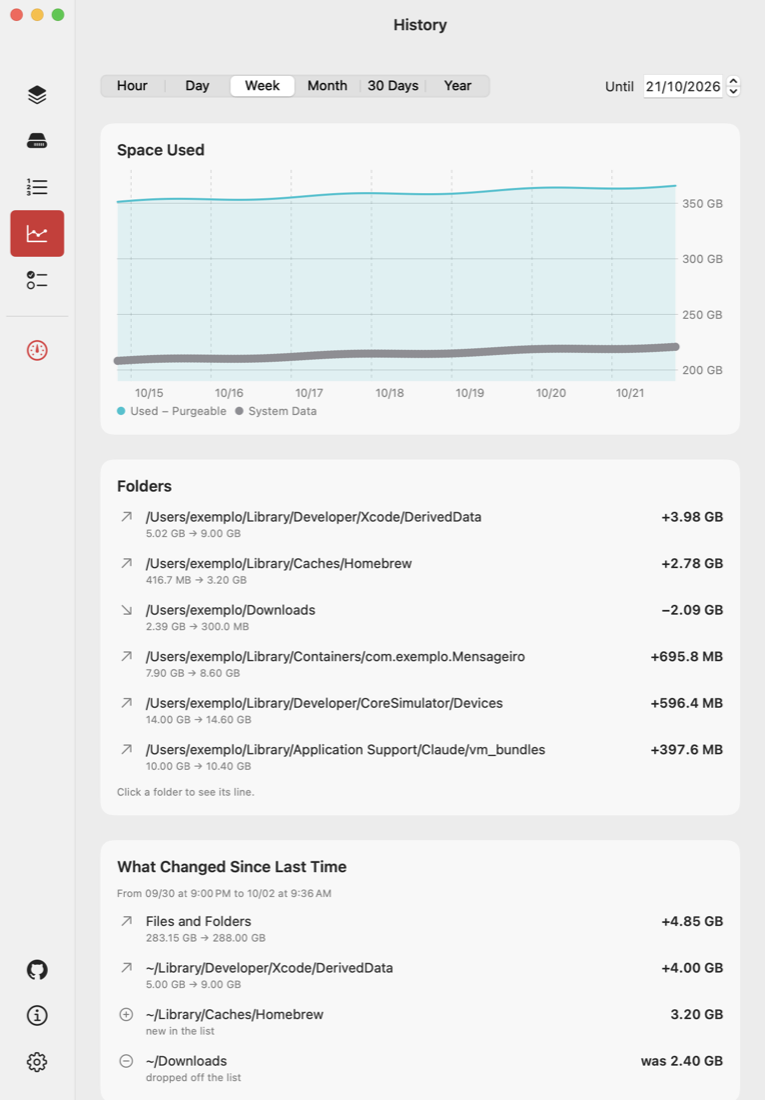
Explains what makes up macOS System Data by measuring it. Read-only: never deletes, no network. App + CLI for Apple Silicon.
Screenshots
How to install SDTally on a Mac
- Get OpenDMG. It is a free app store for open source Mac apps. Download OpenDMG.
- Search for SDTally and press Get. OpenDMG downloads version 1.2.0 from guiselig's own GitHub release.
- Open it. The download is checked against its SHA-256 fingerprint and its signature is checked on your Mac before it lands in Applications.
Updates to SDTally show up in OpenDMG and install with one button. No account is needed.
Prefer to do it by hand? The developer's file is on GitHub: SDTally-1.2.0.dmg (6.3 MB).
What is new in SDTally 1.2.0
Download **SDTally-1.2.0.dmg**, open it and drag SDTally to Applications. Requires Apple Silicon and macOS 15 or later.

SDTally is not notarized by Apple. On first launch, open System Settings > Privacy & Security and click "Open Anyway".

SHA-256 of the DMG: `71fc60b42429edaad2170a61d337a674e7905338eb90e004b3c92e4bd5bf5ea0` (check with `shasum -a 256 SDTally-1.2.0.dmg`).

## What's new

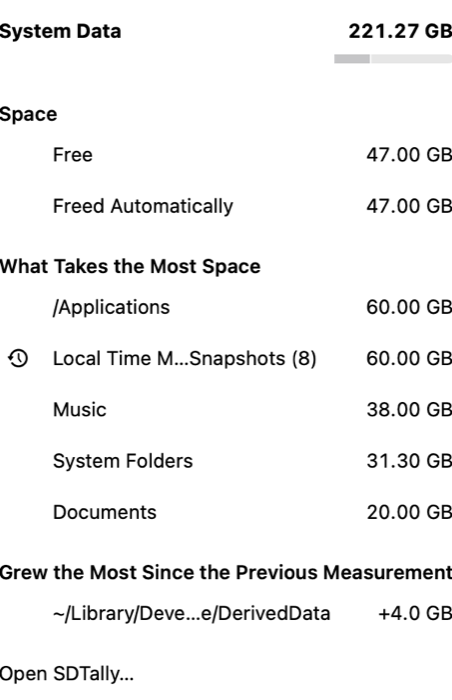
- **Choose what the menu bar shows.** Right-click the menu bar icon and pick **Show in Menu Bar**: free space, the amount freed automatically, System Data, used of total, or just the icon. The same choice is in Settings > Behavior.
- **Low-space alert at your own limit.** In Settings > Behavior, choose to be alerted below 5, 10, 20, 50 or 100 GB free, or keep the default of 10% of the disk. Free space counts what macOS frees up on its own.
- **Restart alert for high swap.** When the Mac uses a lot of disk as memory (above 20 GB by default), SDTally suggests a restart, which gives that space back. Change the limit or turn it off in Settings > Behavior.
- **Folder nicknames.** Folders without a recommendation card now show their full path instead of a guessed name. Right-click a folder to give it a nickname, show it in Finder or copy its path.
- **Simpler Summary.** The "Safe" and "Since the Measurement" lines under the folder list are gone.
…
More Utilities apps
-
 VorssaintAn open-source, free, and local toolkit that integrates functions such as preventing…
-
 BetterDisplayDisplay management tool with HiDPI scaling, PiP, and EDID controls
-
 MosSmooth your mouse's scrolling and reverse the mouse scroll direction
-
 EasydictmacOS instant translator — type/select/screenshot, multi-service, zero setup
-
 OpenHaystackOpen-source tracker for finding Bluetooth devices through Apple's Find My network
-
 OrkasOrkas is an open-source (MIT), local-first AI team for your desktop: a Commander turns…