
Scroll Wheel Mission Control for Mac
Hold the scroll wheel and drag to switch desktops, click it to open Mission Control, with per-app exclusions.
By enso-works. Free and open source, MIT licence.
Scroll Wheel Mission Control at a glance
- Version
- 1.1.0
- Released
- 24 September 2026
- Download size
- 1.3 MB
- Works on
- Apple silicon and Intel
- Licence
- MIT
- Category
- Utilities
- Developer
- enso-works
- GitHub stars
- 0
About Scroll Wheel Mission Control
Free, open source way to switch macOS desktops with any basic mouse: hold the scroll wheel and drag left/right to switch, up for Mission Control. A $0 Mac Mouse Fix alternative with no trial.
Screenshots
How to install Scroll Wheel Mission Control on a Mac
- Get OpenDMG. It is a free app store for open source Mac apps. Download OpenDMG.
- Search for Scroll Wheel Mission Control and press Get. OpenDMG downloads version 1.1.0 from enso-works's own GitHub release.
- Open it. The download is checked against its SHA-256 fingerprint and its signature is checked on your Mac before it lands in Applications.
Updates to Scroll Wheel Mission Control show up in OpenDMG and install with one button. No account is needed.
Prefer to do it by hand? The developer's file is on GitHub: ScrollWheelMissionControl.dmg (1.3 MB).
What is new in Scroll Wheel Mission Control 1.1.0
## What's new

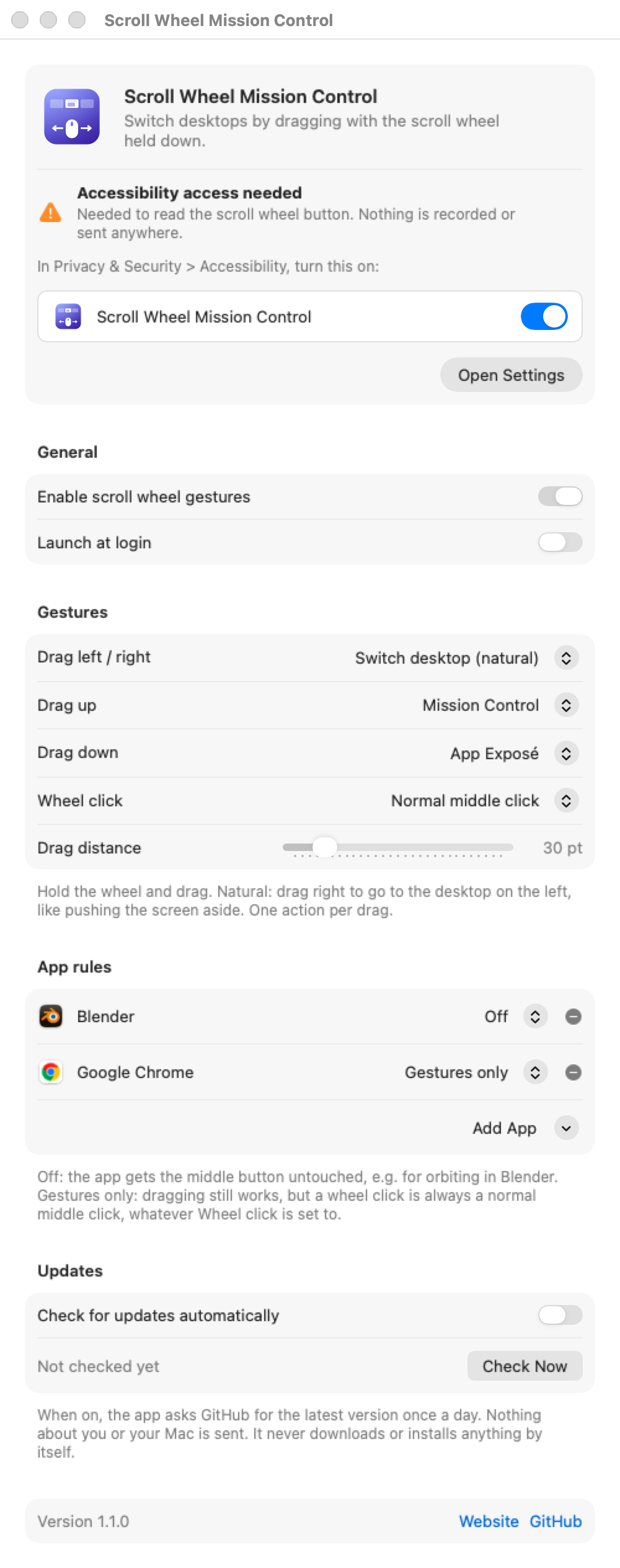
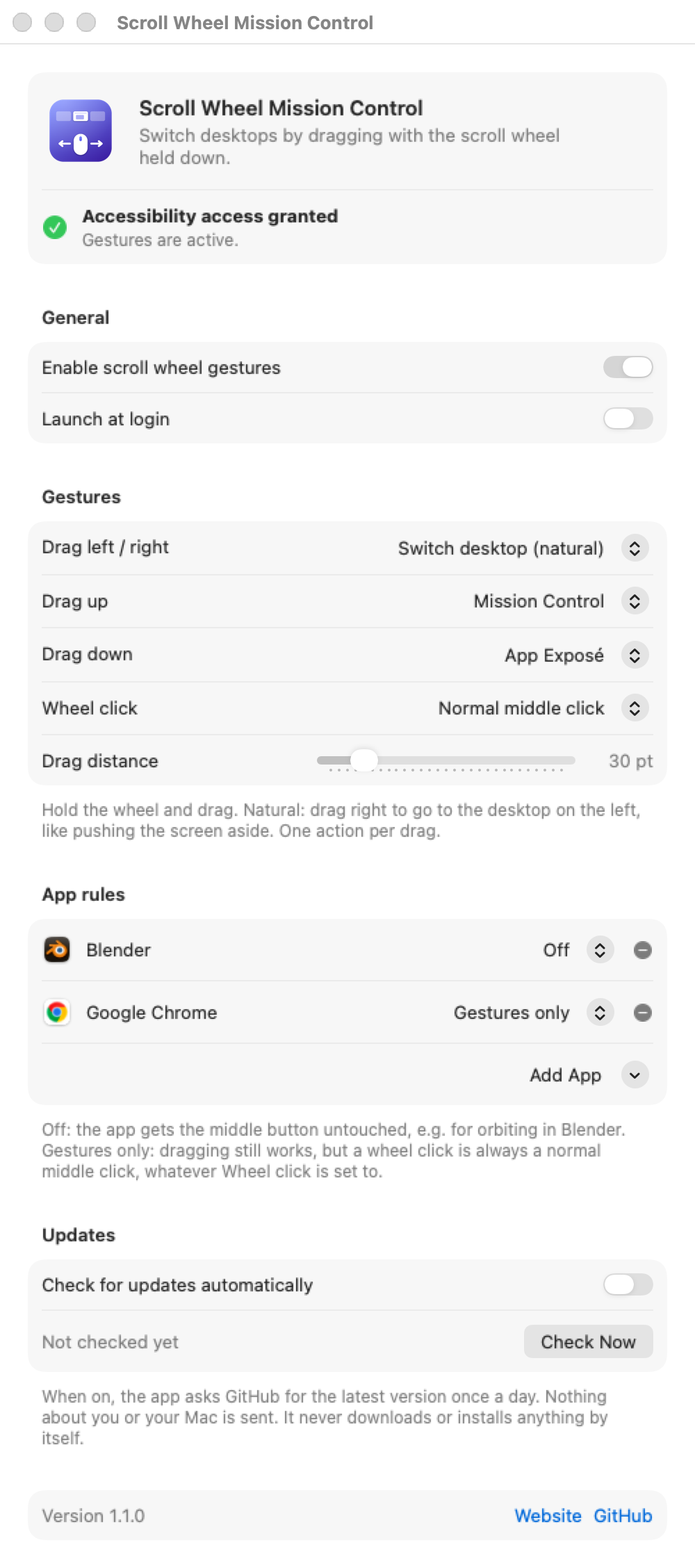
- **Drag up or down.** Hold the scroll wheel and drag up for Mission Control, down for App Exposé, like a three-finger trackpad swipe. Each direction can also be set to Show Desktop or nothing.
- **Middle click works again by default.** A plain wheel click now stays a normal middle click, so opening links in new tabs just works. You can still make the click open Mission Control, App Exposé, or do nothing.
- **Per-app rules** replace "Excluded apps". Per app, choose **Off** (the app gets the middle button untouched, e.g. Blender) or **Gestures only** (dragging still works, a plain click always passes through). Your existing exclusions carry over as "Off".
- **Optional update check.** Off by default. When on, the app asks GitHub once a day whether a new version is out and shows a Download button. It never downloads or installs anything by itself. There's also **Check for Updates...** in the menu bar menu.
- The settings window now scrolls on smaller screens.

## Download

**[ScrollWheelMissionControl.dmg](https://github.com/enso-works/Mac-Scroll-Wheel-Mission-Control/releases/latest/download/ScrollWheelMissionControl.dmg)**: open it and drag the app onto Applications, replacing the old version. Your settings are kept.

Universal build for Apple Silicon and Intel, macOS 13 Ventura or later.
…
More Utilities apps
-
 BetterDisplayDisplay management tool with HiDPI scaling, PiP, and EDID controls
-
 VorssaintAn open-source, free, and local toolkit that integrates functions such as preventing…
-
 MosSmooth your mouse's scrolling and reverse the mouse scroll direction
-
 EasydictmacOS instant translator — type/select/screenshot, multi-service, zero setup
-
 OpenHaystackOpen-source tracker for finding Bluetooth devices through Apple's Find My network
-
 KekaKeka is a full featured file archiver, as easy as it can be