

RsyncUI for Mac
Graphical interface for rsync file synchronization and backup operations.
By rsyncOSX. Free and open source, MIT licence.
RsyncUI at a glance
- Version
- 3.0.5
- Released
- 10 September 2026
- Download size
- 3.4 MB
- Works on
- Apple silicon and Intel
- Licence
- MIT
- Category
- Social and Communication
- Developer
- rsyncOSX
- GitHub stars
- 1.5K
About RsyncUI
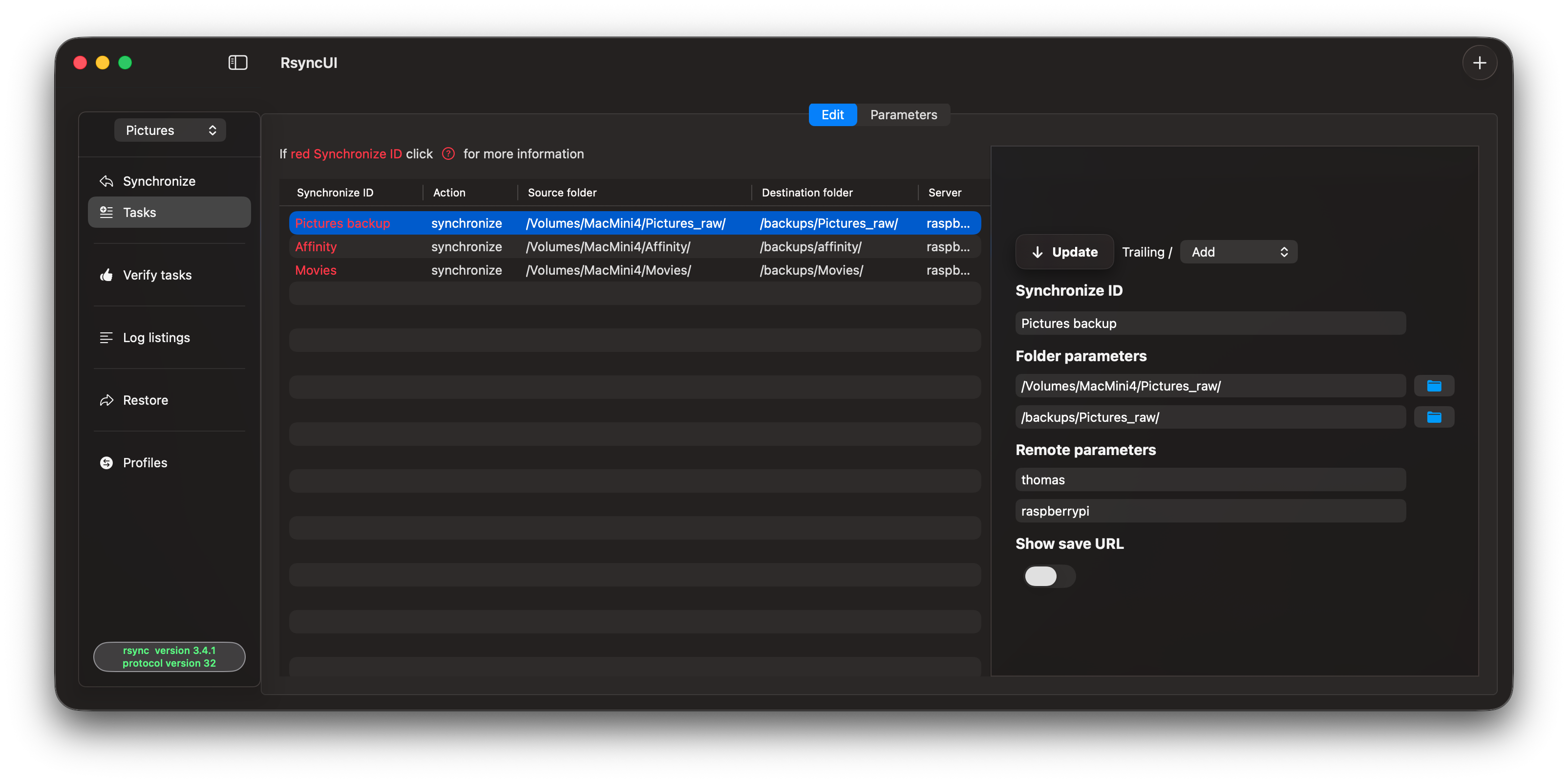
A SwiftUI based macOS GUI for rsync.
Screenshots
How to install RsyncUI on a Mac
- Get OpenDMG. It is a free app store for open source Mac apps. Download OpenDMG.
- Search for RsyncUI and press Get. OpenDMG downloads version 3.0.5 from rsyncOSX's own GitHub release.
- Open it. The download is checked against its SHA-256 fingerprint and its signature is checked on your Mac before it lands in Applications.
Updates to RsyncUI show up in OpenDMG and install with one button. No account is needed.
Prefer to do it by hand? The developer's files are on GitHub: RsyncUI.3.0.5.arm64.dmg (3.4 MB), RsyncUI.3.0.5.dmg (4.6 MB).
What is new in RsyncUI 3.0.5
Kindly refer to the changelog for further details: [the changelog](https://rsyncui.netlify.app/blog/). This is a build for macOS Sonoma, macOS Sequoia, macOS Tahoe and macOS Golden Gate beta. The *arm64* build is not available for release on Homebrew.

The shasum -a 256:

- RsyncUI.3.0.5.arm64.dmg: 4c3d46a190ec39eaea8edc74a65d7d82260ddf740c61dc9816b81741bb3d82fd
- RsyncUI.3.0.5.dmg: 7f665eab2d90b07f1cf2f64aa7dea892c22849f59815a92853d2b9098708b06d

**Full Changelog**: https://github.com/rsyncOSX/RsyncUI/compare/v3.0.3...v3.0.5
More Social and Communication apps
-
 CopilotForXcodeXcode extension for GitHub Copilot
-
 RedditOSA SwiftUI Reddit client for macOS
-
 HuggingChatNative chat interface for open-source language models
-
 LlamaChatChat with your favourite LLaMA models
-
 WeChatBridgeForwards WeChat chat history into AI agents and local knowledge bases, fully local
-
 OnitAn AI chat sidebar that can dock to any app on your Mac