
Rime for Mac
Minimal PDF reader that hides distractions and freezes the rest of the screen.
By Yvsleyen00941. Free and open source, MIT licence.
Rime at a glance
- Version
- 1.0.0
- Released
- 31 October 2026
- Download size
- 1.1 MB
- Works on
- Apple silicon and Intel
- Licence
- MIT
- Category
- Utilities
- Developer
- Yvsleyen00941
- GitHub stars
- 3
About Rime
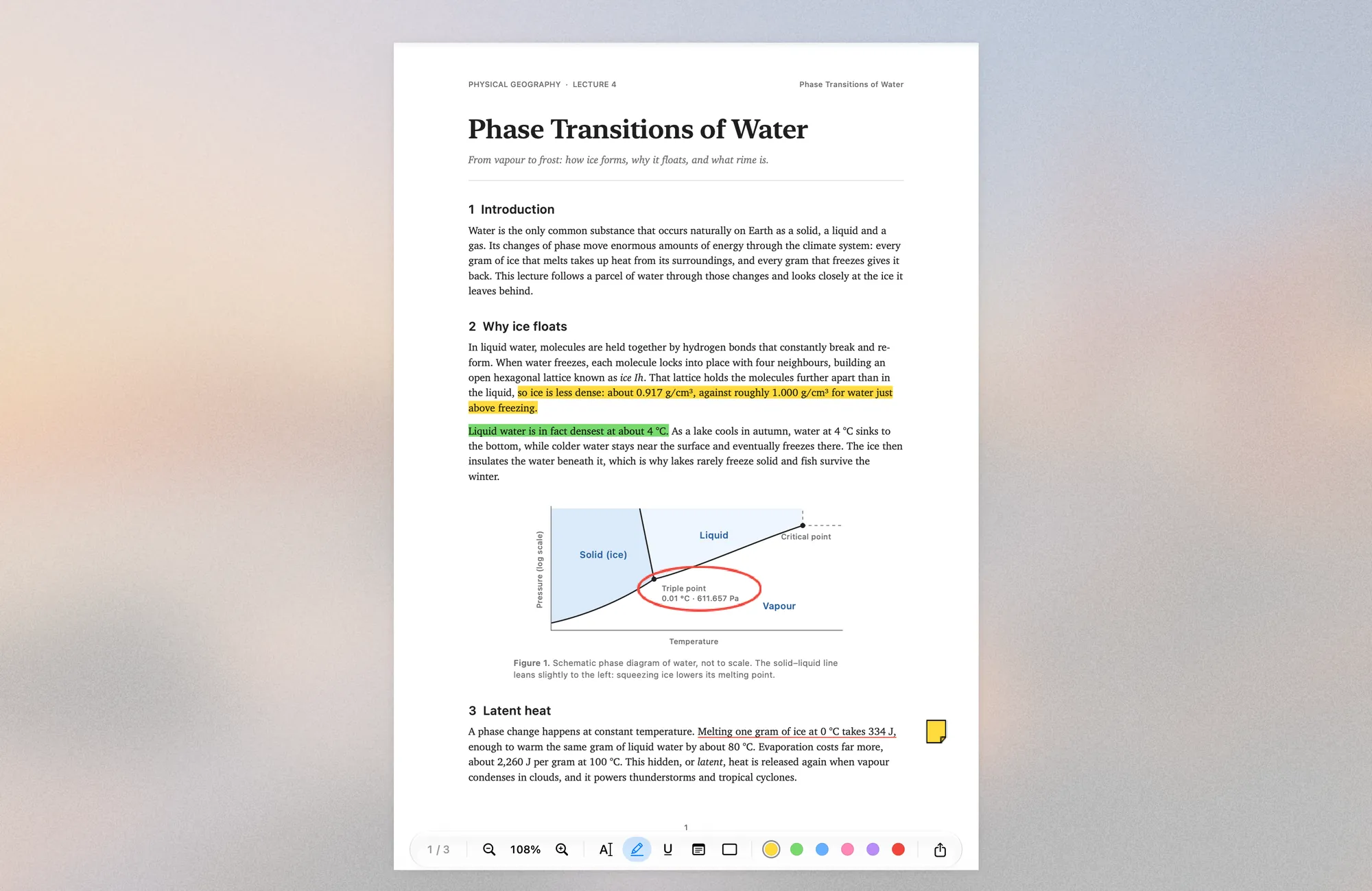
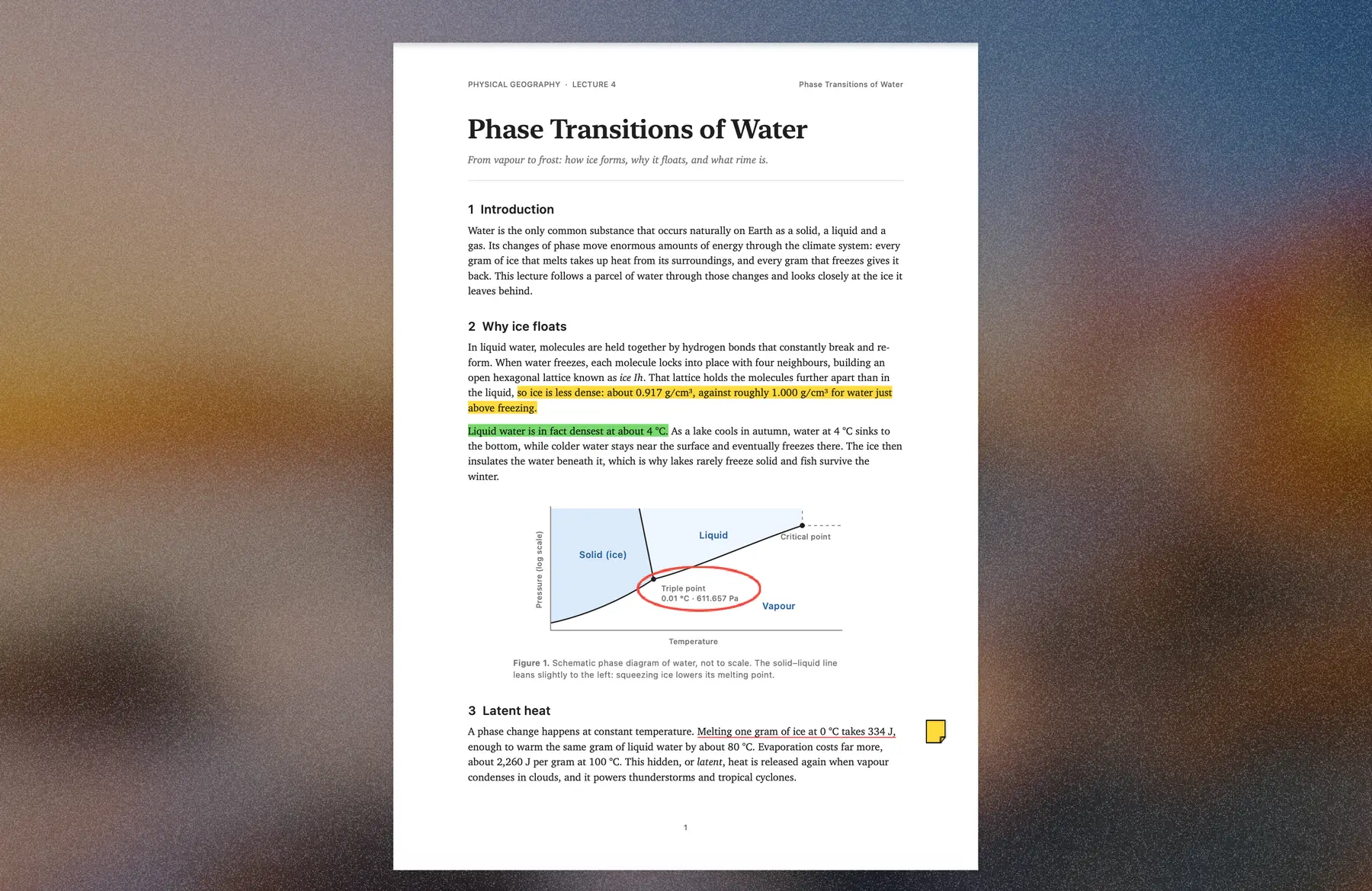
A PDF reader for macOS where only the page is left: everything around it freezes over into frosted ice.
Screenshots


How to install Rime on a Mac
- Get OpenDMG. It is a free app store for open source Mac apps. Download OpenDMG.
- Search for Rime and press Get. OpenDMG downloads version 1.0.0 from Yvsleyen00941's own GitHub release.
- Open it. The download is checked against its SHA-256 fingerprint and its signature is checked on your Mac before it lands in Applications.
Updates to Rime show up in OpenDMG and install with one button. No account is needed.
Prefer to do it by hand? The developer's file is on GitHub: Rime-macOS-v1.0.0.zip (1.1 MB).
What is new in Rime 1.0.0
First release of Rime: a PDF reader for macOS where only the page is left. Everything around it freezes over into frosted ice made from your wallpaper.

- Ice grows in from the screen edges when you start reading and melts when you switch apps
- Pinch and smart zoom, highlight, underline, notes, rectangles, ovals, lines and arrows, saved as standard PDF annotations
- A Liquid Glass control capsule that fades while you read
- Hide or keep the menu bar and Dock while reading (Settings)
- Follows Dark Mode, Reduce Motion and Reduce Transparency
- Export as PDF, or the current page as PNG or JPEG

Requires macOS 27. Rime isn't notarized: the first time, macOS won't open it. Go to System Settings → Privacy & Security and click Open Anyway.

Website: https://yorben.me/#rime
More Utilities apps
-
 VorssaintAn open-source, free, and local toolkit that integrates functions such as preventing…
-
 BetterDisplayDisplay management tool with HiDPI scaling, PiP, and EDID controls
-
 MosSmooth your mouse's scrolling and reverse the mouse scroll direction
-
 EasydictmacOS instant translator — type/select/screenshot, multi-service, zero setup
-
 OpenHaystackOpen-source tracker for finding Bluetooth devices through Apple's Find My network
-
 OrkasOrkas is an open-source (MIT), local-first AI team for your desktop: a Commander turns…