
Redlamp for Mac
Native RAW photo editor for Mac, iPad, and iPhone with a familiar Lightroom-style workflow.
By pdcgomes. Free and open source, MPL-2.0 licence.
Redlamp at a glance
- Version
- 0.2.9-prealpha
- Released
- 11 October 2026
- Download size
- 18 MB
- Works on
- Apple silicon and Intel
- Licence
- MPL-2.0
- Category
- Graphics and Design
- Developer
- pdcgomes
- GitHub stars
- 412
About Redlamp
A native, open-source RAW photo editor for Mac, iPad and iPhone that feels immediately familiar to Lightroom users.
Screenshots
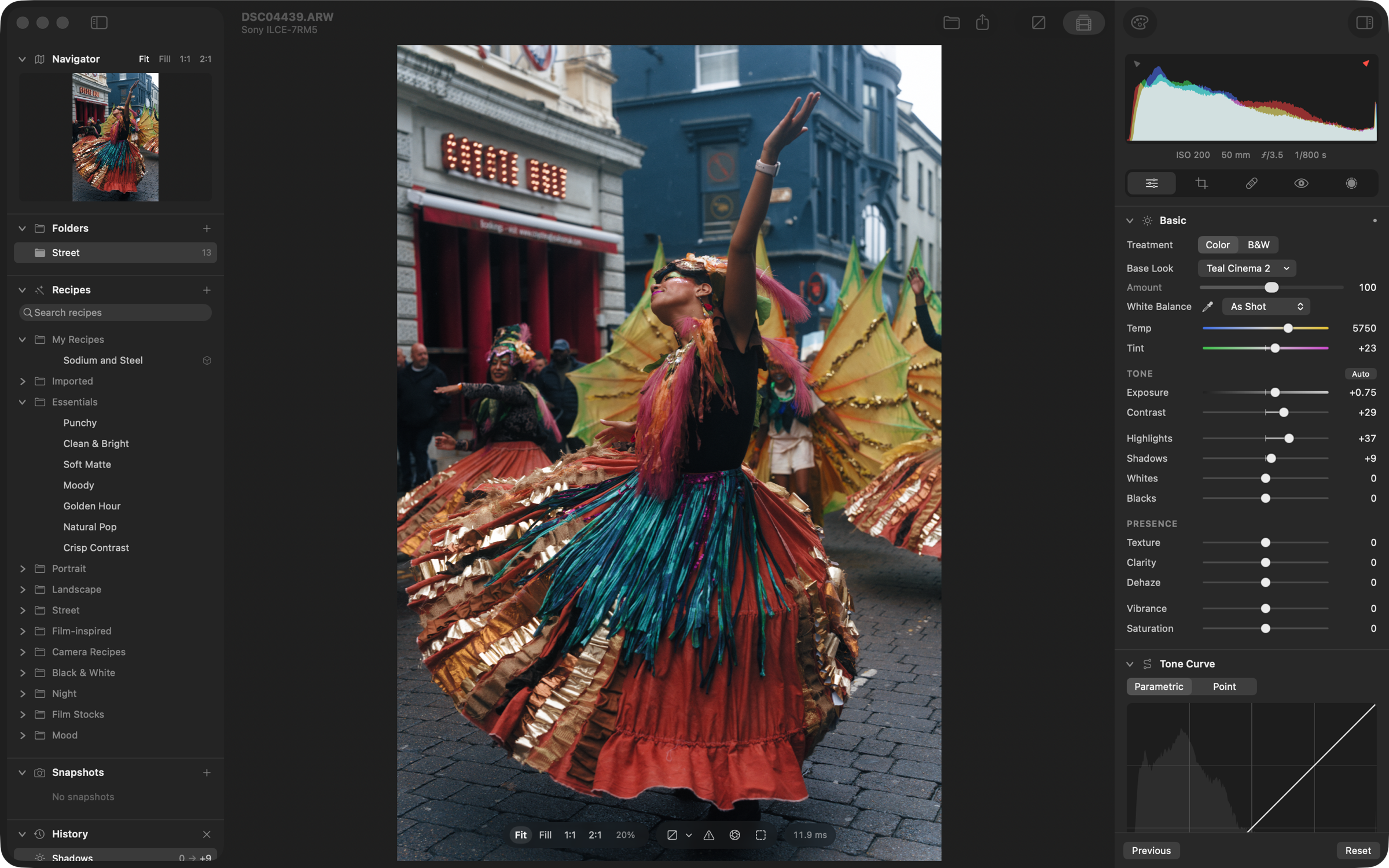
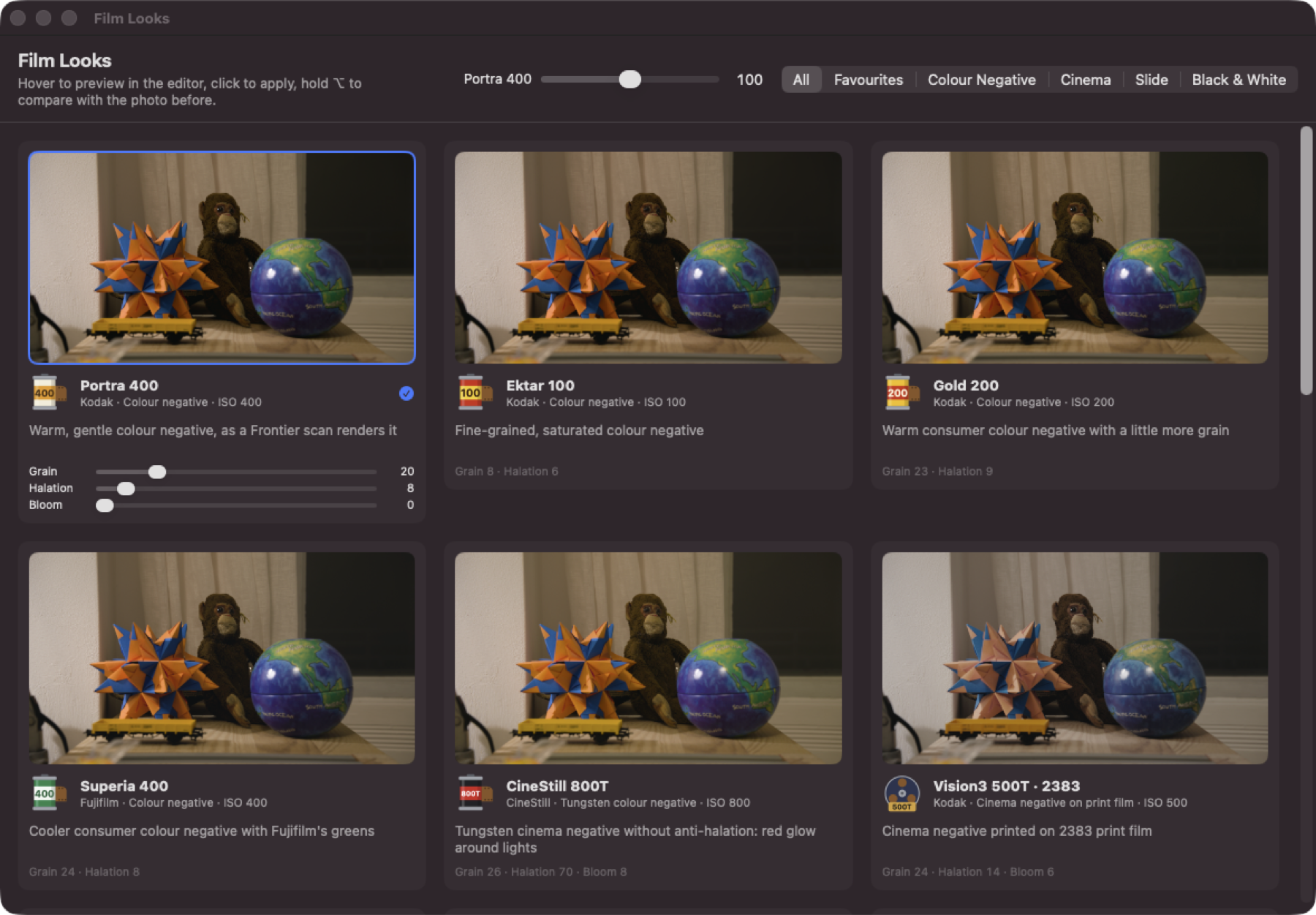
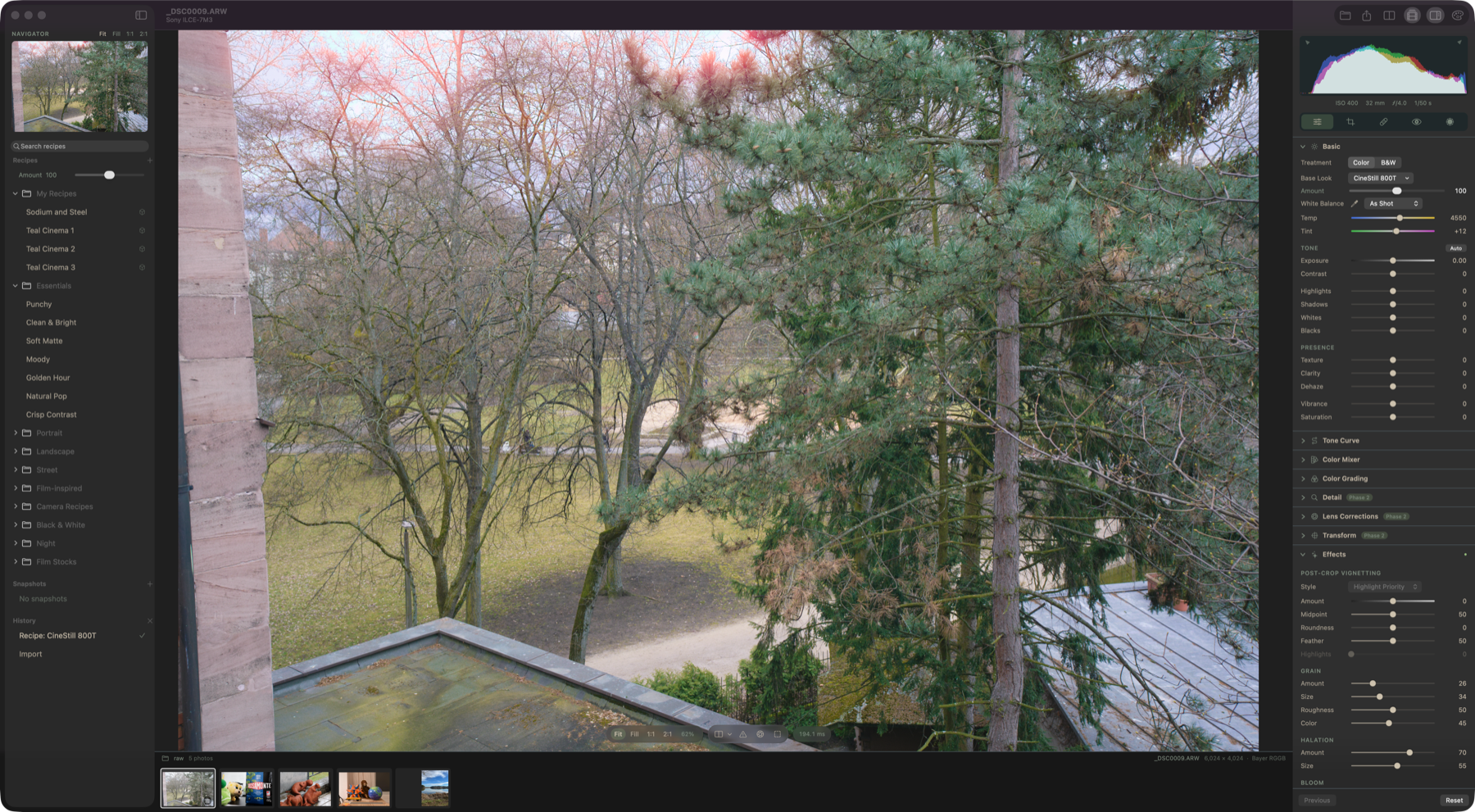
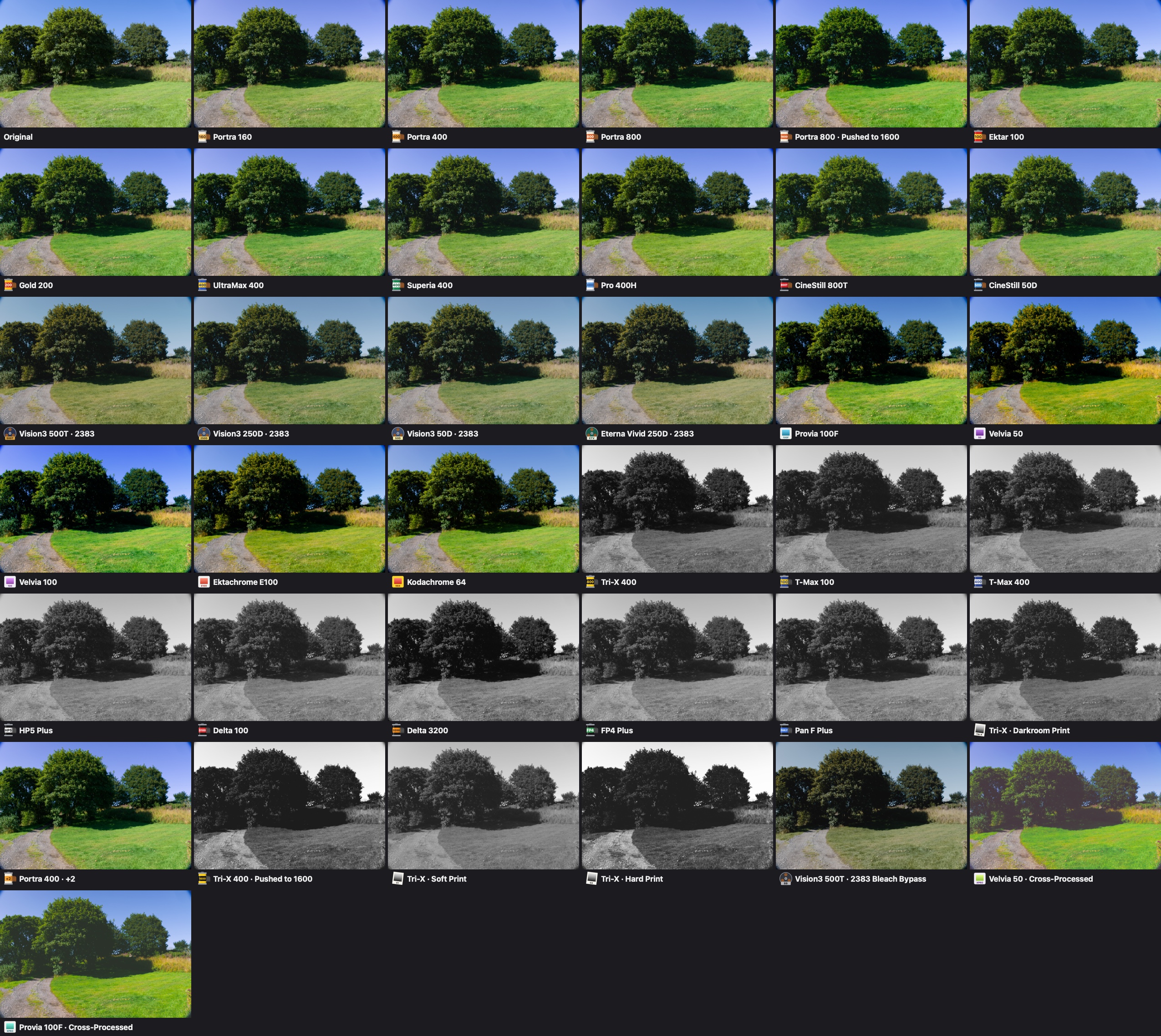
How to install Redlamp on a Mac
- Get OpenDMG. It is a free app store for open source Mac apps. Download OpenDMG.
- Search for Redlamp and press Get. OpenDMG downloads version 0.2.9-prealpha from pdcgomes's own GitHub release.
- Open it. The download is checked against its SHA-256 fingerprint and its signature is checked on your Mac before it lands in Applications.
Updates to Redlamp show up in OpenDMG and install with one button. No account is needed.
Prefer to do it by hand? The developer's file is on GitHub: Redlamp-0.2.9-prealpha.dmg (18 MB).
What is new in Redlamp 0.2.9-prealpha
Highlights:

- **A new Masks panel**: one picker for every mask, behind New Mask, Add, Subtract and Intersect; every action on screen, with a menu button on each mask and component; and masks that preview themselves, with a thumbnail of each one's coverage and its overlay while the pointer is over it. Invert works for a whole mask, and the People picker chooses people and their parts. A mask preset now goes to every selected photo, and the Landscape picker offers the regions it finds, as one mask or one each ([#301](https://github.com/pdcgomes/redlamp/issues/301) to [#307](https://github.com/pdcgomes/redlamp/issues/307)).
- **Panel switches**: an eye on each Develop panel's header switches the panel off, so its settings render neutral, as a step in History; an Edited chip says how many of its settings have changed and lists them when the pointer is over it ([#317](https://github.com/pdcgomes/redlamp/issues/317)).
- **Clipped highlights keep their colour**: pulled below white by Highlights or Exposure, highlights the camera clipped in one or two colours keep the colour around them instead of turning lilac with a cyan band, and areas clipped in every colour fade smoothly to neutral. It applies to new edits; existing edits look as they did ([#369](https://github.com/pdcgomes/redlamp/issues/369)).
…
More Graphics and Design apps
-
 AerialApple TV Aerial Screensaver for macOS
-
 CompositorFree, open-source image editor aiming to be a full Photoshop alternative
-
 BrooklynScreensaver inspired by Apple's Event on October 30, 2018
-
 EquinoxCreate dynamic wallpapers for macOS
-
 ExcalidrawZA virtual whiteboard for sketching hand-drawn-like diagrams with native file management…
-
 WaifuXOpen-source ACG app for wallpapers, animated backgrounds, and anime videos