
RainDesktop for Mac
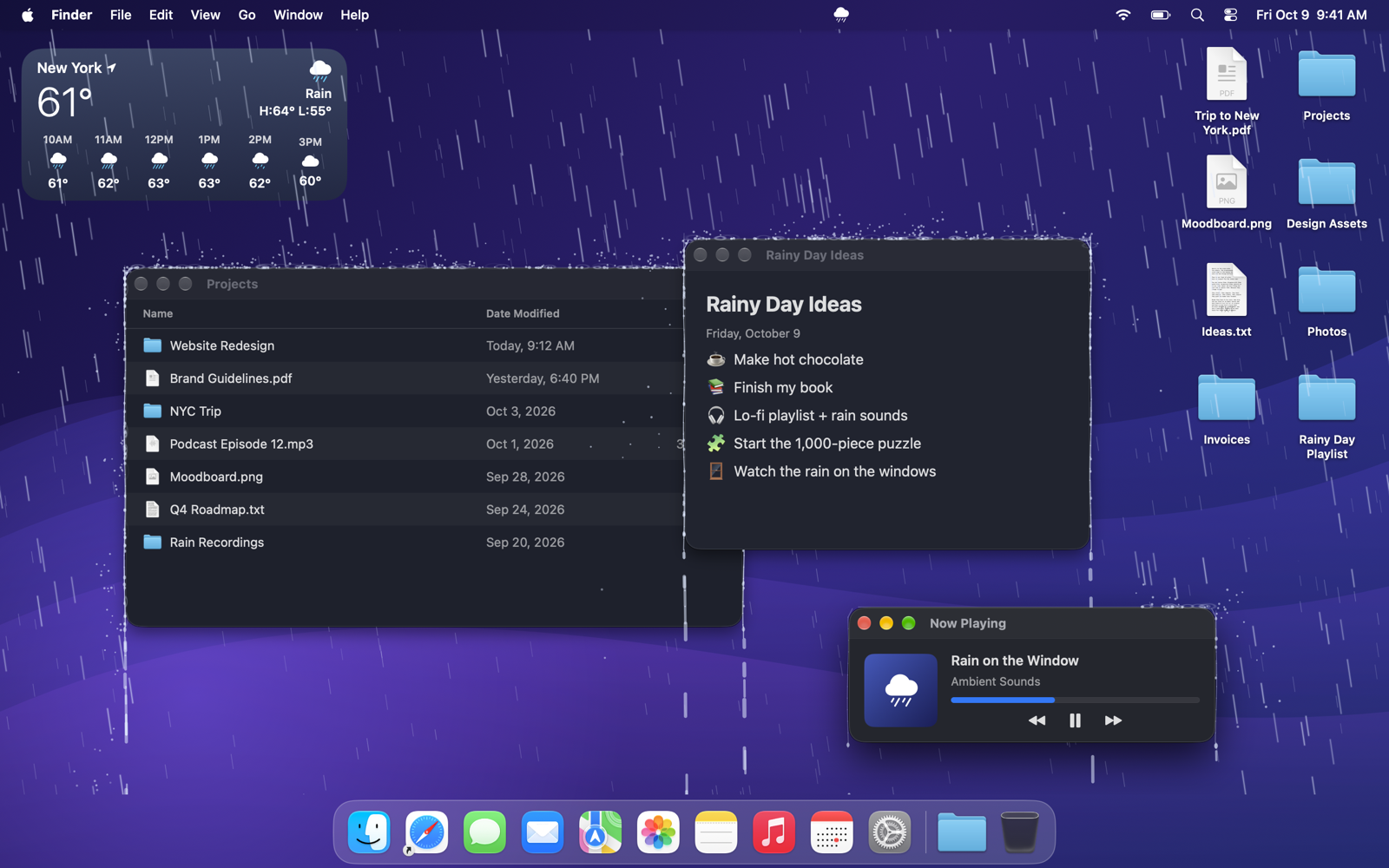
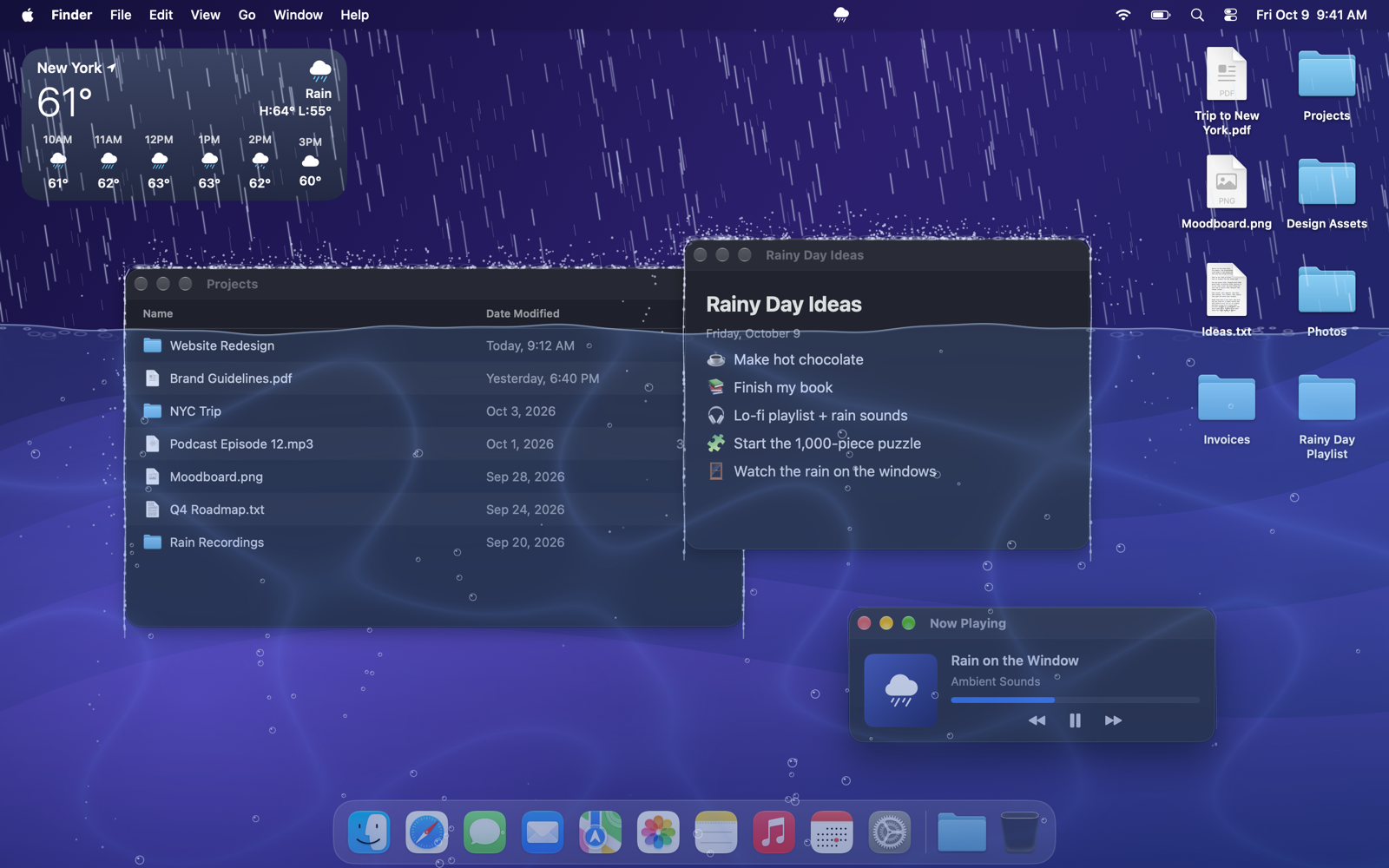
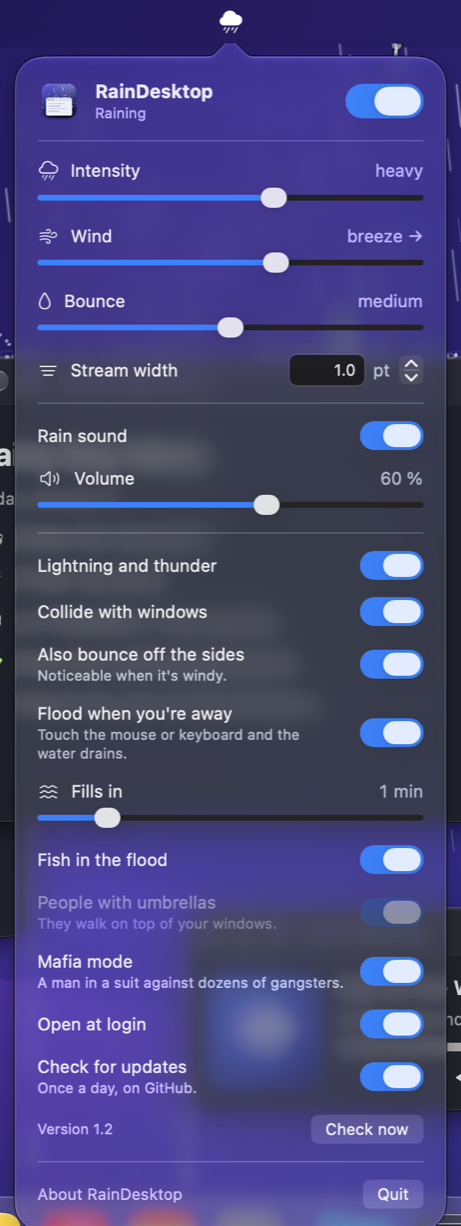
Rain behind your macOS windows: drops bounce off title bars, and your Mac slowly floods when idle.
By gonzaroman. Free and open source, MIT licence.
RainDesktop at a glance
- Version
- 1.2
- Released
- 9 October 2026
- Download size
- 1.3 MB
- Works on
- Apple silicon and Intel
- Licence
- MIT
- Category
- Graphics and Design
- Developer
- gonzaroman
- GitHub stars
- 14
About RainDesktop
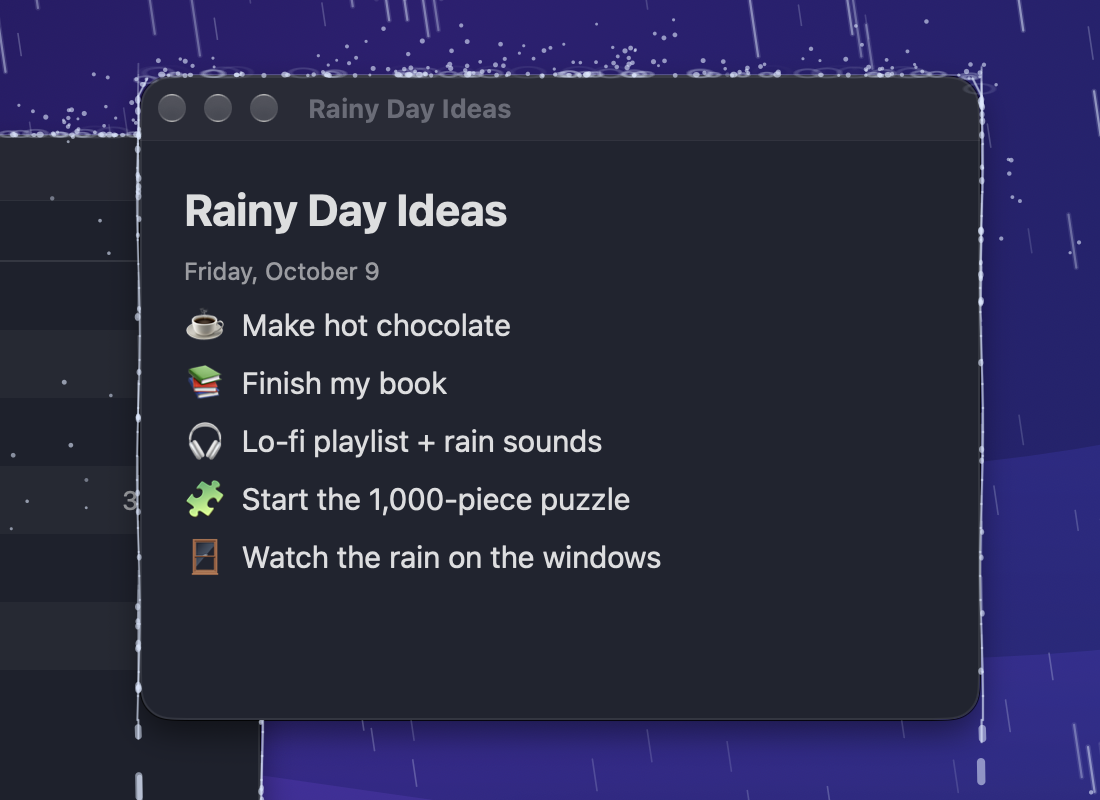
Rain behind your windows on macOS: drops bounce off title bars, water runs down the sides, and your Mac slowly floods when you're away.
Screenshots
How to install RainDesktop on a Mac
- Get OpenDMG. It is a free app store for open source Mac apps. Download OpenDMG.
- Search for RainDesktop and press Get. OpenDMG downloads version 1.2 from gonzaroman's own GitHub release.
- Open it. The download is checked against its SHA-256 fingerprint and its signature is checked on your Mac before it lands in Applications.
Updates to RainDesktop show up in OpenDMG and install with one button. No account is needed.
Prefer to do it by hand? The developer's file is on GitHub: RainDesktop-1.2.zip (1.3 MB).
What is new in RainDesktop 1.2
**Mafia mode, fish and people with umbrellas.** Your desktop now has company. 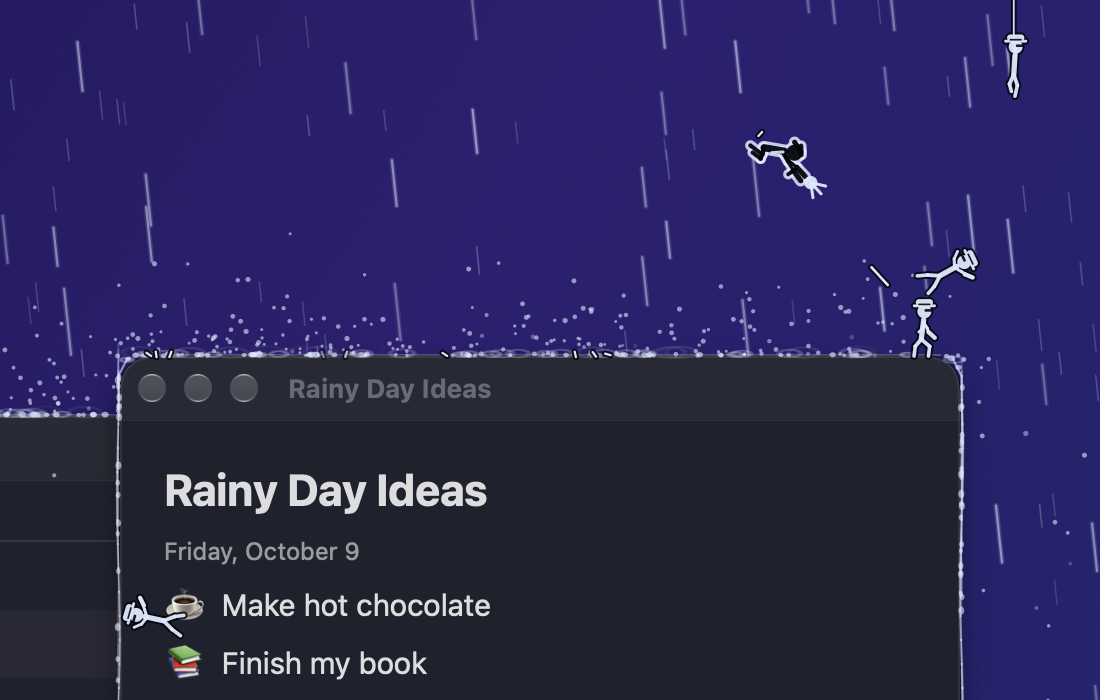 - **Mafia mode** (off by default): an invincible man in a black suit fights wave after wave of gangsters in fedoras. They slide down ropes from the menu bar and leap in from the sides; he flips between windows, rolls under their bullets, fires two pistols in mid-air and sends them flying with kicks. When the screen floods, they arrive by speedboat, and he swims to a boat, throws the crew overboard and takes it. Cartoon violence, no blood. - **People with umbrellas** float down from the sky, stroll along the top of your windows and drift down when they reach a corner. - **Fish** swim in the flood once the water is deep enough. - All the characters have an outline so they're easy to see on any wallpaper, and each one has its own switch in the panel. ### Install Download `RainDesktop-1.2.zip`, open it and drag **RainDesktop.app** to **Applications**, replacing the old one. The app isn't notarized by Apple, so macOS will block it the first time: click **Done**, then go to **System Settings → Privacy & Security** and click **Open Anyway**.
More Graphics and Design apps
-
 AerialApple TV Aerial Screensaver for macOS
-
 CompositorFree, open-source image editor aiming to be a full Photoshop alternative
-
 BrooklynScreensaver inspired by Apple's Event on October 30, 2018
-
 EquinoxCreate dynamic wallpapers for macOS
-
 ExcalidrawZA virtual whiteboard for sketching hand-drawn-like diagrams with native file management…
-
 WaifuXOpen-source ACG app for wallpapers, animated backgrounds, and anime videos