

r2Vault at a glance
- Version
- 2.0.0
- Released
- 4 October 2026
- Download size
- 1.7 MB
- Works on
- Apple silicon and Intel
- Category
- Utilities
- Developer
- xaif
- GitHub stars
- 26
Screenshots
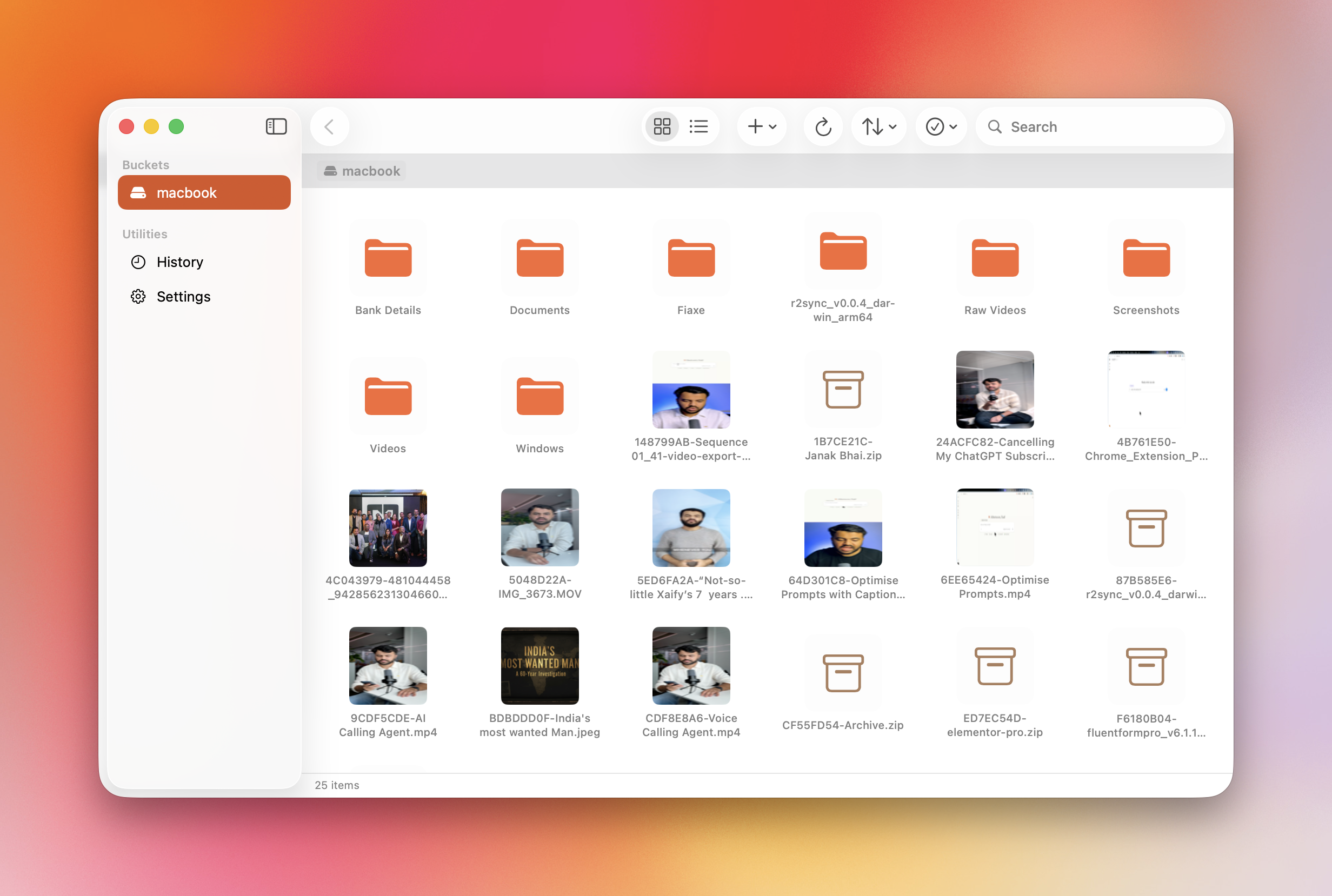
How to install r2Vault on a Mac
- Get OpenDMG. It is a free app store for open source Mac apps. Download OpenDMG.
- Search for r2Vault and press Get. OpenDMG downloads version 2.0.0 from xaif's own GitHub release.
- Open it. The download is checked against its SHA-256 fingerprint and its signature is checked on your Mac before it lands in Applications.
Updates to r2Vault show up in OpenDMG and install with one button. No account is needed.
Prefer to do it by hand? The developer's file is on GitHub: r2Vault.dmg (1.7 MB).
What is new in r2Vault 2.0.0
### Added
- Finder Drive on macOS: mount a bucket as a drive in Finder. Files use no disk space until opened, large files stream on demand with read-ahead and parallel downloads, and changes made in Finder sync back to R2. Deleted items are kept in the drive's Trash for 30 days.
- Finder Drive storage: downloaded files can be removed with Finder's Remove Download, and macOS removes them on its own when it needs space. Right-click any item and choose Keep Downloaded to keep a copy on your Mac. Downloads stop with a clear error instead of leaving less than 2 GB free, so Download Now on a large bucket can't fill the disk. Settings shows how much each drive is using on this Mac, with a Remove Downloads button. Files stay in the bucket.
- Finder Drive uploads resume: if the connection drops while a large file is uploading, the retry sends only the parts R2 doesn't have yet instead of starting over. Each part is checked against the file first, so edits made in the meantime are uploaded too.
- macOS 27: the Finder Drive keeps the whole folder tree listed in the background, so folders open instantly.
…
More Utilities apps
-
 VorssaintAn open-source, free, and local toolkit that integrates functions such as preventing…
-
 BetterDisplayDisplay management tool with HiDPI scaling, PiP, and EDID controls
-
 MosSmooth your mouse's scrolling and reverse the mouse scroll direction
-
 EasydictmacOS instant translator — type/select/screenshot, multi-service, zero setup
-
 OpenHaystackOpen-source tracker for finding Bluetooth devices through Apple's Find My network
-
 OrkasOrkas is an open-source (MIT), local-first AI team for your desktop: a Commander turns…