
QuickPass for Mac
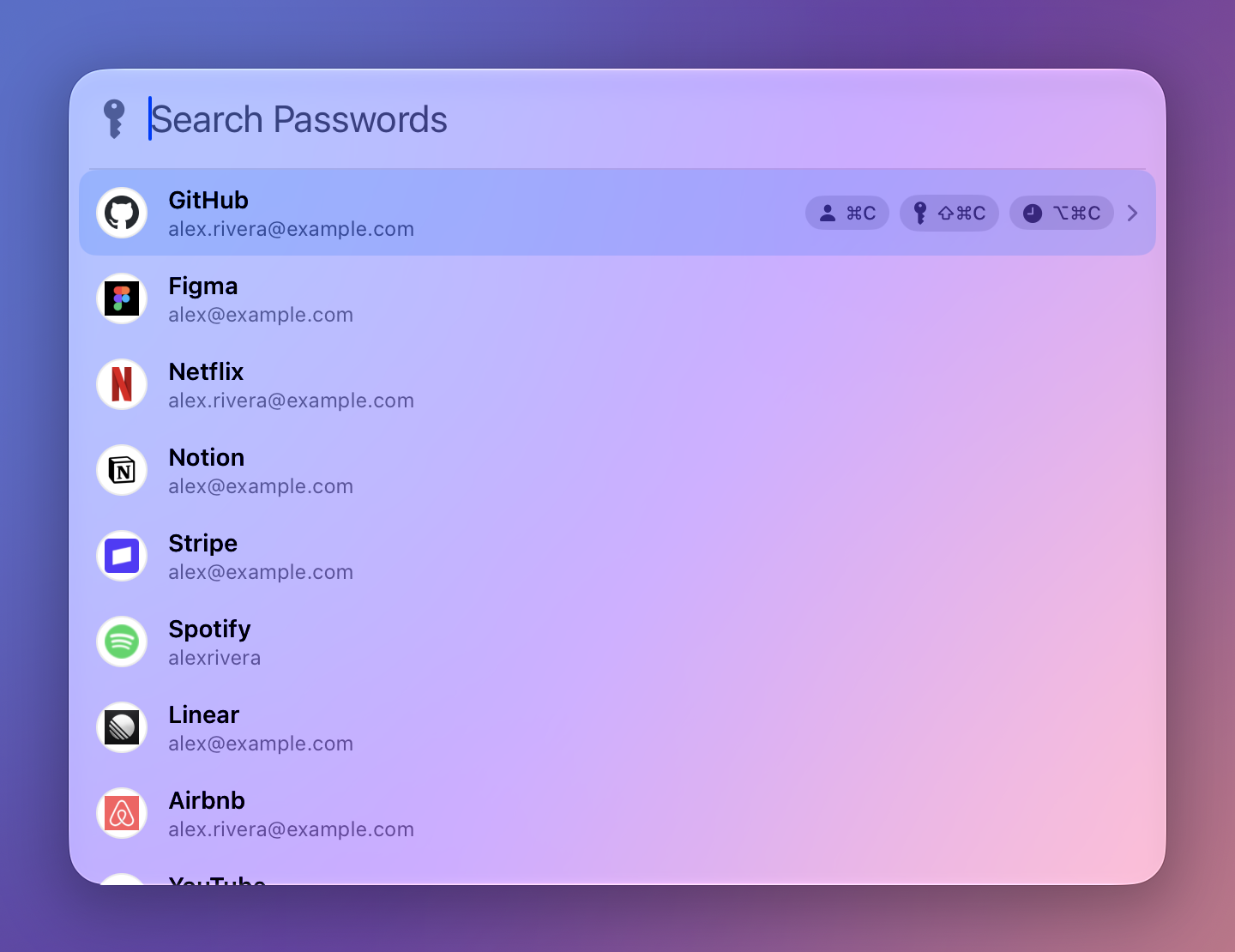
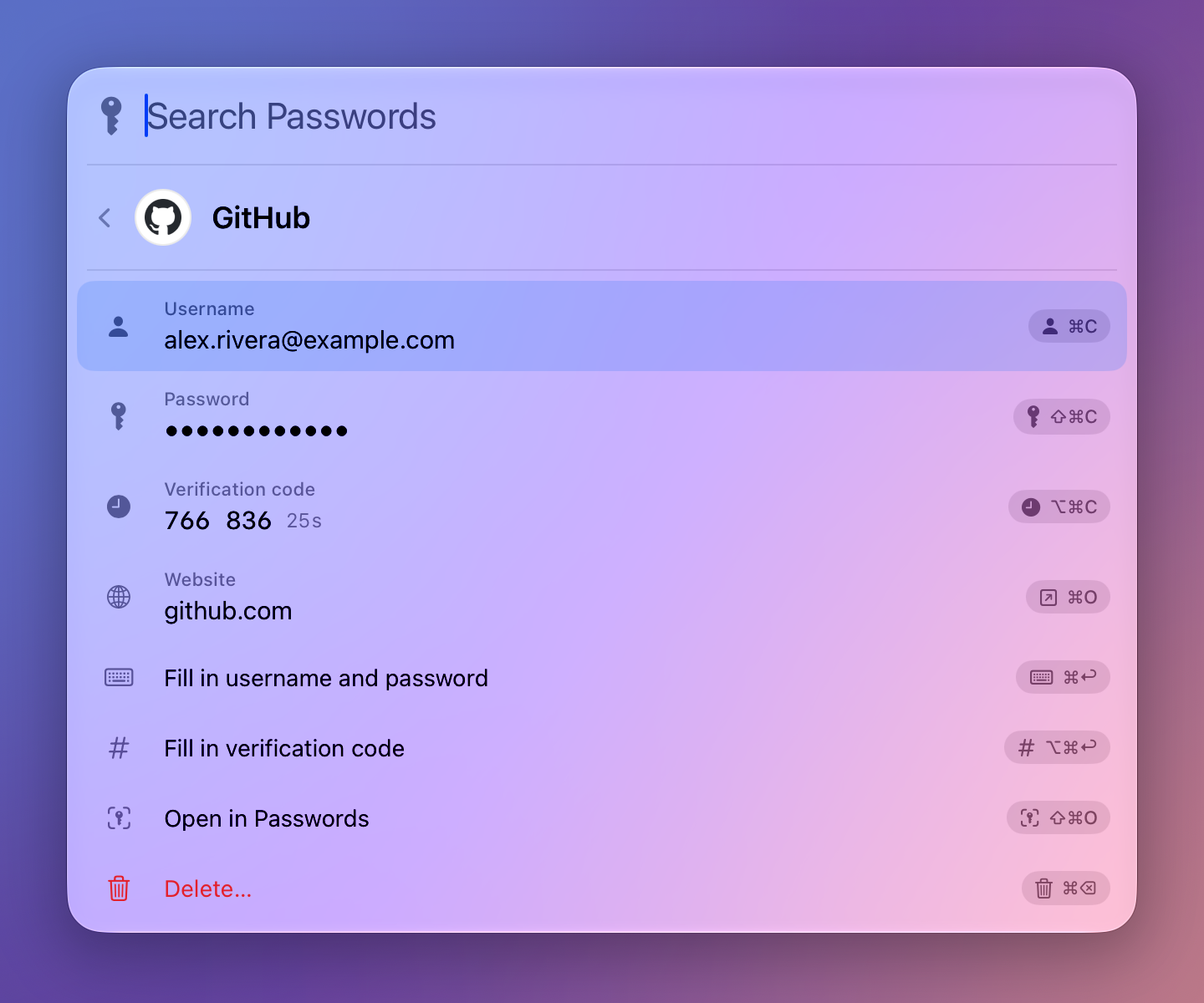
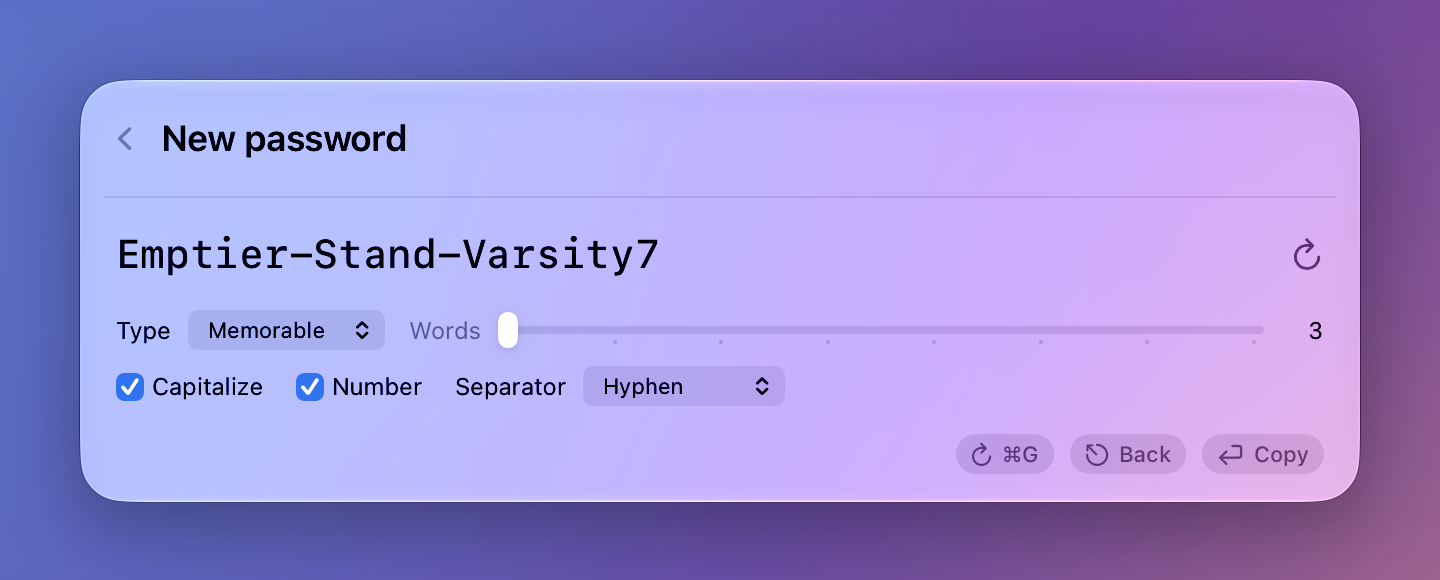
Search Apple Passwords and copy logins, codes, or generated passwords with a keyboard shortcut.
By jessekhach. Free and open source, GPL-3.0 licence.
QuickPass at a glance
- Version
- 0.1.5
- Released
- 13 November 2026
- Download size
- 2.8 MB
- Works on
- Apple silicon and Intel
- Licence
- GPL-3.0
- Category
- Security and Privacy
- Developer
- jessekhach
- GitHub stars
- 29
About QuickPass
Keyboard-driven quick access for Apple Passwords (iCloud Keychain) on macOS. 1Password-style search, copy, fill and save from any app.
Screenshots

How to install QuickPass on a Mac
- Get OpenDMG. It is a free app store for open source Mac apps. Download OpenDMG.
- Search for QuickPass and press Get. OpenDMG downloads version 0.1.5 from jessekhach's own GitHub release.
- Open it. The download is checked against its SHA-256 fingerprint and its signature is checked on your Mac before it lands in Applications.
Updates to QuickPass show up in OpenDMG and install with one button. No account is needed.
Prefer to do it by hand? The developer's file is on GitHub: QuickPass-0.1.5.dmg (2.8 MB).
What is new in QuickPass 0.1.5
QuickPass now sits at 0% CPU when you're not using it, and creating logins works again on macOS 27.

- QuickPass was using around 6% CPU while doing nothing, because the loading bar kept animating even with the panel closed. It's at 0% now. Thanks for the report on that one.
- Deleting a few logins in a row used to take around 10 seconds each, because QuickPass reread your whole Passwords list after every delete. Now it's a few seconds, and most of that is Passwords itself.
- Creating a login failed every time on macOS 27 with "Passwords didn't save the login." Passwords there ignores the Paste command QuickPass used for the password, so QuickPass types ⌘V instead now.
- Opening a login grabs its website, 2FA code and password in one go, so copying any of them right after is instant.
- The loading bar doesn't get stuck behind the list refresh anymore. The refresh runs in small chunks and gets out of the way when you copy something. It also picks up new logins while the panel is open.
- If creating or deleting a login fails, QuickPass writes which step failed to the Mac's system log, with no passwords or login details, so problems are easier to track down.

QuickPass updates itself, or install with Homebrew:

```
brew install jessekhach/tap/quickpass
```
More Security and Privacy apps
-
 GlanceUnlock your Mac at a glance through on-device face recognition in a dynamic island-style…
-
 FaceGateLock sensitive apps behind Face ID, Touch ID, or a password — all processed on-device
-
 TracexySession-based network intelligence — capture live traffic or open saved captures, then…
-
 SentrySecurity monitor that alerts on activity while you're away
-
 TouchBridgeBiometric authentication tool using phone, watch, or browser for sudo and unlock
-
 MergenCIS benchmark security audit tool that checks 85 controls and auto-fixes most failures