

小清(Qingo) for Mac
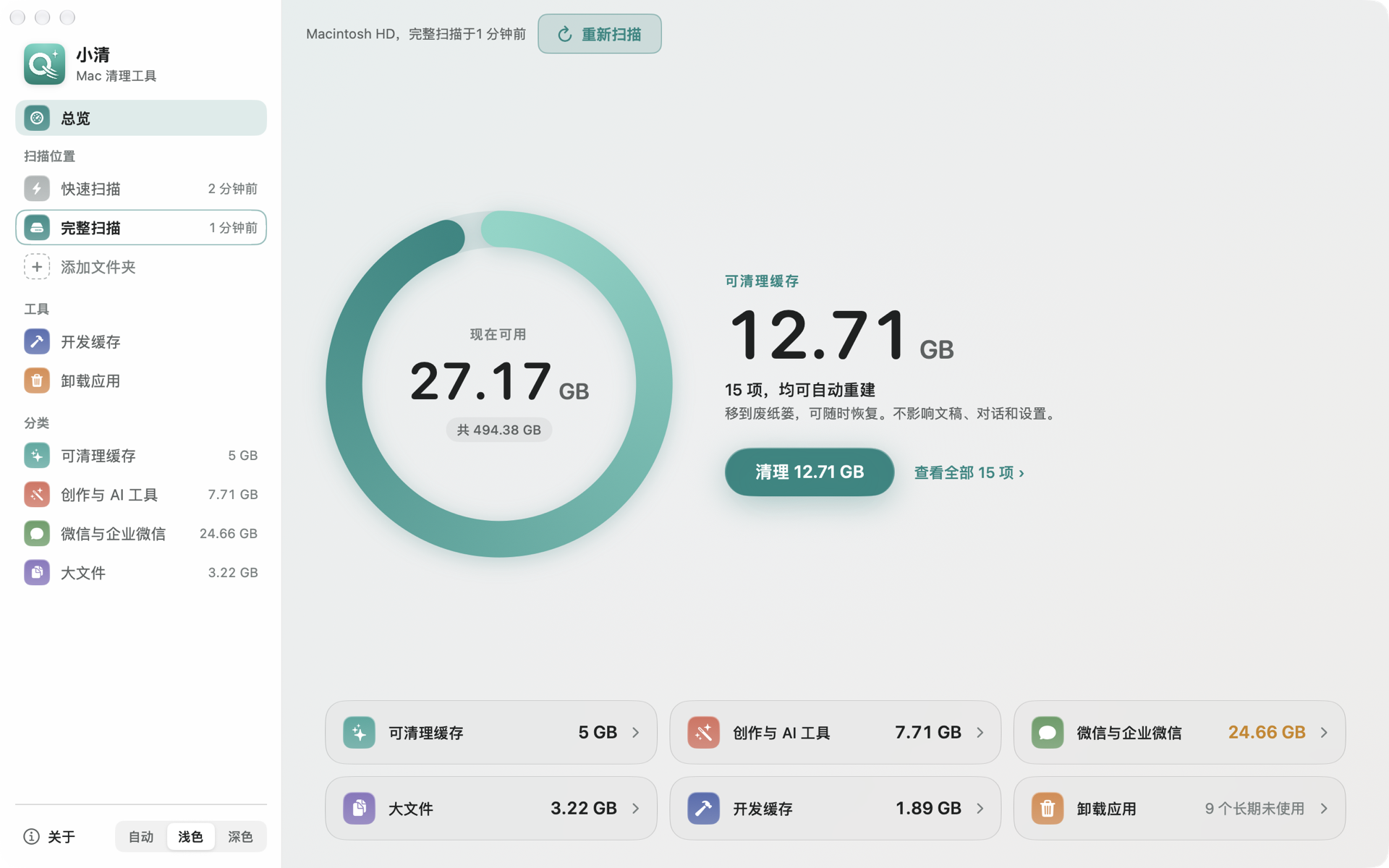
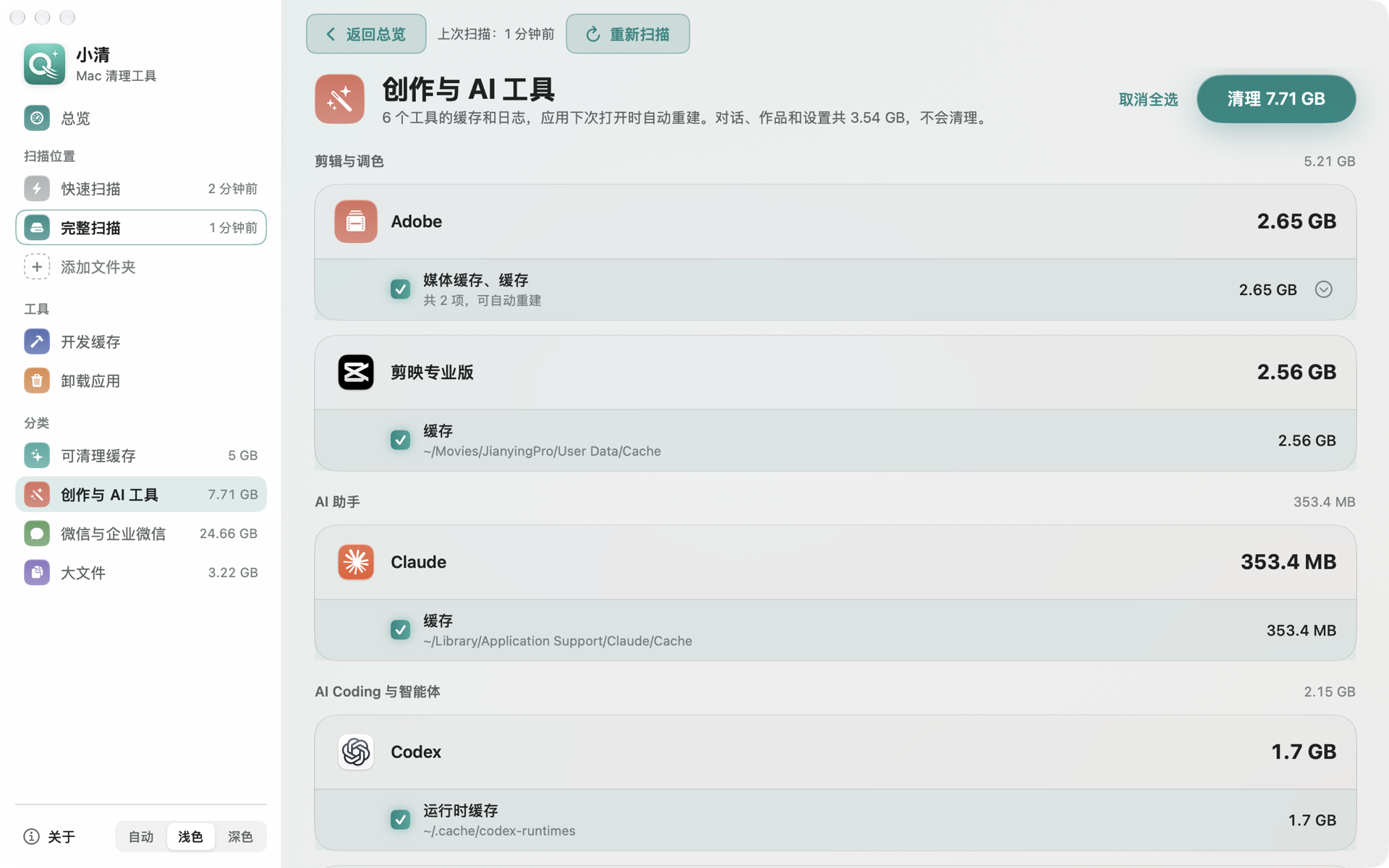
Mac cleaner that safely clears caches from 60+ creative and developer apps, with undo.
By chenmozhe008. Free and open source, MIT licence.
小清(Qingo) at a glance
- Version
- 1.16.4
- Released
- 5 November 2026
- Download size
- 2.4 MB
- Works on
- Apple silicon and Intel
- Licence
- MIT
- Category
- System Tools
- Developer
- chenmozhe008
- GitHub stars
- 11
About 小清(Qingo)
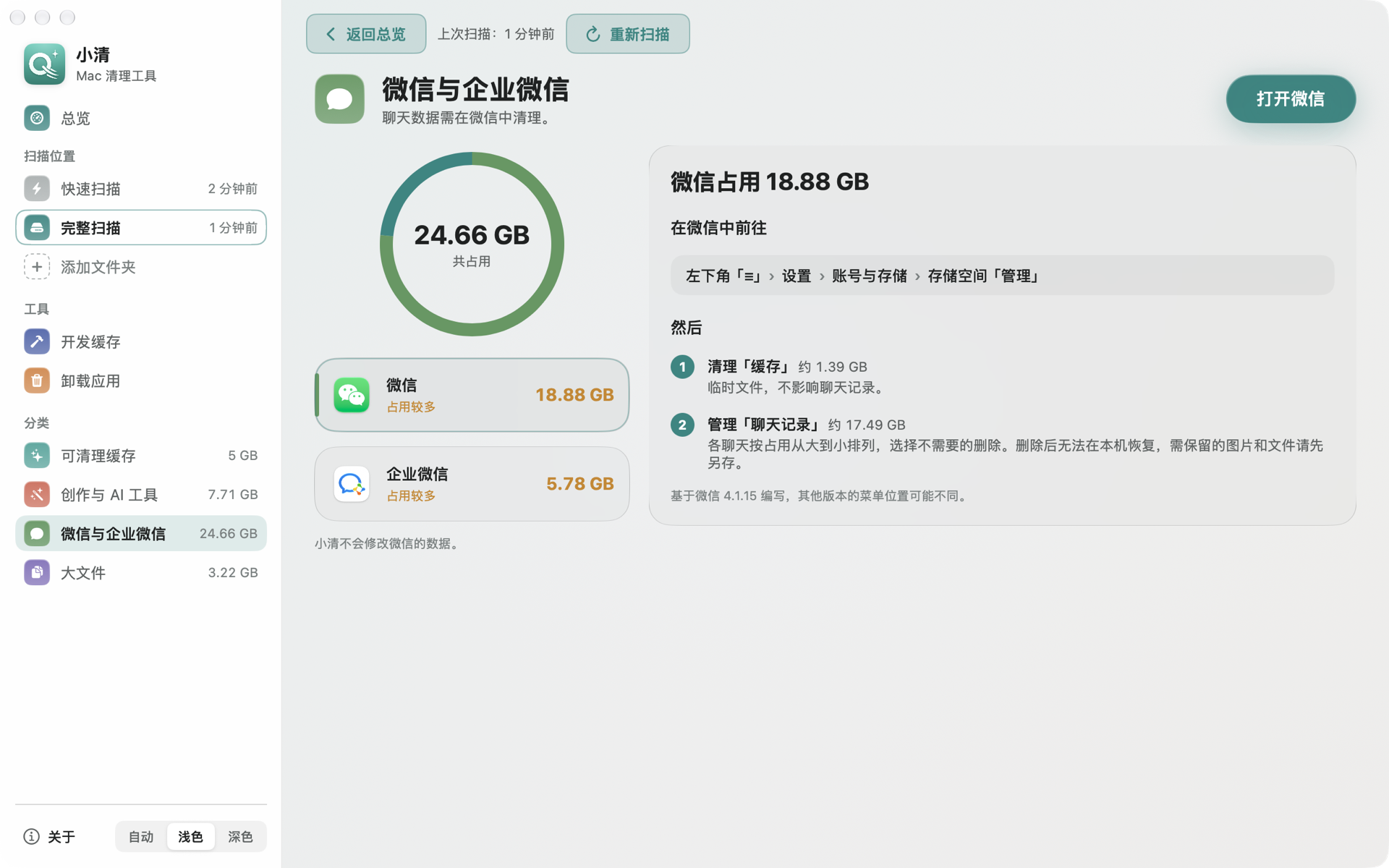
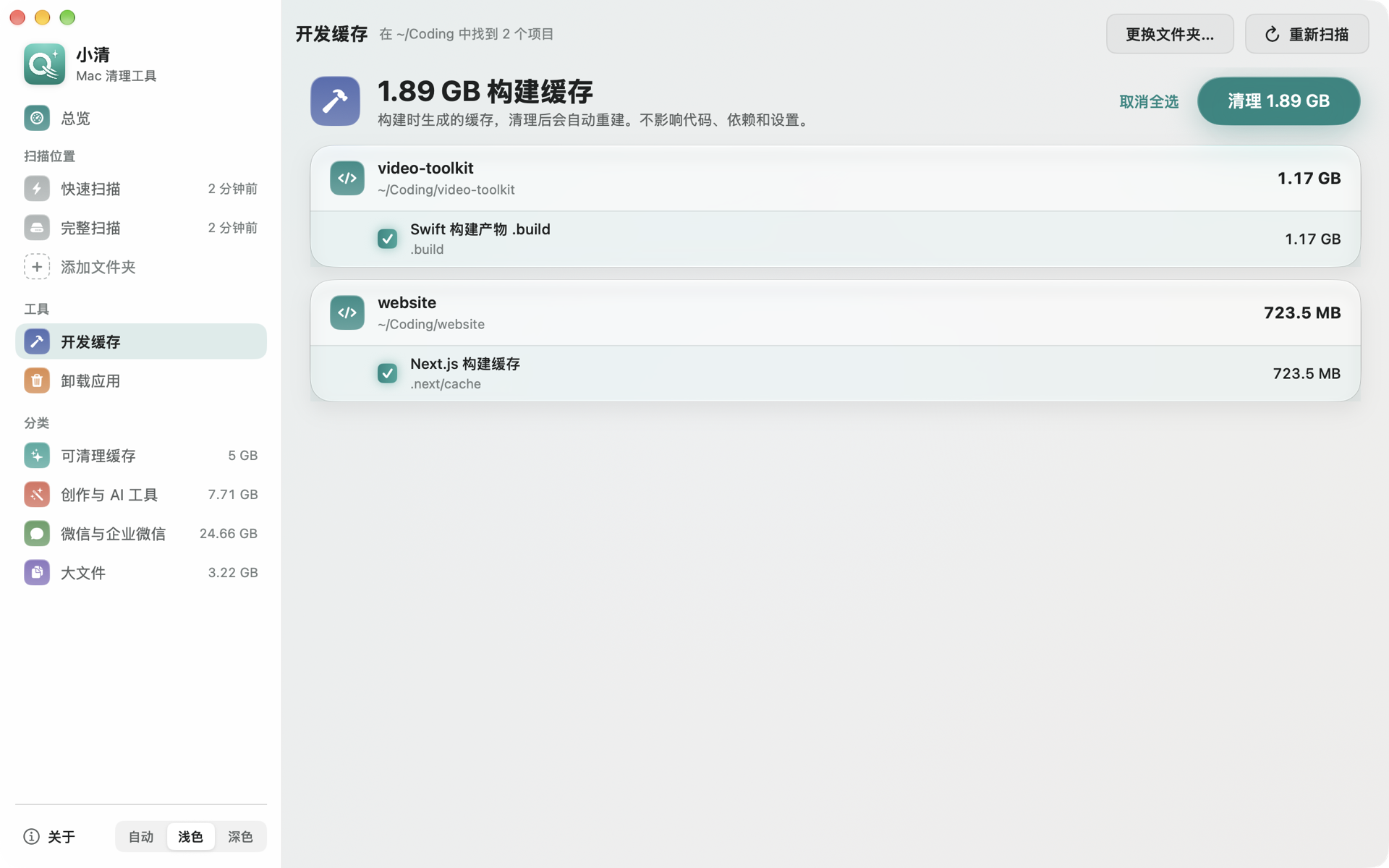
面向影视创作者与开发者的 Mac 清理工具。识别 60 余款剪辑、设计与 AI 工具的缓存,一键清理,可撤销,不影响项目、素材与对话。
Screenshots
How to install 小清(Qingo) on a Mac
- Get OpenDMG. It is a free app store for open source Mac apps. Download OpenDMG.
- Search for 小清(Qingo) and press Get. OpenDMG downloads version 1.16.4 from chenmozhe008's own GitHub release.
- Open it. The download is checked against its SHA-256 fingerprint and its signature is checked on your Mac before it lands in Applications.
Updates to 小清(Qingo) show up in OpenDMG and install with one button. No account is needed.
Prefer to do it by hand? The developer's file is on GitHub: Qingo-1.16.4.zip (2.4 MB).
What is new in 小清(Qingo) 1.16.4
## 更新内容

- 修复磁盘空间不足提醒在发布版中无法运行、并可能报「意外退出」的问题;卸载小清后提醒任务自动清除。
- 点顶栏的新版本按钮直接下载安装并重新打开,有进度;清理进行中不会更新。
- 连不上 GitHub 时明确提示需要科学上网,请检查网络设置;下载失败可以重试。
- 没有写入权限时弹出系统授权框完成更新,不用手动替换。
- 发布包改用固定签名:从这个版本起,「完全磁盘访问」更新后继续有效。

## 从旧版本更新

因为更换了签名,从旧版本更新到 1.16.4 后,需要在「系统设置 → 隐私与安全性 → 完全磁盘访问」中重新开启一次小清。如果开关已打开,请先关掉再重新打开。

## 安装

需要 macOS 14 或更高版本、Apple 芯片的 Mac。下载 `Qingo-1.16.4.zip`,解压后将「小清」拖入应用程序文件夹。

本版本尚未经过 Apple 公证。首次打开如提示无法验证开发者,可前往「系统设置 → 隐私与安全性」,点击「仍要打开」。
More System Tools apps
-
 PearcleanerApp Cleaner and Uninstaller Tool
-
 PureMacFree open-source system cleaner with privacy protection
-
 OpenInTerminalFinder toolbar tool for opening the current folder in a terminal
-
 DockDoorWindow peeking for macOS
-
 DigUpSemantic search app that finds files by their contents
-
 LatestApp update checker that notifies you of available updates for installed applications