

puppyone-desktop for Mac
.
By puppyone-ai. Free and open source, Apache-2.0 licence.
puppyone-desktop at a glance
- Version
- 0.3.27
- Released
- 29 September 2026
- Download size
- 195 MB
- Works on
- Apple silicon
- Licence
- Apache-2.0
- Category
- Utilities
- Developer
- puppyone-ai
- GitHub stars
- 1.2K
Screenshots
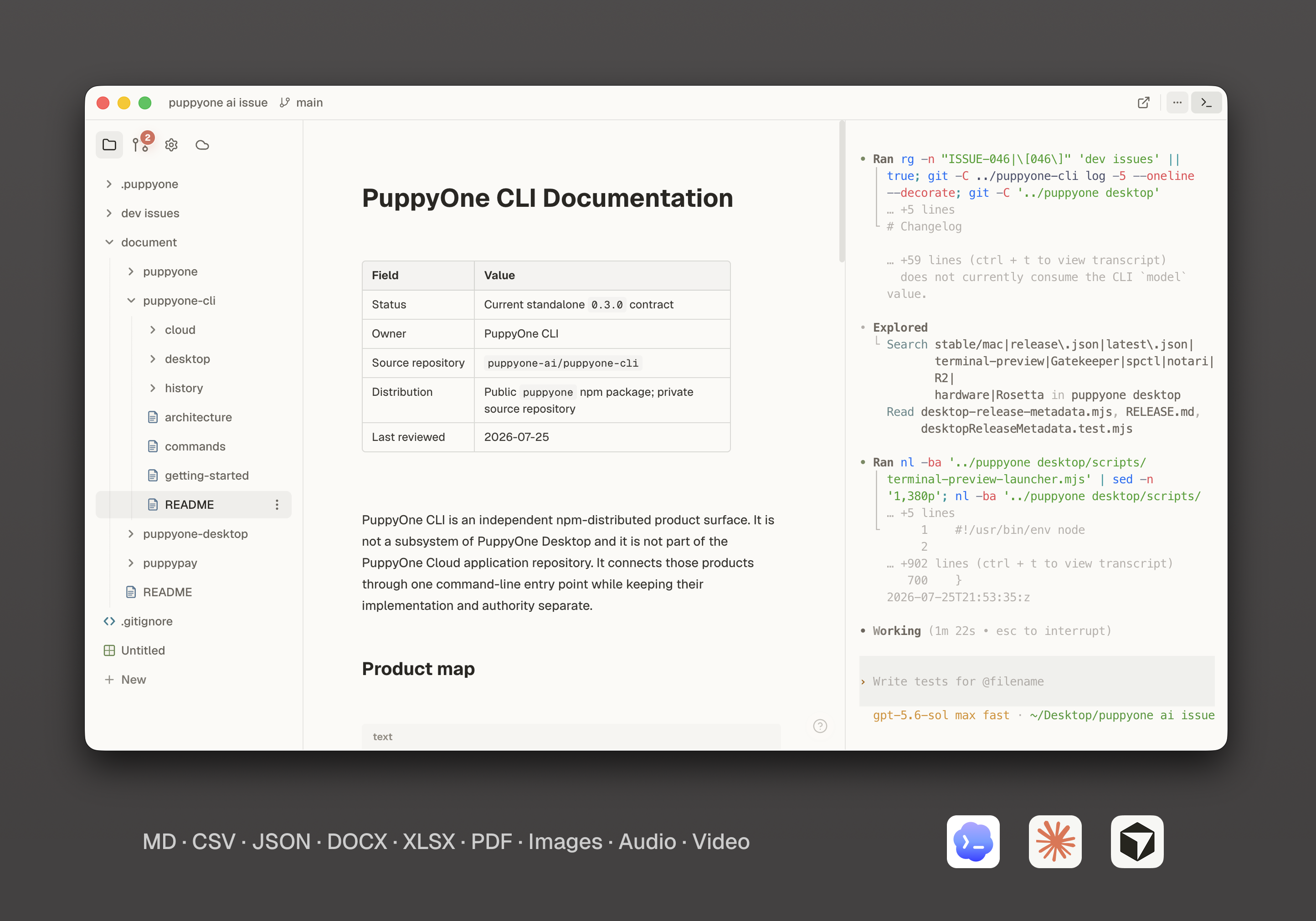
How to install puppyone-desktop on a Mac
- Get OpenDMG. It is a free app store for open source Mac apps. Download OpenDMG.
- Search for puppyone-desktop and press Get. OpenDMG downloads version 0.3.27 from puppyone-ai's own GitHub release.
- Open it. The download is checked against its SHA-256 fingerprint and its signature is checked on your Mac before it lands in Applications.
Updates to puppyone-desktop show up in OpenDMG and install with one button. No account is needed.
Prefer to do it by hand? The developer's file is on GitHub: puppyone-0.3.27-arm64.dmg (195 MB).
What is new in puppyone-desktop 0.3.27
Signed and notarized PuppyOne Desktop release.

Commit: 0c666447b0d7c8811de592c530a03f52fb030595
Promoted Internal release: v0.3.27-internal.48
R2 version prefix: desktop/stable/mac/v0.3.27

Every attached binary is also mirrored at downloads.puppyone.ai with matching SHA-256 metadata.

## Windows x64

Unsigned (Windows may display Unknown publisher or a SmartScreen warning) PuppyOne Desktop Windows x64 release.

Commit: 0c666447b0d7c8811de592c530a03f52fb030595
Promoted Internal release: v0.3.27-internal.48
Windows signing mode: unsigned
R2 version prefix: desktop/stable/windows/v0.3.27/x64

This Windows bundle is published only with the matching macOS bundle.

## What's Changed
* chore(release): release desktop 0.3.27 by @realGuantum in https://github.com/puppyone-ai/puppyone/pull/81

**Full Changelog**: https://github.com/puppyone-ai/puppyone/compare/v0.3.26...v0.3.27
More Utilities apps
-
 BetterDisplayDisplay management tool with HiDPI scaling, PiP, and EDID controls
-
 VorssaintAn open-source, free, and local toolkit that integrates functions such as preventing…
-
 MosSmooth your mouse's scrolling and reverse the mouse scroll direction
-
 EasydictmacOS instant translator — type/select/screenshot, multi-service, zero setup
-
 OpenHaystackOpen-source tracker for finding Bluetooth devices through Apple's Find My network
-
 KekaKeka is a full featured file archiver, as easy as it can be