
PokeTokenBar for Mac
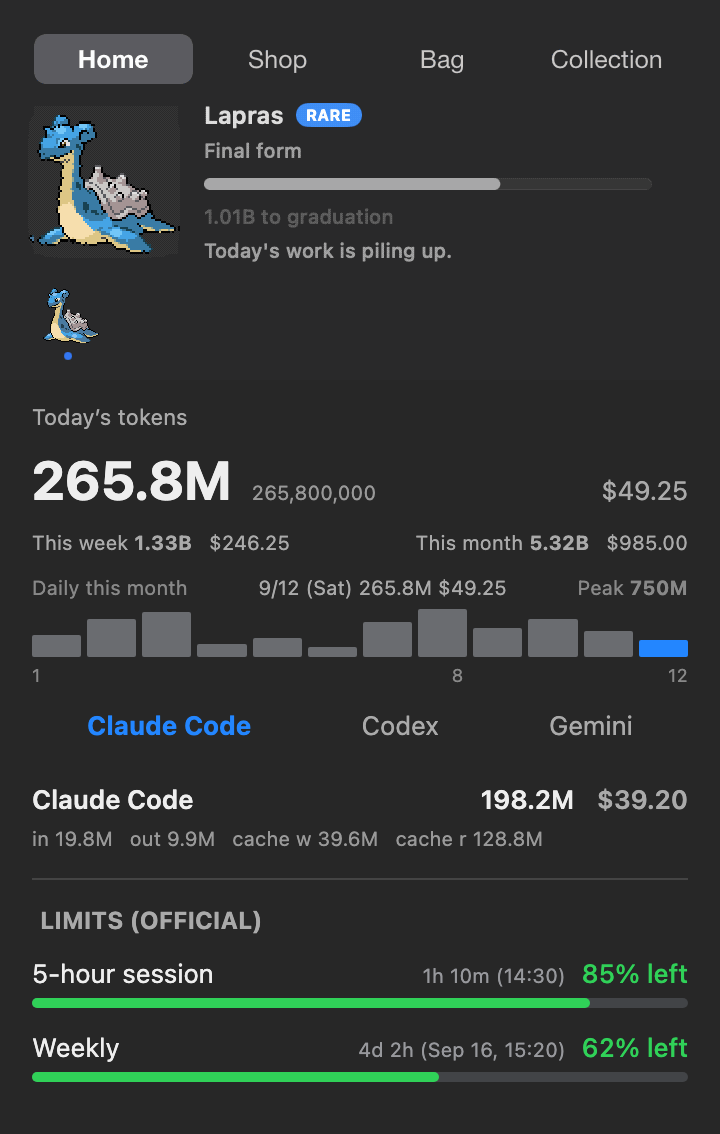
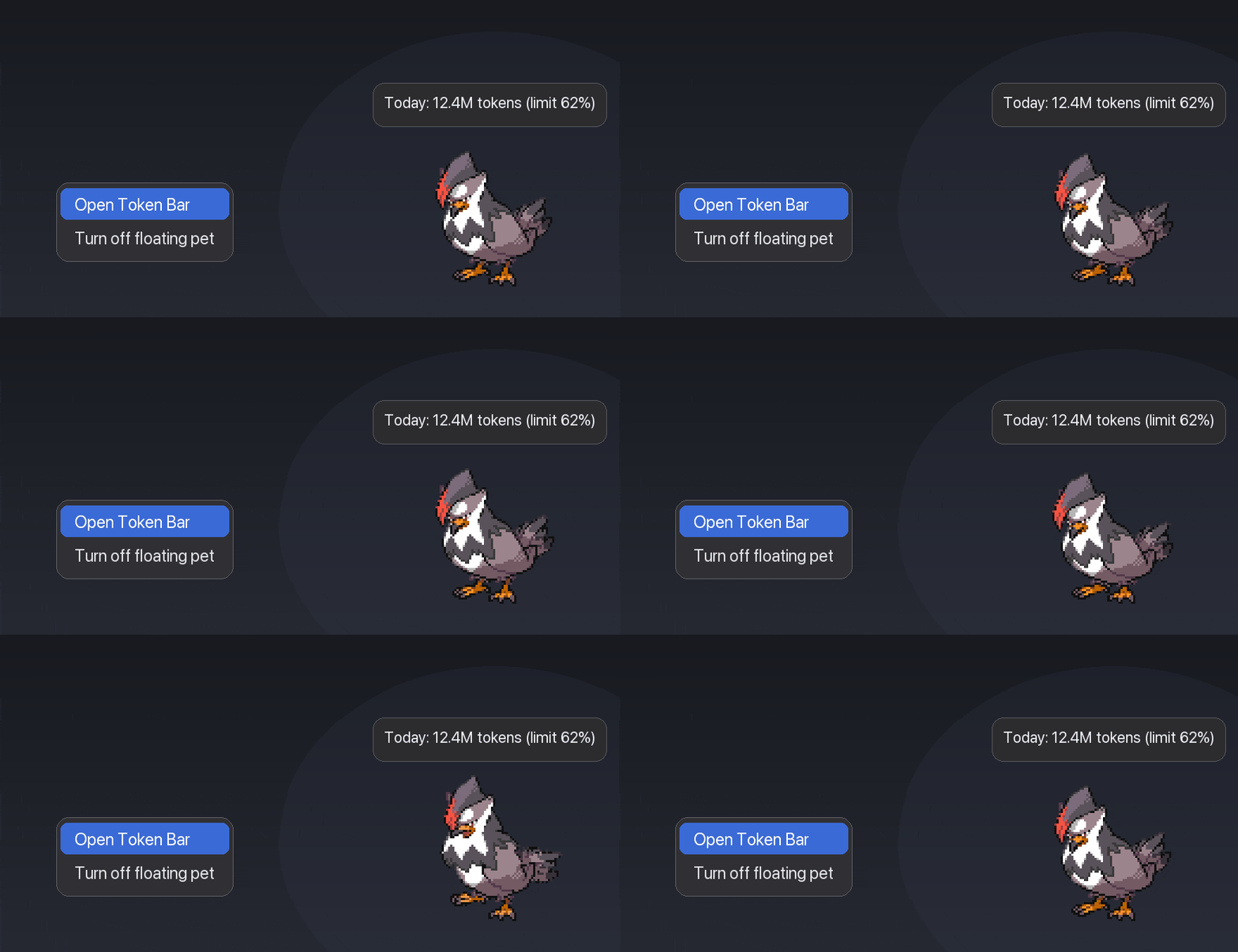
Turn AI coding tokens into a Pokémon companion in the menu bar — hatch, evolve, and collect while tracking Claude Code, Codex & Gemini CLI usage.
By chattymin. Free and open source, MIT licence.
PokeTokenBar at a glance
- Version
- 2.5.5
- Released
- 28 September 2026
- Download size
- 2.0 MB
- Works on
- Apple silicon and Intel
- Licence
- MIT
- Category
- Artificial Intelligence
- Developer
- chattymin
- GitHub stars
- 508
About PokeTokenBar
Use your tokens to raise, evolve, and collect Pokémon! 🥚
Screenshots

How to install PokeTokenBar on a Mac
- Get OpenDMG. It is a free app store for open source Mac apps. Download OpenDMG.
- Search for PokeTokenBar and press Get. OpenDMG downloads version 2.5.5 from chattymin's own GitHub release.
- Open it. The download is checked against its SHA-256 fingerprint and its signature is checked on your Mac before it lands in Applications.
Updates to PokeTokenBar show up in OpenDMG and install with one button. No account is needed.
Prefer to do it by hand? The developer's file is on GitHub: PokeTokenBar.zip (2.0 MB).
What is new in PokeTokenBar 2.5.5
## New

- **Claude multi-account limits** — Track several Claude accounts, choose which account drives the menu bar and companion, and configure a separate session key for each account (#327, @DyRize; #346, @KillianHzr).
- **Usage pace** — Quota bars show an elapsed-time marker and six pace colors. Menu bar limit percentages can match the gauges, show colors only when usage is fast, or leave colors off (#298, #349, #357, @LuceteYang).
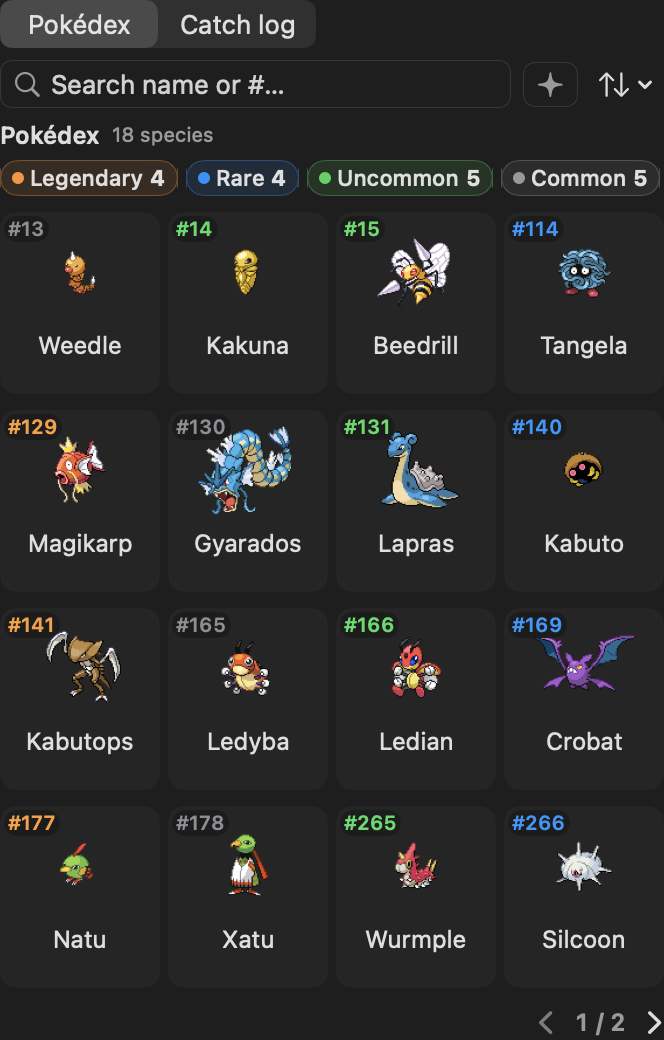
- **Collection search and sorting** — Search the Pokédex and Catch Log by name or number, change their sort order, and filter for shiny Pokémon. Pokédex numbers also show rarity colors and hover feedback (#329, @KillianHzr; #343, @IdoZ14).
- **Usage recaps** — View a recap for any week, month, or year (#332, @DyRize).
- **Save backups** — Keep local automatic snapshots, recover from a corrupted save, and restore a backup from Settings (#330, @KillianHzr).
- **More collection tools** — Collect all 28 Unown forms and use multiple Rare Candies with a growth preview (#288, @dinohan; #328, @IdoZ14).
- **Cursor included usage** — Show remaining included usage from Cursor's dashboard limits API (#273, @florianbehrend).
- **omp model breakdown** — See omp usage per model in the popover (#276, @yourconscience).

## Fixed

- Make Collection easier to read with larger text and sprites, a 4×4 Pokédex grid, and a single-row rarity filter (#370, @chattymin).
…
More Artificial Intelligence apps
-
 CodexBarShow usage stats for OpenAI Codex and Claude Code, without having to login
-
 CodeBurnTracks token usage, cost, and performance across 25 AI agents with per-task breakdowns
-
 OsaurusLocal LLM server and AI infrastructure with menu bar, CLI, and shared tools
-
 QuotioAI subscription manager with quota tracking and automatic failover
-
 Claude Usage TrackerTrack the usage of Claude Code
-
 VibeProxyMenu bar app to use existing Claude, ChatGPT, and other subscriptions with AI coding…