

Pizzinu for Mac
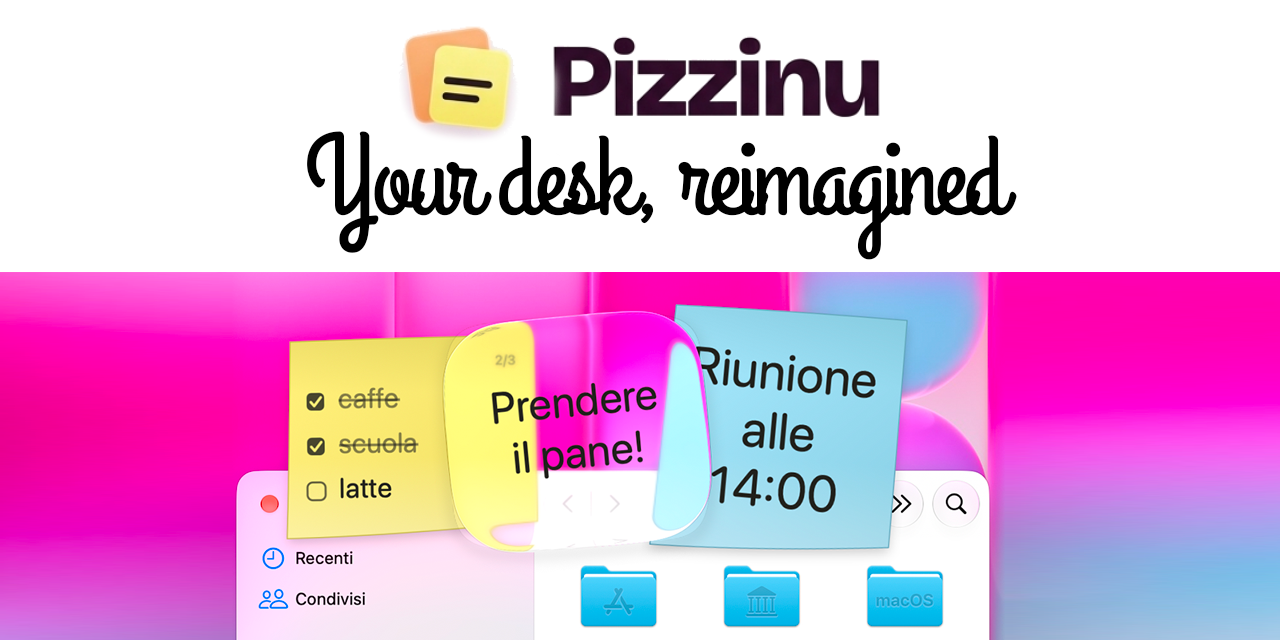
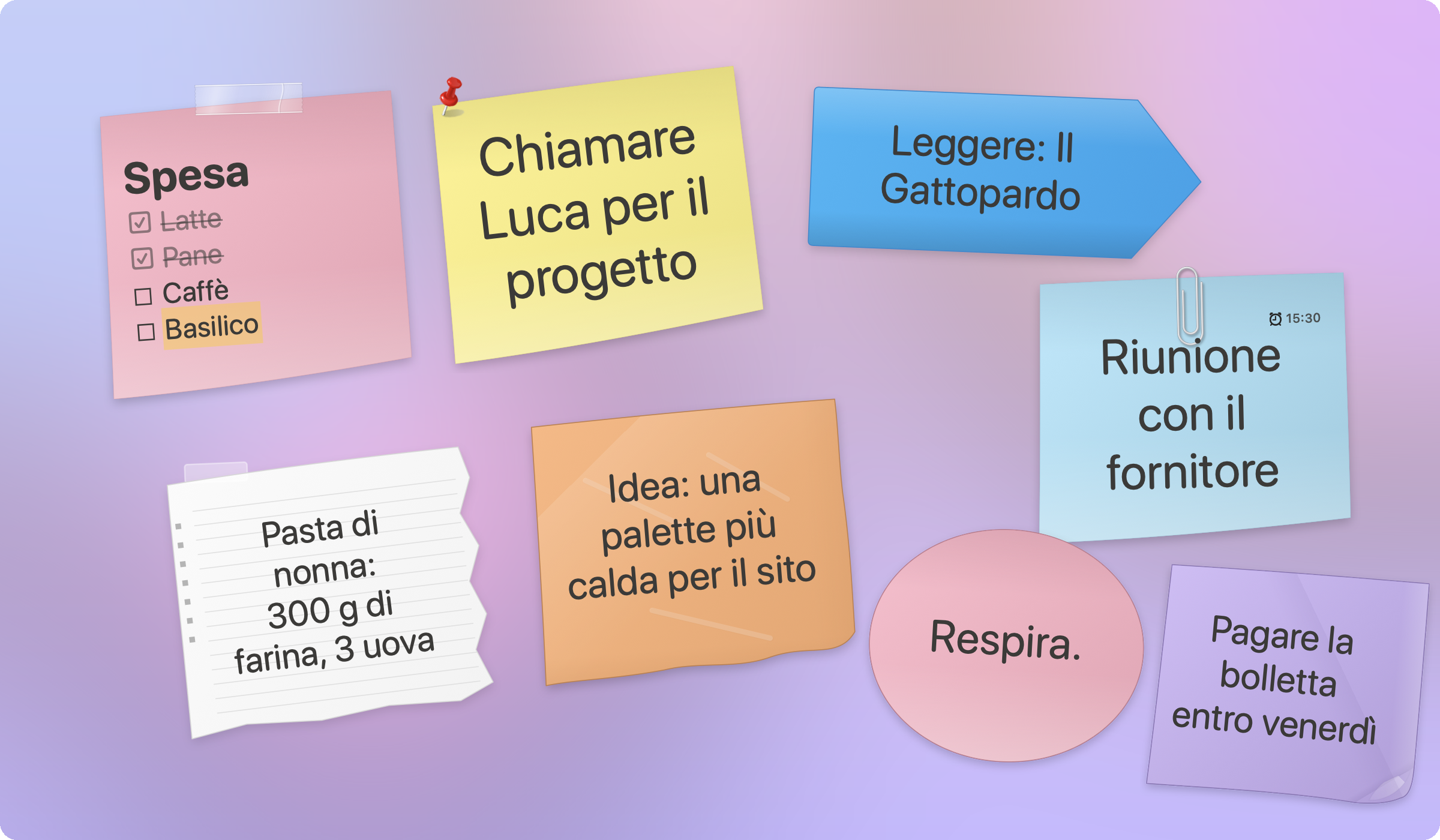
Desktop sticky notes with paper-like aesthetics, native experience, and privacy focus.
By piratepxl. Free and open source, MIT licence.
Pizzinu at a glance
- Version
- 1.3.0
- Released
- 12 November 2026
- Download size
- 1.9 MB
- Works on
- Apple silicon and Intel
- Licence
- MIT
- Category
- Productivity
- Developer
- piratepxl
- GitHub stars
- 0
About Pizzinu
Sticky notes for macOS that look like real paper. Native, lightweight, private. An app by Piratepixel.
Screenshots
How to install Pizzinu on a Mac
- Get OpenDMG. It is a free app store for open source Mac apps. Download OpenDMG.
- Search for Pizzinu and press Get. OpenDMG downloads version 1.3.0 from piratepxl's own GitHub release.
- Open it. The download is checked against its SHA-256 fingerprint and its signature is checked on your Mac before it lands in Applications.
Updates to Pizzinu show up in OpenDMG and install with one button. No account is needed.
Prefer to do it by hand? The developer's file is on GitHub: Pizzinu.zip (1.9 MB).
What is new in Pizzinu 1.3.0
## What's new

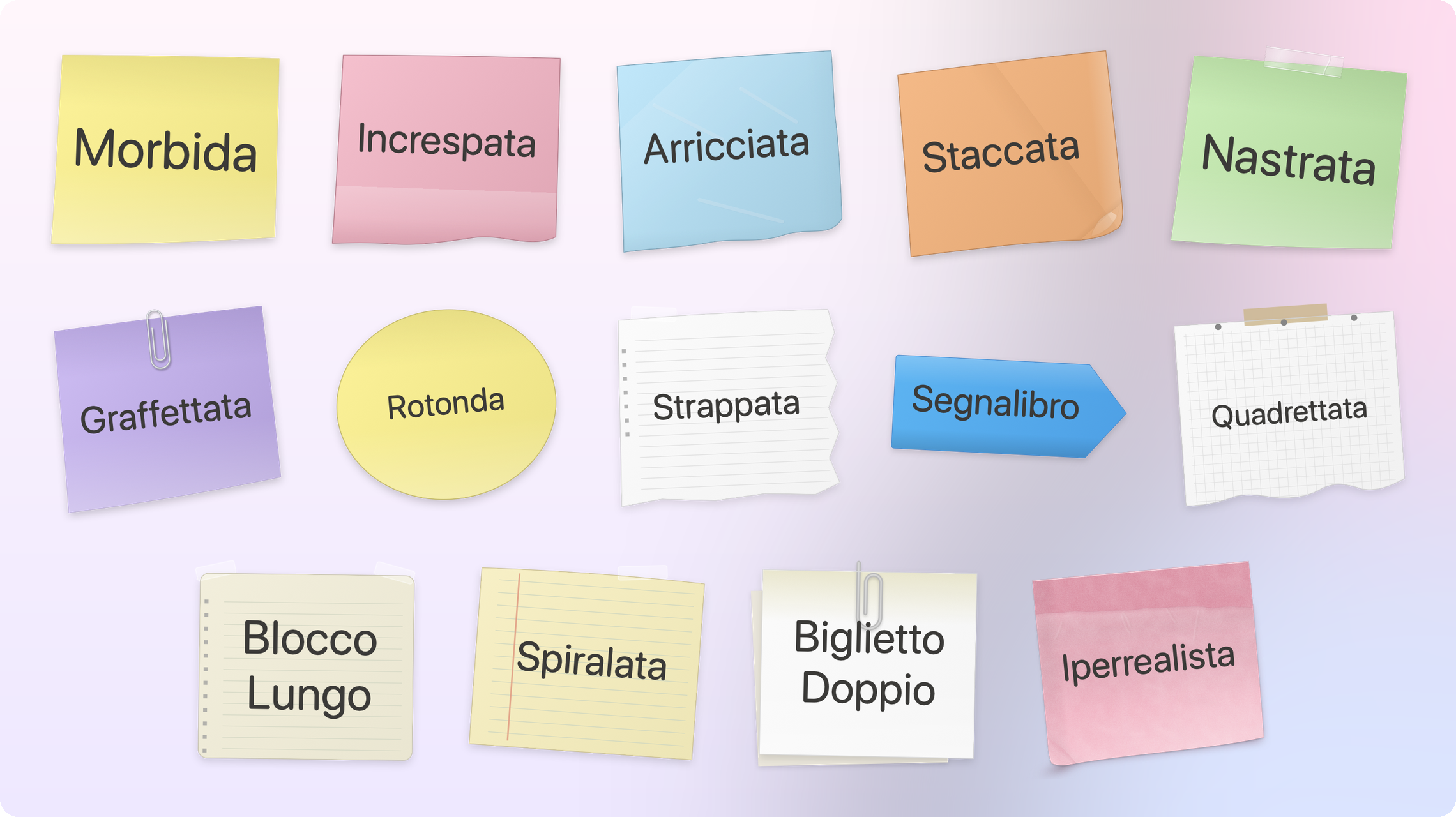
- **New theme: Lifelike.** A sticky note as if photographed on the wall: the adhesive strip at the top, the paper lifting off and catching the light below an uneven glue line, faint creases, a slightly raised bottom-left corner and a warm shadow that widens where the paper comes away.
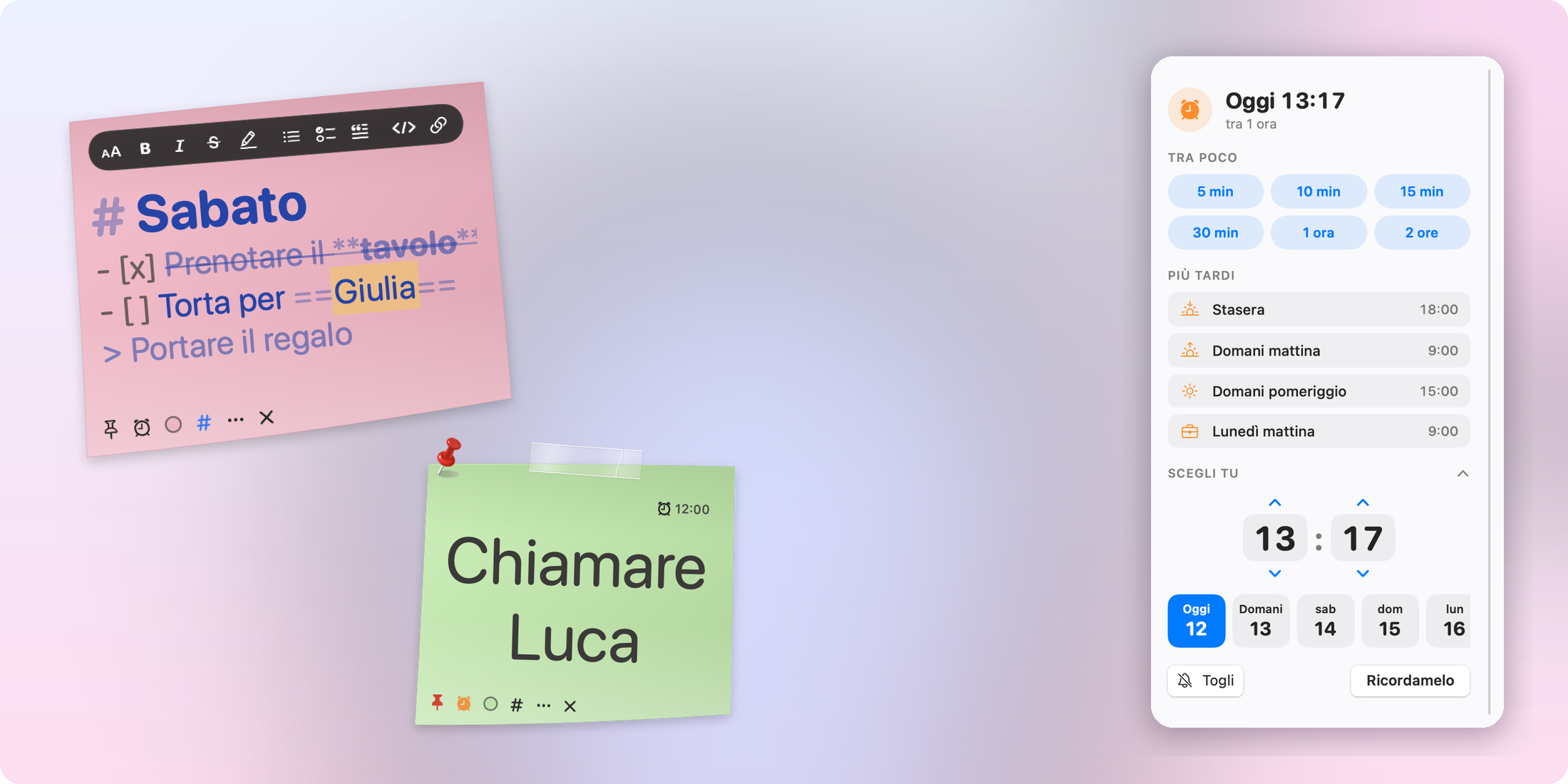
- **Text color.** Choose the ink of each note from the note menu (Text Color) or from the color picker: Graphite, Black, Pen Blue, Red, Green, Sepia. New notes write in a soft dark gray (Graphite) instead of black.
- **Taped** and **Clipped** themes: same soft paper as the Soft theme, a glossy clear tape and a real aluminium paper clip with all its loops.
- The pin always sits on the visible corner of the paper, on every theme and at any size.
- The alarm-clock button is no longer clipped on tilted notes; the reminder badge uses the same symbol as the buttons; the color dot has a ring so it stays visible on any paper.
- Fixed the color picker sometimes showing blank white squares in Dark Mode.

**Already using Pizzinu?** It offers the update by itself, or choose **Check for Updates…** from the menu. Your notes stay where they are.

Requires a Mac with Apple Silicon and macOS 14 or later. The app is not notarised: the first time, open it via System Settings → Privacy & Security → Open Anyway.
…
More Productivity apps
-
 MaccyLightweight search-as-you-type clipboard manager
-
 AltTabBrings the Windows Alt-Tab functionality to macOS
-
 TinycastLightweight native launcher with app search, clipboard management, window controls, and…
-
 ClipyClipy is a Clipboard extension app for macOS
-
 FSNotesNotes manager for macOS/iOS: modern notational velocity (nvALT) on steroids
-
 OpenDisplayTurn spare Apple devices into second monitors — true extended display over USB or WiFi