

Personal Ops Manual for Mac
A local-first macOS setup manual for machines, services, and agents, shared with AI agents via MCP.
By aka-kika. Free and open source, MIT licence.
Personal Ops Manual at a glance
- Version
- 2.4.3
- Released
- 6 November 2026
- Download size
- 5.2 MB
- Works on
- Apple silicon and Intel
- Licence
- MIT
- Category
- Artificial Intelligence
- Developer
- aka-kika
- GitHub stars
- 11
About Personal Ops Manual
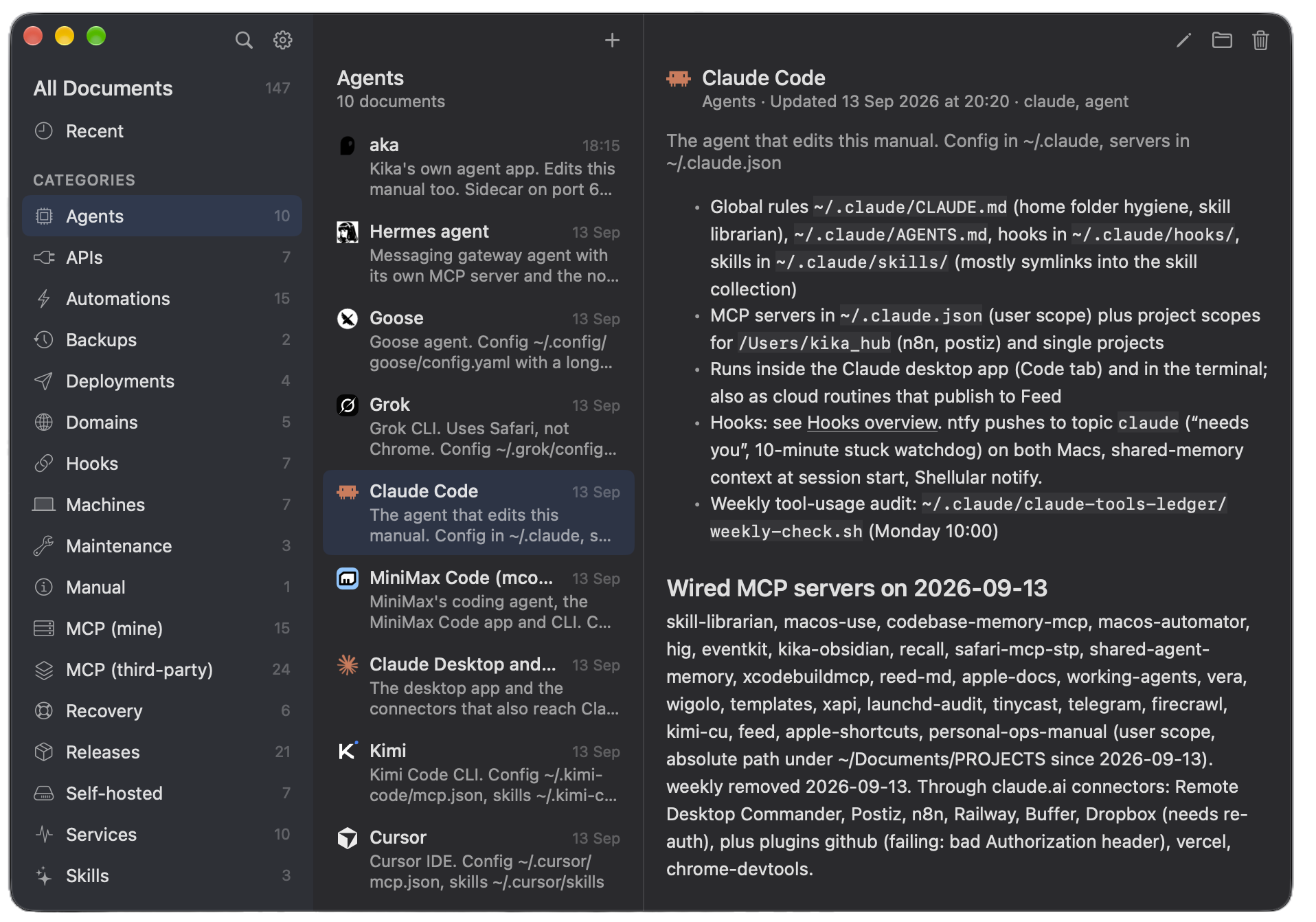
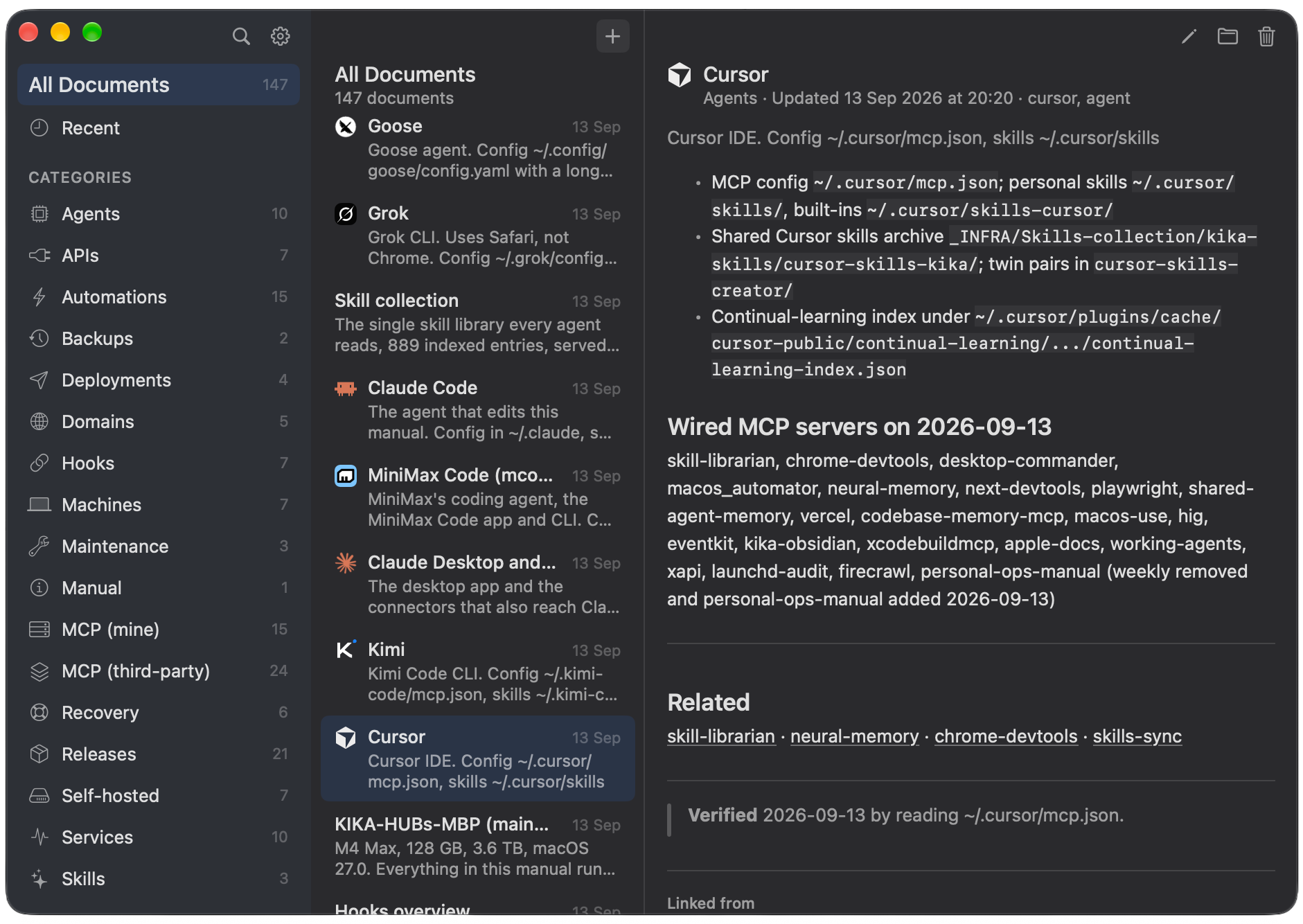
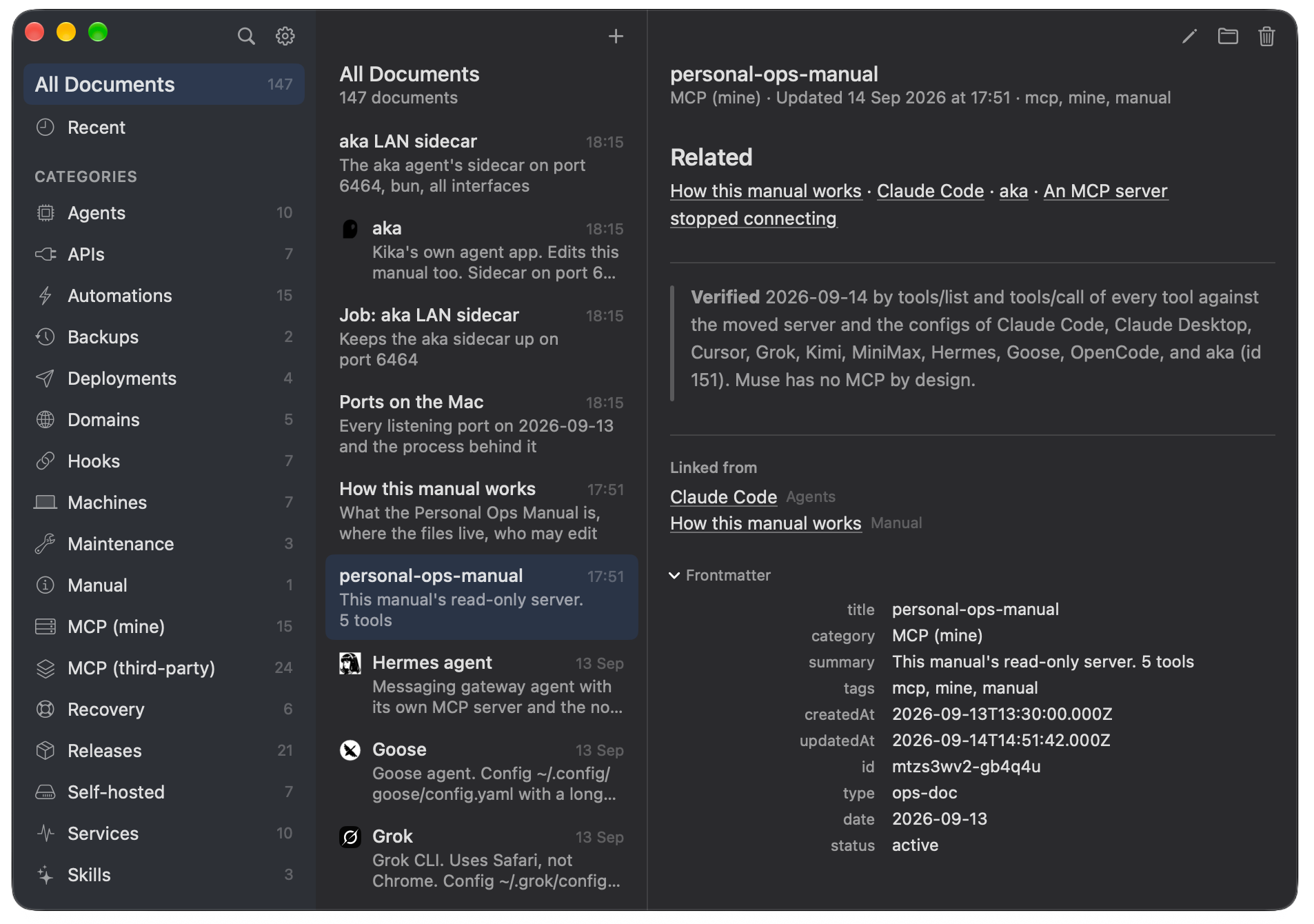
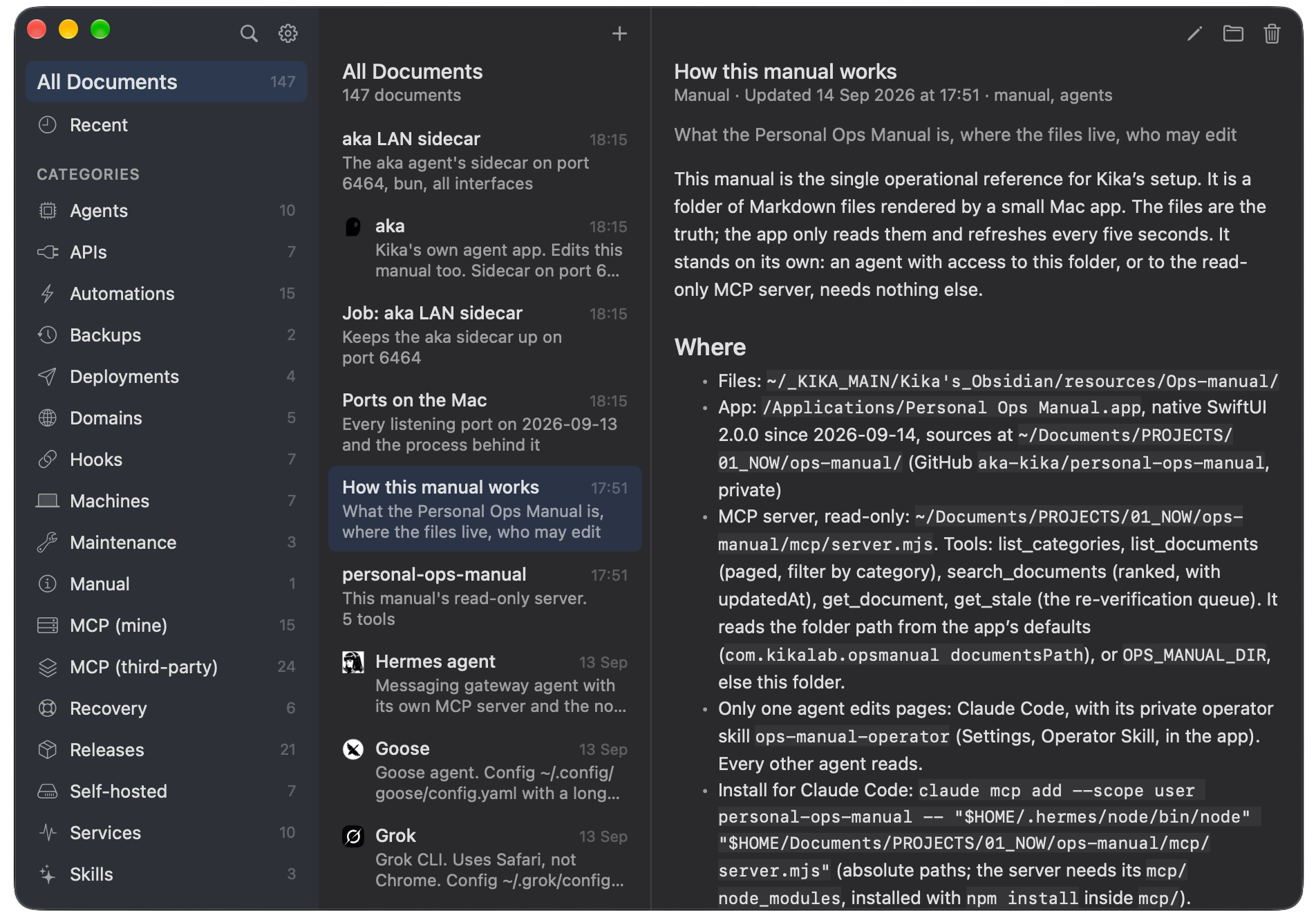
Native macOS manual for your own setup: one Markdown page per machine, service and agent, read by every agent through MCP, written by one operator.
Screenshots
How to install Personal Ops Manual on a Mac
- Get OpenDMG. It is a free app store for open source Mac apps. Download OpenDMG.
- Search for Personal Ops Manual and press Get. OpenDMG downloads version 2.4.3 from aka-kika's own GitHub release.
- Open it. The download is checked against its SHA-256 fingerprint and its signature is checked on your Mac before it lands in Applications.
Updates to Personal Ops Manual show up in OpenDMG and install with one button. No account is needed.
Prefer to do it by hand? The developer's file is on GitHub: Personal-Ops-Manual-2.4.3.zip (5.2 MB).
What is new in Personal Ops Manual 2.4.3
Notarized Developer ID build. Unzip and drop into /Applications. macOS 26 or newer.

New in 2.4.3
- **App Store status in the category overview:** each app's state in App Store Connect (on sale, waiting for review, in review, pending release, rejected) with how long, the version and the price, read with `asc status` when the pane opens and again with Cmd-R. Peach only for a rejection or a wait for review longer than 14 days. When App Store Connect can't be read, the pane says so.
- **Every category says what lives there:** Agents, APIs, Maintenance, Recovery and Skills have an overview page now, and App Store and CLI tools use their index page.
- **The Inbox file as a page:** with Inbox picked and no line picked, the right side shows `_inbox/reports.md` itself, read only.

Fixes in 2.4.3
- **No "Last build" row for a repo without GitHub Actions.** Repos with builds still show the green check, the workflow and the date.
- **Fewer icons:** the folder icon above the Inbox list is gone (right-click Inbox in the sidebar for Open in Finder), and so is the page icon in an Inbox line's corner (the "Open" button below does the same).
More Artificial Intelligence apps
-
 CodexBarShow usage stats for OpenAI Codex and Claude Code, without having to login
-
 CodeBurnTracks token usage, cost, and performance across 25 AI agents with per-task breakdowns
-
 OsaurusLocal LLM server and AI infrastructure with menu bar, CLI, and shared tools
-
 QuotioAI subscription manager with quota tracking and automatic failover
-
 Claude Usage TrackerTrack the usage of Claude Code
-
 VibeProxyMenu bar app to use existing Claude, ChatGPT, and other subscriptions with AI coding…