

PandaPal for Mac
A desktop panda that alerts you when coding agents need input and reminds you to take breaks.
By luffy2095. Free and open source, GPL-3.0 licence.
PandaPal at a glance
- Version
- 1.1.3
- Released
- 3 November 2026
- Download size
- 255 KB
- Works on
- Apple silicon and Intel
- Licence
- GPL-3.0
- Category
- Utilities
- Developer
- luffy2095
- GitHub stars
- 0
About PandaPal
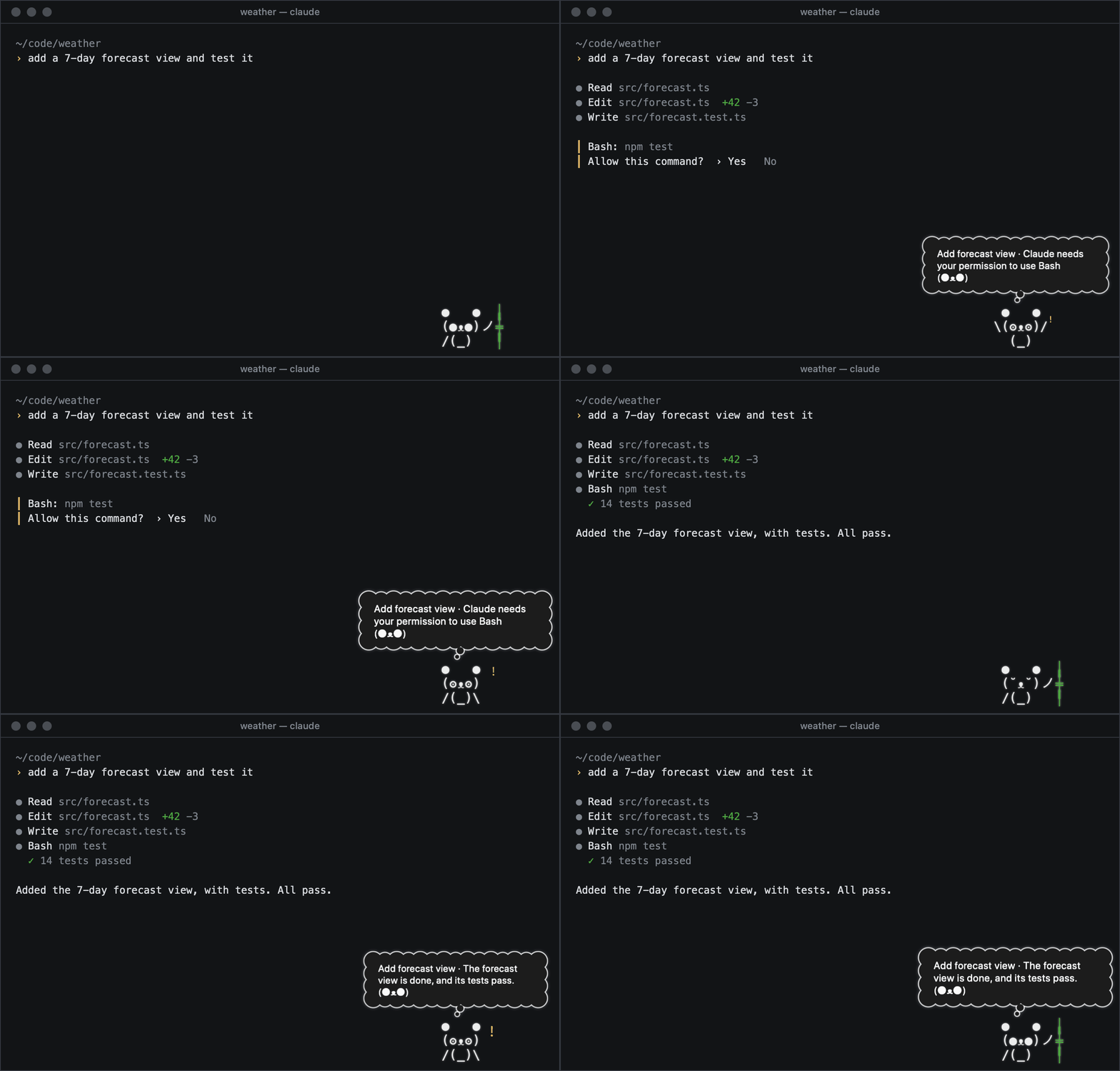
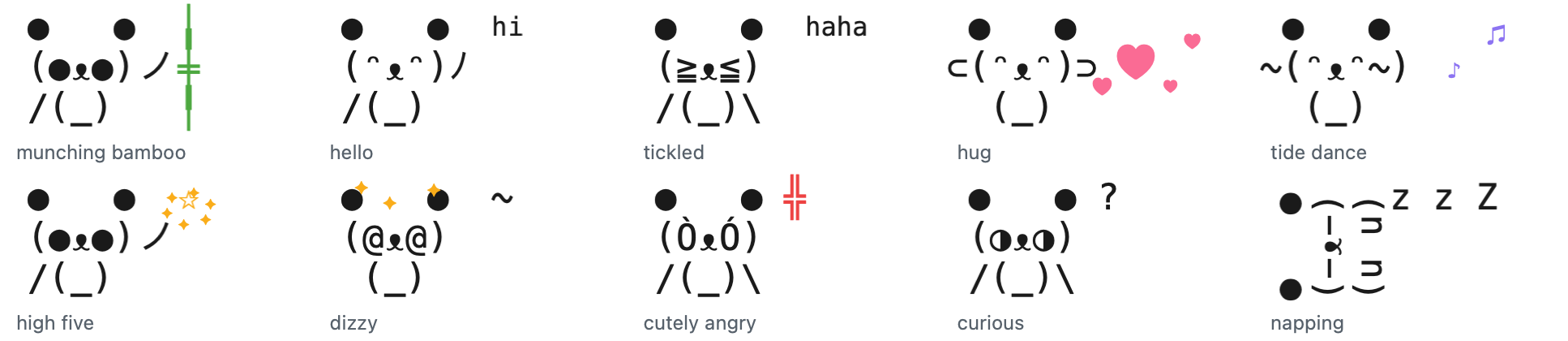
A coding companion for your Mac: a text-art panda that tells you when Claude Code, Codex or opencode need you, in one short line, and reminds you to rest your eyes between runs. Bao has no AI or network of its own.
Screenshots
How to install PandaPal on a Mac
- Get OpenDMG. It is a free app store for open source Mac apps. Download OpenDMG.
- Search for PandaPal and press Get. OpenDMG downloads version 1.1.3 from luffy2095's own GitHub release.
- Open it. The download is checked against its SHA-256 fingerprint and its signature is checked on your Mac before it lands in Applications.
Updates to PandaPal show up in OpenDMG and install with one button. No account is needed.
Prefer to do it by hand? The developer's file is on GitHub: PandaPal-1.1.3.zip (255 KB).
What is new in PandaPal 1.1.3
## What's new

- **Choose the provider and model for Bao's short lines.** The Connect window now has a Provider menu and a Model box. Pick Anthropic through Claude Code, OpenAI through Codex, Google through Gemini CLI, or any provider through opencode. Then pick or type a model. A blank box uses the provider's default. The suggestions for Codex come from Codex's own model list, so they stay current.
- **A demo at the top of the README.** It shows Bao answering a made-up agent session: once for a permission prompt, and once when the work is done.

## Install

Needs macOS 26 or later on Apple silicon.

1. Download `PandaPal-1.1.3.zip` below, unzip it, and move `PandaPal.app` to Applications.
2. PandaPal is free and not notarized by Apple, so macOS blocks the first open. Open System Settings, then Privacy & Security, scroll down, and click "Open Anyway" next to PandaPal. Or run once in Terminal:

```sh
xattr -dr com.apple.quarantine /Applications/PandaPal.app
```

3. In the Connect window, choose a provider and model, then click **Connect**. In Codex, type `/hooks` once and trust Bao's two hooks.

To update, quit PandaPal and replace the app in the same place. Bao keeps its bond, tricks and gifts, and your agents stay connected.
More Utilities apps
-
 VorssaintAn open-source, free, and local toolkit that integrates functions such as preventing…
-
 BetterDisplayDisplay management tool with HiDPI scaling, PiP, and EDID controls
-
 MosSmooth your mouse's scrolling and reverse the mouse scroll direction
-
 EasydictmacOS instant translator — type/select/screenshot, multi-service, zero setup
-
 OpenHaystackOpen-source tracker for finding Bluetooth devices through Apple's Find My network
-
 OrkasOrkas is an open-source (MIT), local-first AI team for your desktop: a Commander turns…