
OpenSnek for Mac
Configure supported Razer mice over USB or Bluetooth without vendor software.
By gh123man. Free and open source, Apache-2.0 licence.
OpenSnek at a glance
- Version
- 1.3.0
- Released
- 16 September 2026
- Download size
- 7.4 MB
- Works on
- Apple silicon and Intel
- Licence
- Apache-2.0
- Category
- Windows and Keyboard
- Developer
- gh123man
- GitHub stars
- 81
About OpenSnek
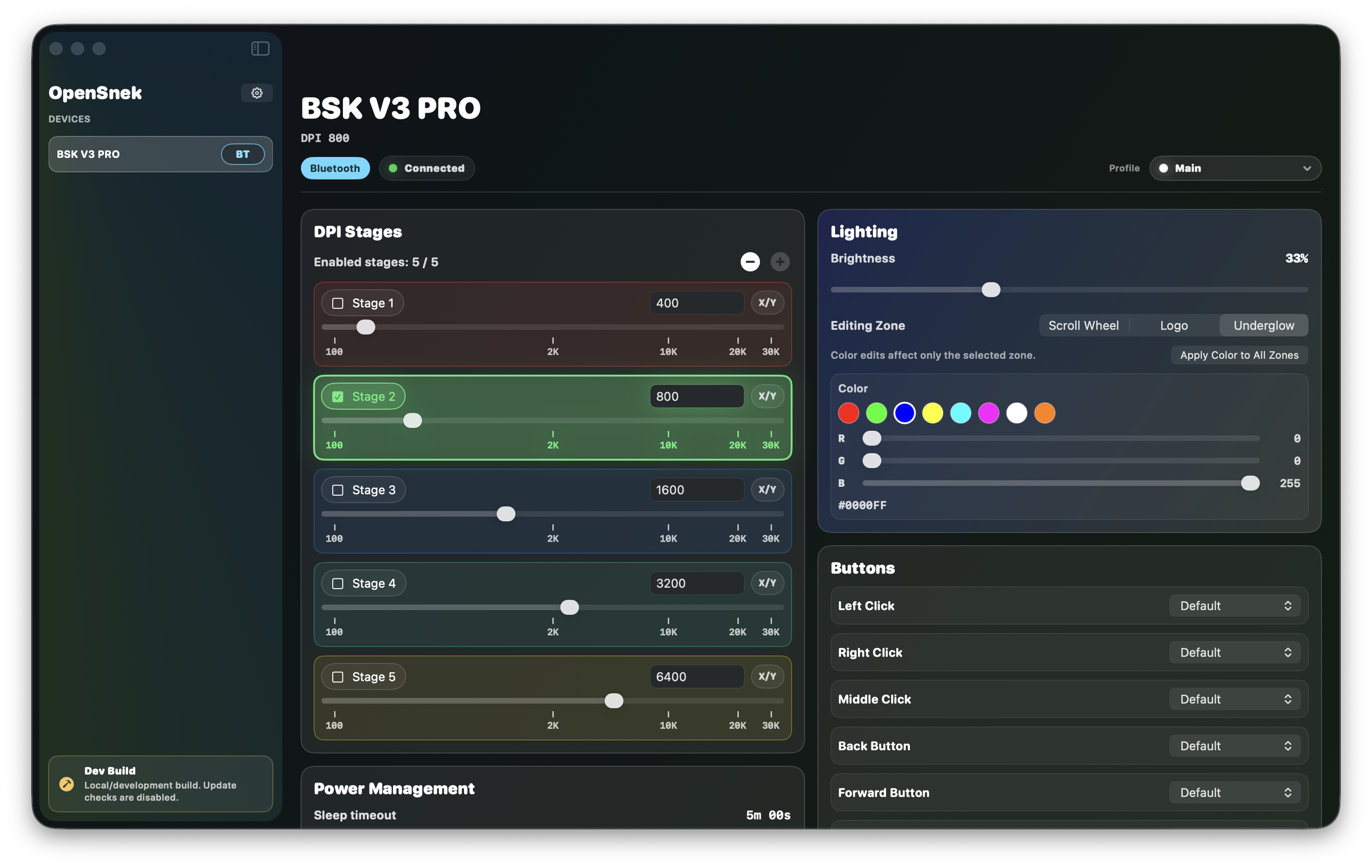
Lightweight configuration software for USB and bluetooth Razer devices on macOS
Screenshots
How to install OpenSnek on a Mac
- Get OpenDMG. It is a free app store for open source Mac apps. Download OpenDMG.
- Search for OpenSnek and press Get. OpenDMG downloads version 1.3.0 from gh123man's own GitHub release.
- Open it. The download is checked against its SHA-256 fingerprint and its signature is checked on your Mac before it lands in Applications.
Updates to OpenSnek show up in OpenDMG and install with one button. No account is needed.
Prefer to do it by hand? The developer's file is on GitHub: OpenSnek-1.3.0.dmg (7.4 MB).
What is new in OpenSnek 1.3.0
## [1.3.0]

### Highlights
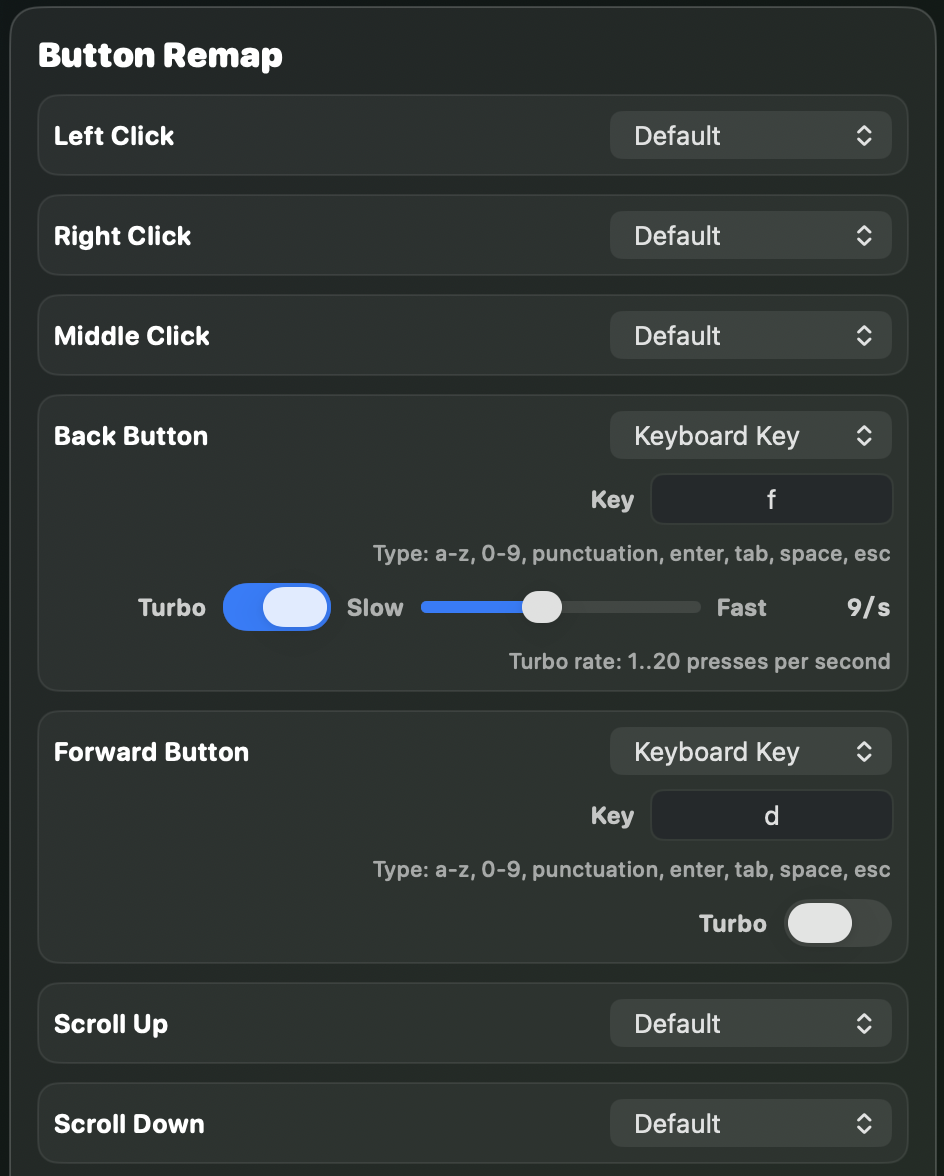
- Added contributor-validated Razer Naga Pro support over wired USB, its 2.4 GHz receiver, and Bluetooth, including DPI stages, two-zone lighting and brightness, mapped onboard profiles, and remapping for known-safe buttons across all three side panels. Unmapped buttons remain read-only, and native default restore is unavailable where factory bindings are unknown.
- Added the first keyboard and keypad profiles: contributor-validated USB lighting effects and brightness for the Razer Huntsman Mini and Tartarus Pro. Their connection, reconnect, and saved-settings flows support lighting without exposing unsupported mouse controls.
- Added contributor-validated USB support for the Razer Basilisk (2017) and Lancehead Tournament Edition, including DPI stages, independent X/Y DPI, poll rate, and multi-zone lighting. Button remapping and onboard profiles remain unavailable on these models, and saved-settings restore omits unsupported power controls.

### Fixed
- Devices without a compatible USB control interface, including the Kraken Kitty V2, now show an Unsupported explanation instead of repeatedly attempting mouse reconnection. Kraken lighting control remains unsupported on macOS.
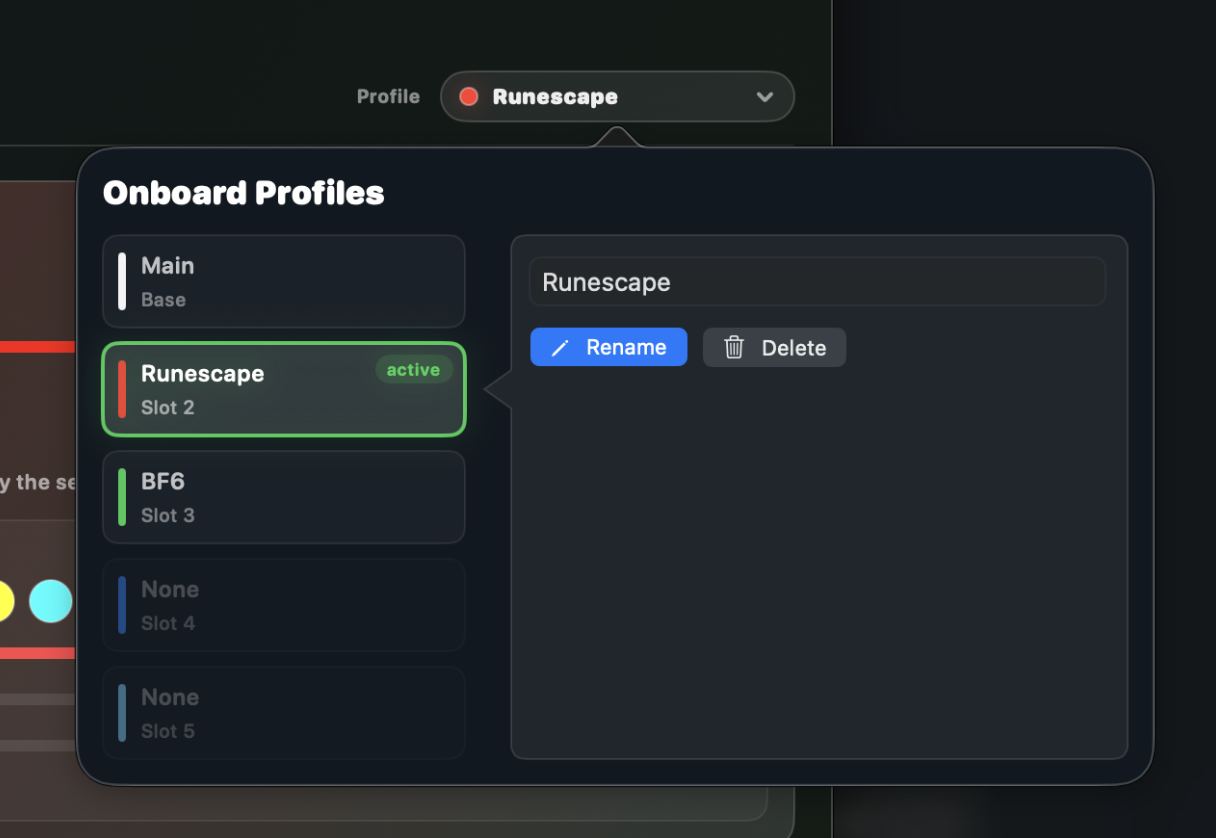
- Fixed onboard profile names getting stuck on generated `Profile N` labels after switching profiles, and stopped metadata fallbacks from creating duplicate local profiles.
…
More Windows and Keyboard apps
-
 RectangleRectangle is a window manager heavily based on Spectacle, written in Swift
-
 AeroSpaceAeroSpace is an i3-like tiling window manager for macOS
-
 AmethystAutomatic tiling window manager for macOS
-
 LoopWindow management made elegant
-
 FlashSpaceEnhance and replace the native Spaces functionality of macOS
-
 OmniWMA Flexible and Modern Tiling Window Manager