
OpenShelf for Mac
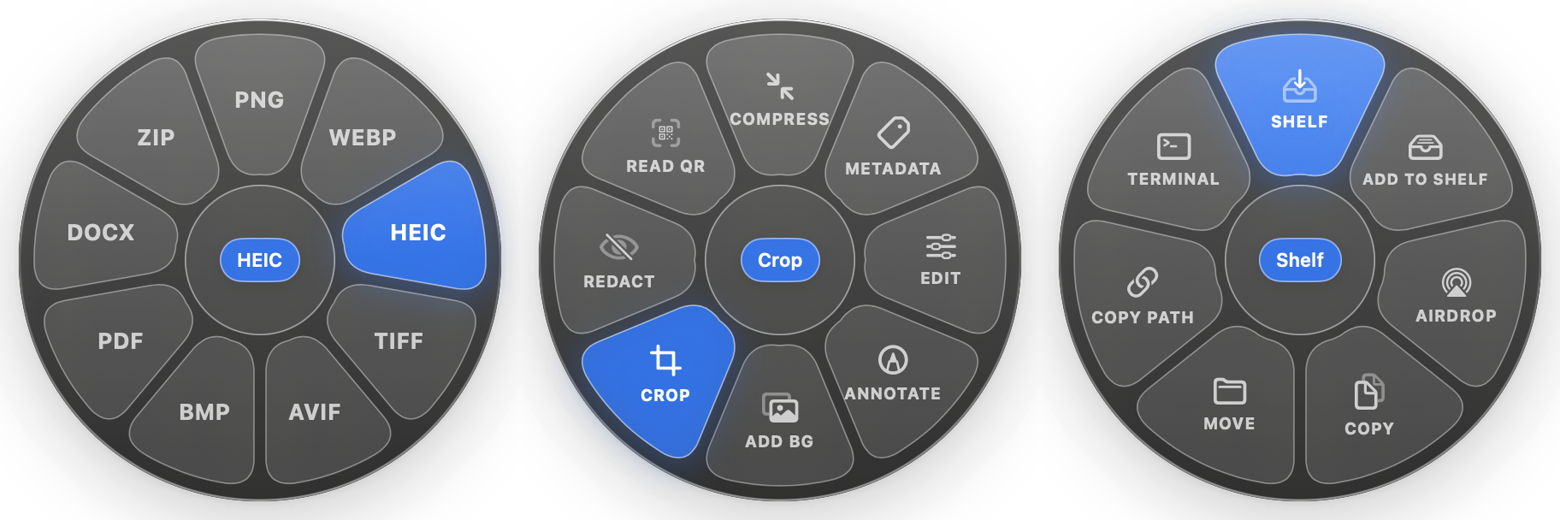
Radial file-sorting menu that appears while dragging files in Finder.
By Manan-Santoki. Free and open source, MIT licence.
OpenShelf at a glance
- Version
- 1.9.0
- Released
- 2 November 2026
- Download size
- 8.3 MB
- Works on
- Apple silicon and Intel
- Licence
- MIT
- Category
- System Tools
- Developer
- Manan-Santoki
- GitHub stars
- 213
About OpenShelf
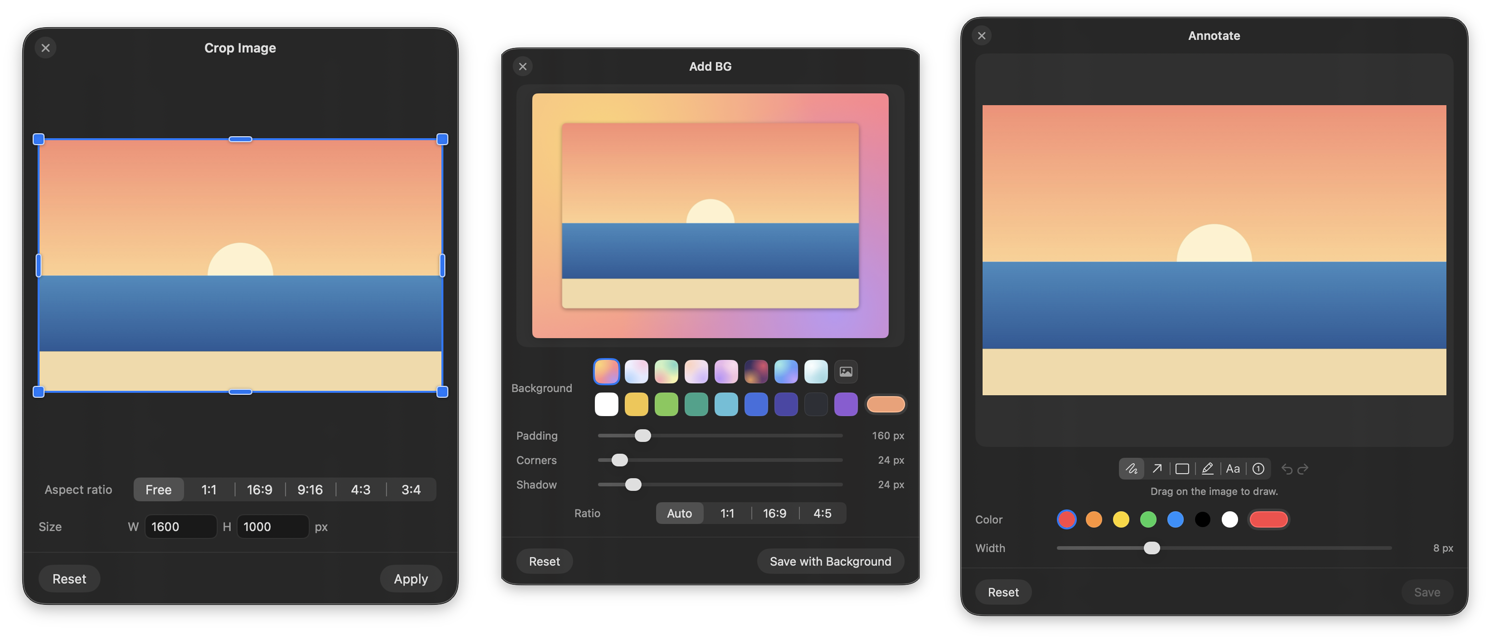
Free, open-source Mac utility: start dragging any file, tap a key, and drop it on a wheel to convert, edit, AirDrop or shelve it. Runs fully offline.
Screenshots
How to install OpenShelf on a Mac
- Get OpenDMG. It is a free app store for open source Mac apps. Download OpenDMG.
- Search for OpenShelf and press Get. OpenDMG downloads version 1.9.0 from Manan-Santoki's own GitHub release.
- Open it. The download is checked against its SHA-256 fingerprint and its signature is checked on your Mac before it lands in Applications.
Updates to OpenShelf show up in OpenDMG and install with one button. No account is needed.
Prefer to do it by hand? The developer's file is on GitHub: OpenShelf-1.9.0.dmg (8.3 MB).
What is new in OpenShelf 1.9.0
Transcripts and subtitles, ODT and EPUB through Pandoc, and ebooks with
calibre, all from free tools you install yourself.

### New

- **Transcripts and subtitles, made on your Mac.** With
 [whisper.cpp](https://github.com/ggml-org/whisper.cpp) installed
 (`brew install whisper-cpp`) and a speech model in
 `~/Library/Application Support/OpenShelf/Models`, the Convert wheel turns
 audio into TXT, SRT and VTT, and video into SRT and VTT. Nothing is
 uploaded. Without whisper.cpp or a model the wedges don't appear;
 Settings → Extra Formats says what's missing. OpenShelf never downloads
 whisper.cpp or its models itself.
- **ODT and EPUB through Pandoc.** With Pandoc installed, Markdown, Word,
 HTML and RTF documents also convert to ODT, and EPUB books convert to
 Word, Markdown, HTML (pictures included), ODT and plain text, plus PDF
 when a typesetter such as Tectonic, Typst or MacTeX is installed. Without
 Pandoc an EPUB offers ZIP, TAR and TAR.GZ, as before.
- **Ebooks with calibre.** With [calibre](https://calibre-ebook.com)
 installed (`brew install --cask calibre`), EPUB, MOBI and AZW3 books
 convert to each other and to PDF, and PDFs convert to MOBI and AZW3, with
 progress. OpenShelf never installs calibre; without it nothing changes.

---

### Install

1. Download **OpenShelf-1.9.0.dmg** below, open it and drag **OpenShelf** onto **Applications**.
…
More System Tools apps
-
 PearcleanerApp Cleaner and Uninstaller Tool
-
 PureMacFree open-source system cleaner with privacy protection
-
 OpenInTerminalFinder toolbar tool for opening the current folder in a terminal
-
 DockDoorWindow peeking for macOS
-
 DigUpSemantic search app that finds files by their contents
-
 LatestApp update checker that notifies you of available updates for installed applications