

OpenOats for Mac
Meeting note-taker with real-time transcription that searches your notes to surface relevant context.
By yazinsai. Free and open source, MIT licence.
OpenOats at a glance
- Version
- 2.2.0
- Released
- 22 November 2026
- Download size
- 6.4 MB
- Works on
- Apple silicon and Intel
- Licence
- MIT
- Category
- Productivity
- Developer
- yazinsai
- GitHub stars
- 2.7K
About OpenOats
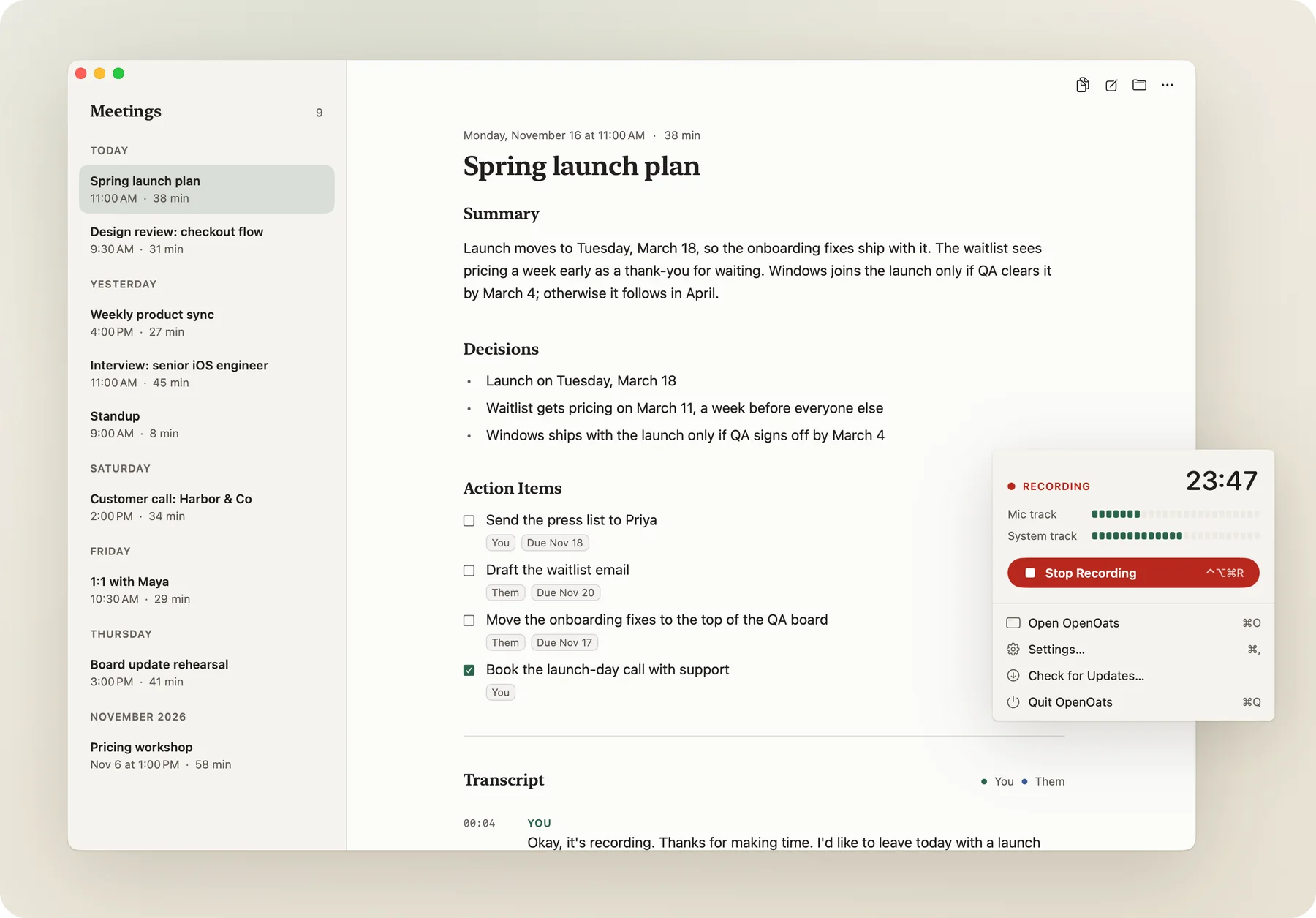
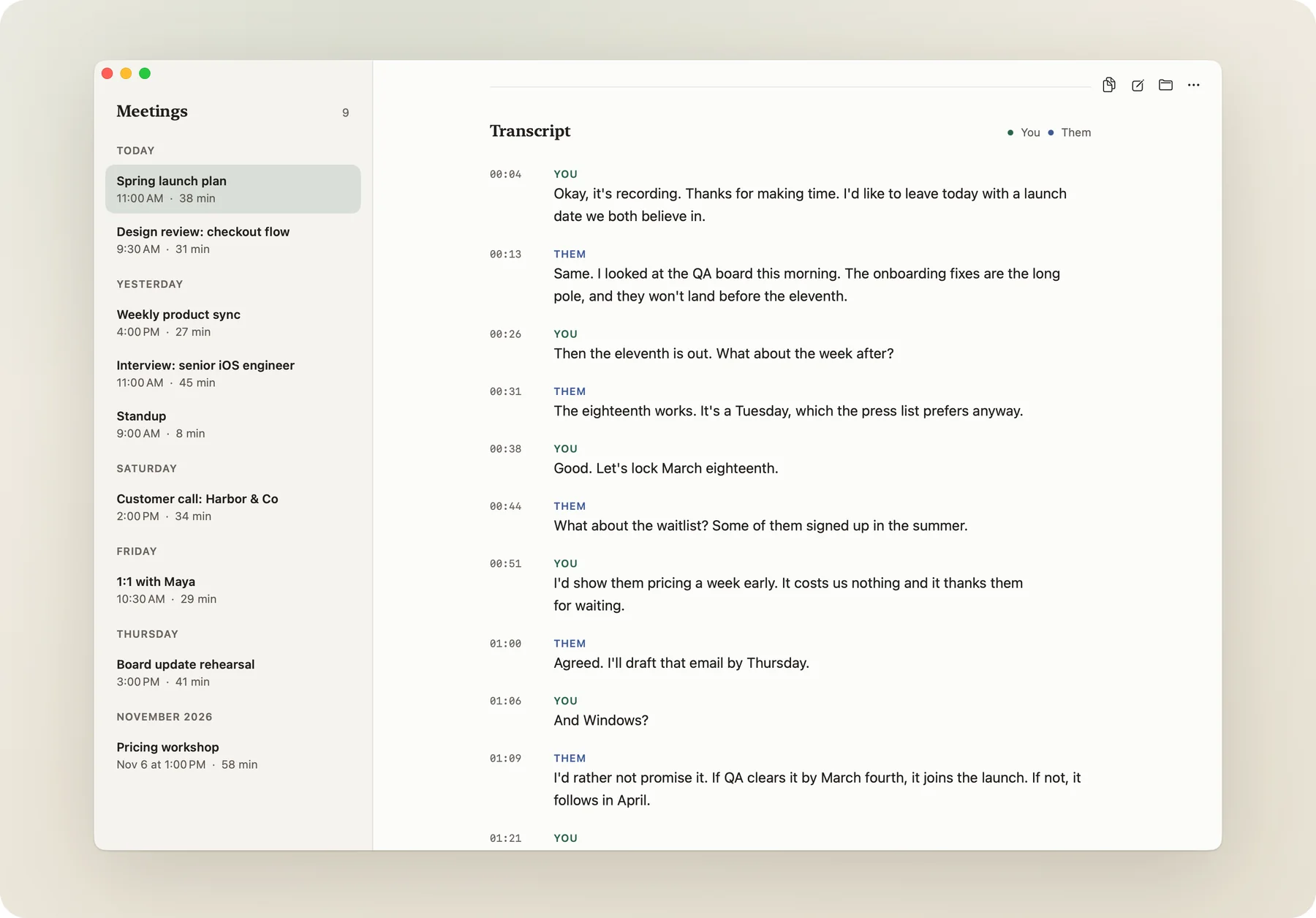
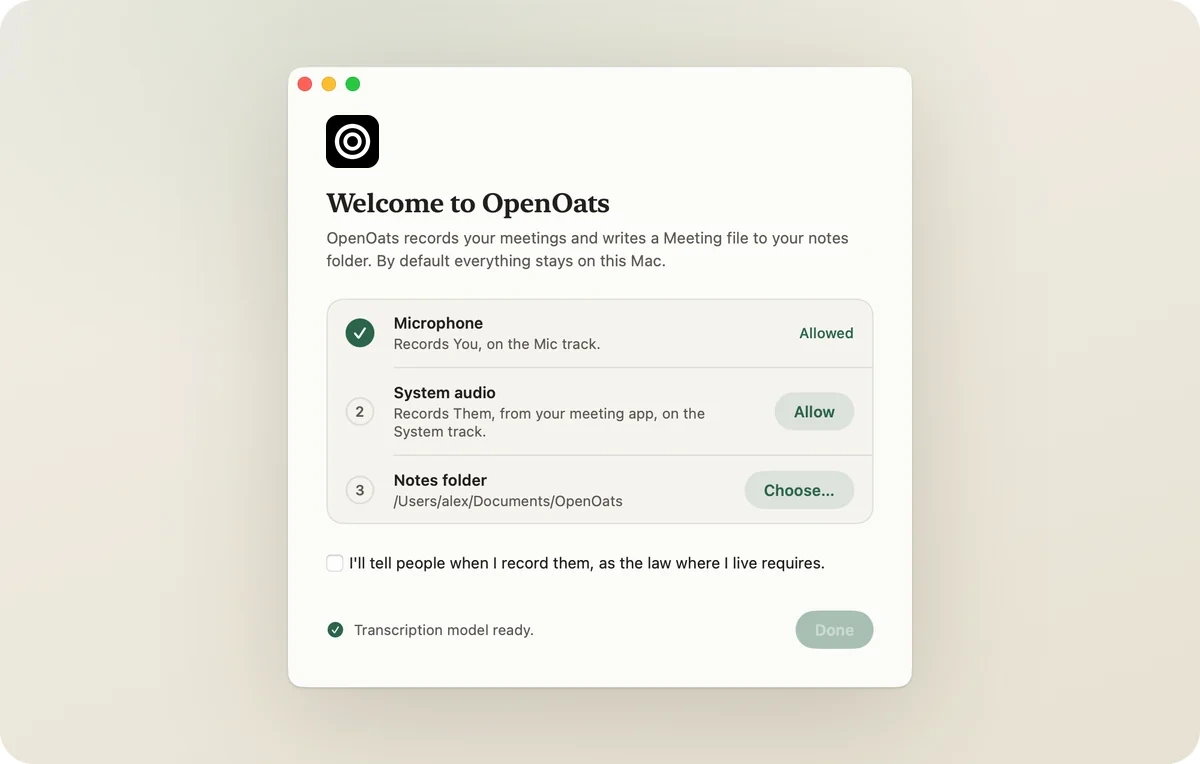
A beautiful, minimal meeting recorder for Mac. Press Start, and after Stop you get Notes and a transcript in one markdown file. On-device, free and open source.
Screenshots
How to install OpenOats on a Mac
- Get OpenDMG. It is a free app store for open source Mac apps. Download OpenDMG.
- Search for OpenOats and press Get. OpenDMG downloads version 2.2.0 from yazinsai's own GitHub release.
- Open it. The download is checked against its SHA-256 fingerprint and its signature is checked on your Mac before it lands in Applications.
Updates to OpenOats show up in OpenDMG and install with one button. No account is needed.
Prefer to do it by hand? The developer's file is on GitHub: OpenOats.dmg (6.4 MB).
What is new in OpenOats 2.2.0
## New

- **Meetings can be named after your calendar event.** Turn on "Name Meetings after calendar events" (Settings → General), and a Meeting recorded during "Design review" is called "Design review" in the list and its Meeting file, instead of a date or a guessed title.
- **It picks the real meeting.** Only events with other people or a call link (Meet, Zoom, Teams, …) count, so "Focus" or "Lunch" blocks never name a Meeting. The event is matched against the whole recording, so joining a few minutes early doesn't name it after the previous meeting. All-day, cancelled and declined events are skipped.
- **Optional, and asked once.** OpenOats asks for calendar access only when you turn it on: from Settings, the optional Calendar row in onboarding, or a one-line tip on a finished Meeting ("Turn On · Not Now"). Say Not Now and it won't ask again.

Your calendar is read on this Mac when a recording stops and isn't sent anywhere. With the setting off, nothing changes. A title you set by renaming still wins.
More Productivity apps
-
 MaccyLightweight search-as-you-type clipboard manager
-
 AltTabBrings the Windows Alt-Tab functionality to macOS
-
 TinycastLightweight native launcher with app search, clipboard management, window controls, and…
-
 ClipyClipy is a Clipboard extension app for macOS
-
 FSNotesNotes manager for macOS/iOS: modern notational velocity (nvALT) on steroids
-
 OpenDisplayTurn spare Apple devices into second monitors — true extended display over USB or WiFi