
Notra for Mac
SwiftUI notes app that stores each note as a TextBundle with Markdown content and local assets.
By akopulko. Free and open source, MIT licence.
Notra at a glance
- Version
- 1.3
- Released
- 6 October 2026
- Download size
- 6.0 MB
- Works on
- Apple silicon
- Licence
- MIT
- Category
- Productivity
- Developer
- akopulko
- GitHub stars
- 10
About Notra
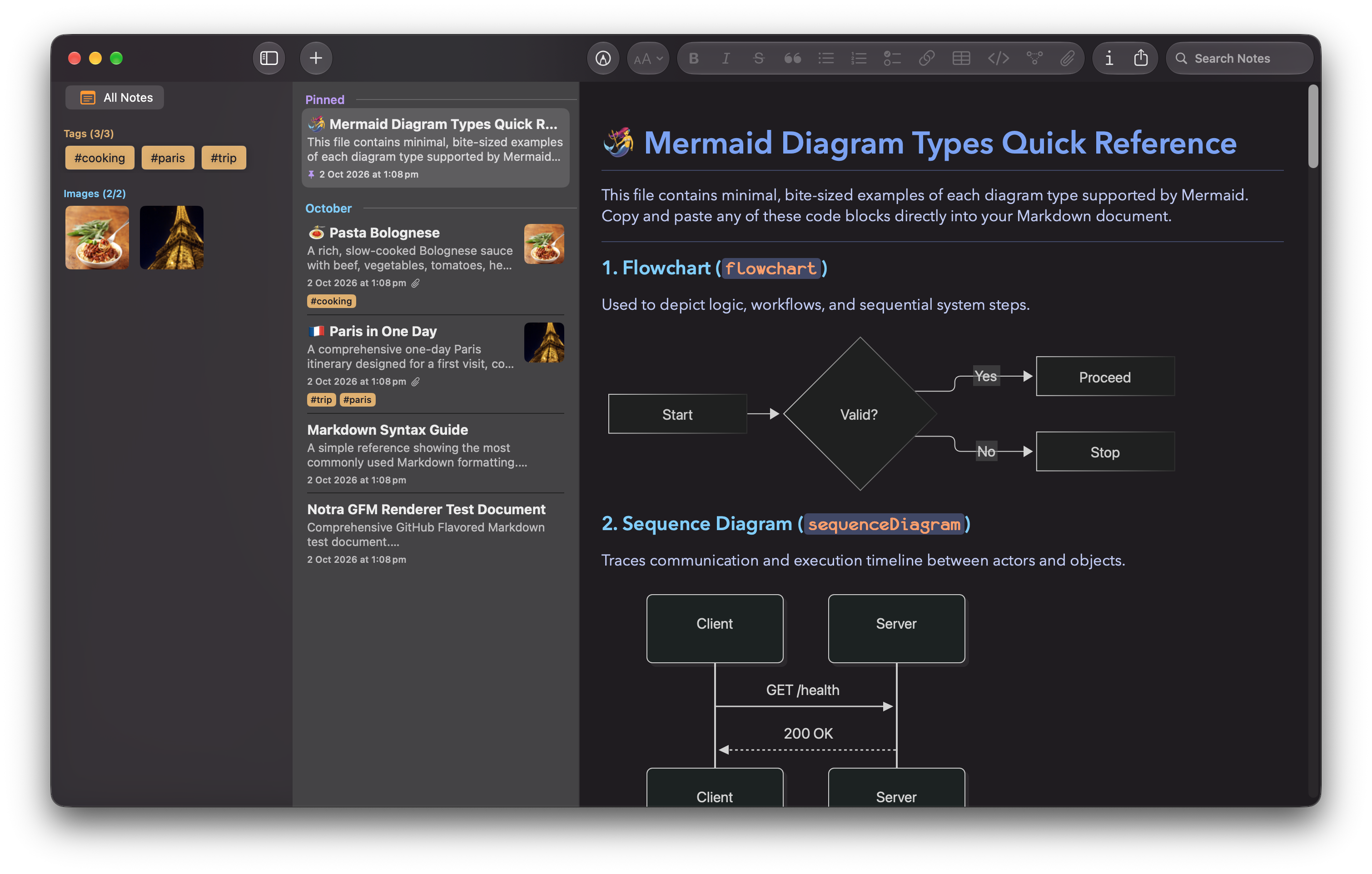
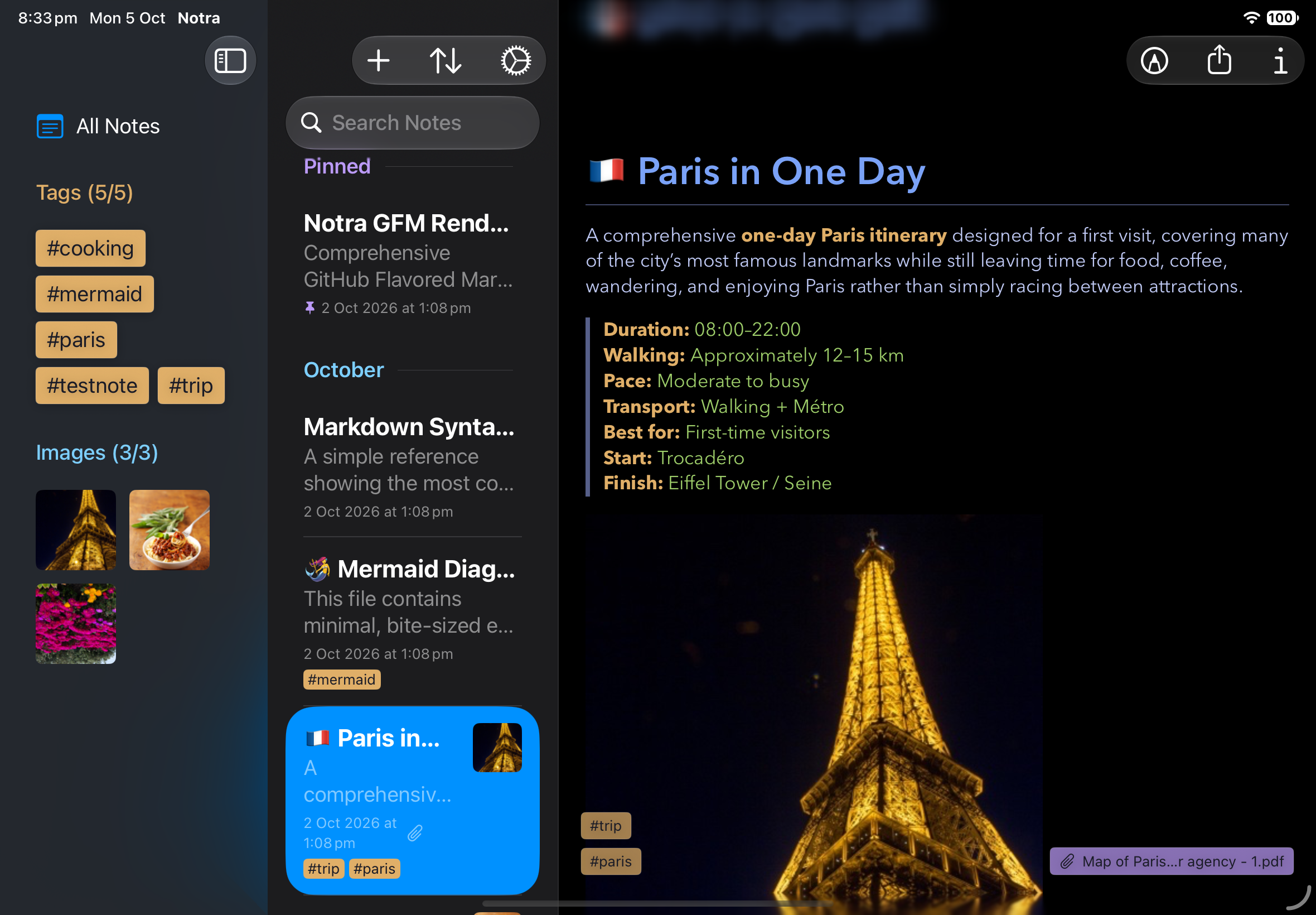
Notra - Markdown Notes for MacOS and iOS
Screenshots
How to install Notra on a Mac
- Get OpenDMG. It is a free app store for open source Mac apps. Download OpenDMG.
- Search for Notra and press Get. OpenDMG downloads version 1.3 from akopulko's own GitHub release.
- Open it. The download is checked against its SHA-256 fingerprint and its signature is checked on your Mac before it lands in Applications.
Updates to Notra show up in OpenDMG and install with one button. No account is needed.
Prefer to do it by hand? The developer's file is on GitHub: Notra-v1.3-macOS-arm64.zip (6.0 MB).
What is new in Notra 1.3
## Notra 1.3

Notra 1.3 makes it easier to organize and navigate your notes, with improved tag filtering, linked-image shortcuts, and more accessible editing controls.

### What’s new

- **Find notes with tags:** Browse the most-used tags, expand the list when needed, and combine multiple tags with text search.
- **Jump to linked images:** See linked images across your library and jump to the note that contains one.
- **Improved editing controls:** Undo and redo are easier to reach on iPhone and iPad, and the macOS formatting toolbar is more organized.
- **Free Mac development build:** Try Notra on Apple silicon Macs running macOS 26 or later. This build stores notes locally and does not include iCloud sync. It is signed but not notarized, so macOS may require approval the first time you open it.
More Productivity apps
-
 MaccyLightweight search-as-you-type clipboard manager
-
 AltTabBrings the Windows Alt-Tab functionality to macOS
-
 ClipyClipy is a Clipboard extension app for macOS
-
 TinycastLightweight native launcher with app search, clipboard management, window controls, and…
-
 FSNotesNotes manager for macOS/iOS: modern notational velocity (nvALT) on steroids
-
 OpenDisplayTurn spare Apple devices into second monitors — true extended display over USB or WiFi