

Notepad for Mac
Simple plain-text editor for macOS with tabs, customizable appearance, and shortcuts.
By SimonSmb30. Free and open source, MIT licence.
Notepad at a glance
- Version
- 1.2
- Released
- 10 October 2026
- Download size
- 2.8 MB
- Works on
- Apple silicon and Intel
- Licence
- MIT
- Category
- Writing and Editors
- Developer
- SimonSmb30
- GitHub stars
- 3
About Notepad
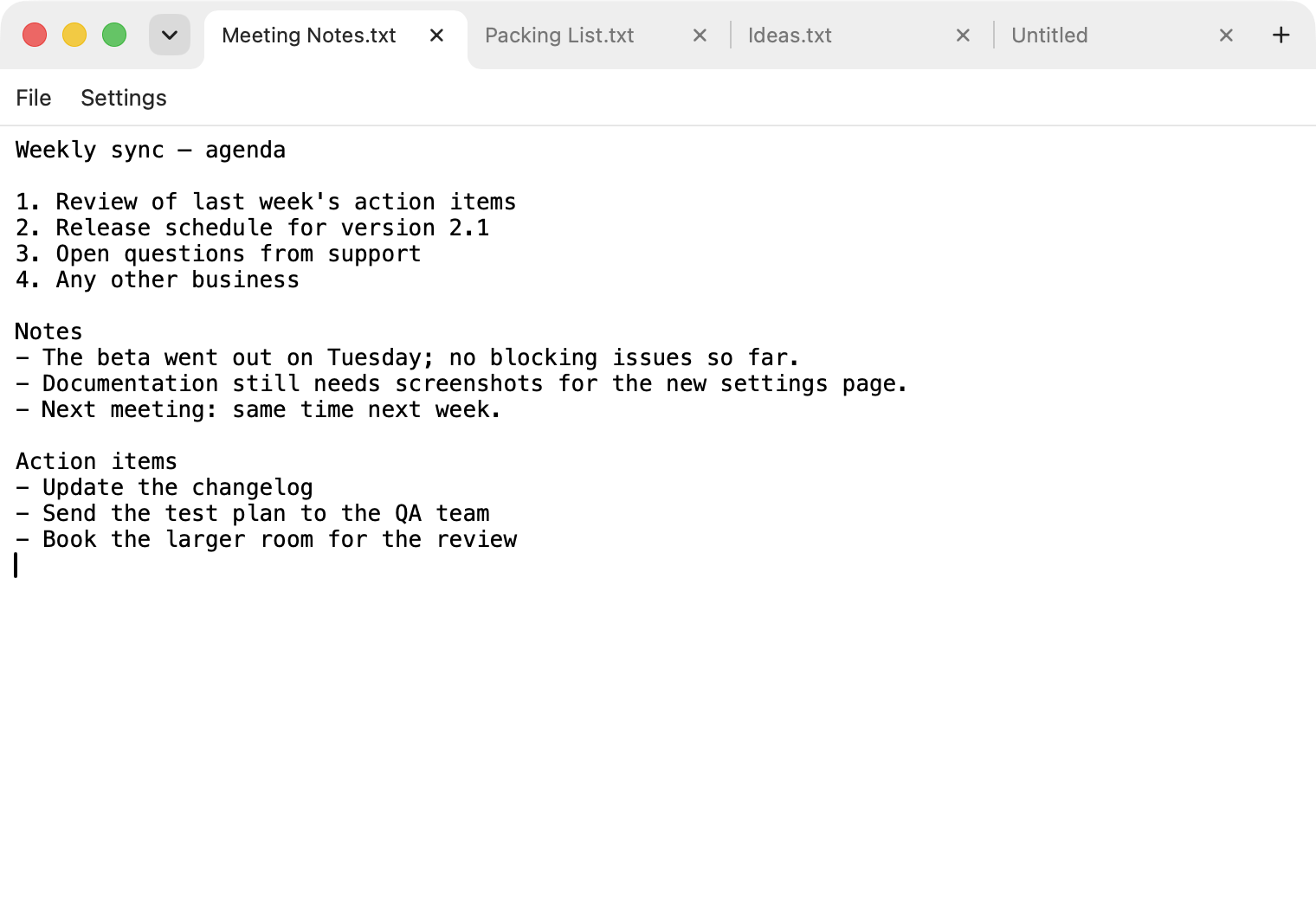
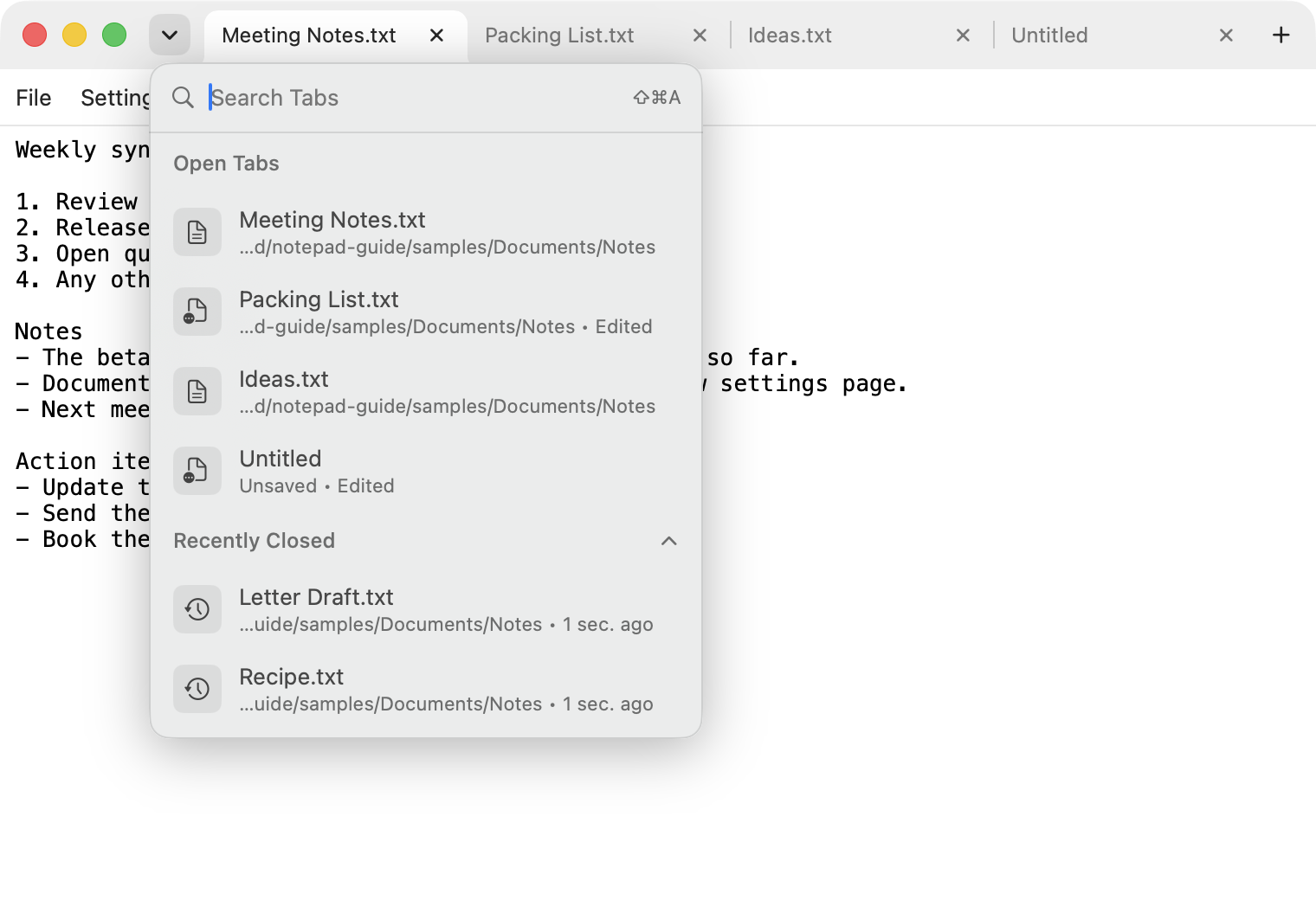
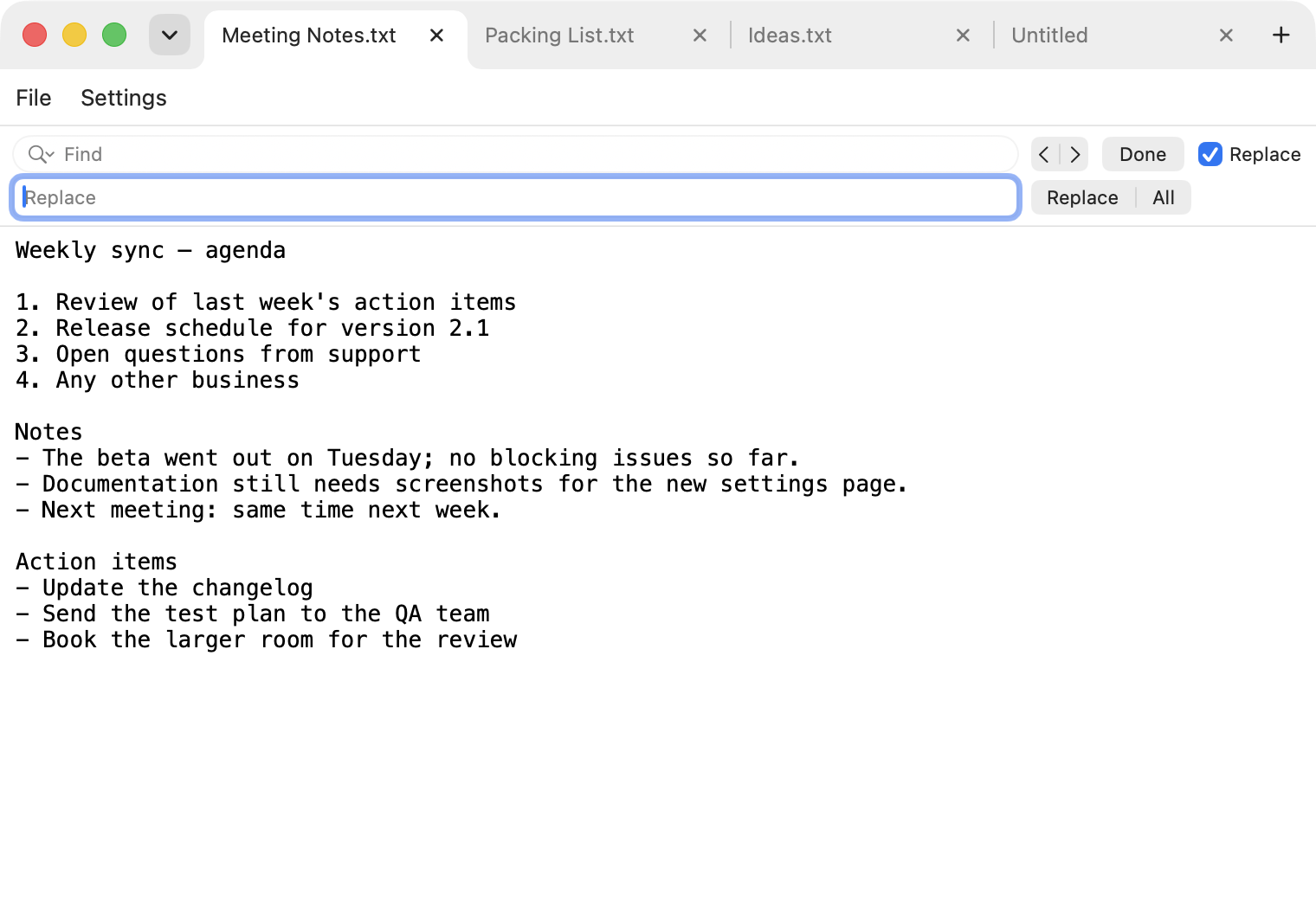
A Windows-Notepad-style plain-text editor for macOS with browser-style tabs. SwiftUI, English and German.
Screenshots
How to install Notepad on a Mac
- Get OpenDMG. It is a free app store for open source Mac apps. Download OpenDMG.
- Search for Notepad and press Get. OpenDMG downloads version 1.2 from SimonSmb30's own GitHub release.
- Open it. The download is checked against its SHA-256 fingerprint and its signature is checked on your Mac before it lands in Applications.
Updates to Notepad show up in OpenDMG and install with one button. No account is needed.
Prefer to do it by hand? The developer's file is on GitHub: Notepad-1.2.zip (2.8 MB).
What is new in Notepad 1.2
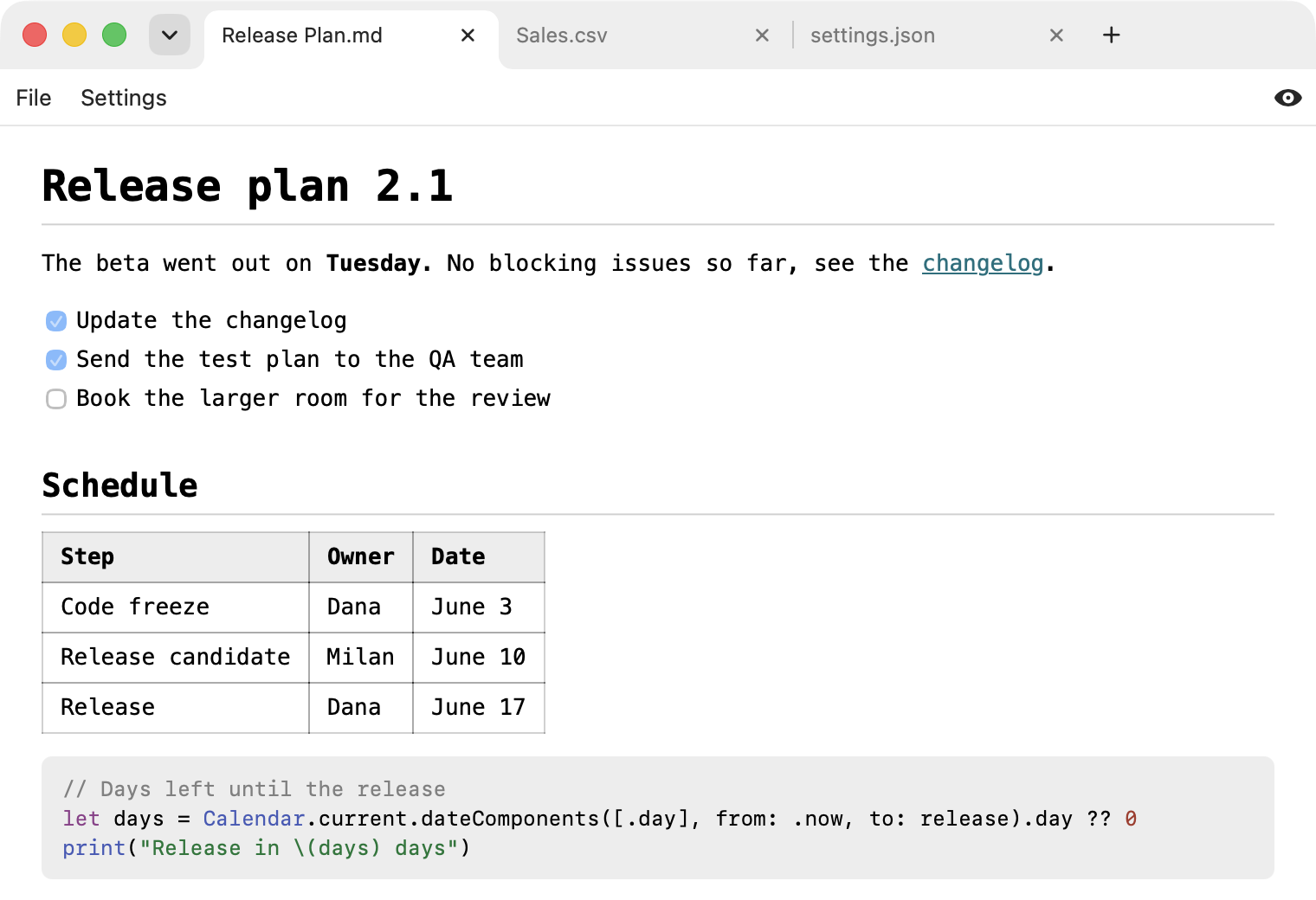
Notepad can now show a rendered preview of many file types.

**New:** a button at the right end of the menu row switches a tab between its text and a preview. It appears for these files:

- Markdown (`.md`), with tables, task lists, colored code blocks, formulas and Mermaid diagrams
- HTML (`.html`) and SVG (`.svg`)
- CSV and TSV as a table
- JSON, YAML, TOML, XML and property lists as a tree that opens and closes
- Jupyter notebooks (`.ipynb`), shown with their saved outputs, nothing is executed
- Mermaid (`.mmd`) and Graphviz (`.dot`, `.gv`) diagrams
- Diffs and patches, with added lines in green and removed lines in red

The preview uses the colors and the font of the chosen appearance mode. It reads only files in the folder of the previewed file and loads nothing from the internet unless you allow it. The settings have a new section "Preview" with two switches: "Run Scripts in HTML Files" (on) and "Load Content from the Internet" (off).

**New:** the Open dialog grays out files that are certainly not text, such as images, archives and PDFs.

**Changed:** the download grew from about 1 MB to about 3 MB, because the libraries for Markdown, formulas and diagrams are included.

**Download:** `Notepad-1.2.zip` below. Unzip it and move `Notepad.app` to the Applications folder, replacing the old one.
…
More Writing and Editors apps
-
 CodeEditOpen-source code editor
-
 MiaoYanLightweight Markdown notebook that keeps notes as plain files in a folder you choose…
-
 CotEditorLightweight Plain-Text Editor for macOS
-
 CopilotForXcodeThe first GitHub Copilot, Codeium and ChatGPT Xcode Source Editor Extension
-
 MarkEditA simple and efficient Markdown editor focused on pure writing experience
-
 PineA modern MacOS markdown editor