
Neon Vision Editor for Mac
Lightweight text editor with automatic syntax highlighting.
By h3pdesign. Free and open source, Apache-2.0 licence.
Neon Vision Editor at a glance
- Version
- 1.9.2
- Released
- 6 October 2026
- Download size
- 8.6 MB
- Works on
- Apple silicon and Intel
- Licence
- Apache-2.0
- Category
- Writing and Editors
- Developer
- h3pdesign
- GitHub stars
- 445
About Neon Vision Editor
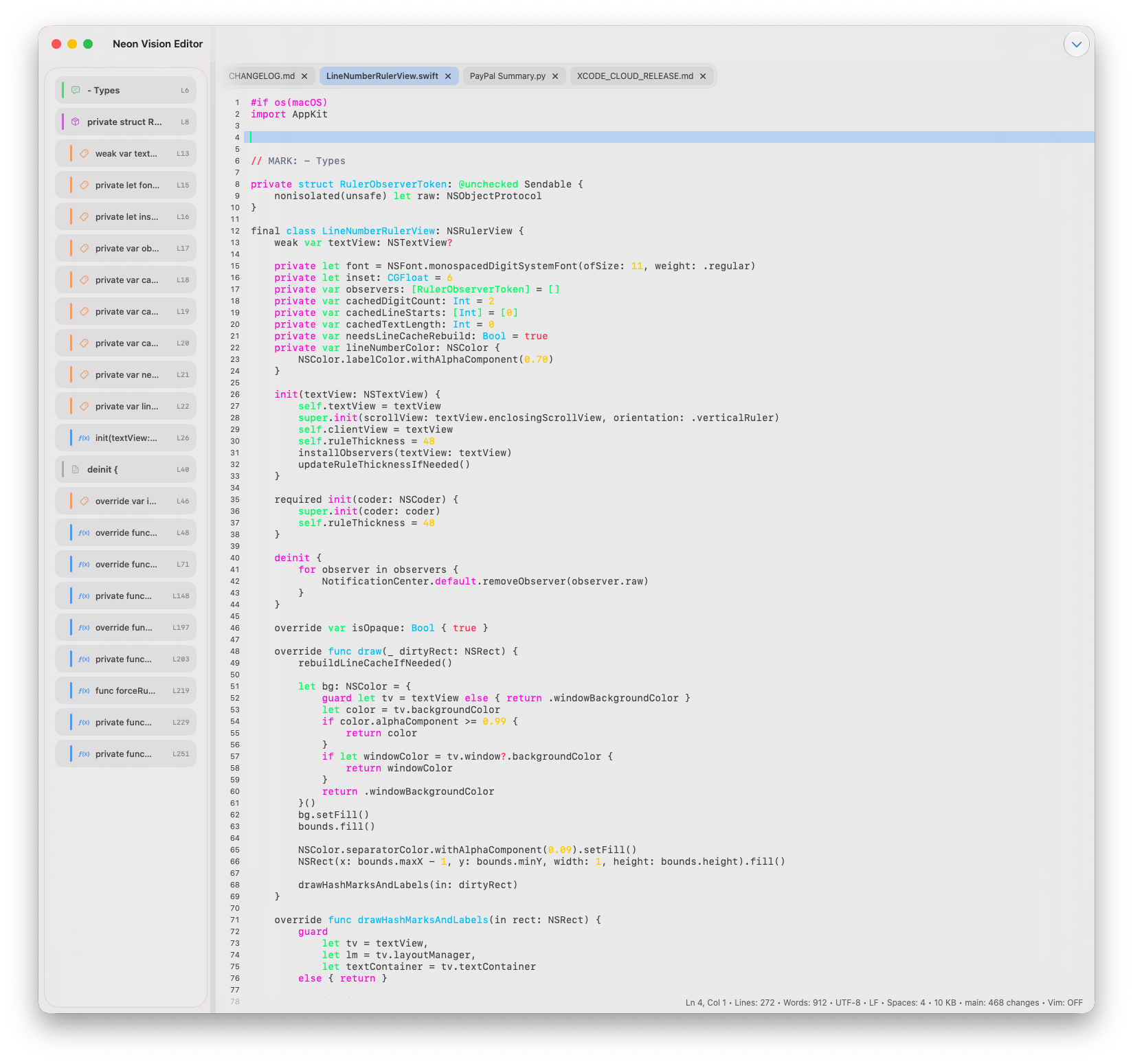
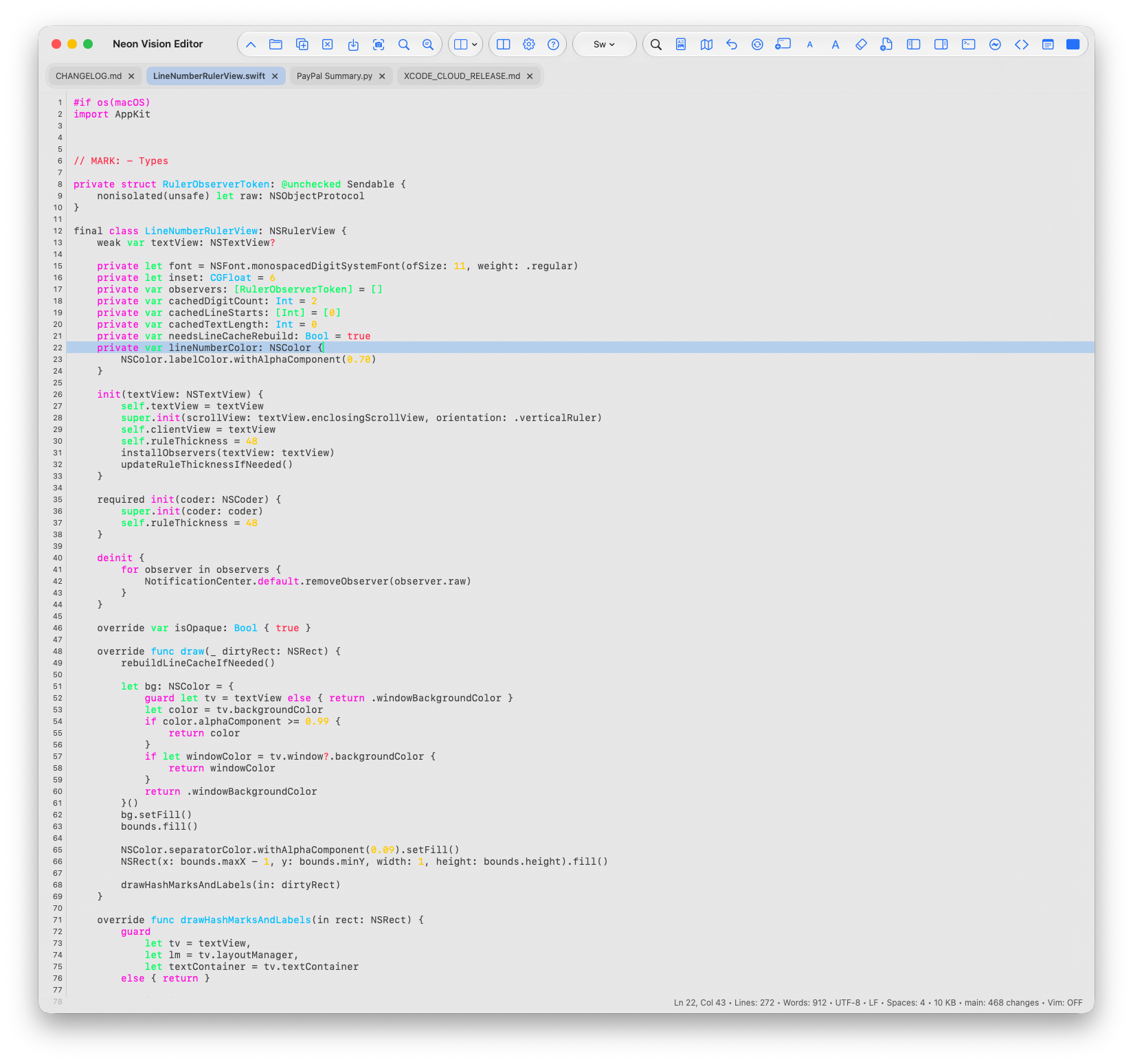
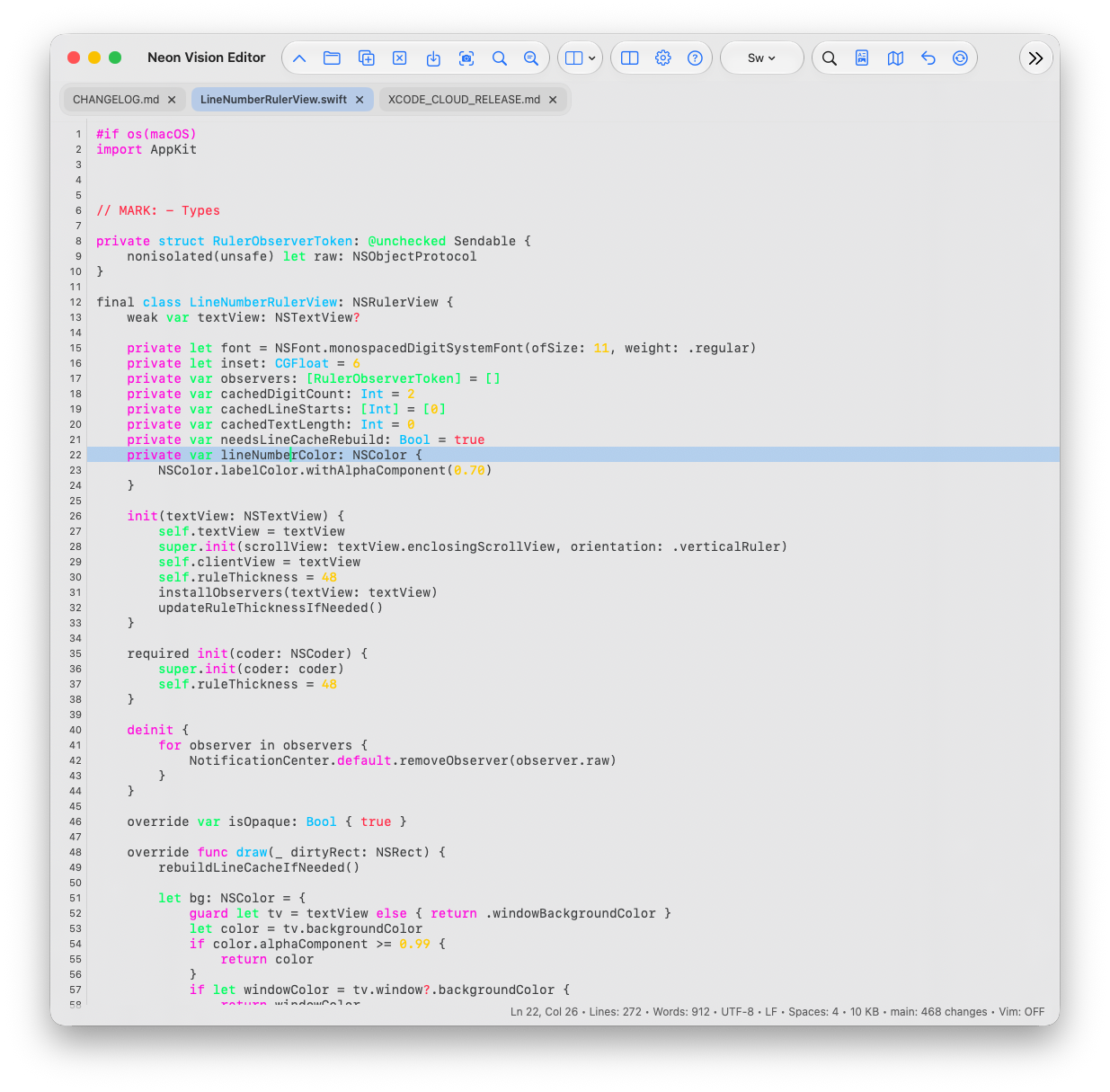
A native Swift editor for Code and Markdown across macOS, iPadOS, iOS, and visionOS.
Screenshots
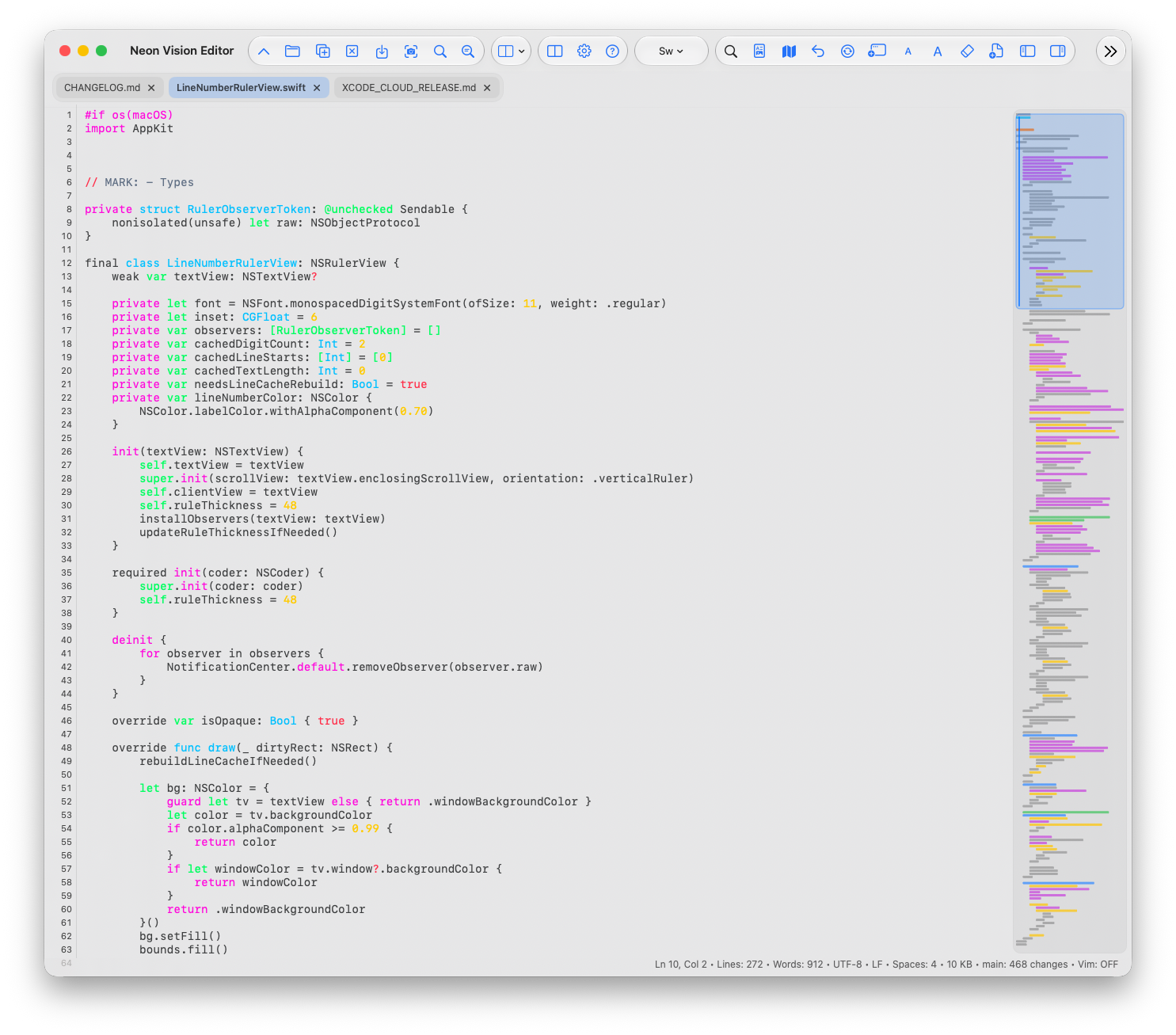
How to install Neon Vision Editor on a Mac
- Get OpenDMG. It is a free app store for open source Mac apps. Download OpenDMG.
- Search for Neon Vision Editor and press Get. OpenDMG downloads version 1.9.2 from h3pdesign's own GitHub release.
- Open it. The download is checked against its SHA-256 fingerprint and its signature is checked on your Mac before it lands in Applications.
Updates to Neon Vision Editor show up in OpenDMG and install with one button. No account is needed.
Prefer to do it by hand? The developer's file is on GitHub: Neon.Vision.Editor.app.dmg (8.6 MB).
What is new in Neon Vision Editor 1.9.2
## [v1.9.2] - 2026-10-06

### Why Upgrade

- Delete the previous word with Option-Delete on macOS, including Unicode text.
- Keep mobile editor actions and AI settings accessible from the first layout.
- Optionally rank external AI chat context with explicit TypeSafe consent and conservative fallback.

### Highlights

- Adds configurable Join Lines (Command-J) and Format JSON (Command-Option-J) shortcuts on supported hardware keyboards (#713).
- Allows custom macOS toolbar actions to be reordered in the chooser, including optional preset and AI-provider controls (#715).
- Adds experimental, opt-in Jev ranking of optional context for external AI chat, with TypeSafe disclosure, Keychain storage, conservative fallback, and per-request usage information. Apple Intelligence, Agent Mode, selections, and follow-up context remain outside classification.

### Fixes

- Handles macOS Option-Delete through the existing document edit path, recognizes Unicode letters and combining marks, and leaves read-only preview selections unchanged (#696).

- Restore access to AI provider and Jev settings on iPhone and iPad, and improve Jev disclosure text and Done button contrast.
- Sizes the mobile bottom toolbar from its actual container on first layout, keeping editor actions and Settings visible when the observed editor width has not been populated.

### Breaking changes

- None.

### Migration
…
More Writing and Editors apps
-
 CodeEditOpen-source code editor
-
 CotEditorLightweight Plain-Text Editor for macOS
-
 CopilotForXcodeThe first GitHub Copilot, Codeium and ChatGPT Xcode Source Editor Extension
-
 MarkEditA simple and efficient Markdown editor focused on pure writing experience
-
 PineA modern MacOS markdown editor
-
 Clearly MarkdownMarkdown editor with instant preview, syntax highlighting, and PDF export