
Clearly Markdown for Mac
Markdown editor with instant preview, syntax highlighting, and PDF export.
By Shpigford. Free and open source.
Clearly Markdown at a glance
- Version
- 3.3.0
- Released
- 23 August 2026
- Download size
- 8.7 MB
- Works on
- Apple silicon and Intel
- Category
- Writing and Editors
- Developer
- Shpigford
- GitHub stars
- 1.2K
About Clearly Markdown
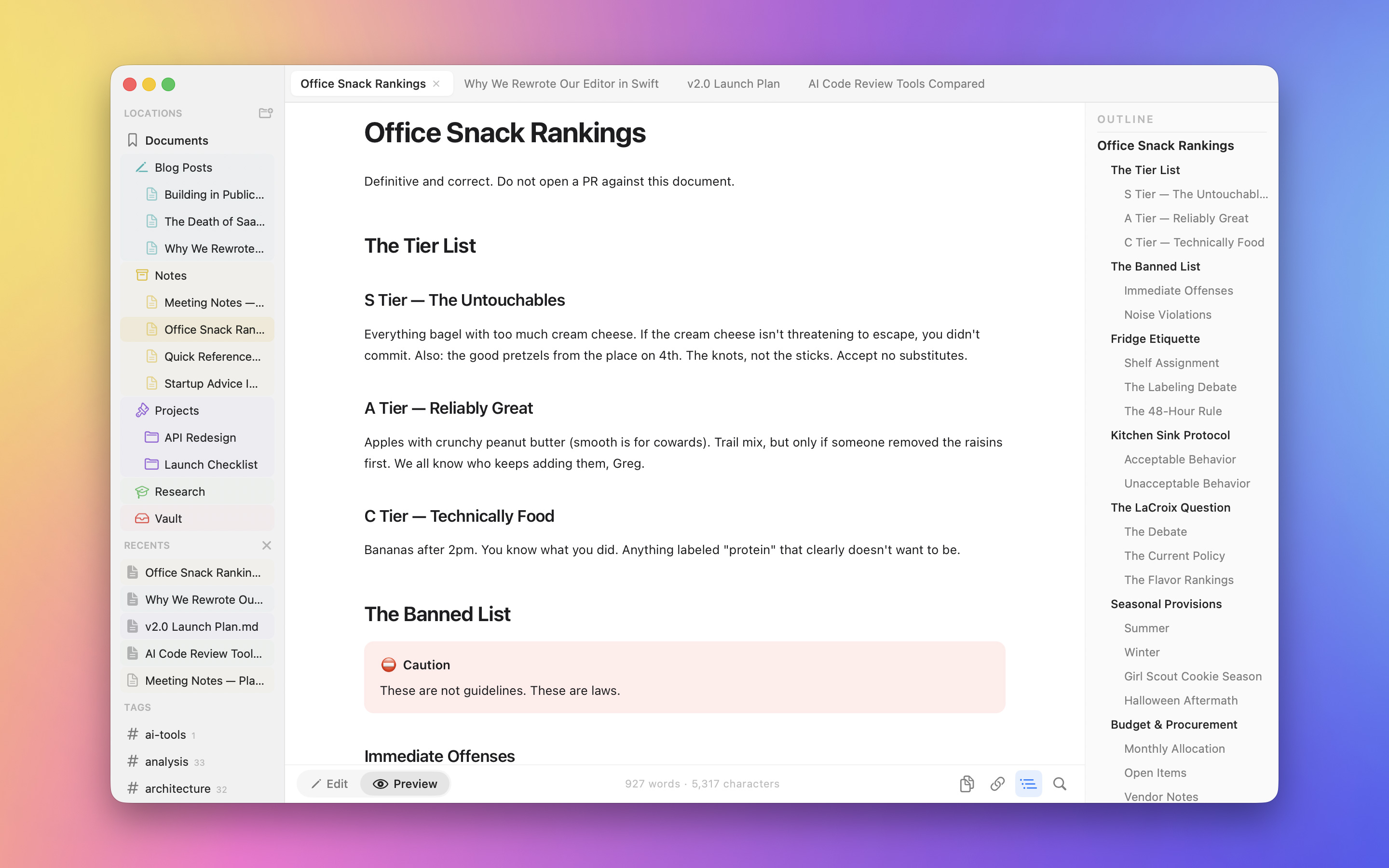
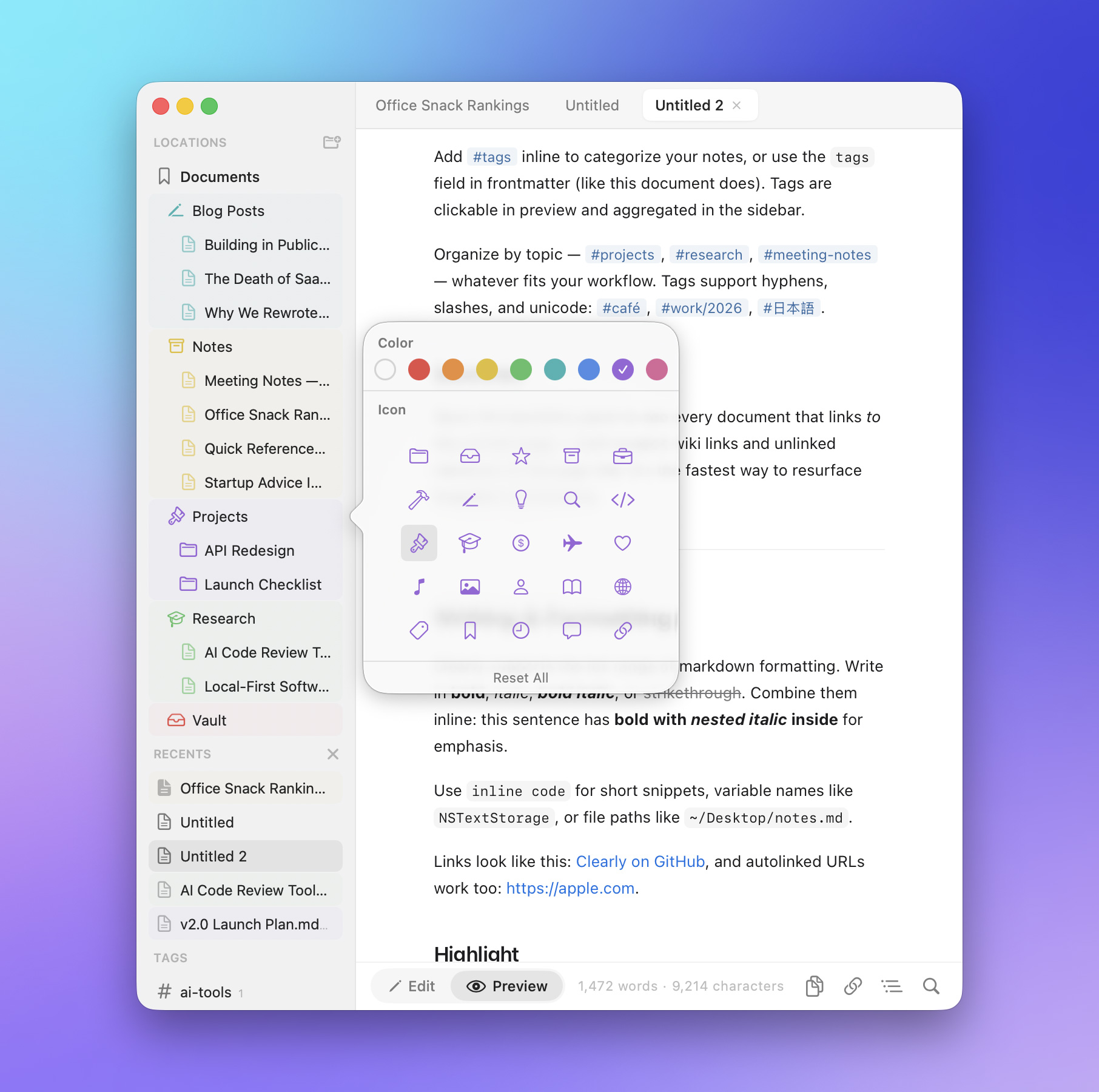
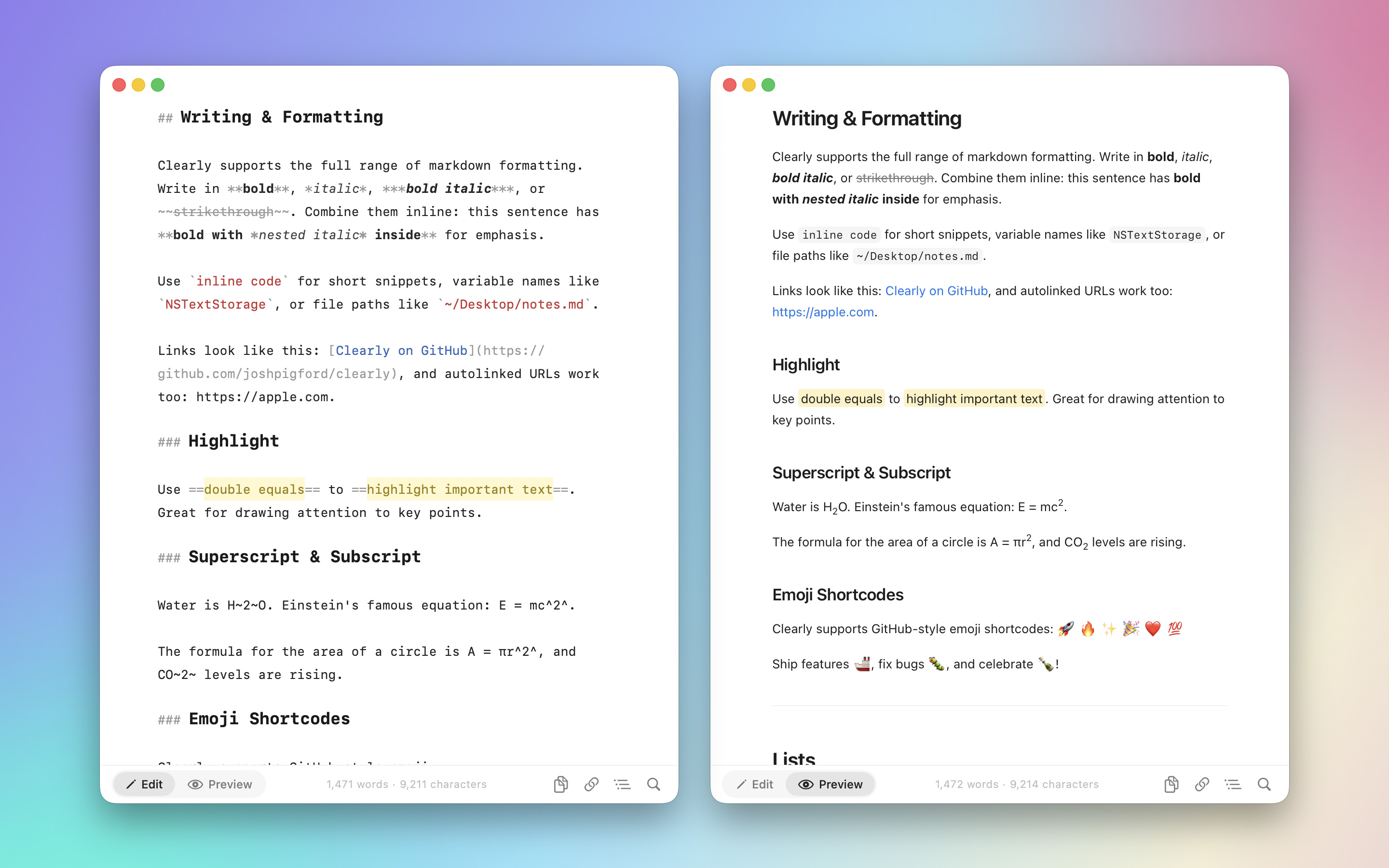
Markdown editor for Mac, iOS and iPadOS
Screenshots
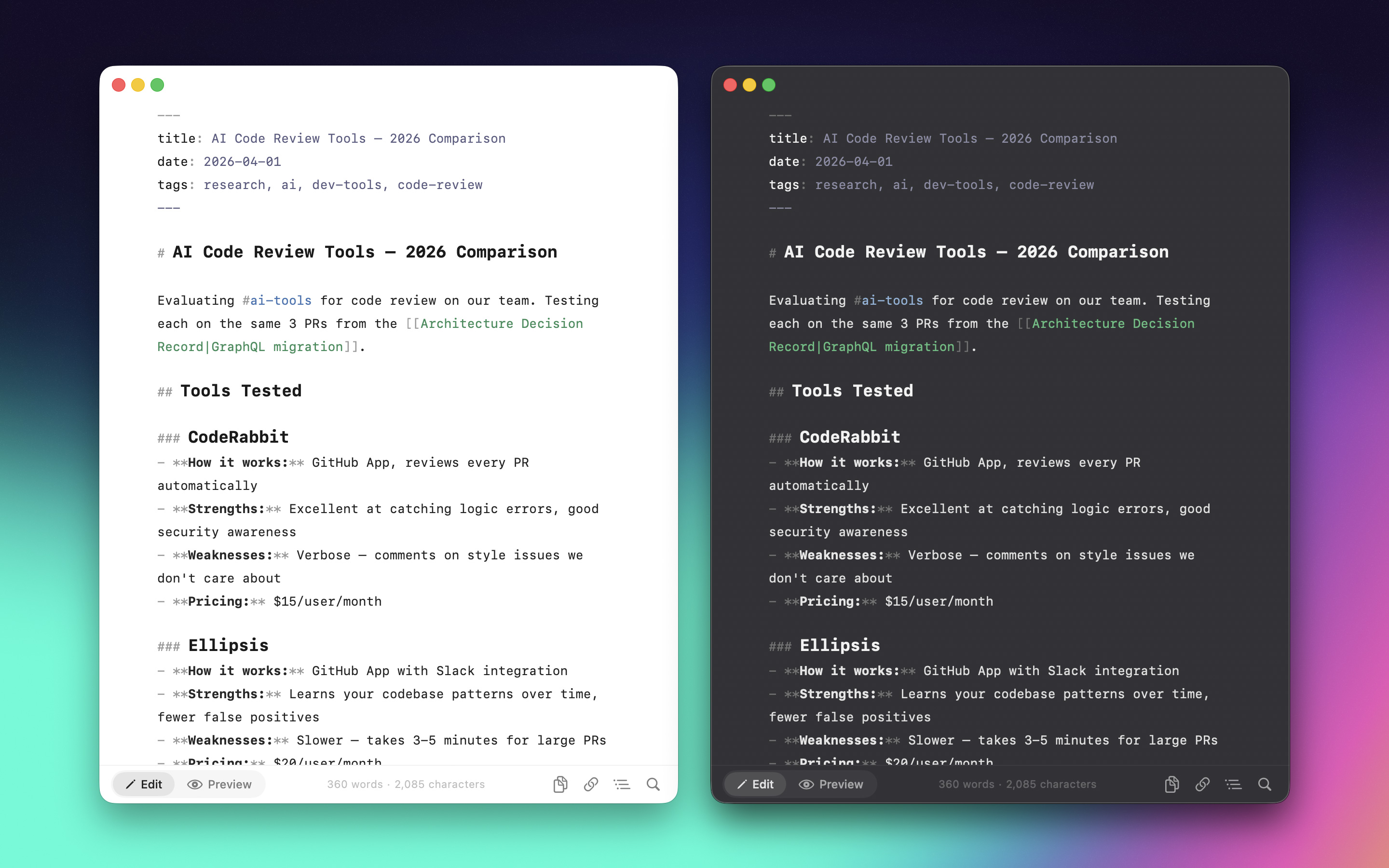
How to install Clearly Markdown on a Mac
- Get OpenDMG. It is a free app store for open source Mac apps. Download OpenDMG.
- Search for Clearly Markdown and press Get. OpenDMG downloads version 3.3.0 from Shpigford's own GitHub release.
- Open it. The download is checked against its SHA-256 fingerprint and its signature is checked on your Mac before it lands in Applications.
Updates to Clearly Markdown show up in OpenDMG and install with one button. No account is needed.
Prefer to do it by hand? The developer's file is on GitHub: Clearly.dmg (8.7 MB).
What is new in Clearly Markdown 3.3.0
- Dropping markdown files on a document now opens them as window tabs instead of pasting the file path
- Opening several files at once from Finder or the Dock lands them as tabs on the front window
- New windows open at the size you last used
- Heading # markers now hang in the left gutter, so heading text lines up with your paragraphs
- Mermaid diagrams now render in PDF export and print instead of showing the raw code block
- Undo now steps back a word at a time while typing, not one character
- Links in Preview open in your browser instead of taking over the preview pane
- Math no longer breaks when it contains ^ or _
- Updated the bundled Mermaid to 11.17.0
- The pointer no longer flickers when it passes over links in Preview
- Documents no longer show as edited after reloading changes made by another app
- The app no longer quits behind the Open dialog when "Keep running in menu bar" is off
- Documents opened from the launcher stay open when "Keep running in menu bar" is off
More Writing and Editors apps
-
 CodeEditOpen-source code editor
-
 CotEditorLightweight Plain-Text Editor for macOS
-
 CopilotForXcodeThe first GitHub Copilot, Codeium and ChatGPT Xcode Source Editor Extension
-
 MarkEditA simple and efficient Markdown editor focused on pure writing experience
-
 PineA modern MacOS markdown editor
-
 ChimeAn editor for macOS